
How to change your character’s name?
How to change your character’s name?
LifeAfter Guide
LifeAfter Guide
Added:
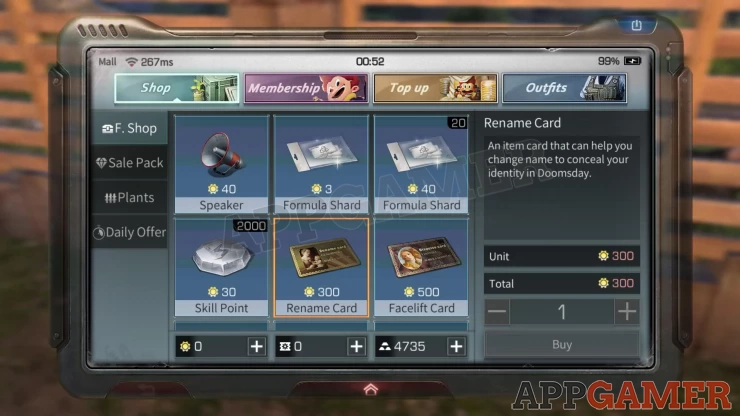
To modify your character’s name, you need to spend Fed Credits, which costs real money. To do this, do the following:
1. Tap on the Mall icon on the top-right corner of your screen
2. Select the Shop tab
3. Tap on the F.Shop
4. Buy a Rename Card for 300 credits and modify as necessary. This card is single-use only so make sure you’re really decided on your character’s name this time.
We have questions and answers related to this topic which may also help you: Show all
YOUR COMMENTS
Comments & Replies
Guide Contents