
How do you control your character?
MARVEL Super War Guide
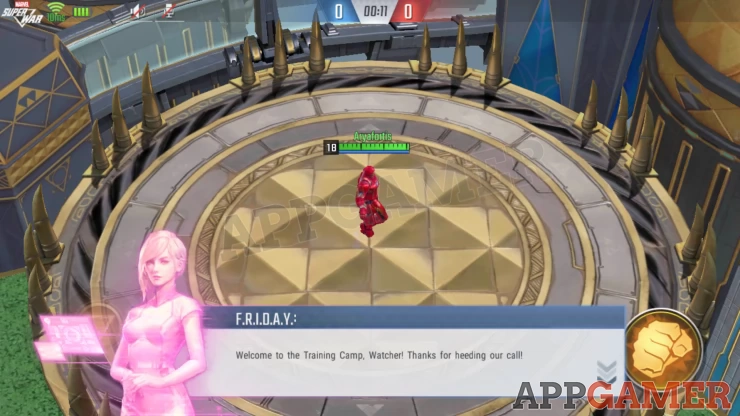
Once you start the game, you’ll be introduced to F.R.I.D.A.Y. who will introduce you to the tutorial if you’re a beginner. The story will revolve around the fate of the world, where another world from a parallel universe might collide.
Movement
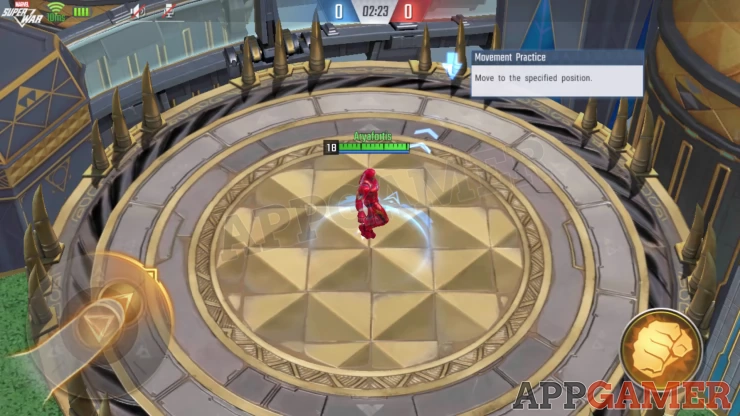
In order to move around, you can press and hold the joystick on the left wheel. Holding and moving your finger in any direction will make your character move.
Basic Attacks
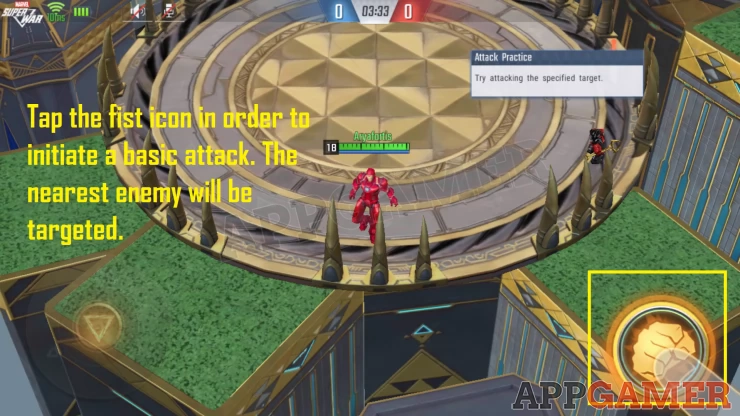
The wheel on the right that has the fist icon will let you attack. Pressing on the attack icon once will initiate the default attack, this varies per character.
Abilities
Characters can have 4-5 abilities available depending on who it is. These will be shown as small icons located around the fist icon. Each character will have different roles, therefore their abilities may range from offensive, to supportive.
Directional Ability
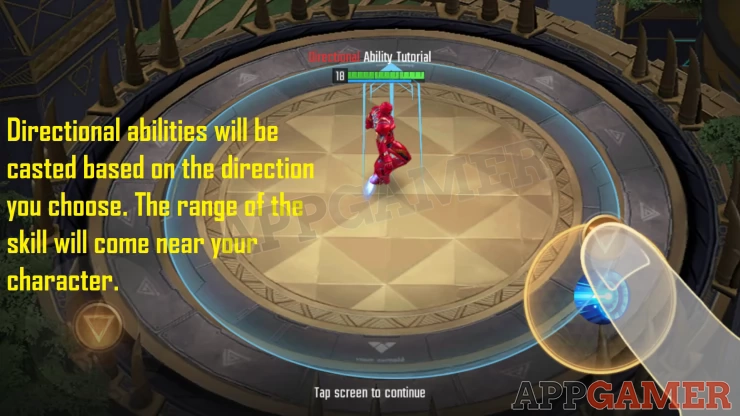
If you have a directional ability, you can tap on its icon and move your finger in order to determine where the ability will be used. Directional abilities are ones that are casted within your character’s range, you will only adjust its direction before using it.
Positional Ability
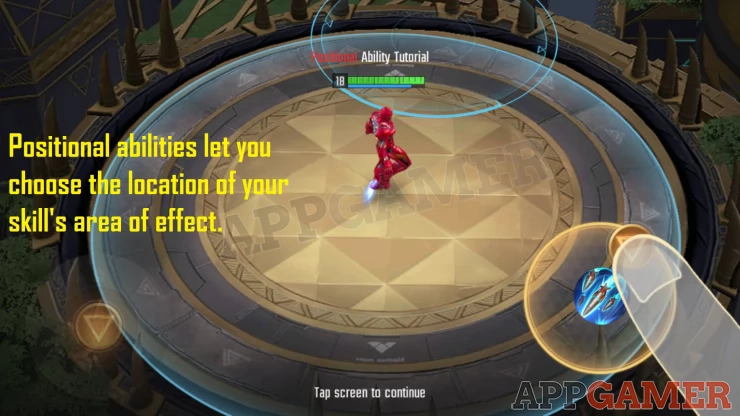
If you have a positional ability, you can move the area of effect of this skill by moving your finger near the icon. The area of effect will be displayed where it will land so you can let go of it in order to use the skill.
Canceling your Ability
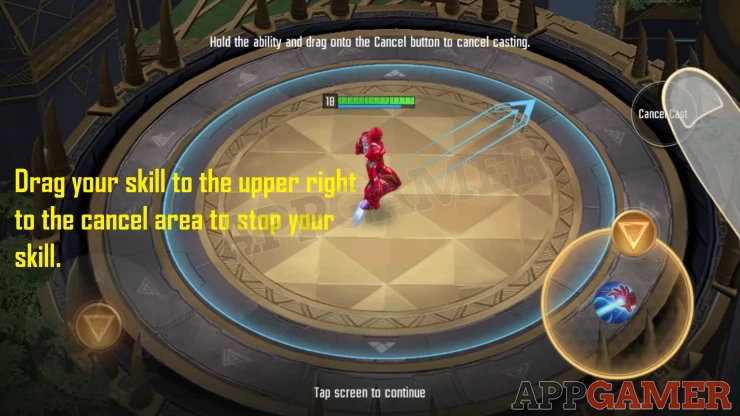
If you have changed your mind and decided to use another ability, you can cancel your current one by dragging the skill you’ve chosen to the upper right side of the screen. A Cancel Cast button will appear there in order for you to stop using your current skill.
Comments & Replies
-
 Characters