
Level 35: Bureaucracy Walkthrough
More 50 Tiny Room Escape
Continuing on in 50 Tiny Room Escape, after completing Level 34 you have moved on to a new level where you find yourself trapped in a bank.
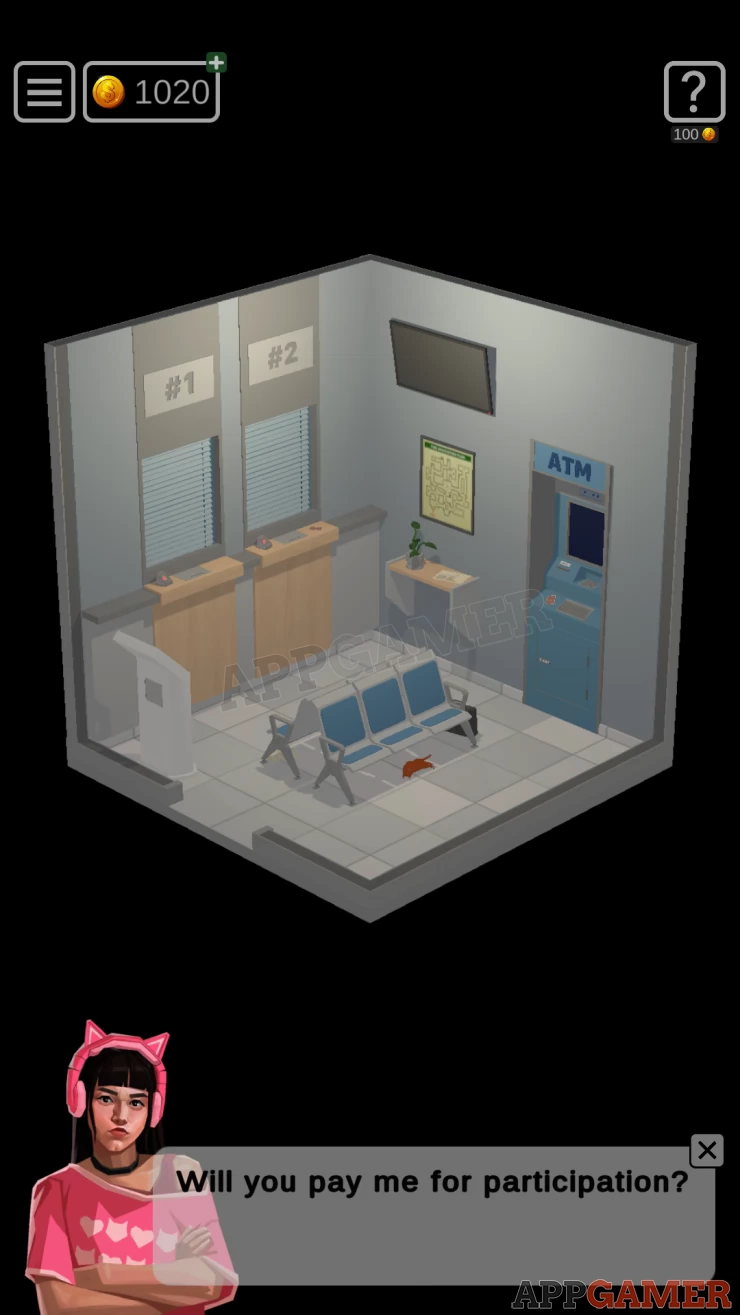
Level 35: Bureaucracy
First view a shelf to the left of the ATM. Move the Paper on it to collect a Coin. Notice the fire evacuation plan.
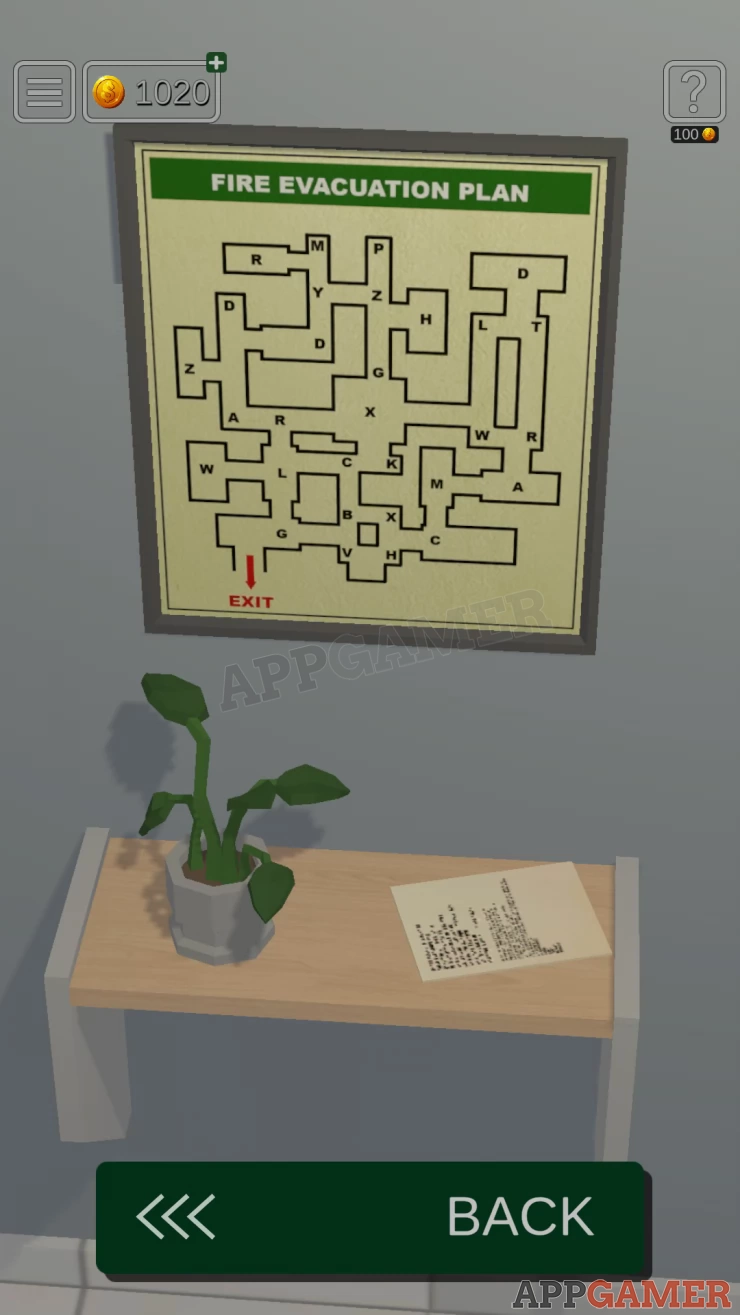
Collectible: Turn the plant pot to find the card.
Turn to the left and collect the briefcase on the floor by the seats.
View this in your inventory and look at the label on the bottom to see an address, note the numbers.
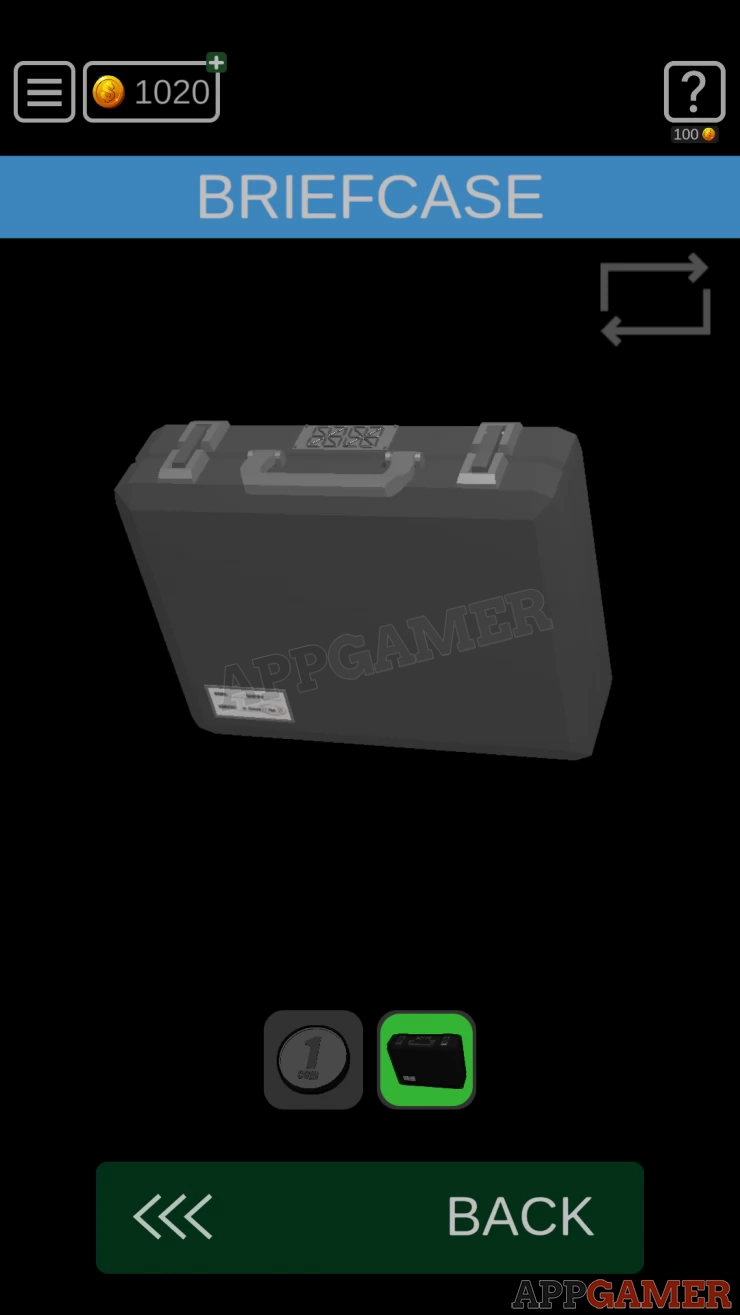
Briefcase Lock
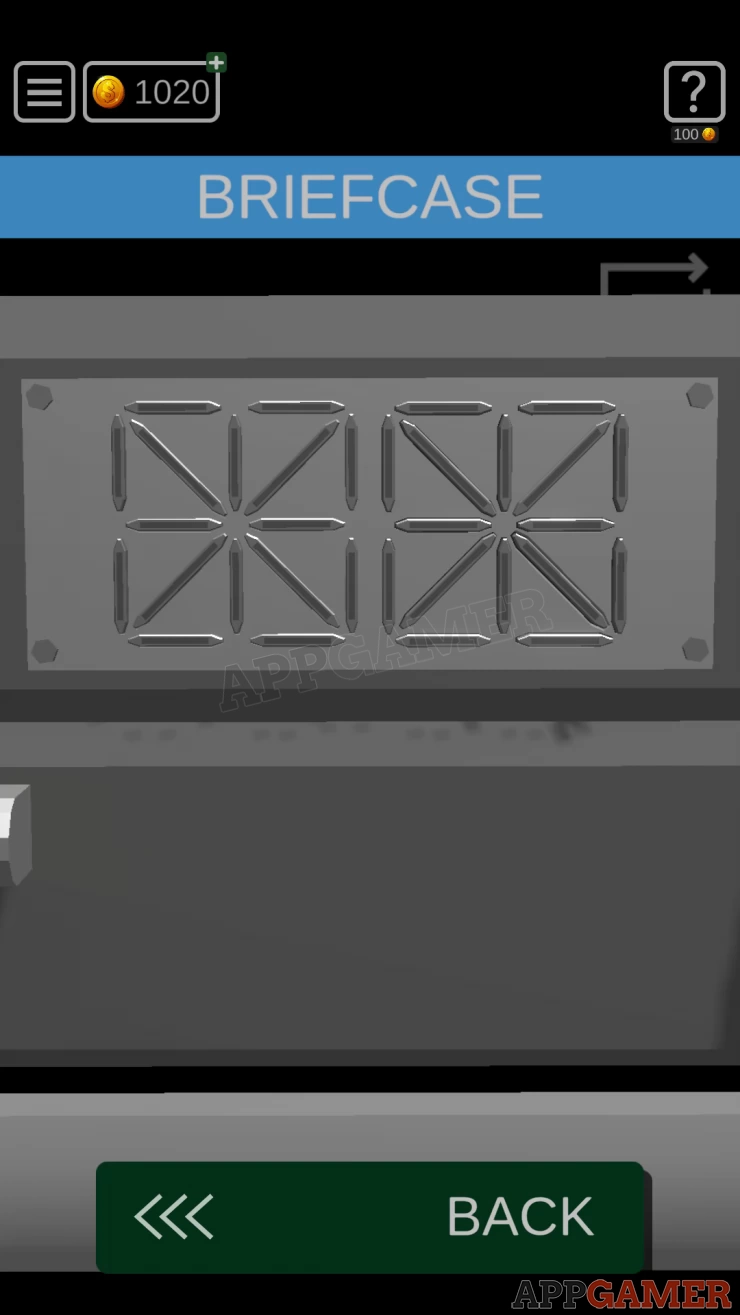
- Now look at the lock on the case.
- There are 2 sections of segments that you can tap to light up.
- Set the correct pattern to open the case.
Solution: Use the numbers on the label to set the segments.Show
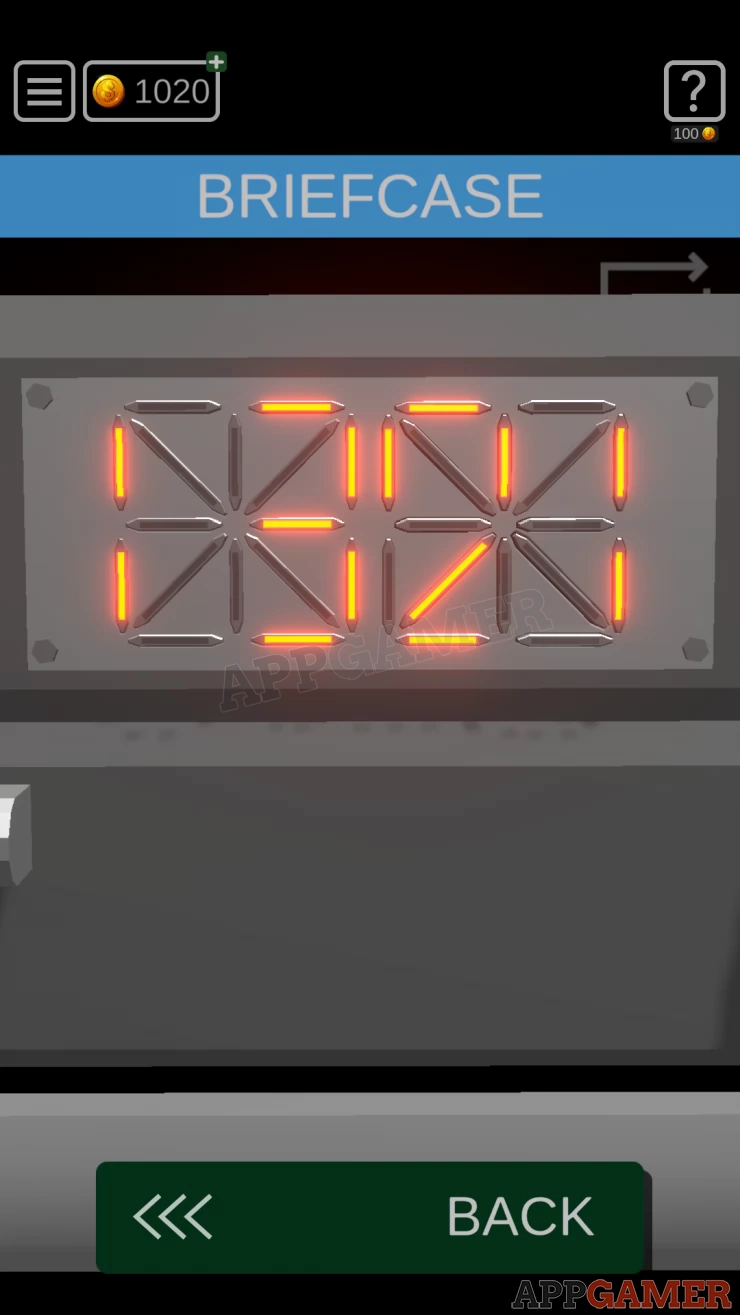
Open the case and collect the Credit Card.
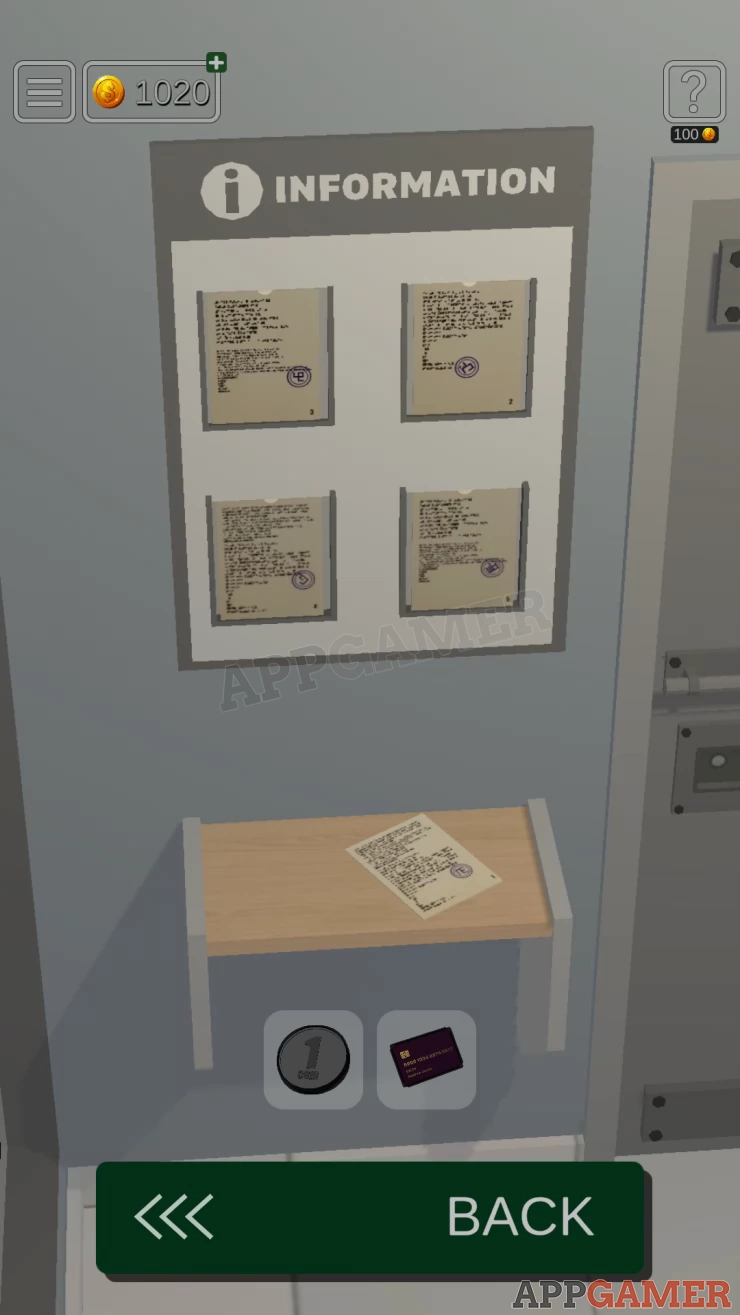
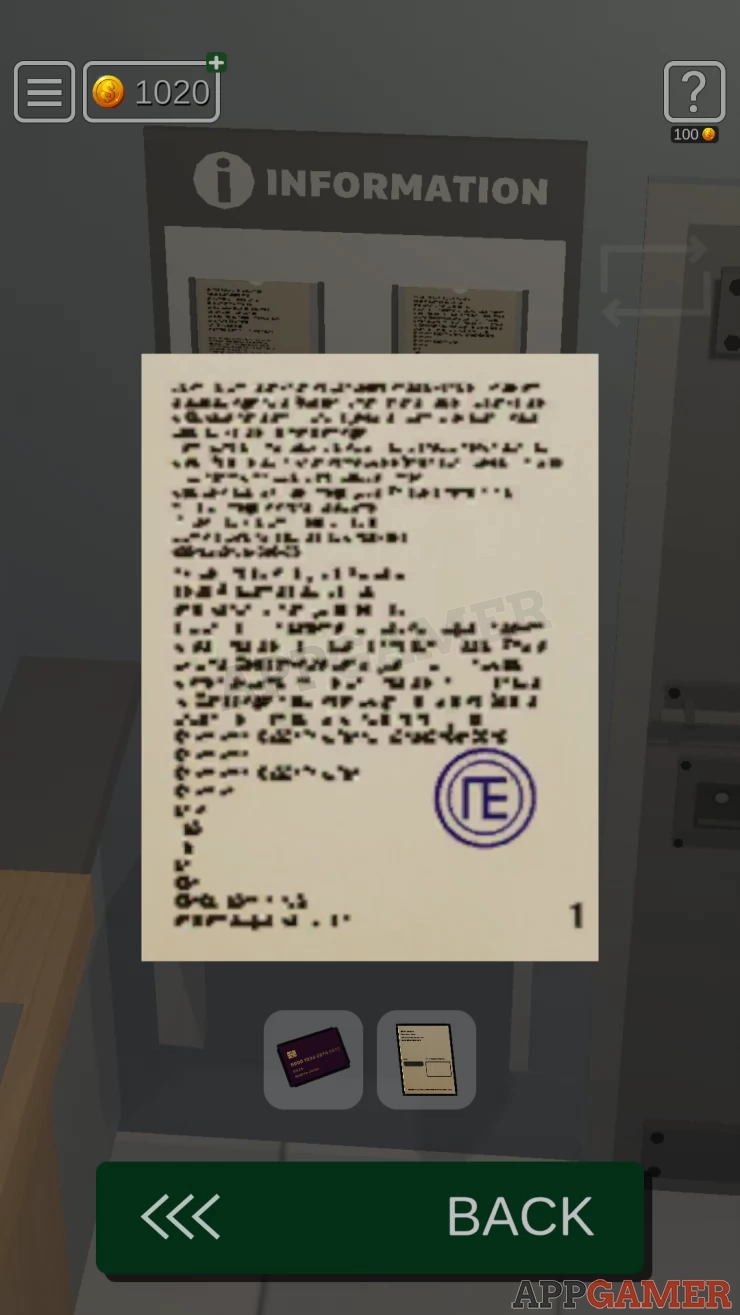
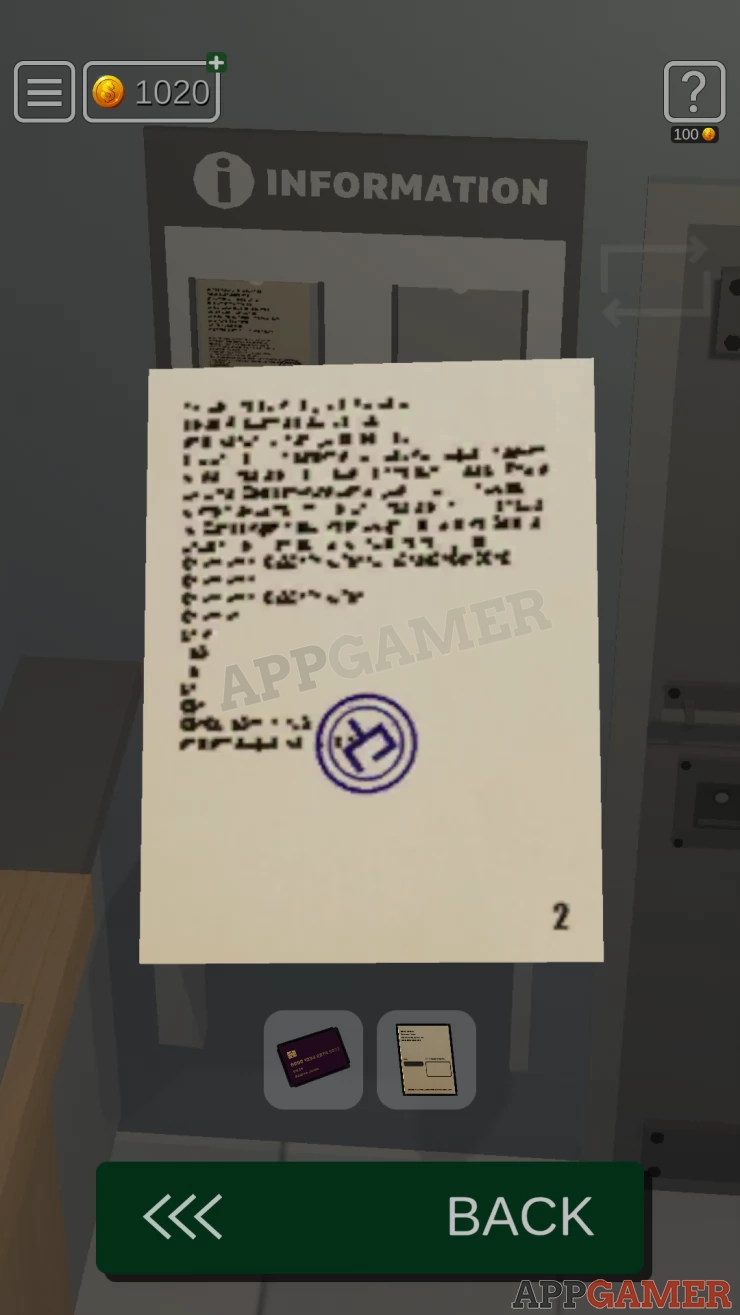
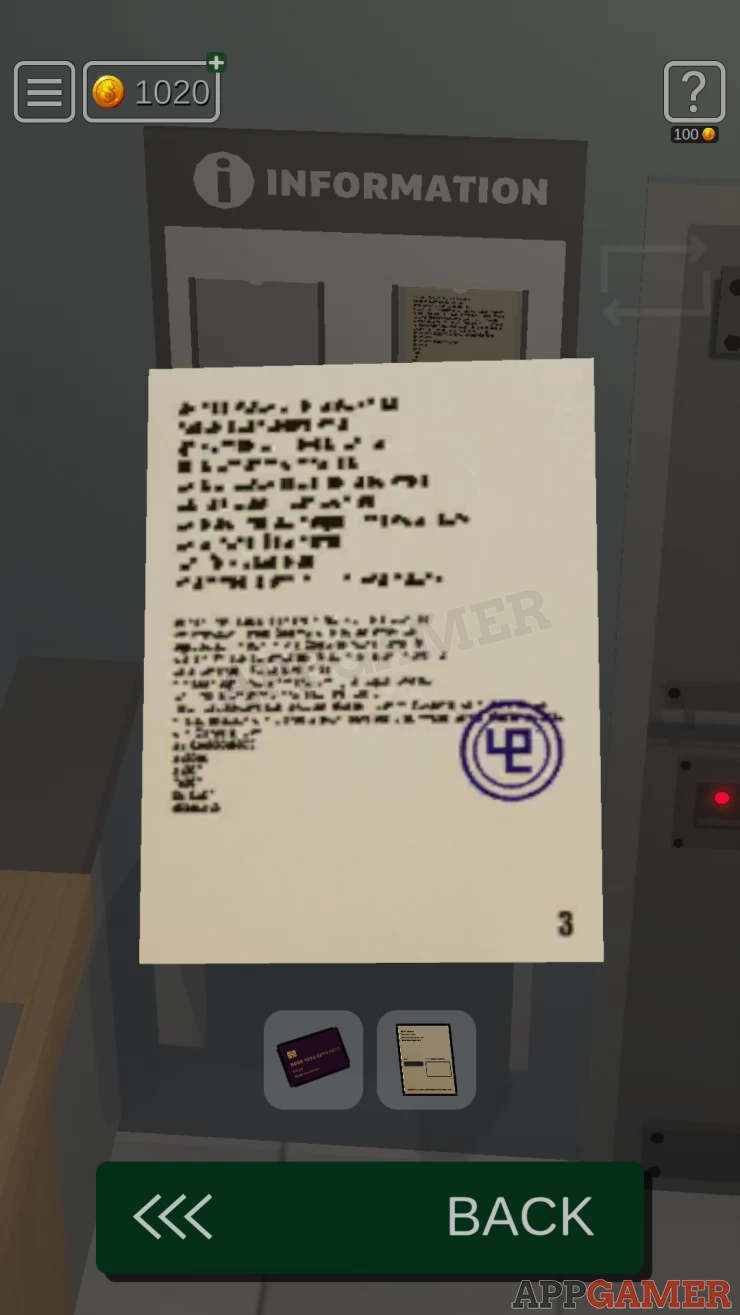
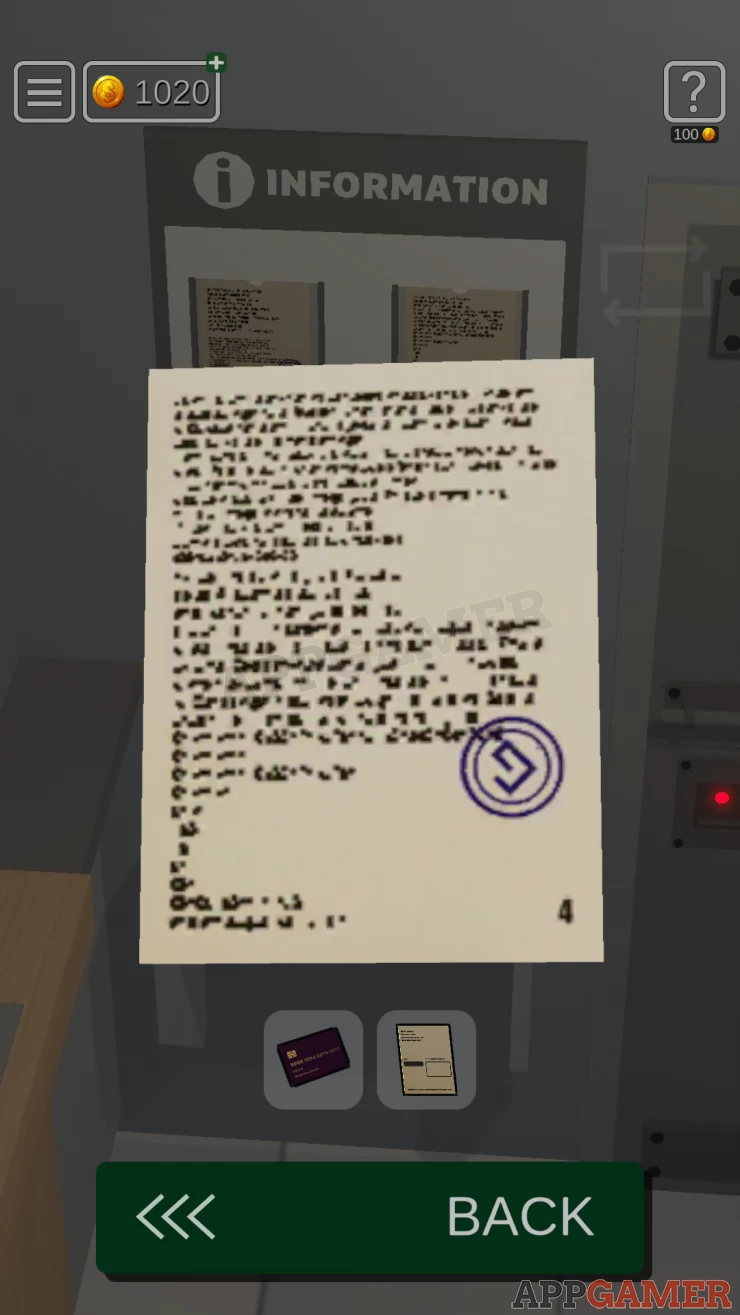
View the information board to the left of the door. There are 5 papers that you can examine. Note the number of each paper and then also the symbols on each one.
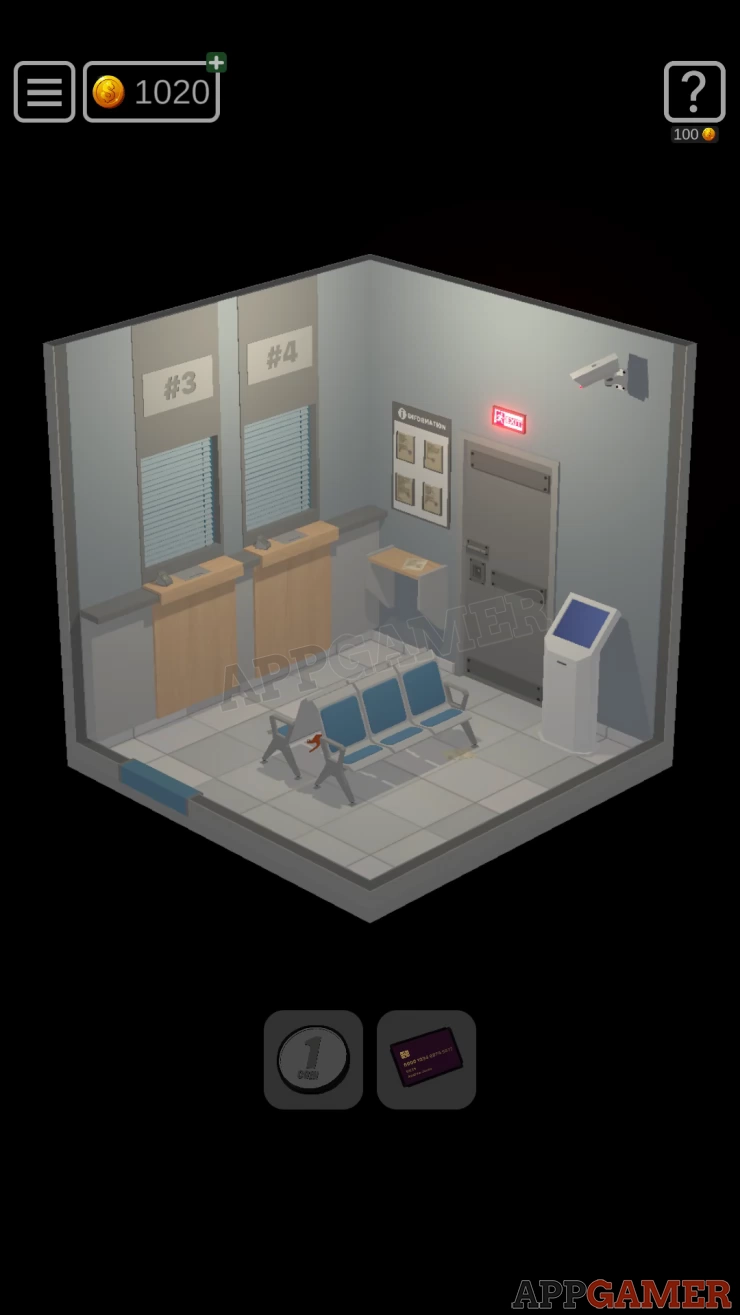
Turn to the left again and collect a Paper from the floor under the seat nearest the white terminal. Examine the paper in your inventory.
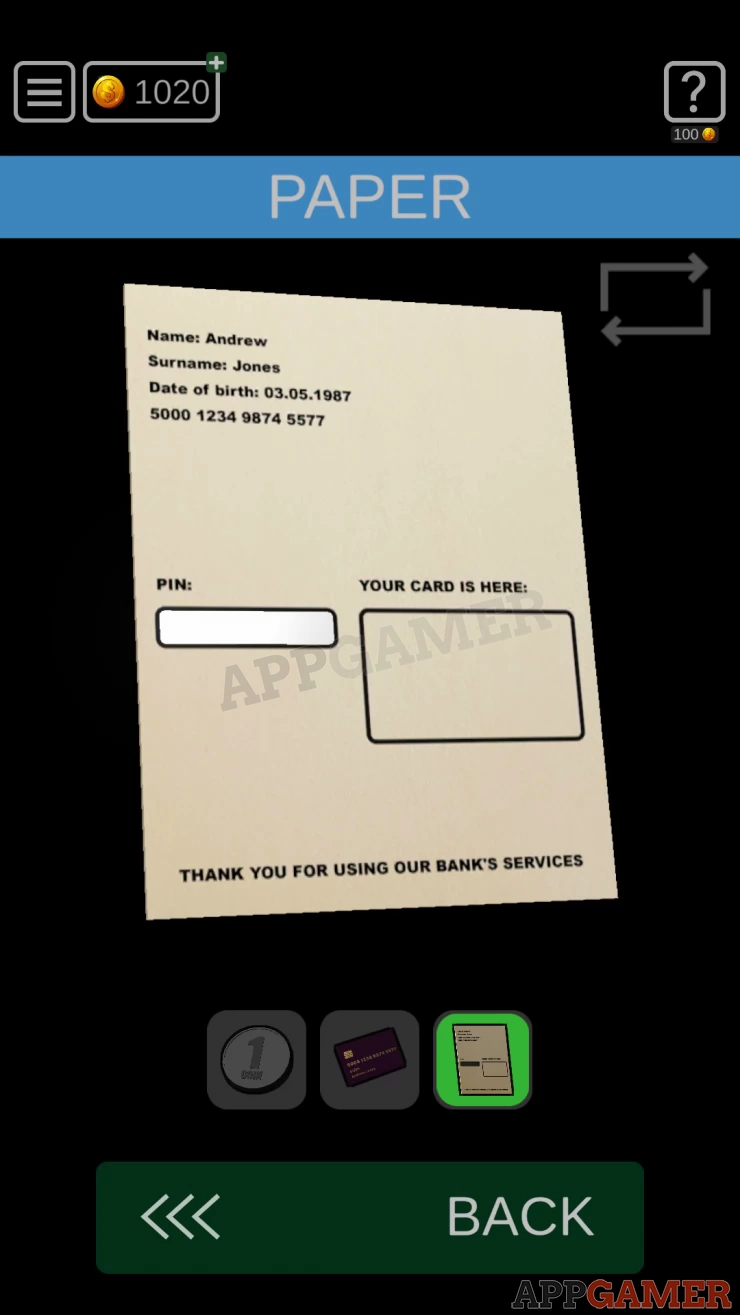
Use the coin on the white panel on the left to scratch it and reveal the PIN. You will need this later.
Now turn the view so that you can see the back of the white terminal, there is a panel on the back.
Use the credit card on this to open it.
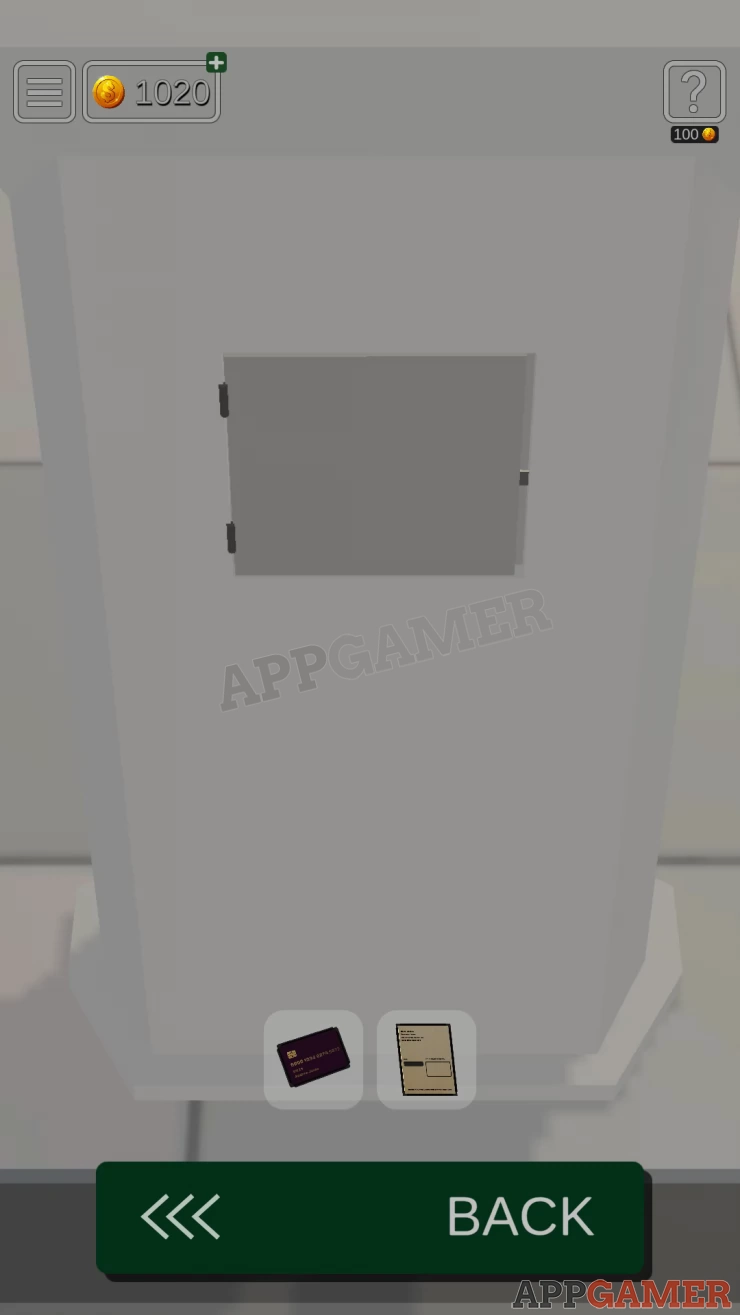
Terminal Power Puzzle
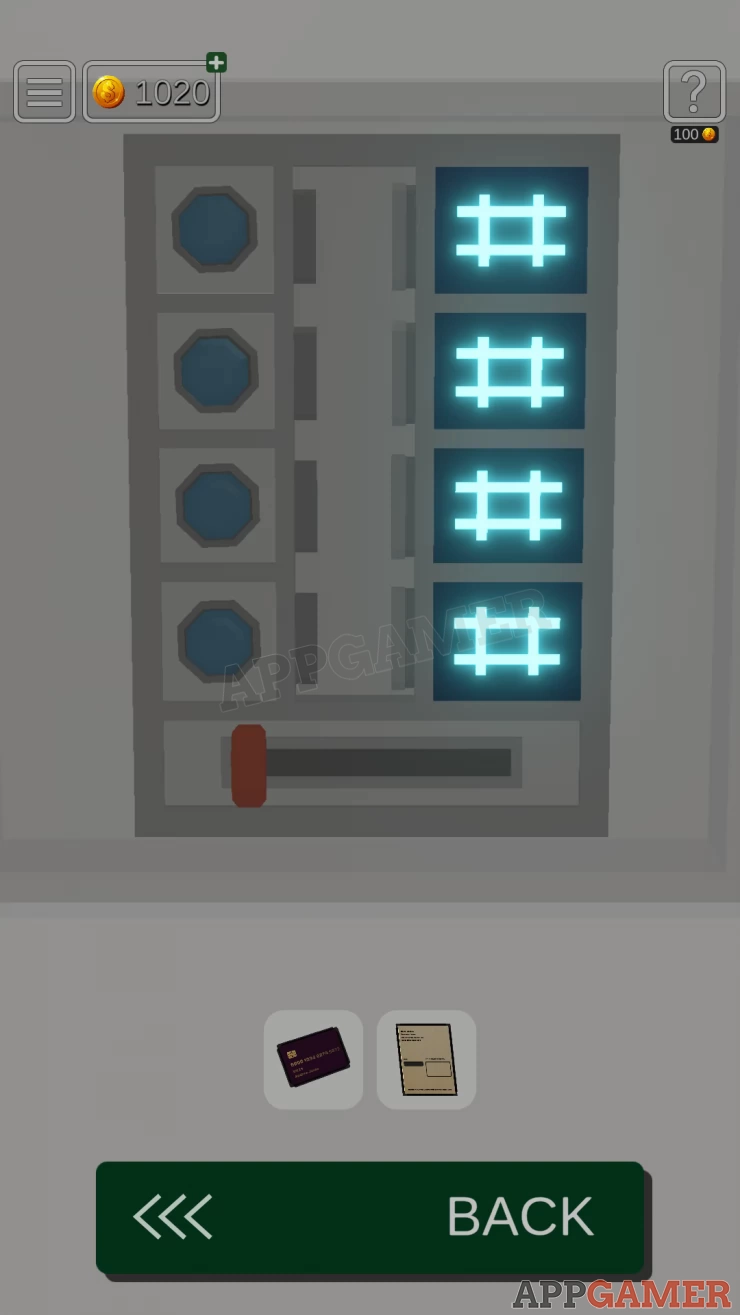
- There are 4 symbols on the right that can be changed by tapping.
- Tap the red switch t the bottom to close the 4 connections.
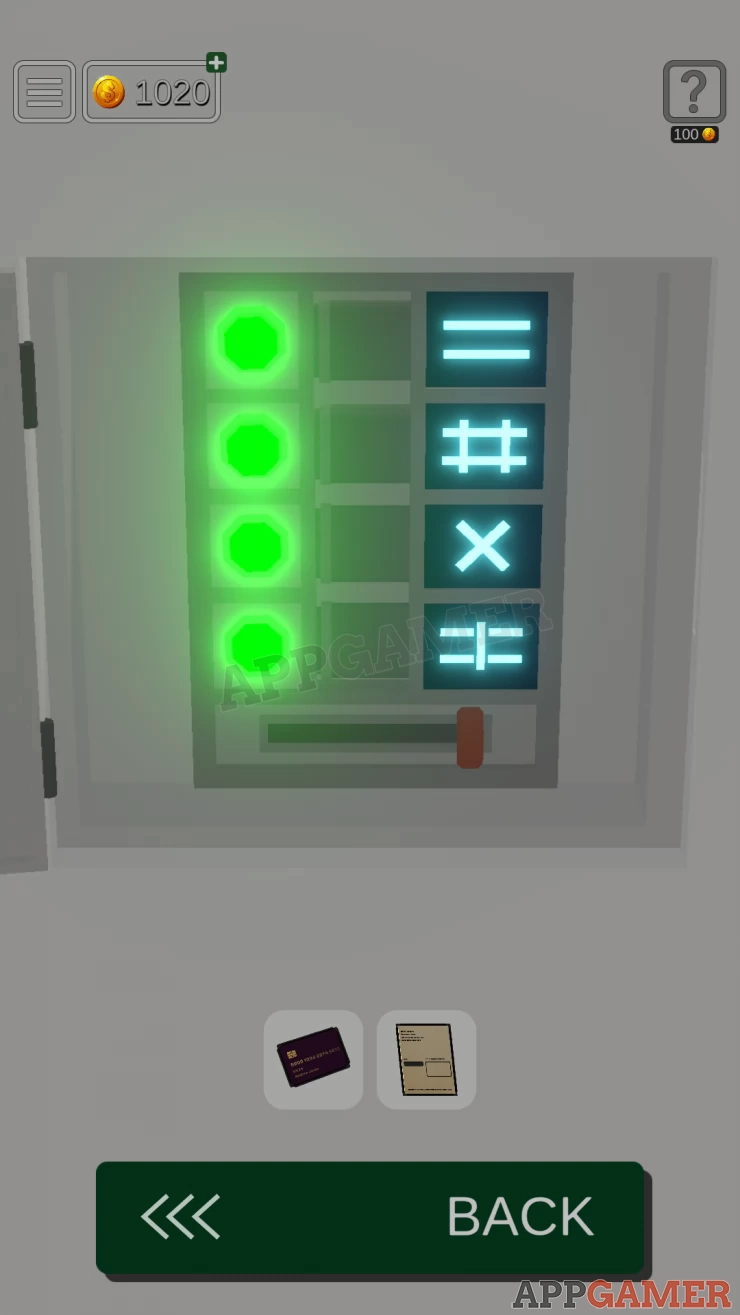
- If the symbol on the right is correct you will get a green light.
- Find the correct symbol of r each of the 4 to get 4 green lights and restore the power.
Solution: Show
Terminal Symbol Puzzle
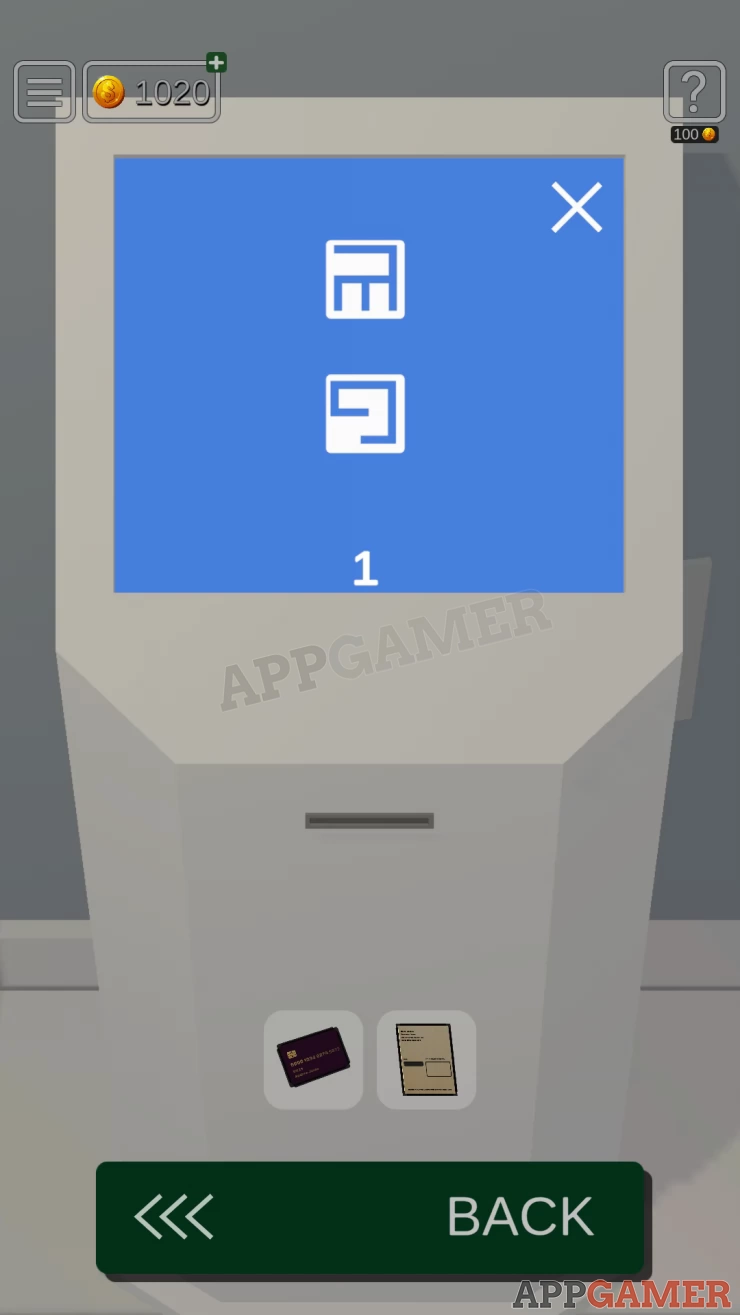
- To access the terminal you now need to enter the correct sequence of 5 symbols.
- Choose from the displayed symbols on the screen for each of the 5 levels to unlock it.
- The clue was seen on the information board. The symbols by be rotated.
Solution:
1: Top 2: Bottom 3: Bottom right 4: Middle Right 5: Bottom centerShow
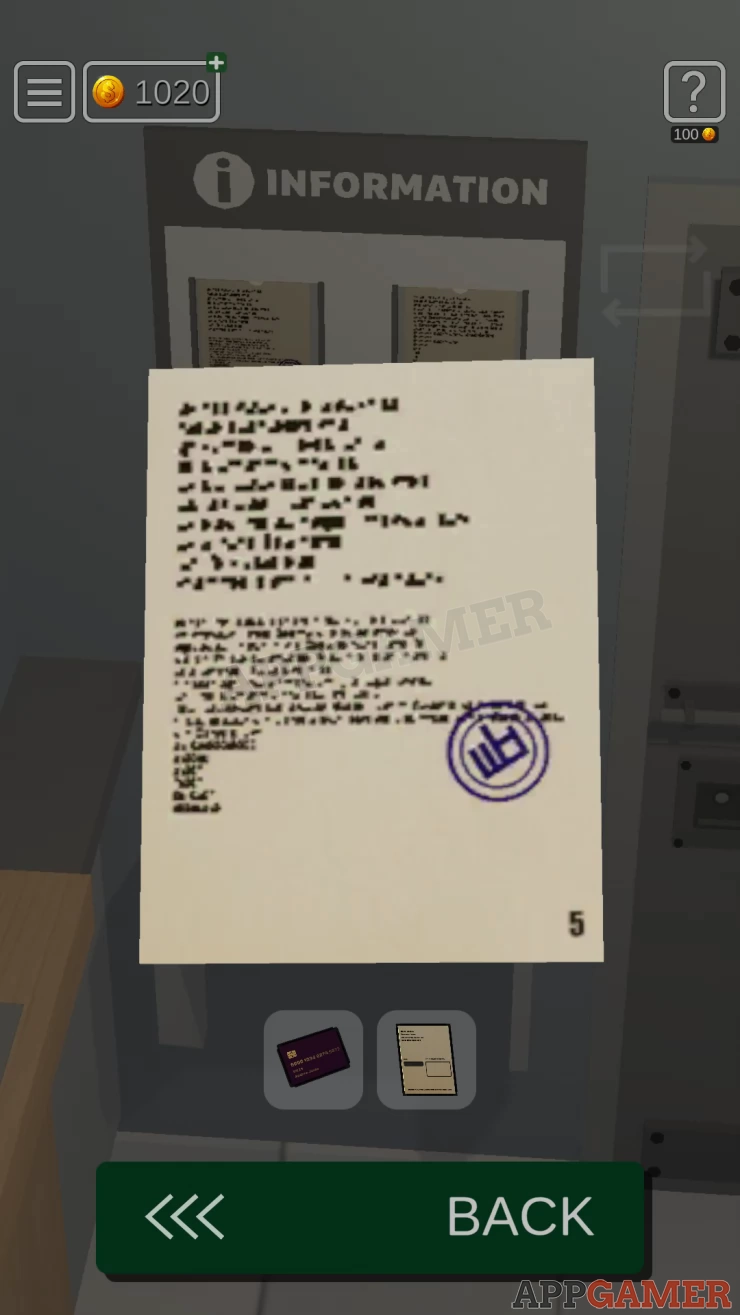
You can then collect a Ticket.
View the ticket in your inventory to see that is says Window #1. Turn and view Window #1
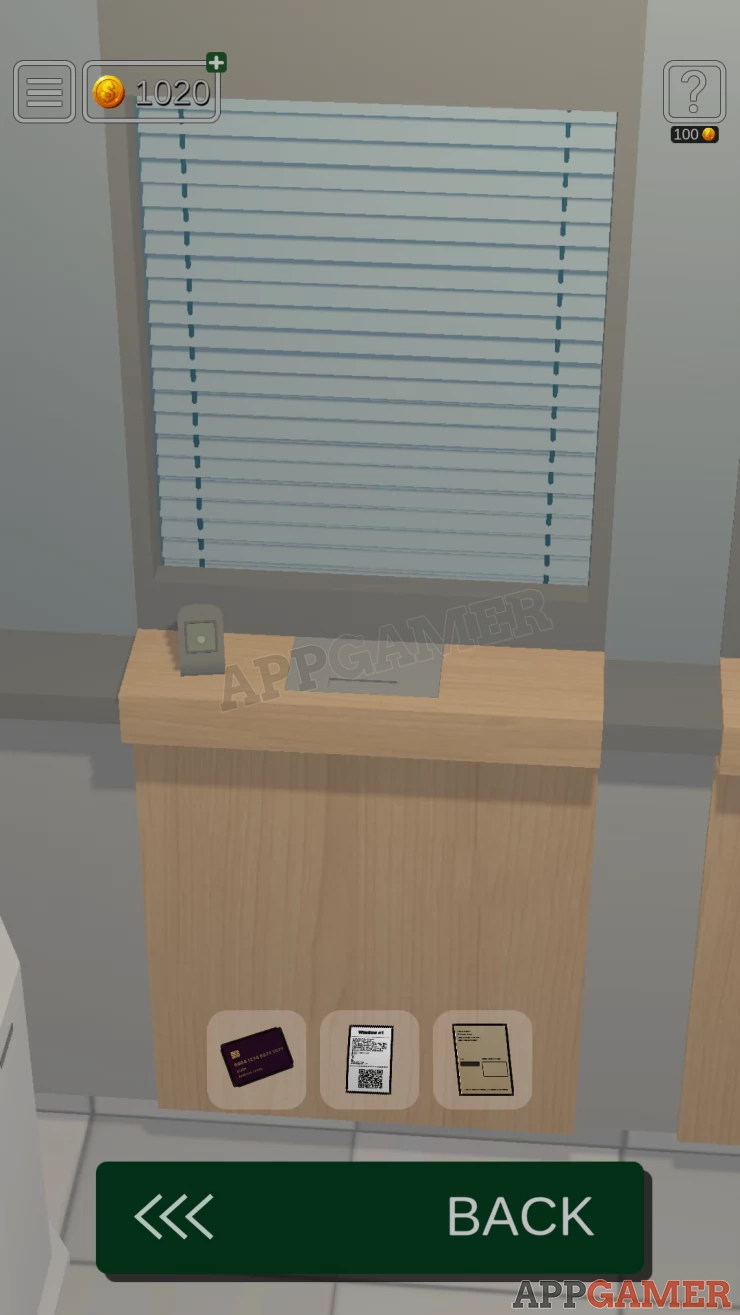
Use the ticket on the flashing scanner, you will then receive another ticket. Examin this as well to see Window #3
Turn to Window 3 and repeat this process, you will get tickets for window 2 and then 4.
Collectible: Card on the counter for Window #2
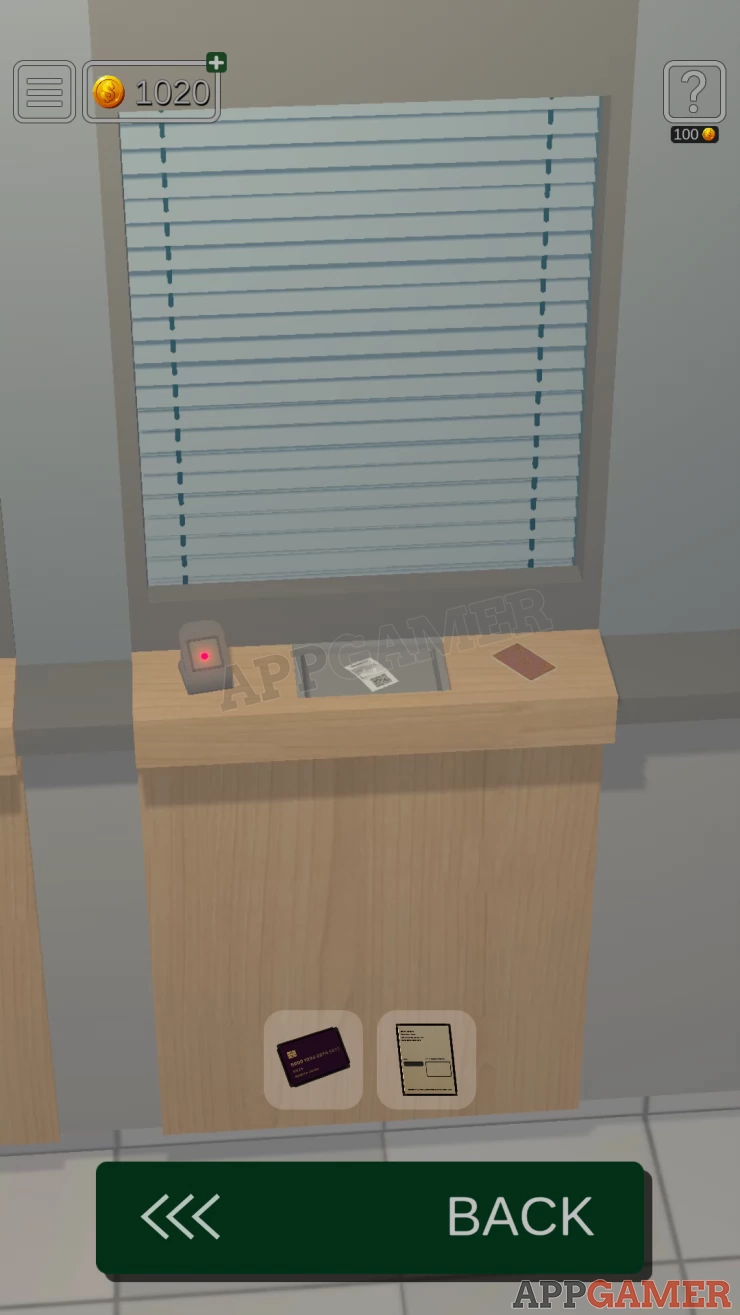
After window 4 you will collect a Receipt.
Turn to the wall with the ATM and view the TV screen above the fire evacuation plan, turn this on to see some Window numbers and tickets numbers.
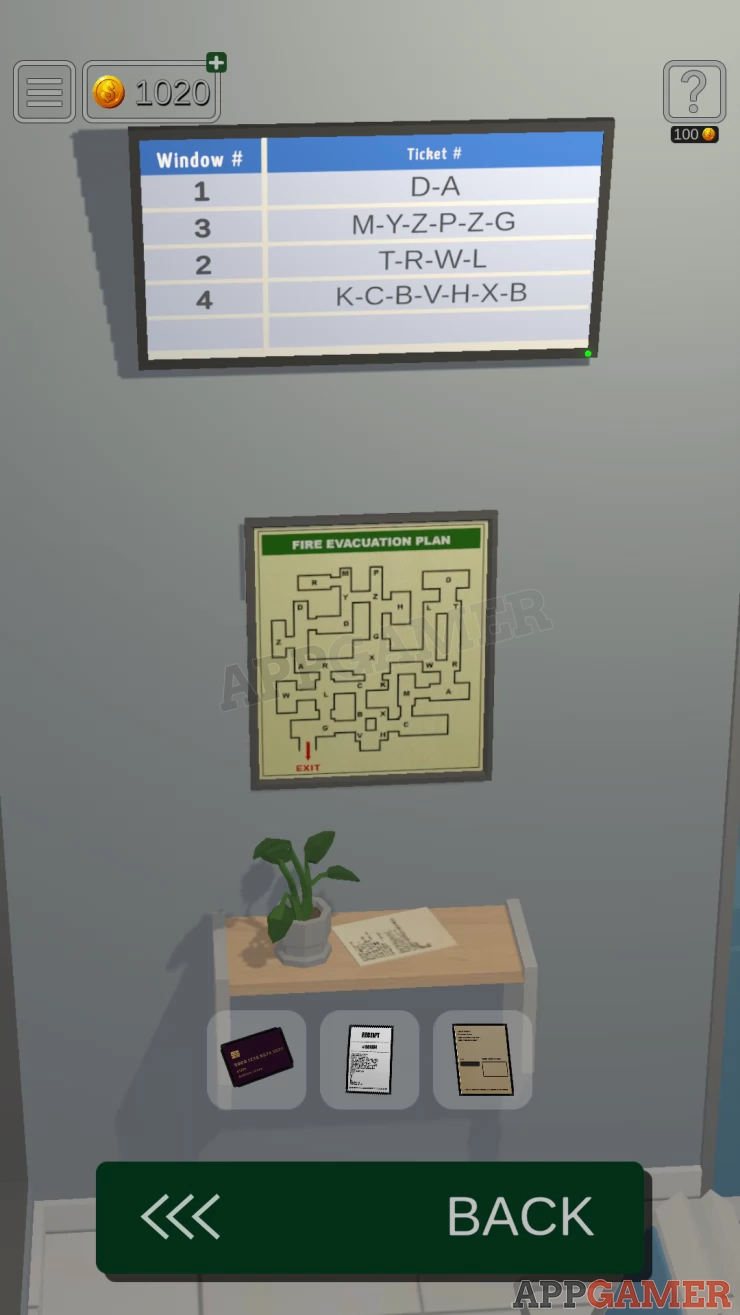
Notice that the lelters in the Ticket numbers also appear on the evacuation plan
Now view the ATM.
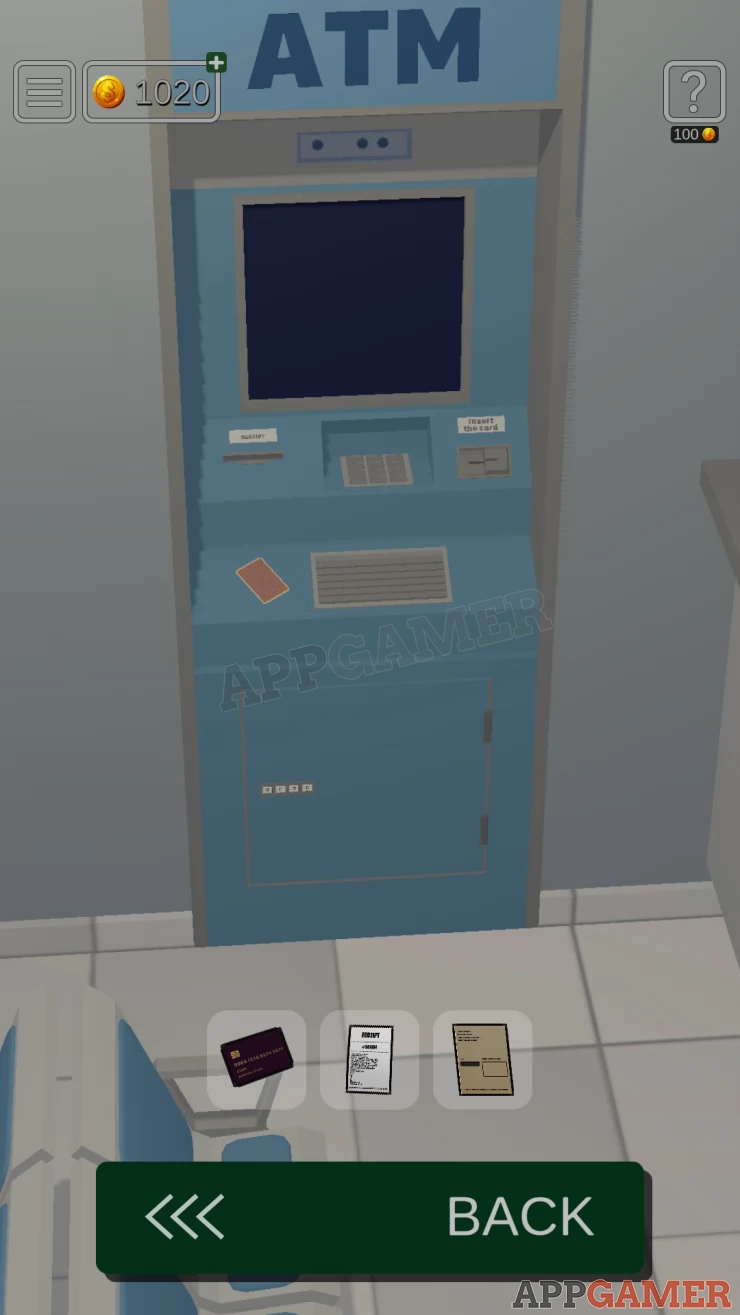
Collectible: Card on the left.
ATM Panel Code
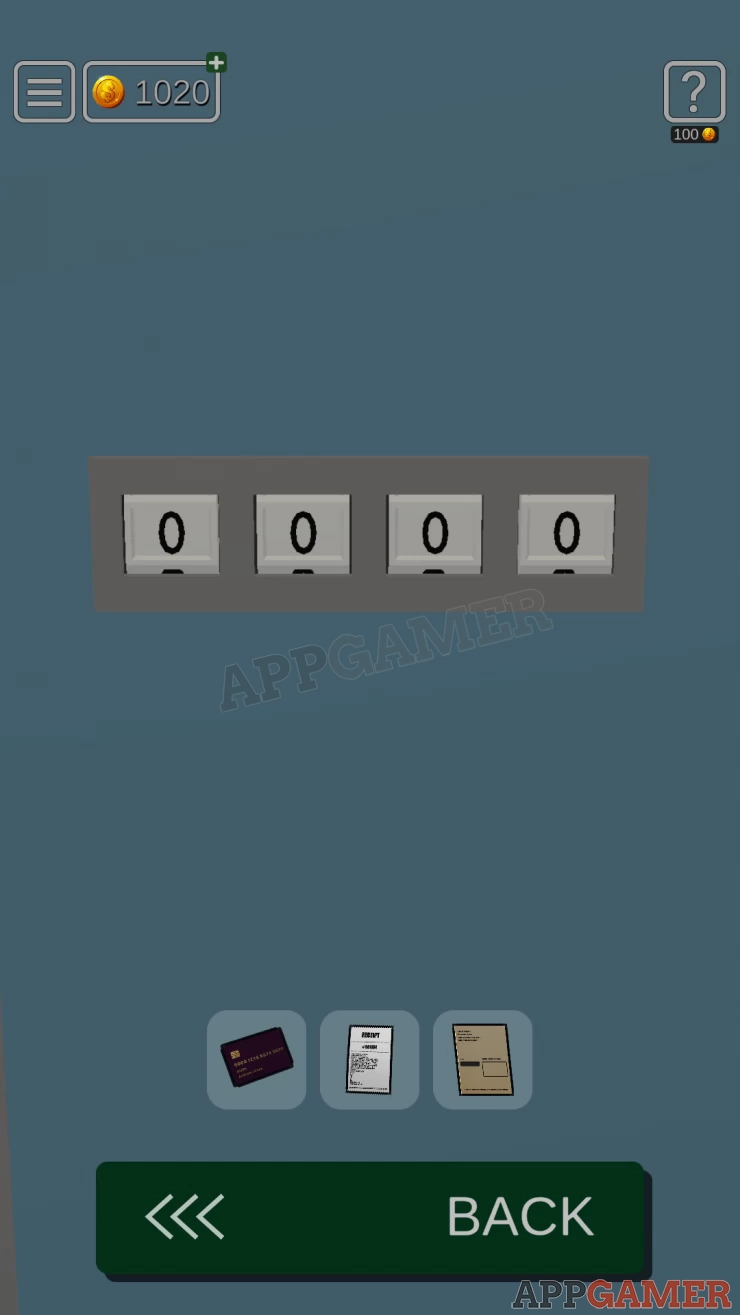
View the panel at the bottom, this needs a 4 digit combination to open.
Hint: find the code in the evacuation plan.
Solution: Follow the 4 sequences of ticket number (letters) to trace out lines on the plan. This will make 4 numbersShow
Code: 1046Show
ATM Chip Puzzle
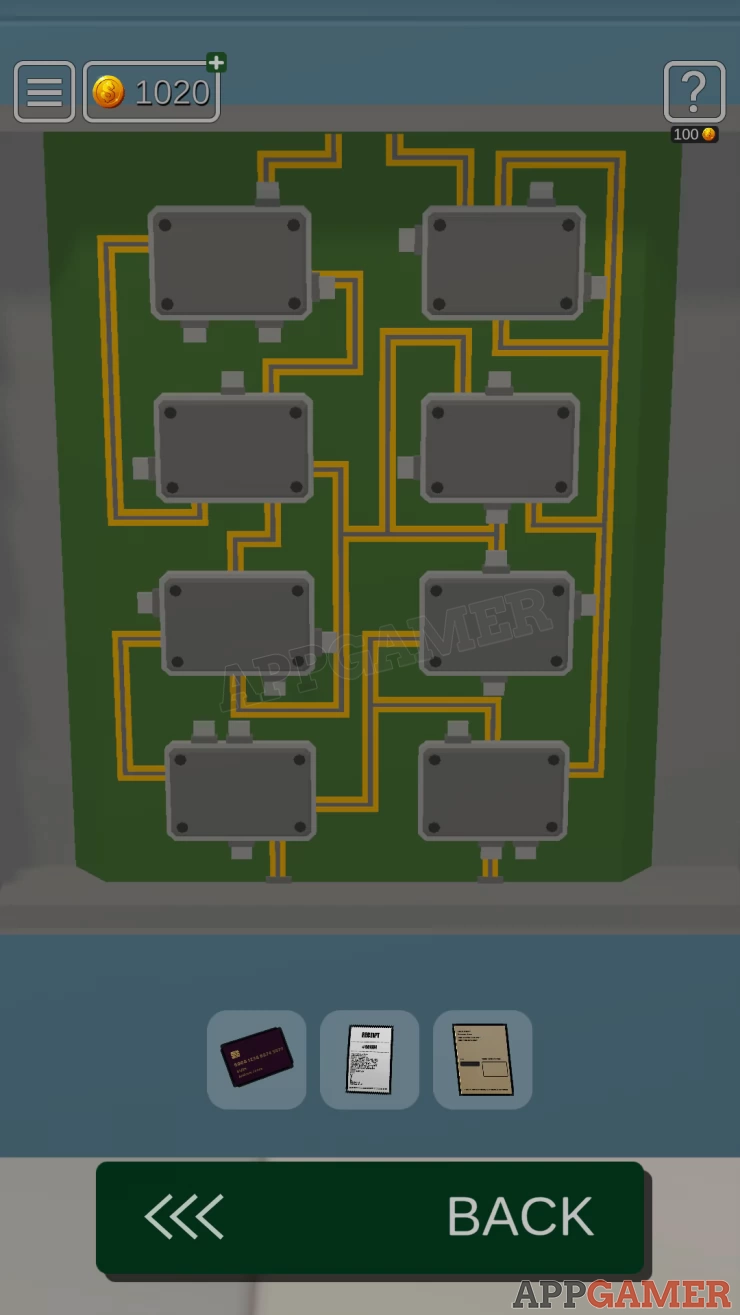
- Inside the panel is a chip puzzle
- There are 8 chips that need to be arranged.
- Notice the grey tabs on the sides of each chip.
- Swap pairs of chips around so that the tabs match with the connection lines.
Solution: Show
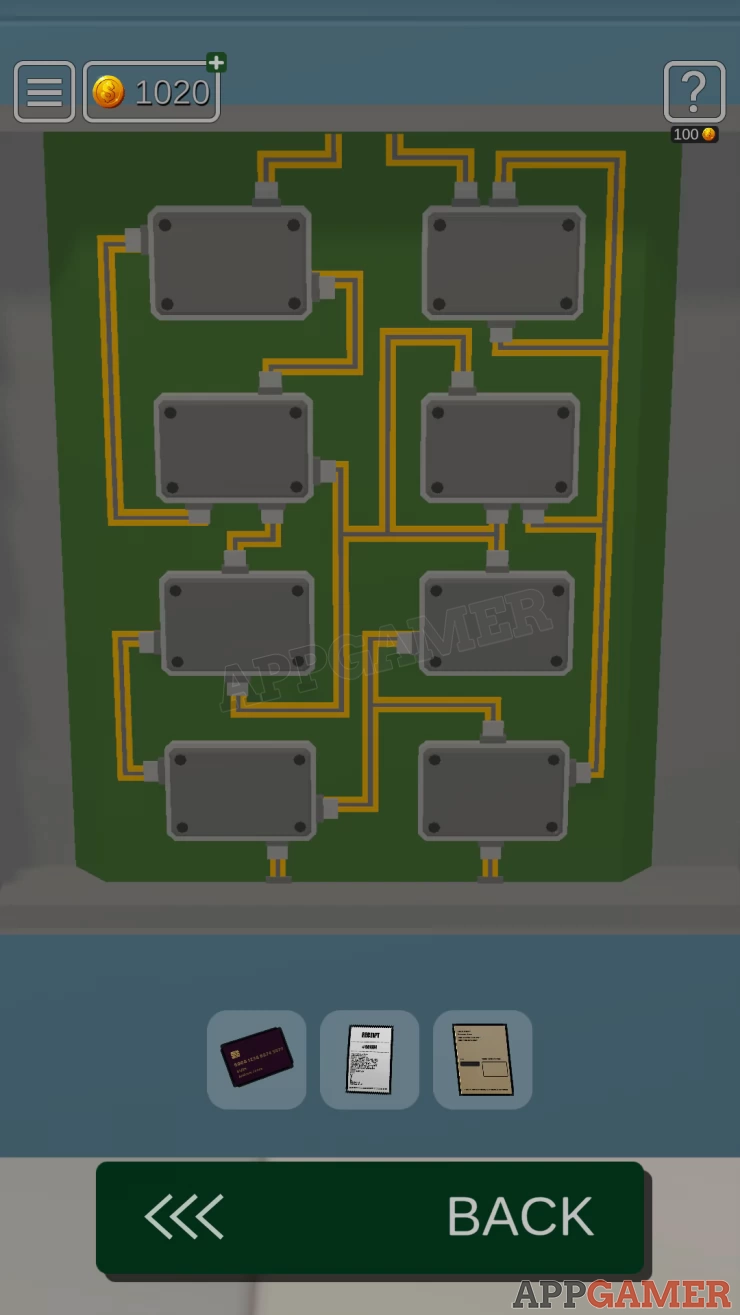
You can now insert the credit card into the ATM. You then need the Password
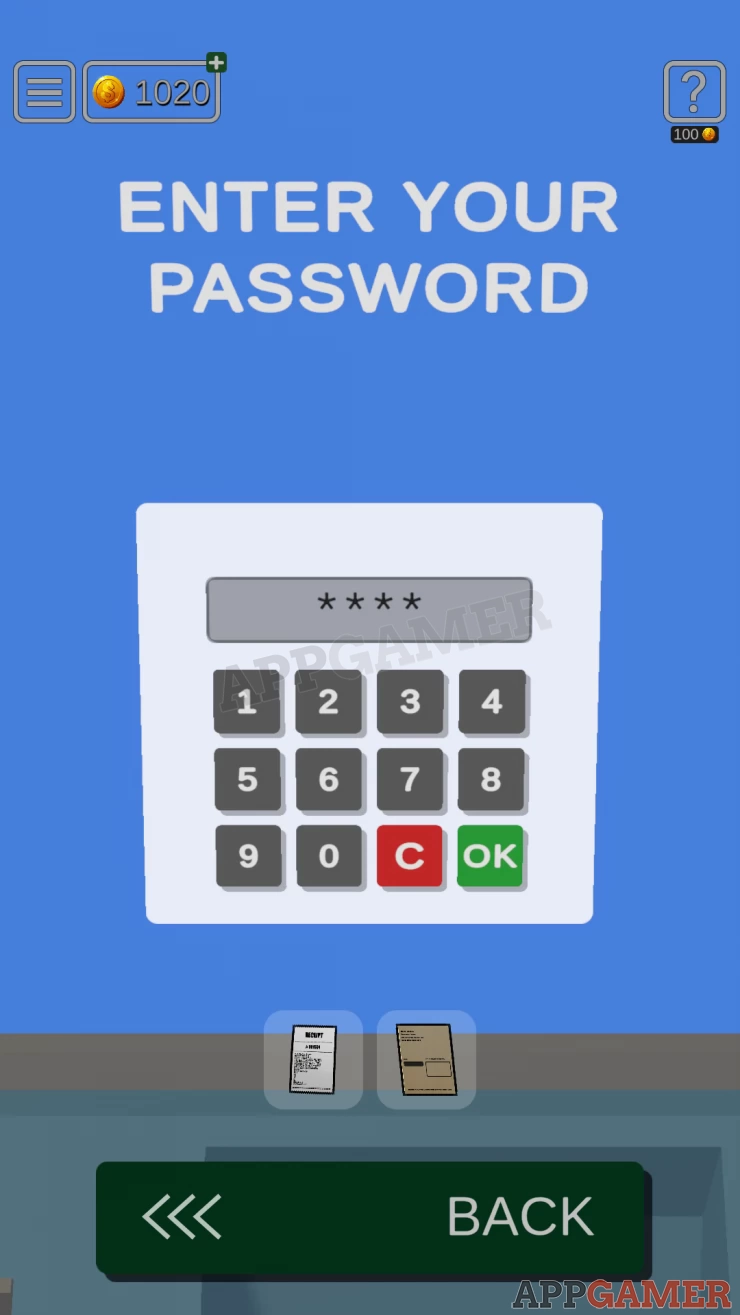
This is the PIN that you found a clue to on the Paper. Use the clue to get the code
PIN clue: 4--, 6++, 6-, 1++Show
Code: 2853Show
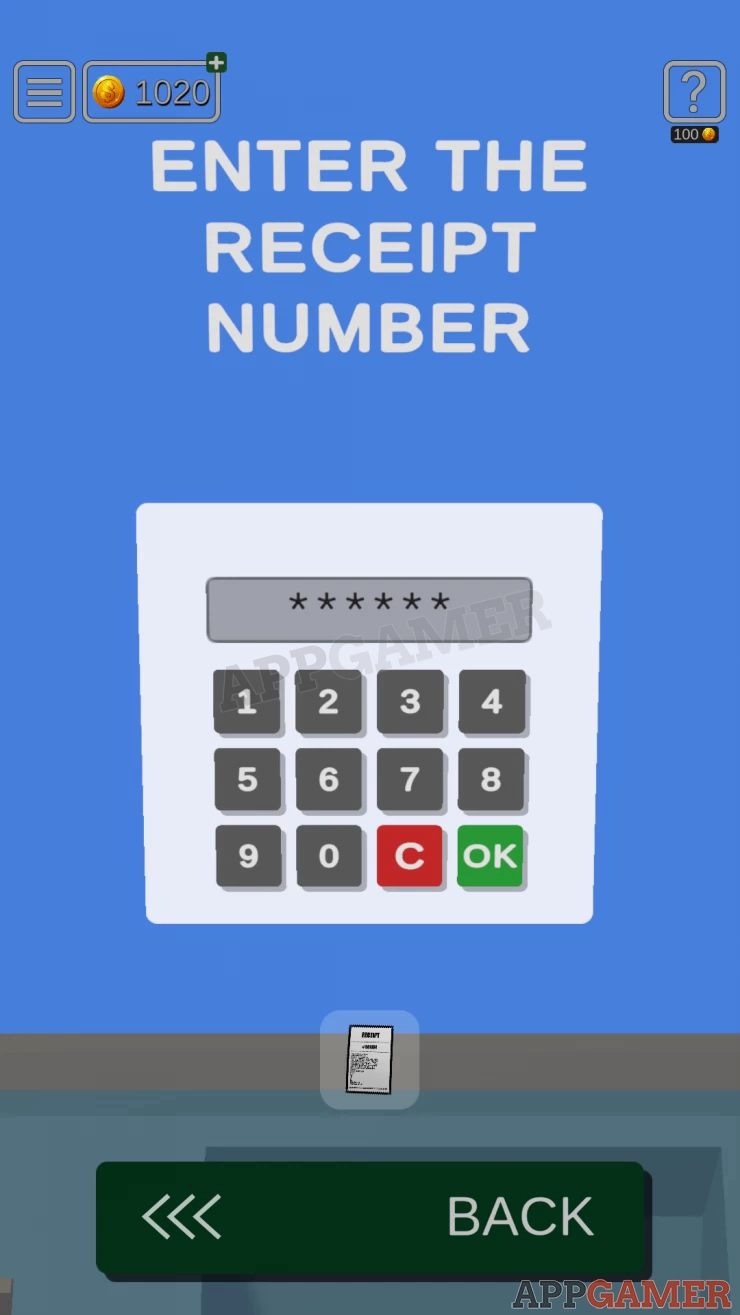
Now enter the Receipt number, this is on the Receipt paper
Number: 981534Show
Collect another Ticket from the ATM.
Now view the Exit door and use this ticket on the scanner to unlock it.
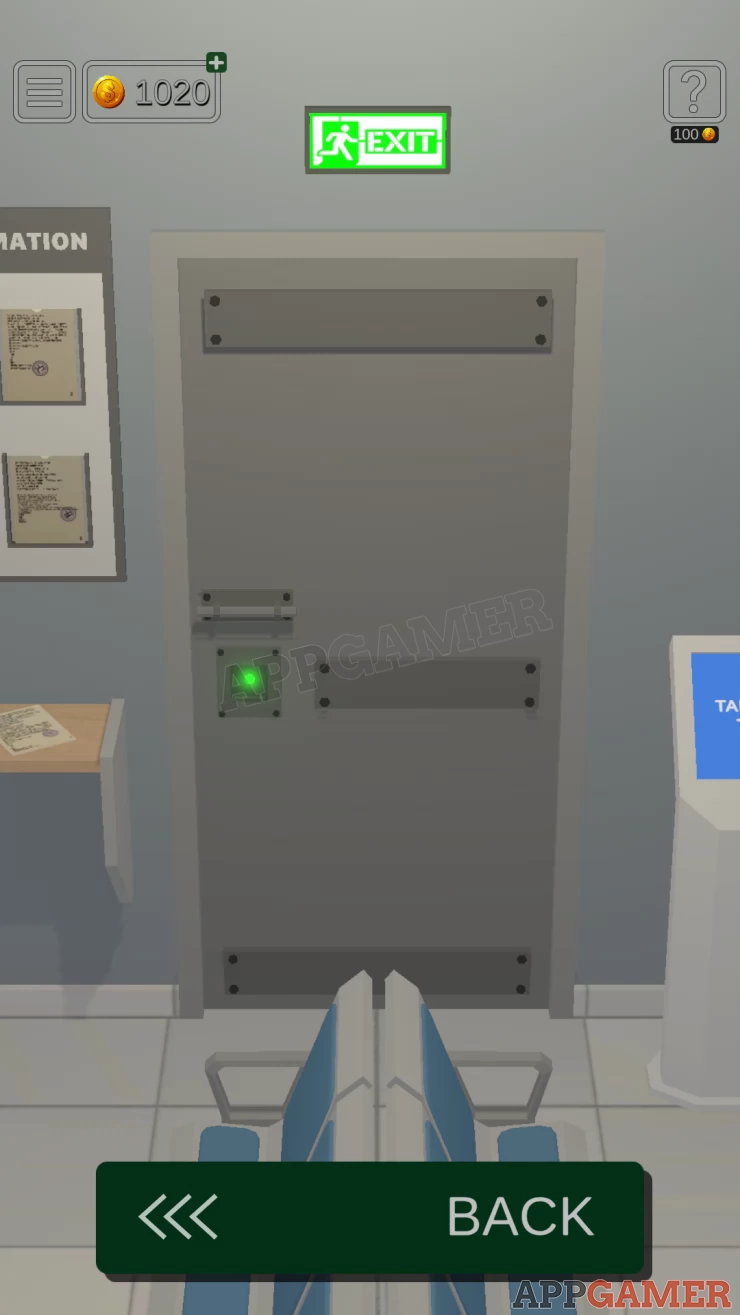
Escape the room. That is currently the final level but more are in development.
We have questions and answers related to this topic which may also help you: Show all
 With 20 years of experience in creating video game content for the internet and over 30 years as a gamer, Mark is now a passionate mobile App Gamer. Loving a challenge, he is always ready to get stuck in to both survival builders and puzzle solving games. He has been providing content for AppGamer since 2014.