
Cruise Ship Walkthrough - Part 4
More 3D Escape Room : Mystic Manor
This is our guide to Part 4 of the Cruise Ship chapter of 3D Escape Room : Mystic Manor. After completing the second book which took you to China, your next adventure takes place on the Theseus Vessel where you need to complete a secret mission.
In Part 3 you visited the Captains quarters and discovered a ticket for some stored baggage. Now you continue to a warehouse to collect the item that has been hidden.
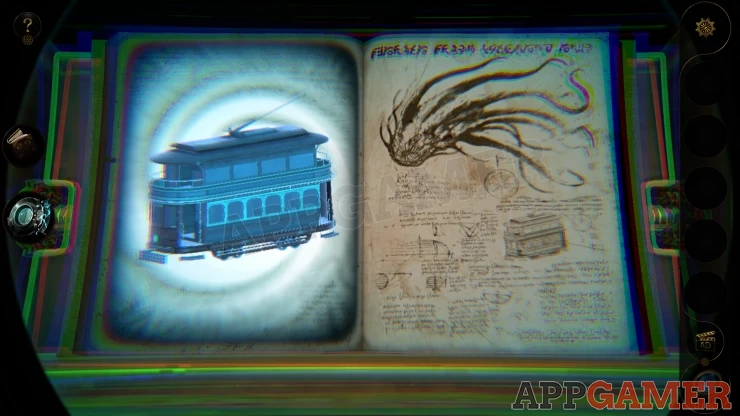
Book Three - Cruise Ship - Part Four Walkthrough
You begin on the lower level of the storage area.
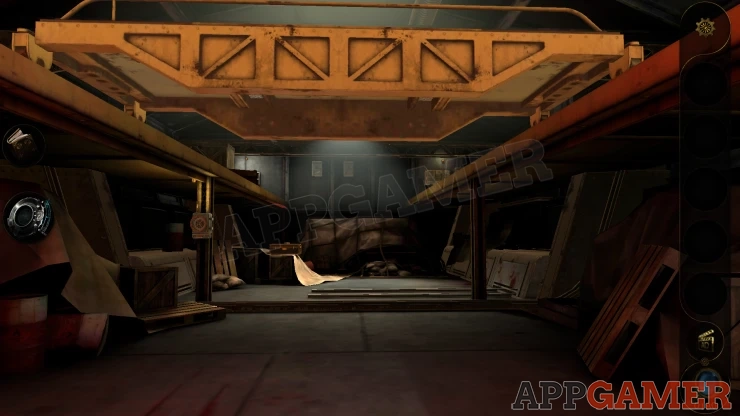
Move forward to the far end and view a case on the left. Collect a Wooden box from the top.
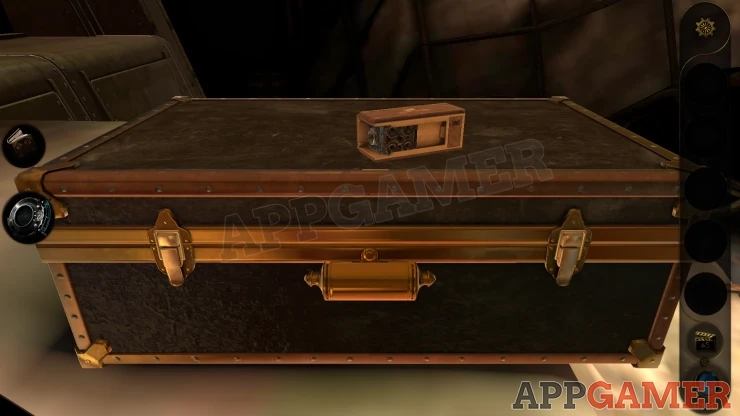
View the wooden box in your inventory. Look on the left end of it.

Turn the dial in the center and the box will open. Collect the Tram Model that Comes out.
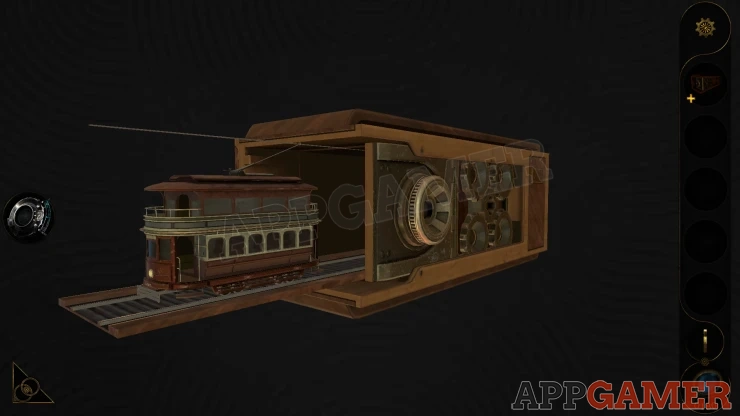
Now open the case by viewing and opening the two catches.
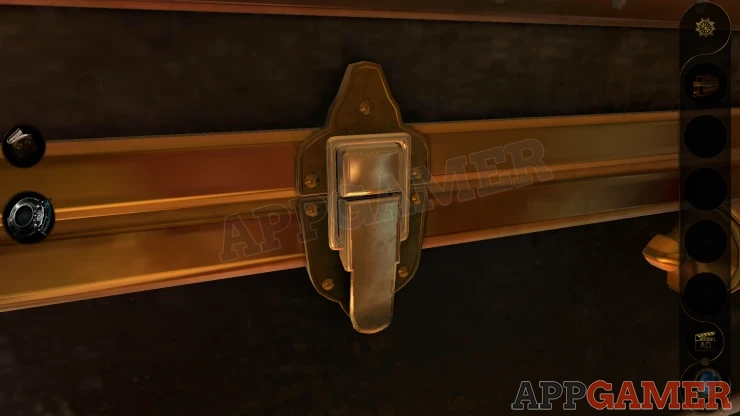
Look inside.
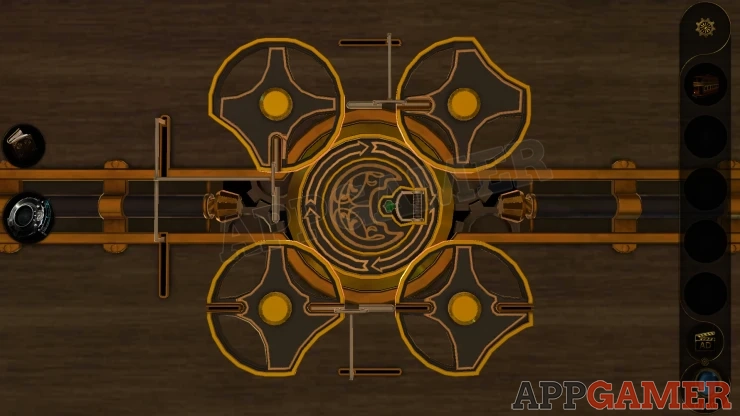
There are 4 wheels that you can turn but you also need to move the 3 small levels to allow them to turn,
Start with the lower right wheel, then move clockwise around the rest.
Turn the wheels to allow the center circle to be released.
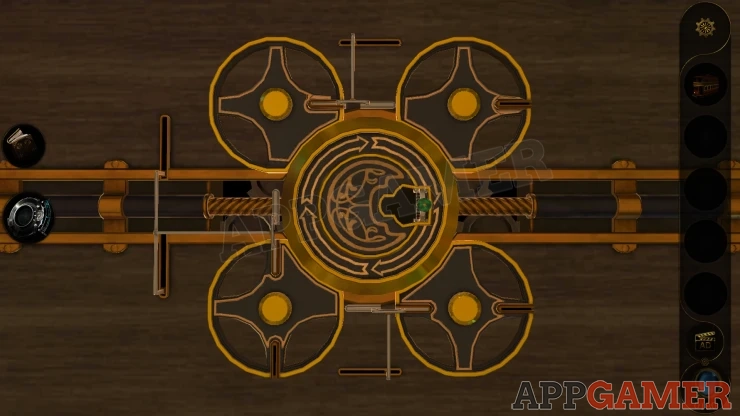
Once the green handle lifts you can turn the center circle until it activates and opens a small panel on the front of the case.
Look inside for the next part of the puzzle.
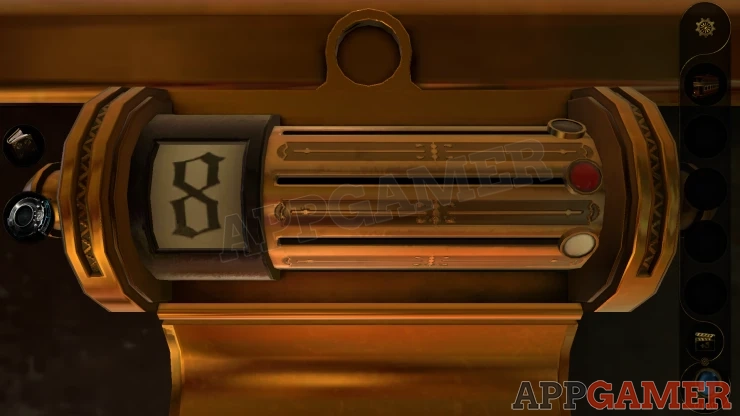
There are 3 sliding buttons , black, red and white. and the Number 8 on the left.
View the Tram model in your inventory and look underneath it. There are eight colored lines drawn on.
Show
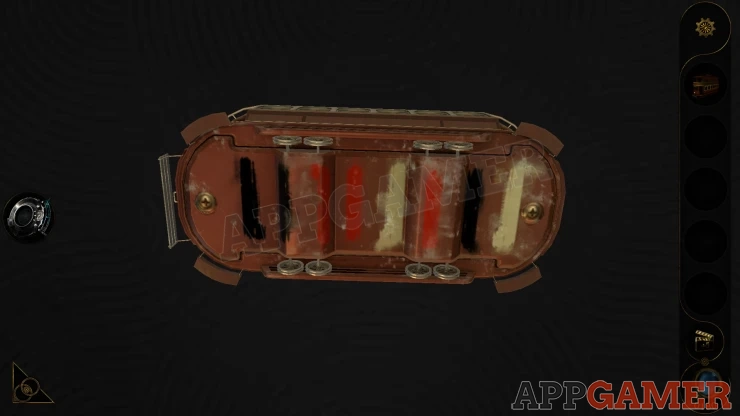
Using the clue from the Tram model slide the buttons in the correct order until the number counts down to 0.
The case opens again to show another puzzle game.
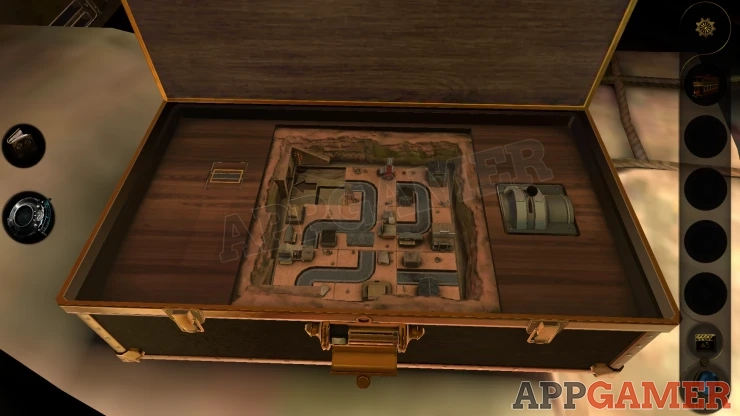
Tram Puzzle
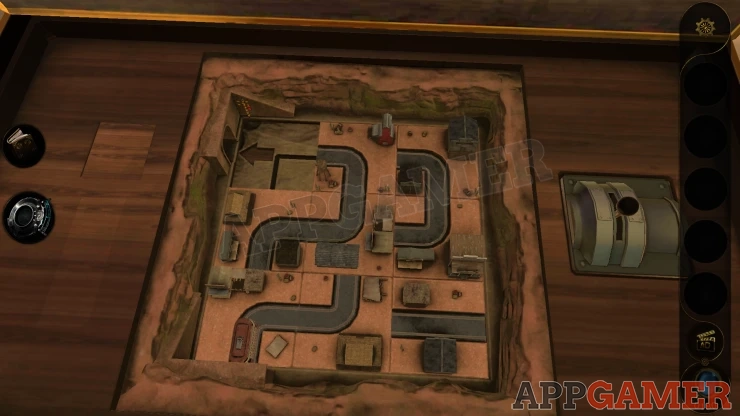
- Place the Tram model on the track on the left and it will start the puzzle.
- The board is made up of square tiles that you can slide around.
- The control on the right is used to make the model move forwards or backwards on the track.
- Move the tiles and the tram to make it reach the tunnel entrance on the top left of the board.
- You cannot move the piece with the tram on it.
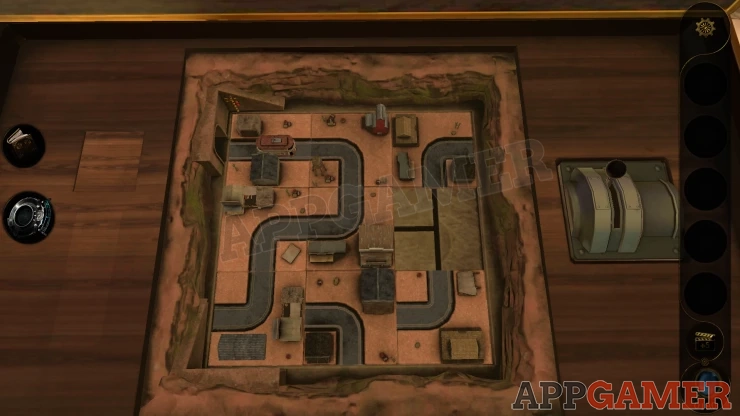
Once done collect Metal Cylinder A. View this in your inventory and turn the middle to open it, you will get Industrial Key A.
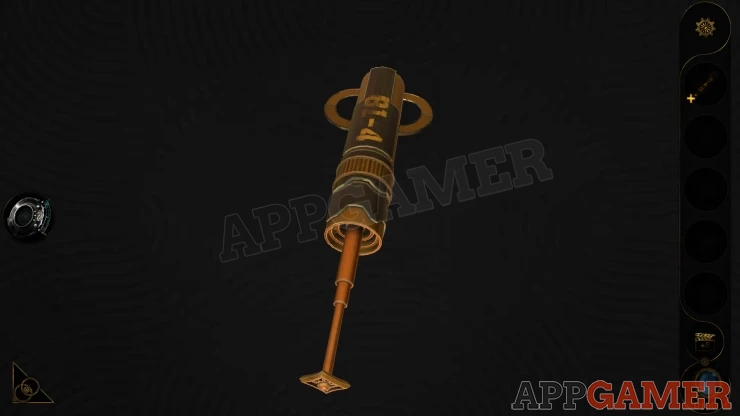
Back up now to where you started and look to the right to see an open elevator.
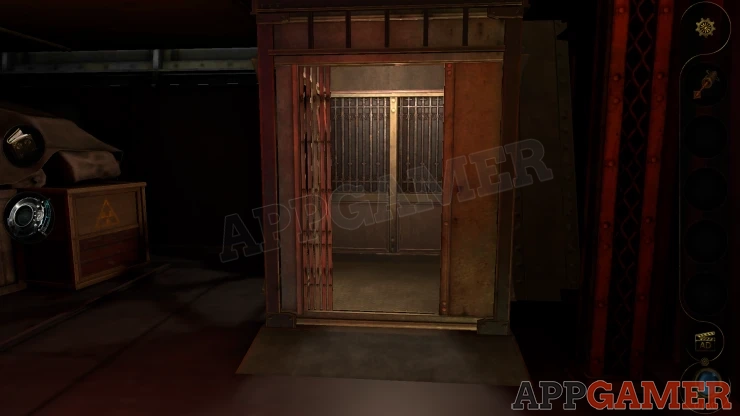
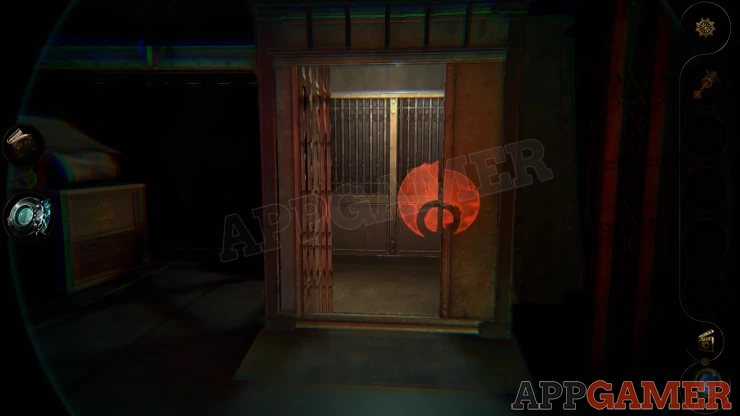
First activate the lens and you will see a red symbol, this is a clue for later.
Next go inside the elevator. View the control panel on the wall.
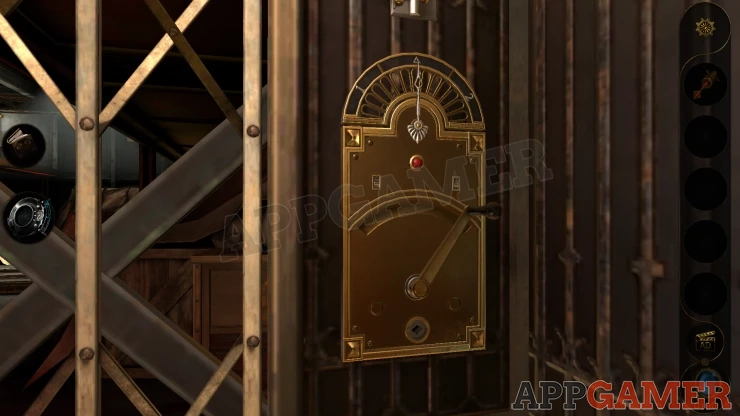
Place the Key A in the hole at the bottom and turn it. This will activate the elevator.
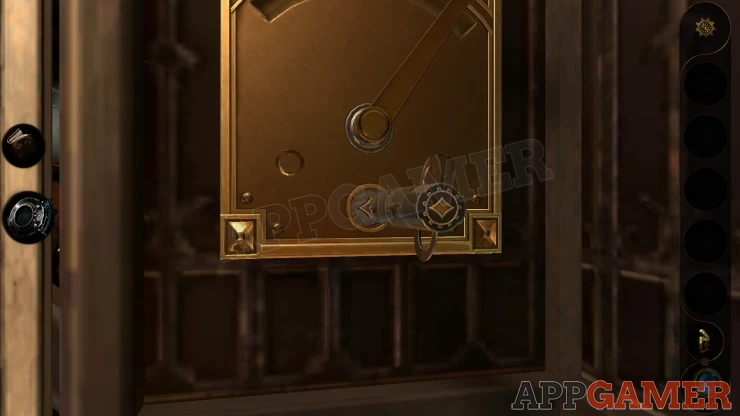
Then move the handle to the right to travel up to the next level.
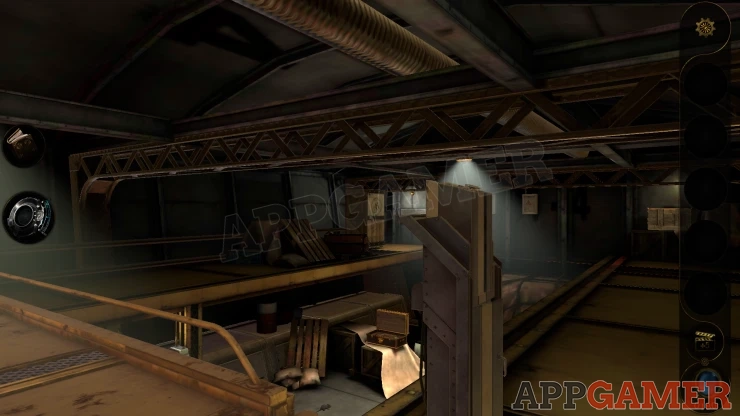
There is a walk way on the left that is a bridge to the other side. Go across here and look to the left. There is a large box on the floor and an opened panel.
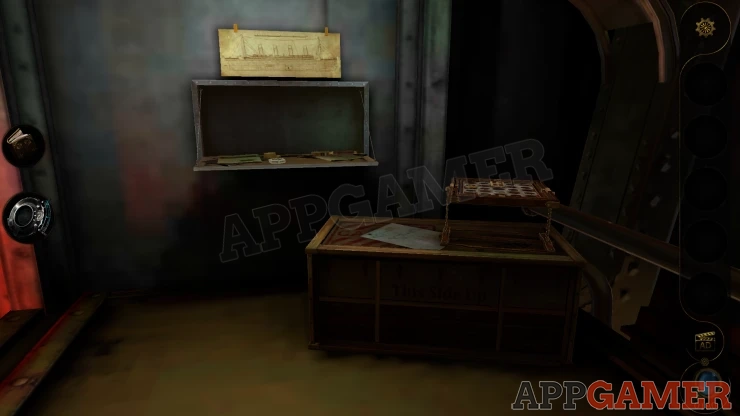
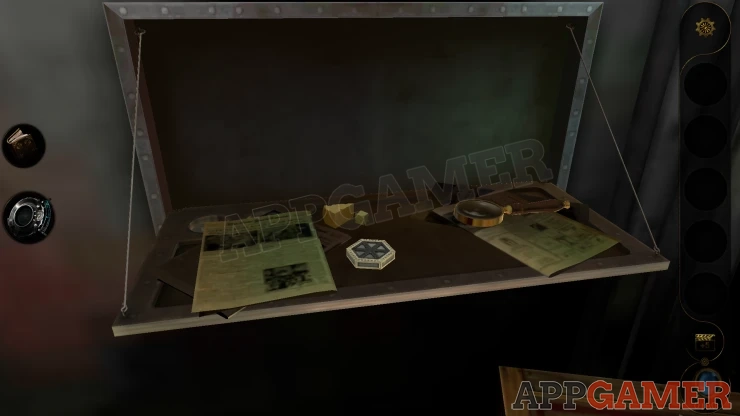
Look on the open compartment and you can collect a Hexagonal Metal Piece.
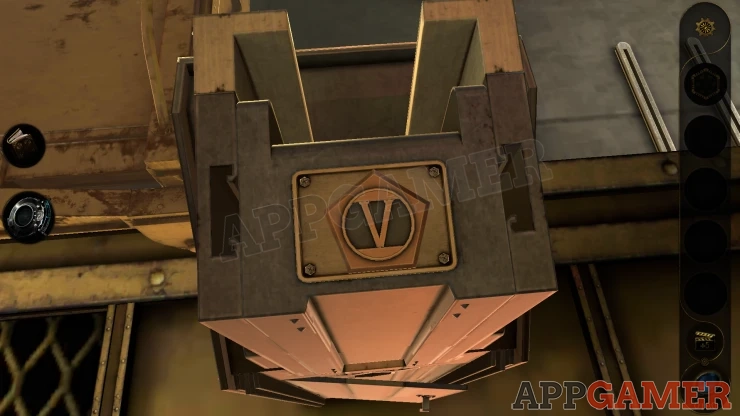
Now back up to the starting side and view the tall post next to the bridge. Look on top first and you can collect a Pentagon Metal Piece.
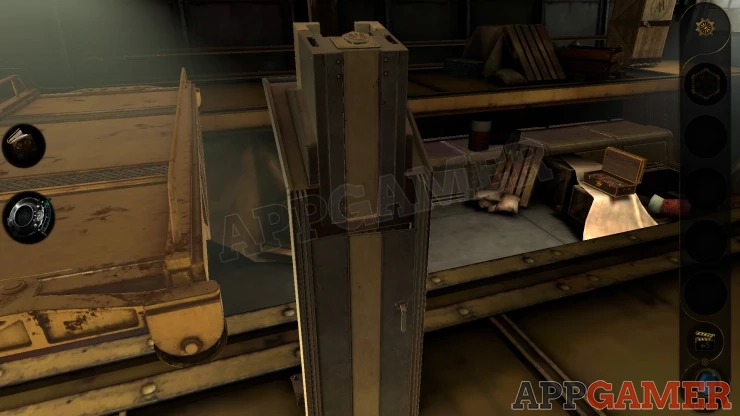
Then look lower down to see a small door, open this and look inside.
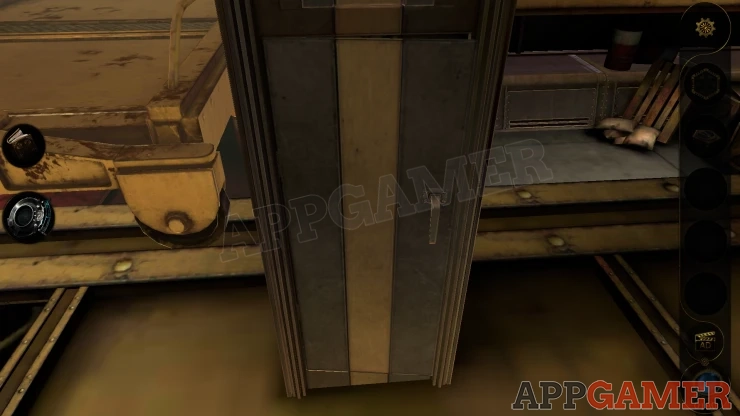
Hexagon Puzzle
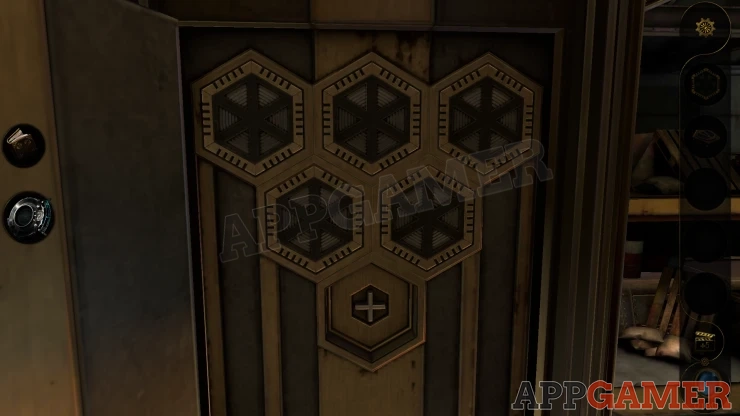
Place the Hexagon piece in the bottom slot to start the puzzle.
Use the Lens eyepiece to see that each of the pieces has a number of green lights on the six sides.
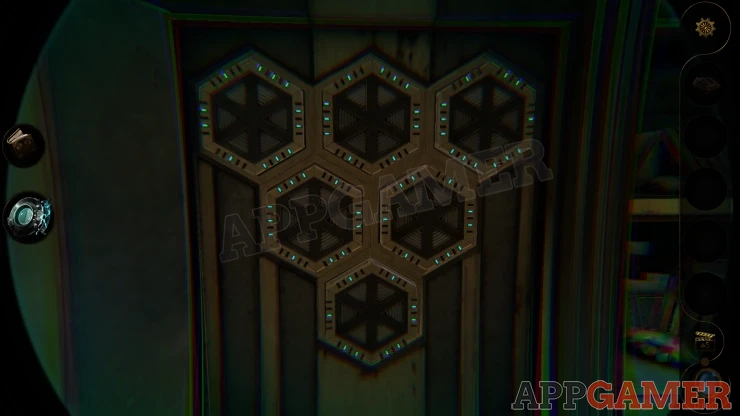
Turn the hexagons to make them all match the number of lights on the adjacent sides.
Solution: Show
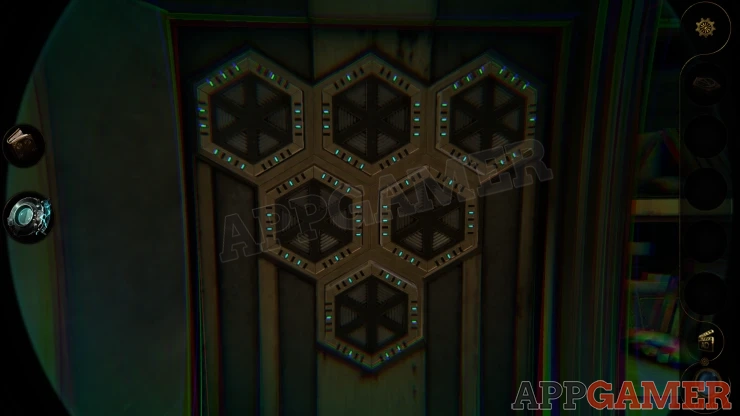
Once done you can collect a Circular Metal Piece (cheese token).
Go back to the other side of the bridge and view the small puzzle box on the larger box.
Place the cheese token here to start a puzzle game
Cheese Puzzle
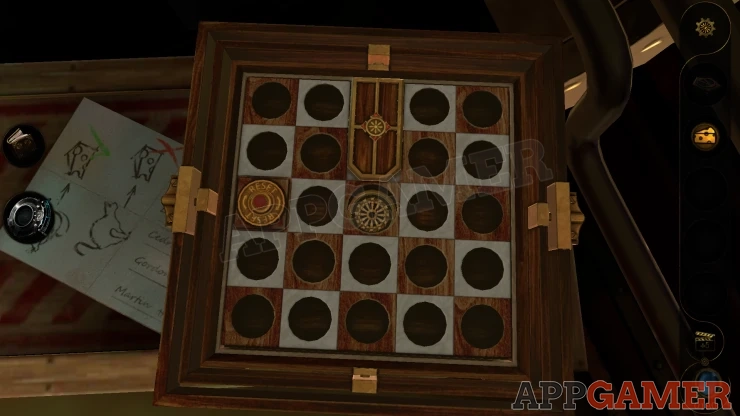
- Five tokens appear on the board, two of them with Mice and three with Cats on them.
- Notice the paper on the left with instructions. Mice getting the cheese is good, Cats getting the cheese is bad.
- Swipe the board up, down, left or right to tilt it and make all of the tokens slide in a direction.
- You need to get the 2 mouse tokens to slide to the center under the cheese without letting a cat token reach the same spot.
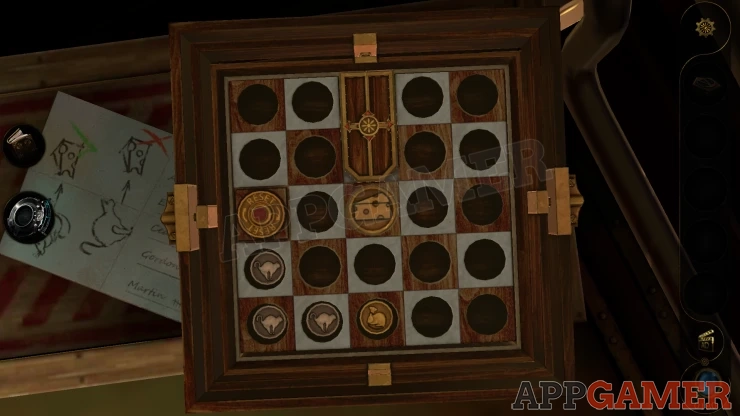
Once you complete this you can collect a Key.
Back up to the first side of the bridge again and move to the far end of the walk way to see a wooden crate.
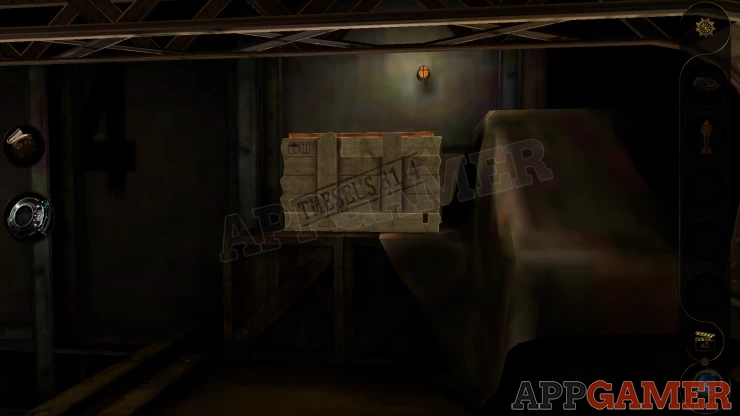
View this with your Lens eyepiece to see an arrow clue.
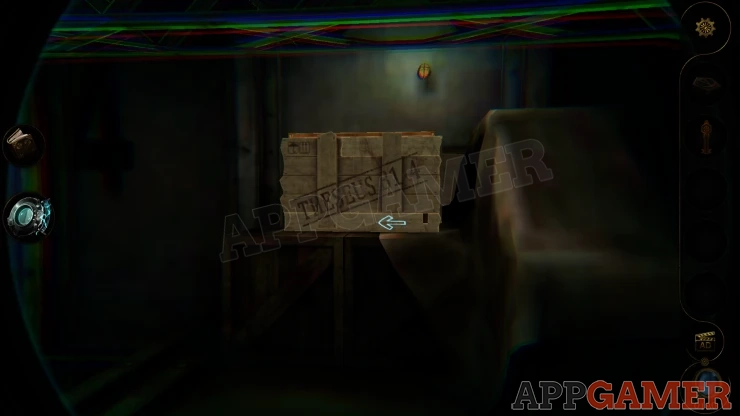
Slide the bottom plank to the left as indicated by the arrow. You can then move the right side vertical plank down, followed by moving the top horizontal plank to the right.
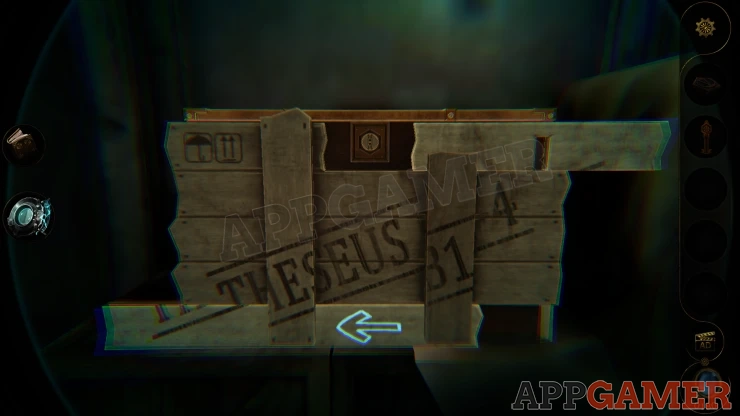
This reveals a key hole. Use the Key here and the lid will open, collect a Dodecahedron.
View the dodecahedron in your inventory and add the Pentagon Piece to a missing slot. this start a puzzle.
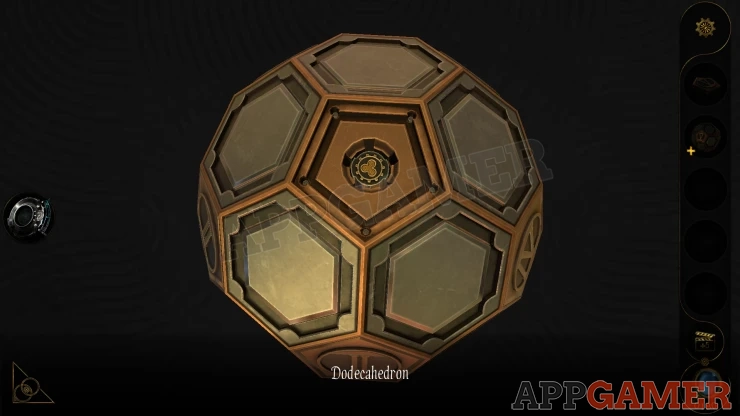
Dodecahedron Puzzle
- The puzzle has pentagon shaped panel with numbers
- Around these are hexagons that you can tap to turn on of off.
- If you turn on the matching number of hexagons next to the numbered pentagon then it will activate.
- Find the correct layout to turn on the hexagons and activate all of the numbered pentagons.
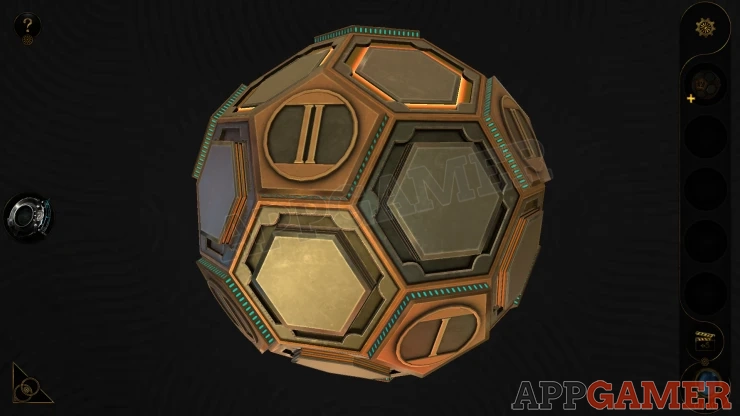
Once done you can collect the Metal Cylinder B. View this and turn the center again to open it and get the Industrial Key B.
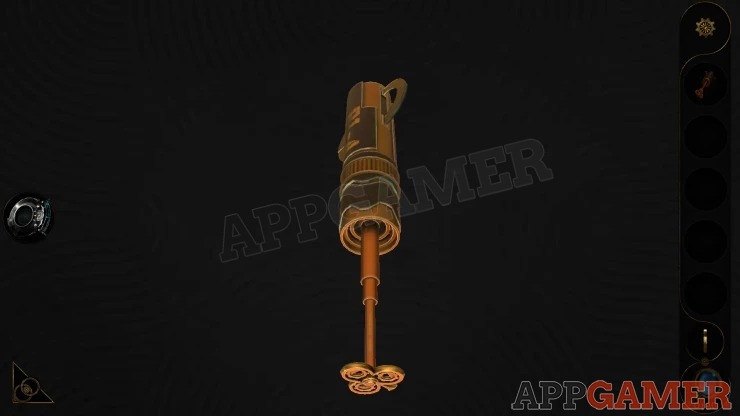
Back up and view the top of the post by the bridge. Place the Key B here and turn it. It will turn the top of the post to reveal a handle.
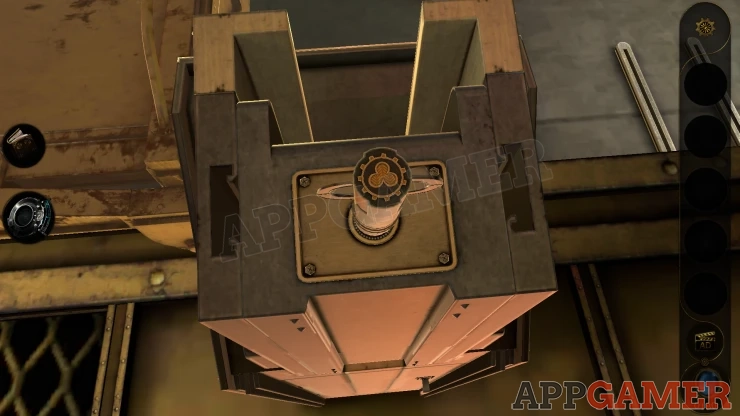
Pull the handle and the bridge will move to the far end of the room. Go across the bridge to see a large wooden crate.
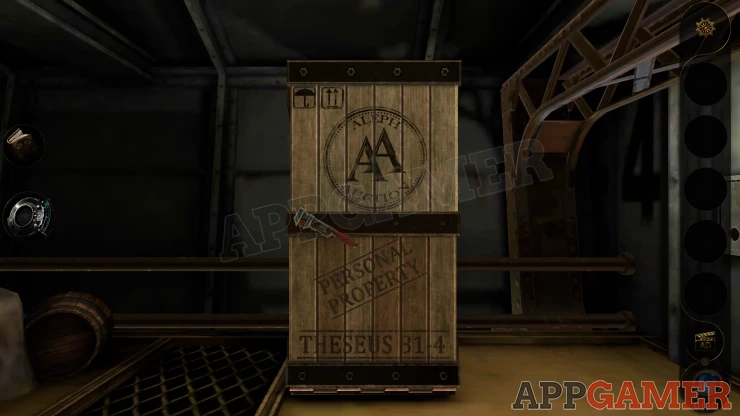
View this with the lens to see a bolt on the inside.
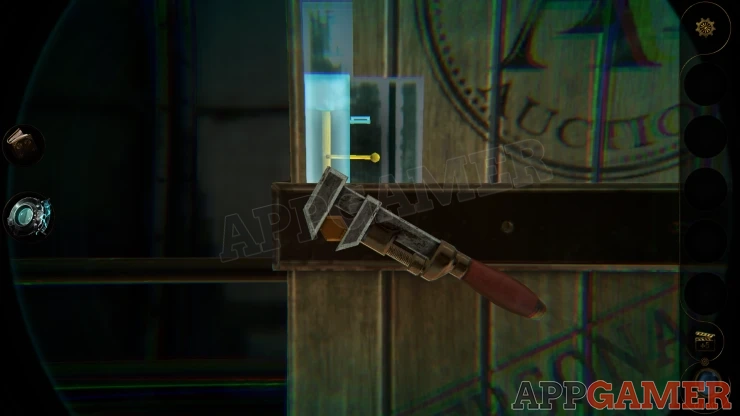
Lift the yellow bolt to release it. You can then turn the wrench on the front to open the crate. A large grandfather clock slides out.
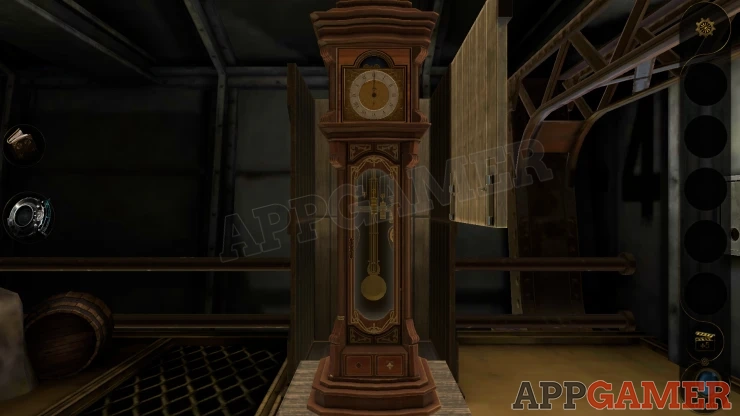
Look on the front left edge of the clock body toward the bottom to see a round dial, turn this.
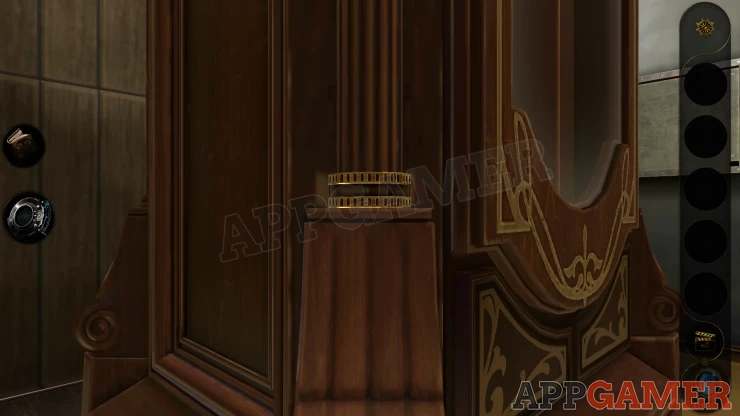
A panel opens lower down on the corner and you can collect a Square Decoration.
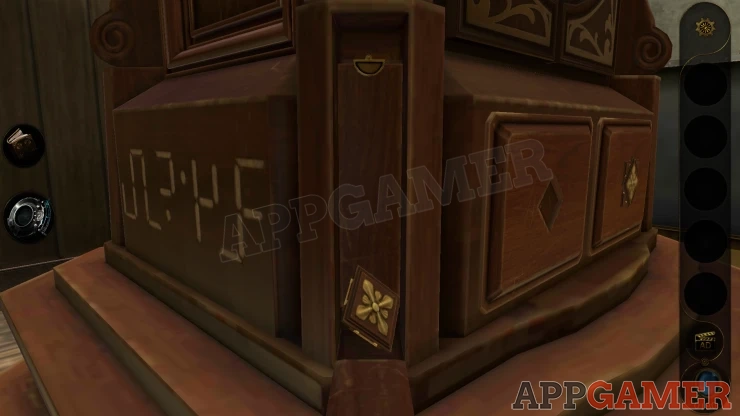
Then look closely inside the opened compartment, at the top of it is another small catch that you can turn upwards to release another panel.
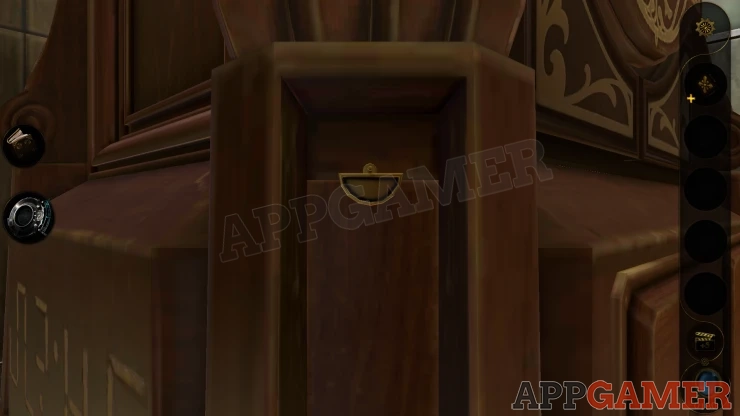
Open this and collect from inside a Handle Base.
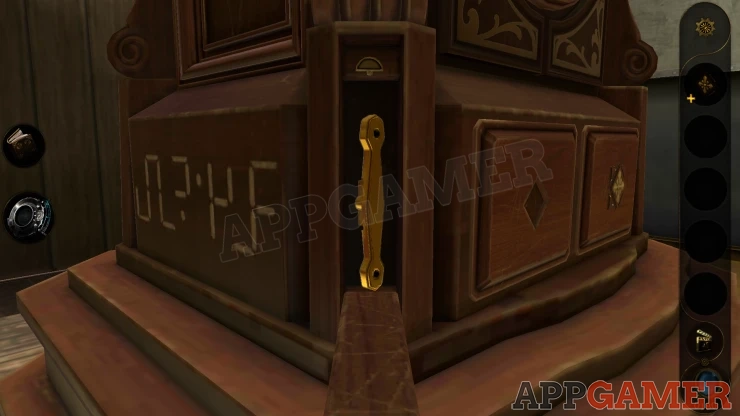
Now view the Square decoration in your inventory and turn it so that you can extend the 4 corners. Collect it again.
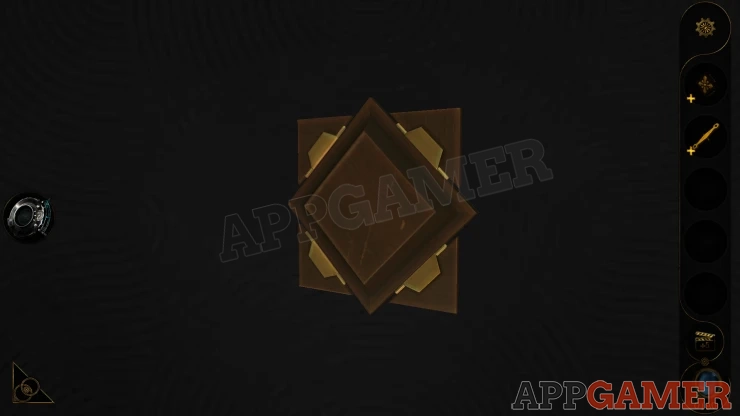
View the from bottom of the clock to see a square slot with a missing decoration.
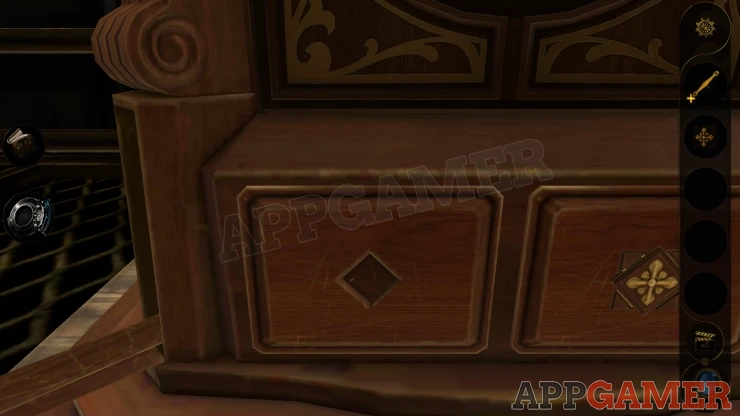
Place the square decoration here, then open the drawer that is released.
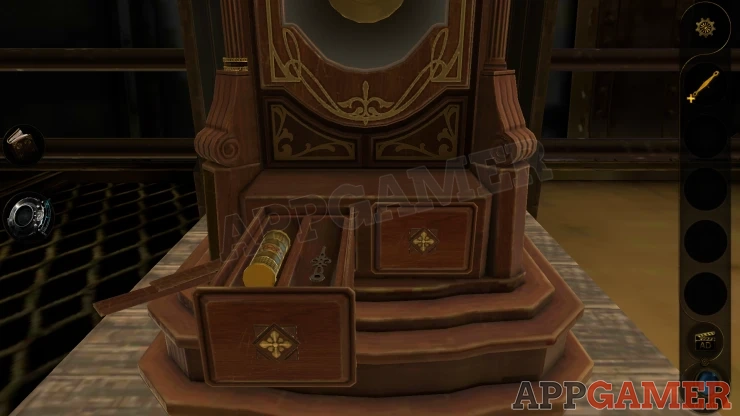
Collect a Brass Counterweight and a Pointer (clock hand).
Look on the bottom left side of the clock body to see a clue with lines. This is jumbled.
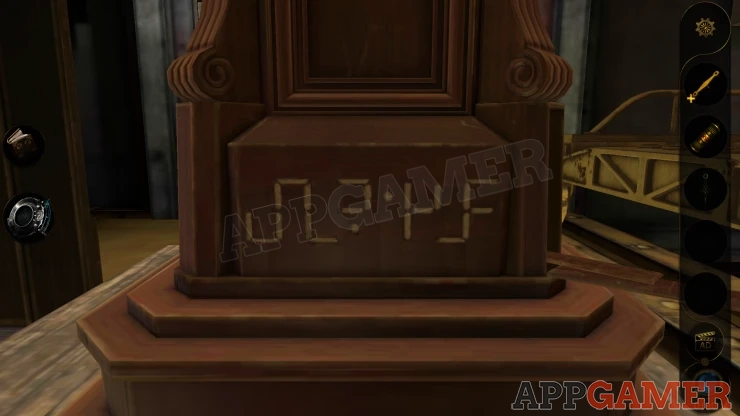
Now view the clock face and add the hand to it. You can now set the time on the clock using a clue.
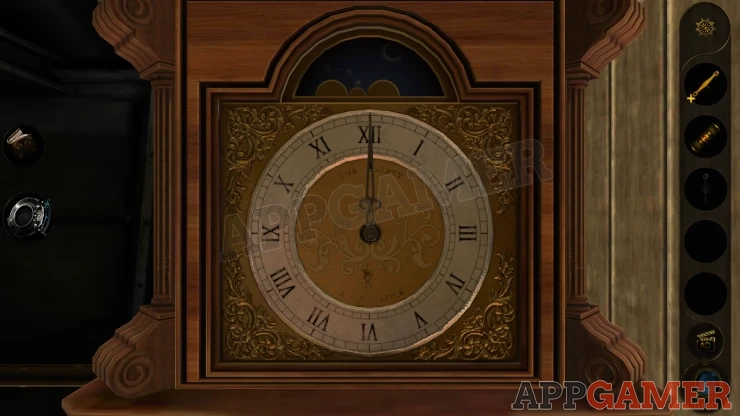
Solution: The jumbled lines on the bottom left of the clock have had the lower section moved 1 step to the left. If you move the lower line section (below the mid line) to the right you will see a digital time. 02:45Show
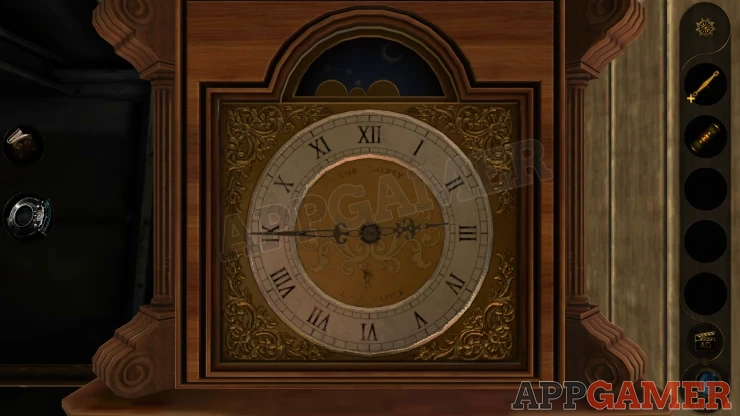
Set the time and then you can collect a Handle part. View the Handle base in your inventory and then add the handle part to it, you now have the Complete Handle.
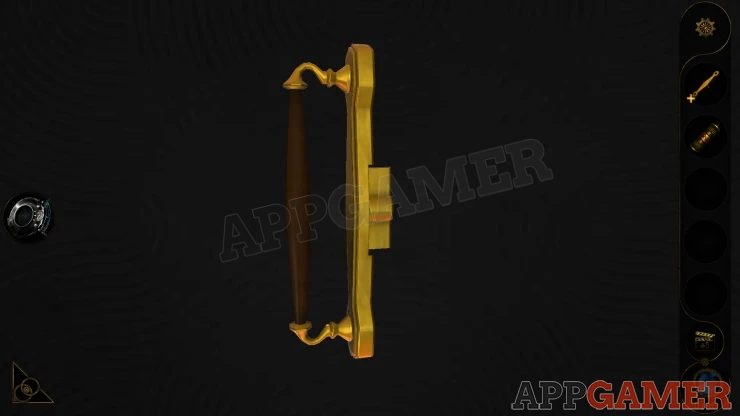
Next view the front glass door of the clock and you can place the handle on the left.
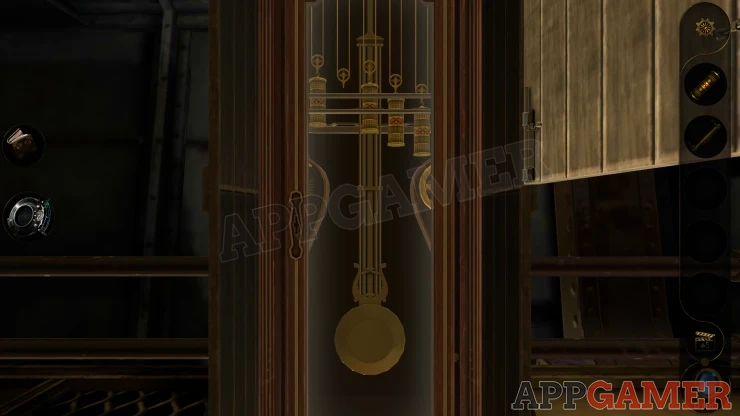
Open the door to see 4 weights hanging with one missing.
Place the weight that you have here to start a puzzle
Clock Weight Puzzle
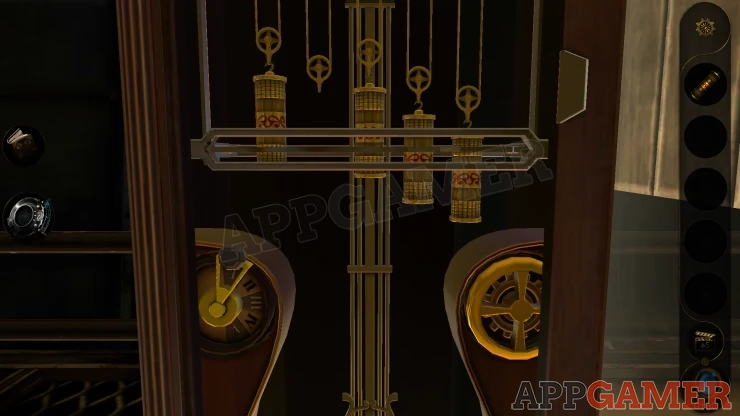
- There are five weights, each with a red decoration around the center. They are at different heights.
- Below are two controls. The left one has five settings which selects one or more of the weights.
- The right one allows you to move the selected weights up or down.
- You need to get all 5 weights lined up with the red decoration in the center.
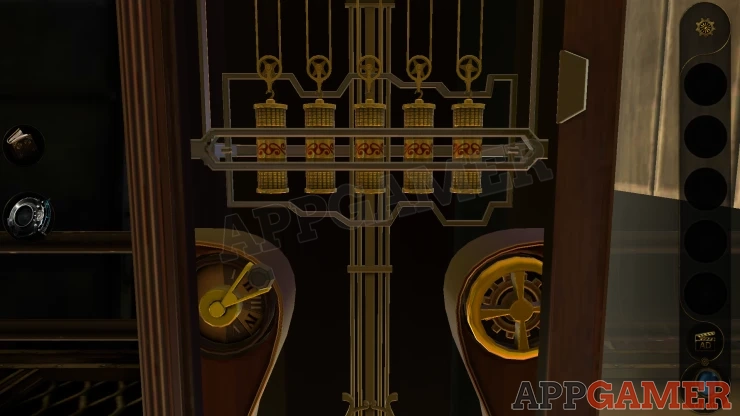
Once done you can collect Metal Cylinder C
View this in your inventory and turn the center to open it up into Industrial Key C.
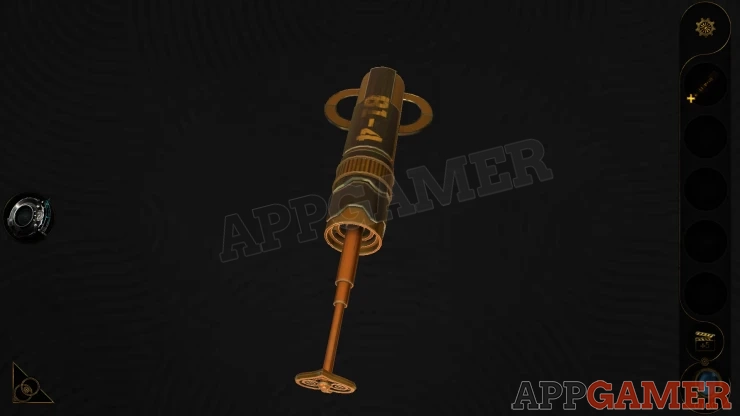
Look again at the weights in the clock and use the lens eyepiece. You will see a blue symbol. This is another clue for later.
Back up onto the bridge and look at the wall box on the right.
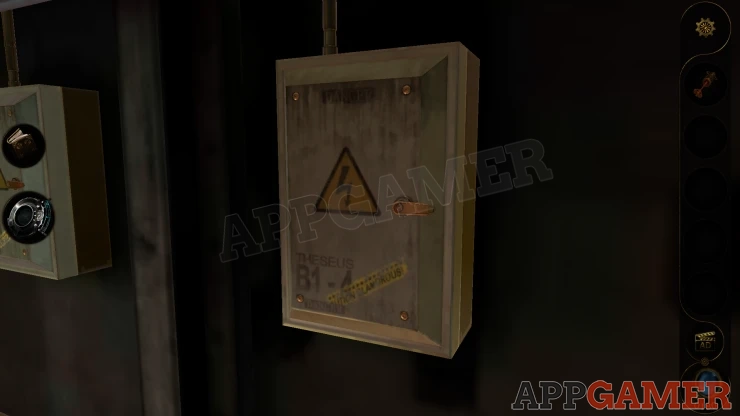
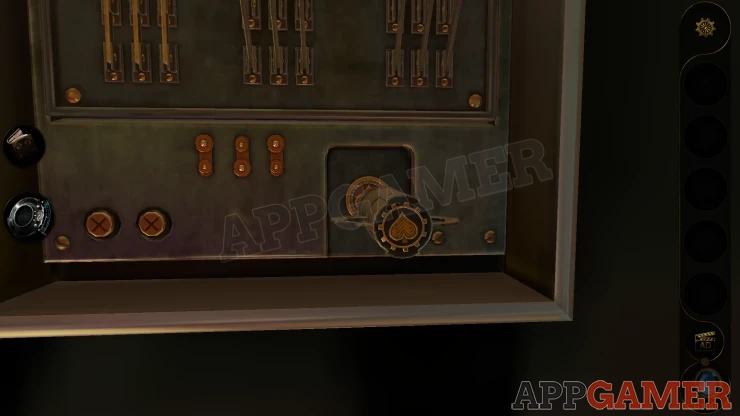
Open this and then you can place the Key into the socket at the bottom. Turn it to activate the switch panel.
One of the switches moves. Move this down.
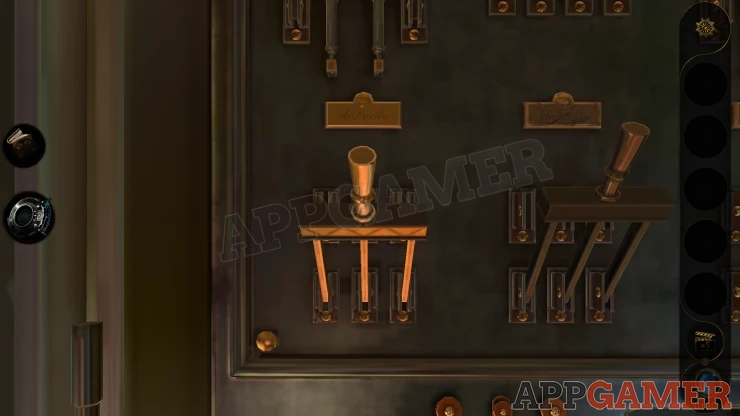
You will then see a panel open on the lower floor.
Before moving look to the left down to the ground floor area and use the lens. You will see a symbol that is partly on the walkway and partly on the lower floor. This is a third clue for later.
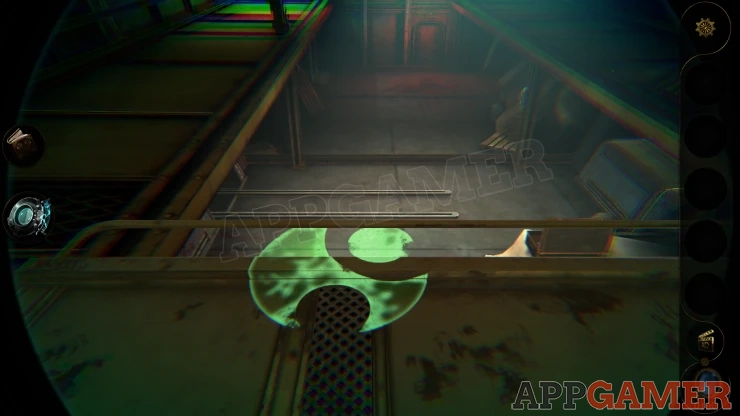
Back up to reach the elevator and use the control to go down to the lower level.
Move forward and fist view a wheel control on the left side. Turn this and a box will slide out of the opened container.
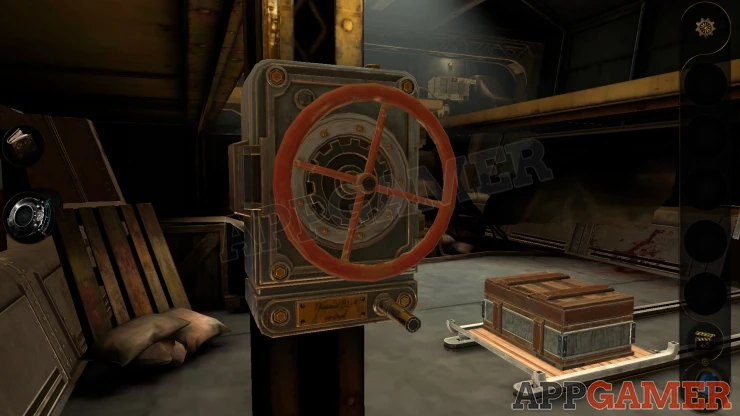
Now view the box, first use the lens here and look on the wall beyond the box to see a yellow symbol. You have now seen 4 colored symbols around the room.

Open the lid of the box and look inside to see 4 dials. Use the lens eyepiece and you will see they each have a color
Box Symbols Puzzle
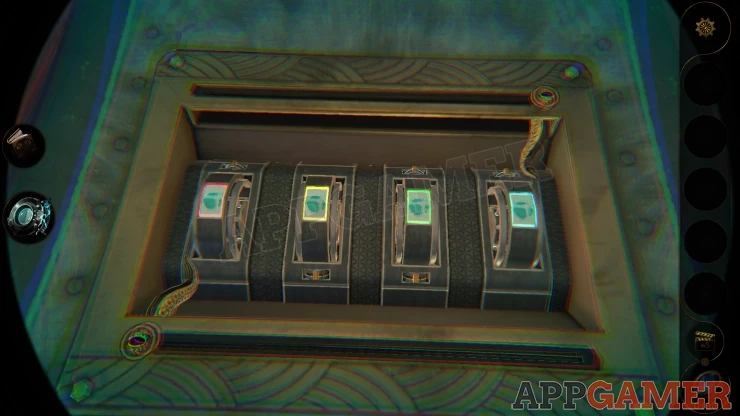
- Each of the 4 colored dials have a symbol on them.
- Above and below are 2 tentacle like pointer that you can slide to the left and right.
- As you move these past some of the dials the symbols will be changed if there is a switch.
- Use these to change the symbols to match the ones that you have seen around the room.
Solution: Show
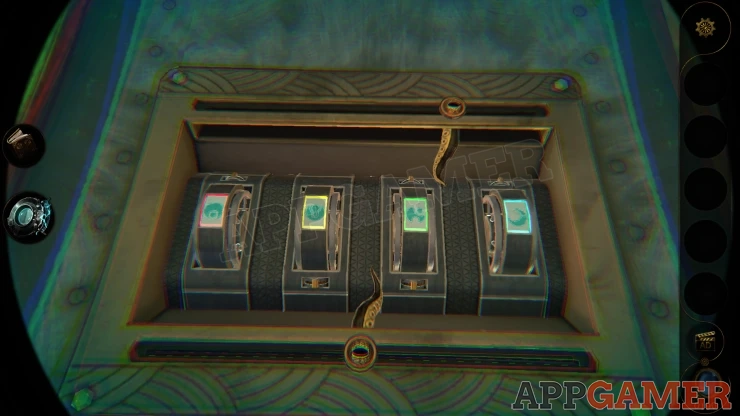
This finally opens the box and a glowing tetrahedron will rise up out of it.
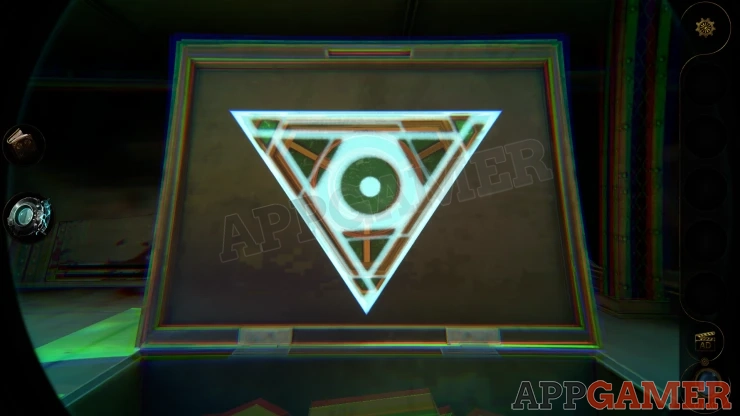
In lens view there is a different pattern of lines and shapes on each side of the triangular pyramid.
The pyramid will have 4 points / corner that you can rotate. Turn these so that all sides match the correct patterns.
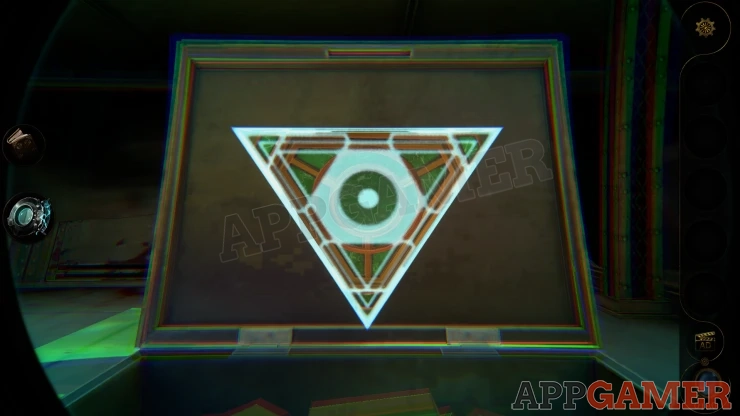
Once done it will open up to find a purple crystal inside. Use the Lens to see a marking on it and then tap it to collect it.
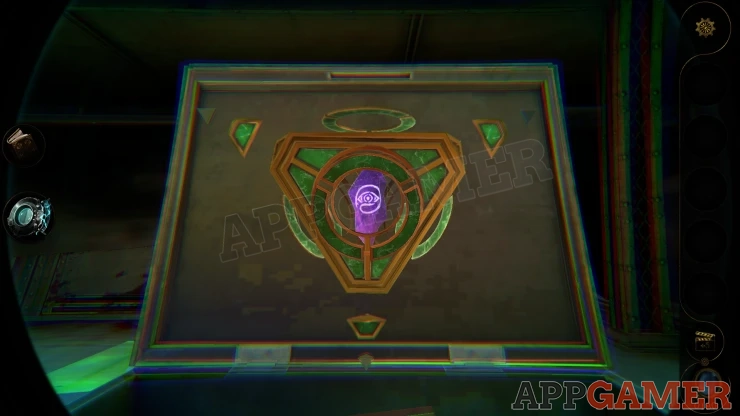
This will complete the Cruise ship chapter. You will return to the manor house. Head out to the hallway and go to the Organ on the stairs again.
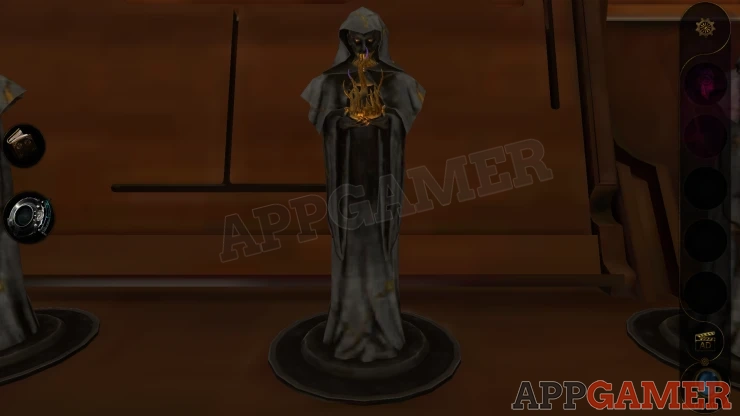
View the third small figure and place the crystal. You will then collect the next Metal Container.
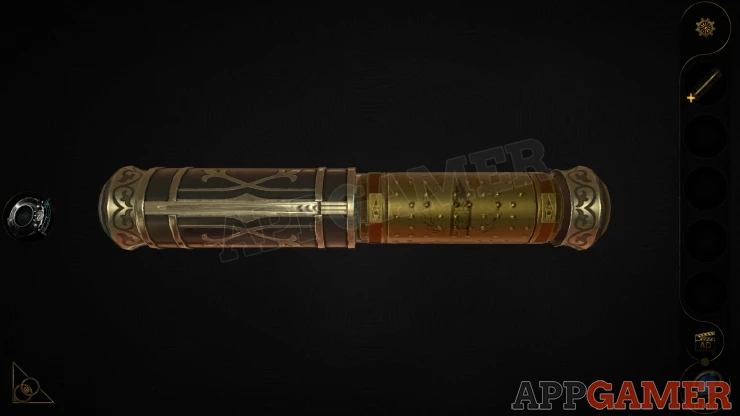
View this and open it as before to get the Metal Cylinder D.
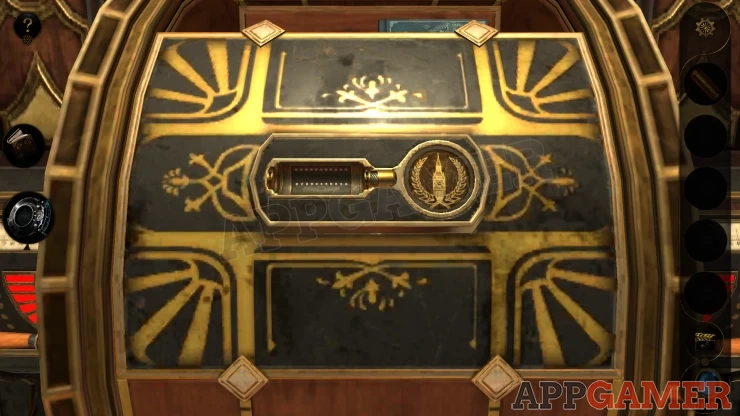
Go back to the study and use this to open the net panel on the device to begin the next chapter.
Move on to Chapter 4
 With 20 years of experience in creating video game content for the internet and over 30 years as a gamer, Mark is now a passionate mobile App Gamer. Loving a challenge, he is always ready to get stuck in to both survival builders and puzzle solving games. He has been providing content for AppGamer since 2014.