
Chapter 4 - Grandfathers Laboratory Walkthrough
More 3D Escape Room : Mystic Manor
This is our guide to Part 5 of chapter 4 of 3D Escape Room : Mystic Manor. You have completed all of the mystery locations that you traveled to via the books in the study.
Now you are back in the Manor house and have uncovered the entrance to your Grandfathers secret laboratory behind the organ.
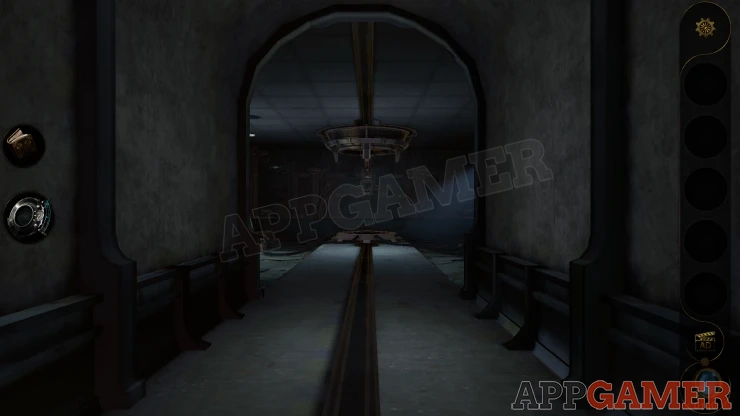
Grandfathers Laboratory Walkthrough

On the left of the room is a desk.
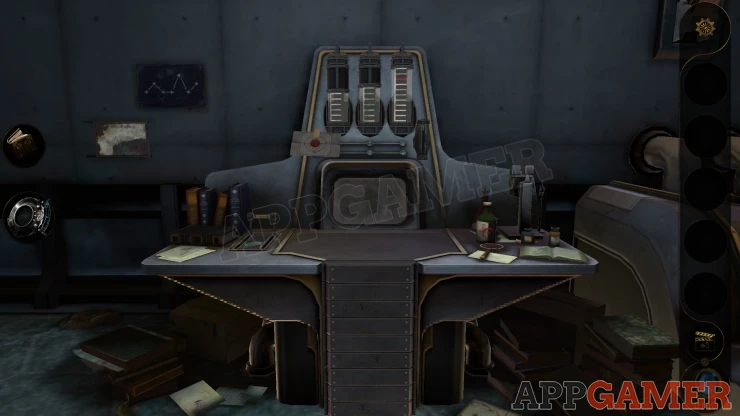
First look on the wall to the left of the desk to see two notes. These are clues.
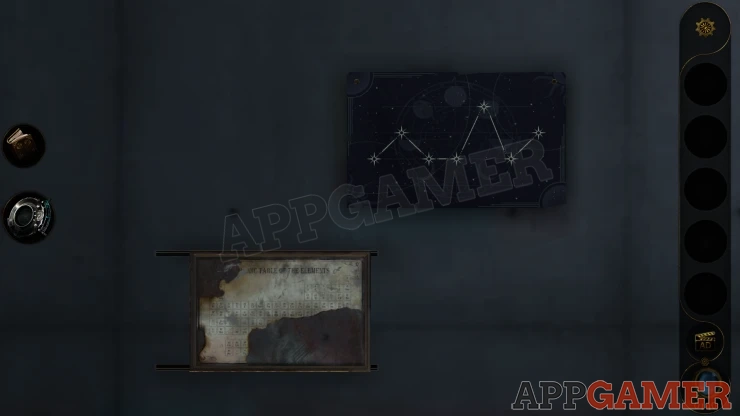
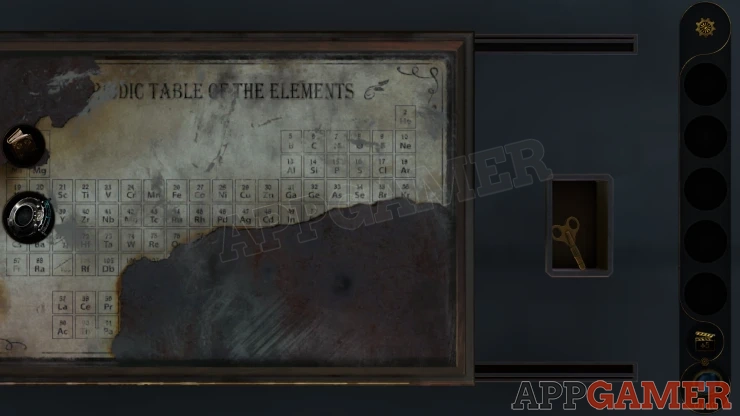
On the right is a line graph, then look on the left at the torn Periodic table of elements. Slide this to the left to find a 'Spring' to collect.
Now view the desk, on the left is a lever. Notice the green symbol on it, and then pull the lever.
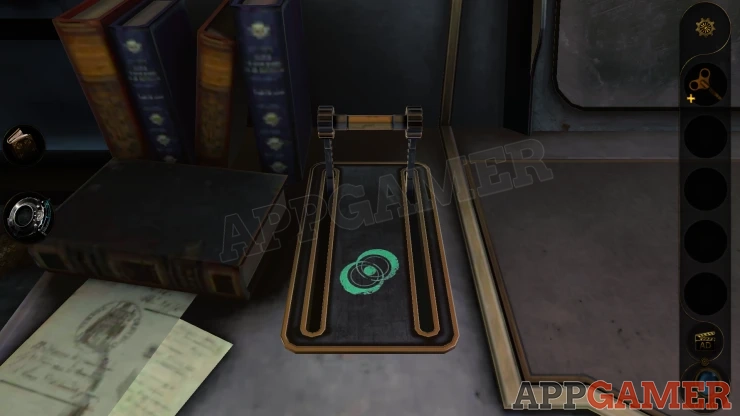
The desk top transforms and the screen will turn on. Collect a Letter.
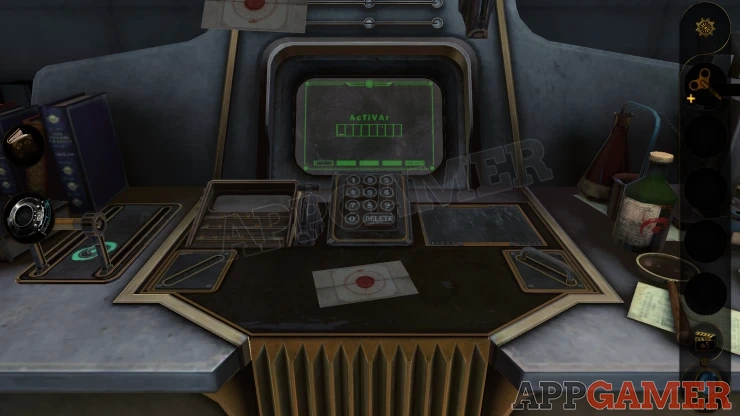
Look at the screen, there is a code entry with a number keypad, and the clue AcTiVAr. Use this to get the code.
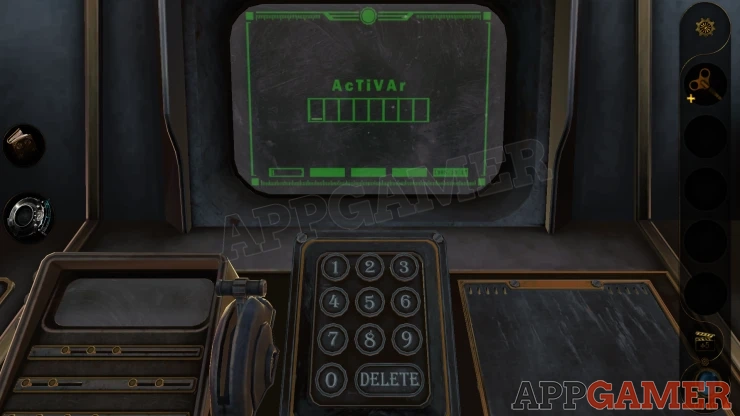
Solution: Look at the table of elements and find the numbers for the elements shown as Ac, Ti, V and Ar.Show
Code: 89 22 23 18Show
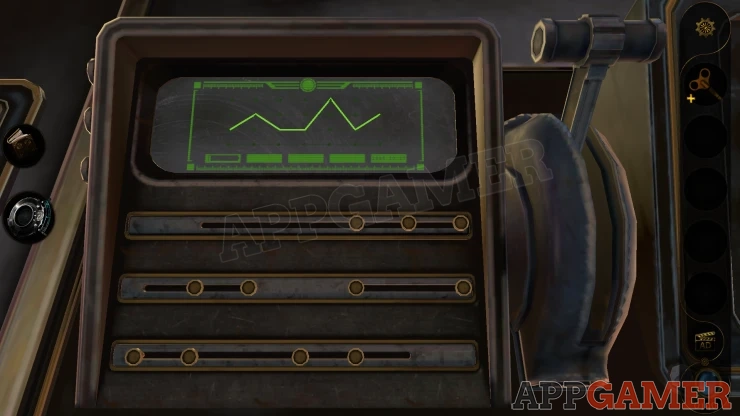
A panel flips over on the right and a smaller screen device activates on the left. This will show a line graph and there are 3 rows of buttons below that you can slide.
Graph Puzzle
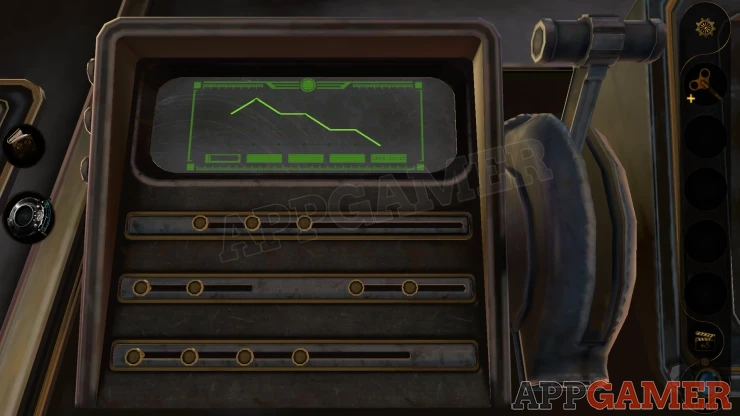
- Moving the sliders will adjust the shape of the line on the screen.
- Adjust the line to match the clue seen on the wall.
- When you have it correct pull the lever to complete this puzzle.
Solution: Show
Now look on the lower right of the desk top. There is a handle that you can then use to lift up a box.
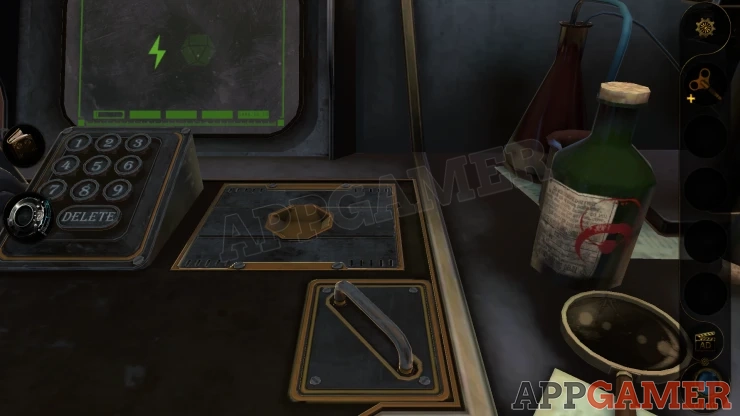
Notice on the right is a green bottle and it has a red symbol on it.
Now use the lens eyepiece to view the box.
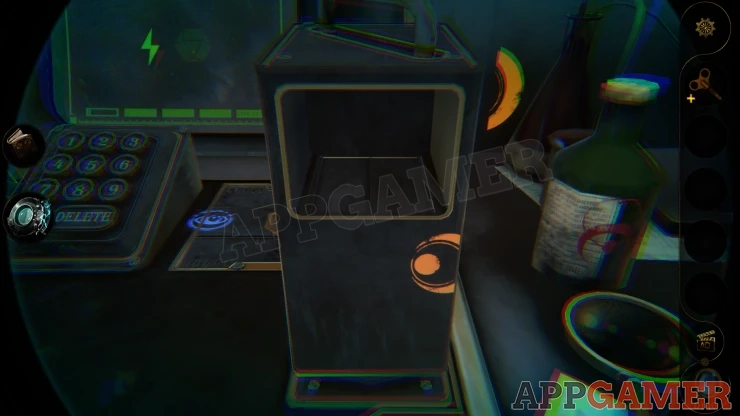
You will see a blue symbol on the deck top behind and also two parts of an orange symbol. Part on the box and part on the wall behind it.
Line these up to see the full orange symbol.
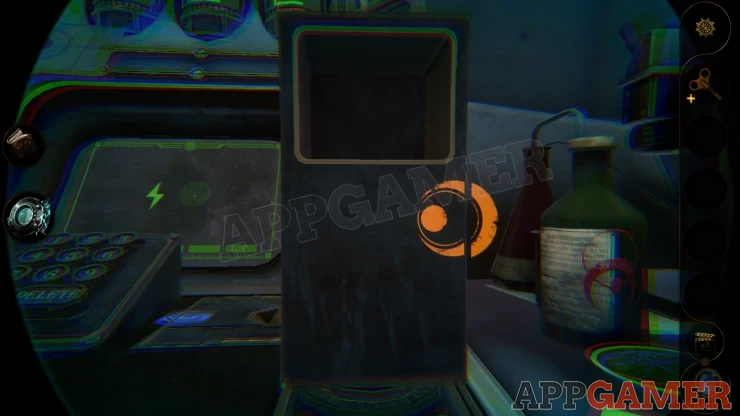
Next rotate the box around to see that there are 4 symbols on the back. Using the lens eyepiece you can see that these each have a color around them.
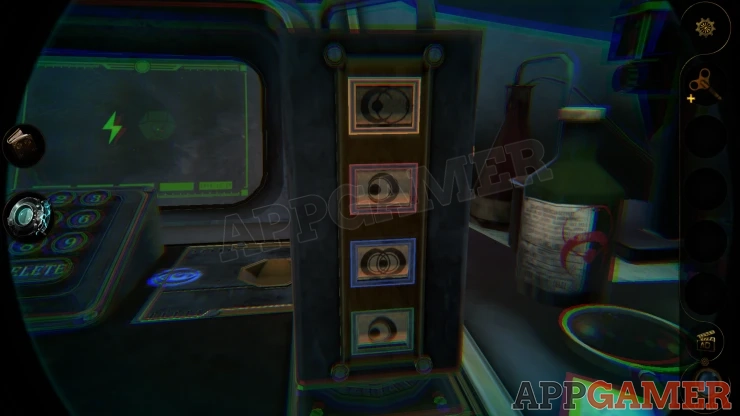
Slide the symbols to change them and set them according to the 4 colored symbols you have seen.
Solution: Show
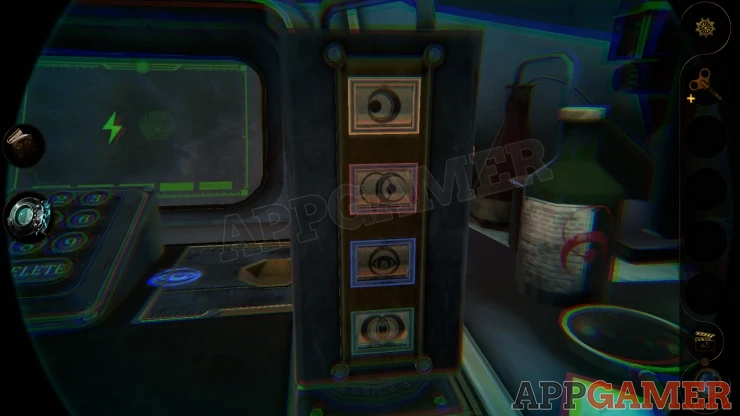
Collect a Cube from the box.View the cube in your inventory and turn it to see the top with a purple semi circle.
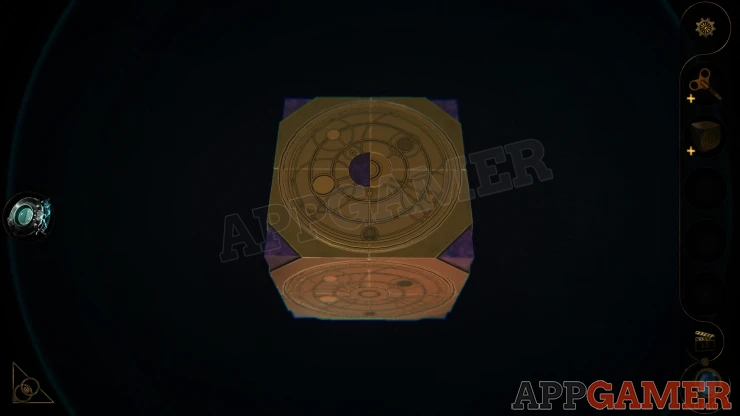
Rotate this to the left and then you can flip open the cube.
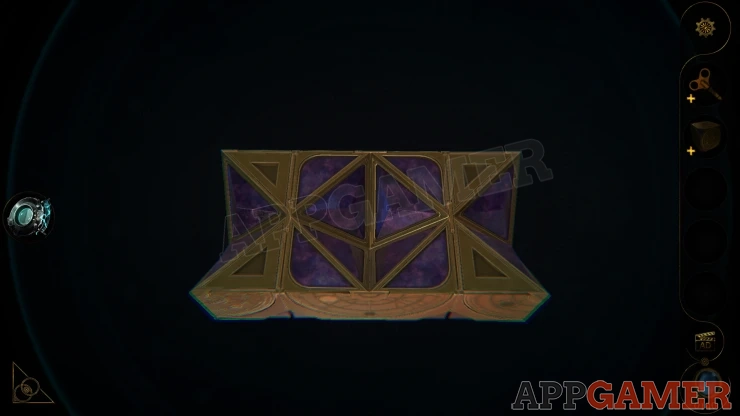
Once it is flat, flip the bottom section down as well and then close it back on it self.
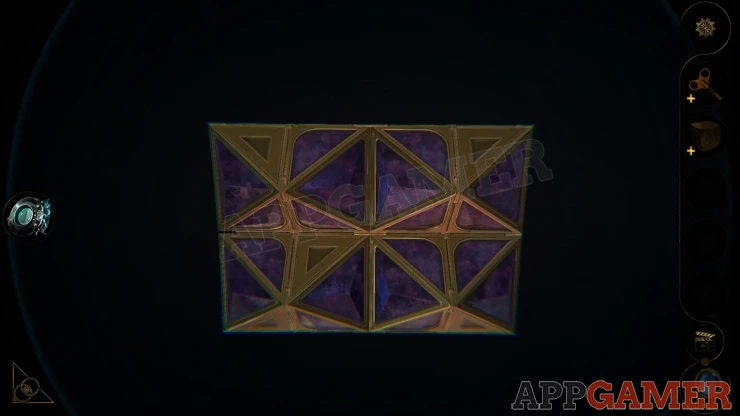
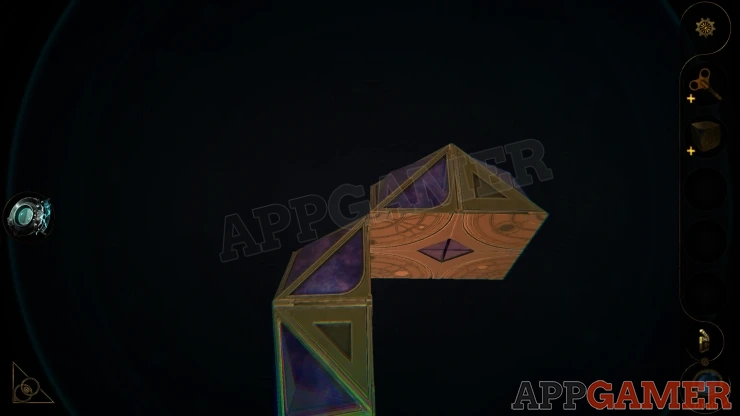
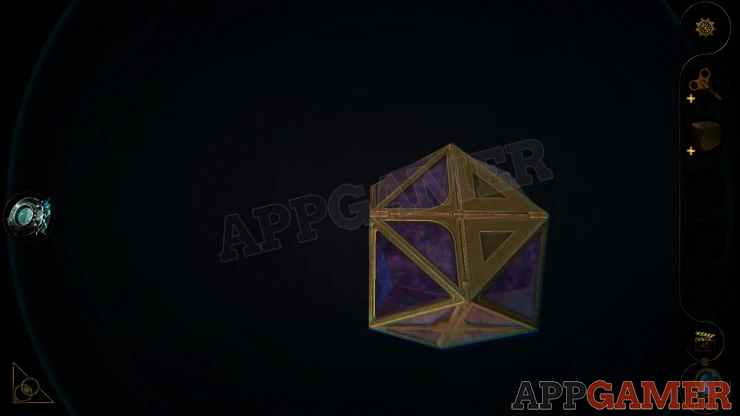
You collect a Tetradecahedron.
Noe view the opened panel on the right of the desk and add the tetradecahedron to the slot in the center.
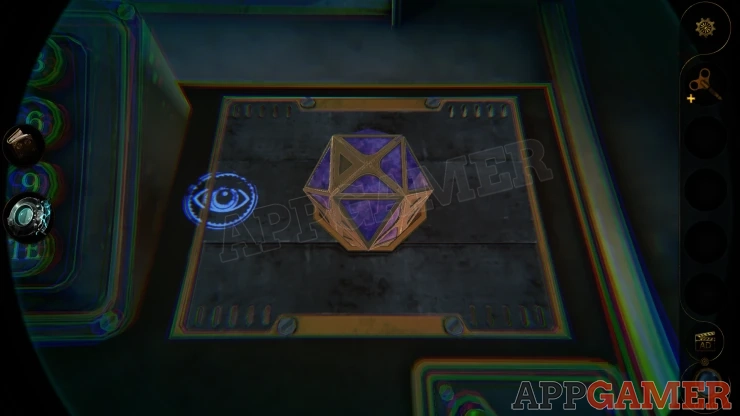
The machine is ready and you will see water flow into two of the three cylinders above.
Collect a letter.
Cylinder Puzzle
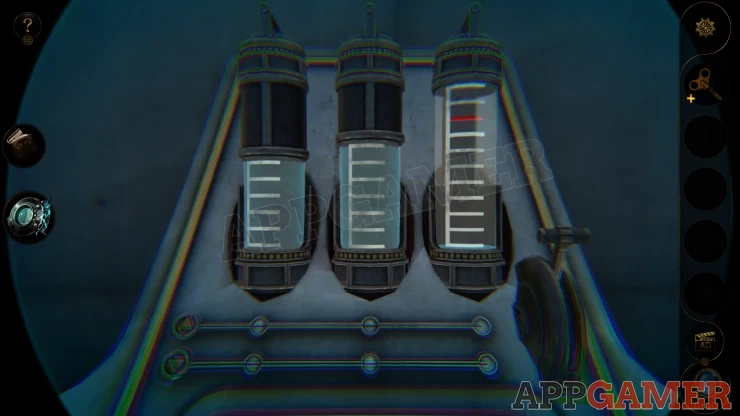
- There are two cylinders with water, these have up to 5 and 6 units.
- There is one that is empty, it will hold up to 10 units but you need to fill it to 8.
- Below the cylinders are two sliders, one will sett where the water is to go to and the other will set where the water comes from.
- Pulling the handle on the right will allow the water to flow according to the slider settings.
- You can set the sliders to the far left to allow more water to enter from outside the system, or for water from a cylinder to flow away.
- Fill the right cylinder to the red line at level 8.
Solution:
Fill Right tube to the 10 Empty the middle tube. Empty 6 from right to the middle, right now has 4 in it. Empty middle Move 5 from left to middle. Move 1 from right to middle. Right now has 3 Fill left (5) Move 5 from left to right. Right now has 8.Show
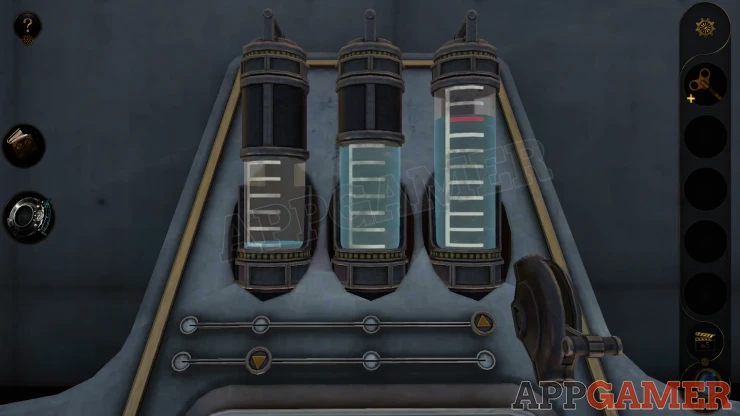
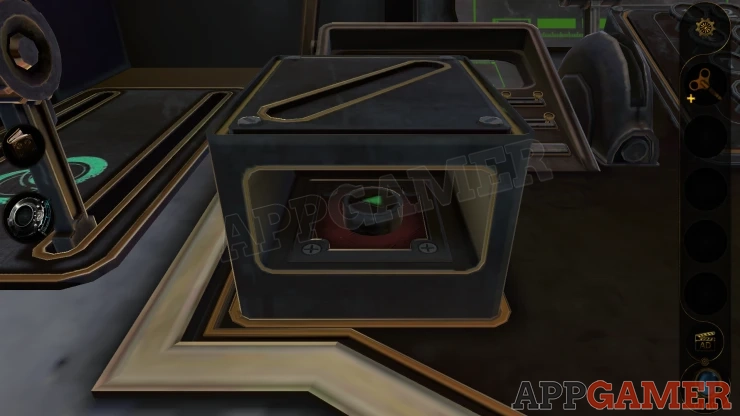
Once this is done. some water system activate int he center of the room. Then a small box pops up on the desk. View this and collect a Button.
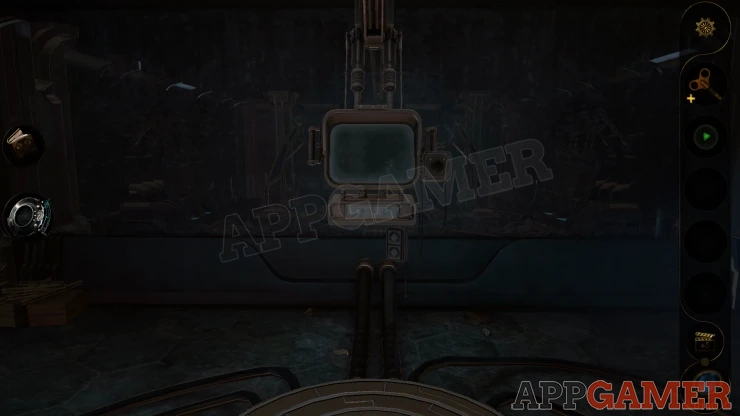
Now look at a monitor that is hanging in the center of the room.
View the 'Spring' that is in your inventory and turn the center dial to open it up and collect the Key.
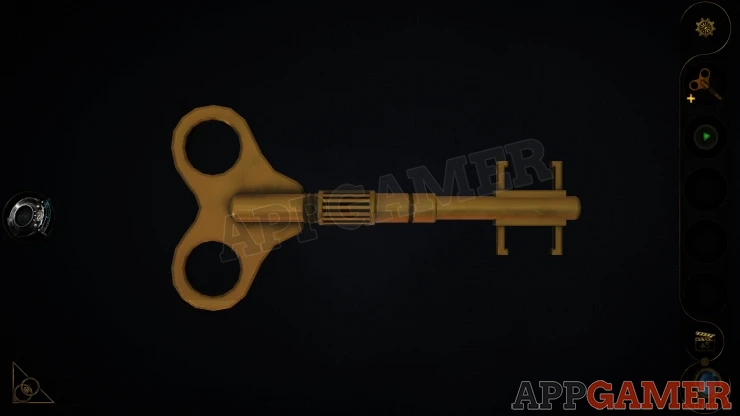
Next look on the left side of the box below the screen. Use the key here in the slot and the screen will turn on.
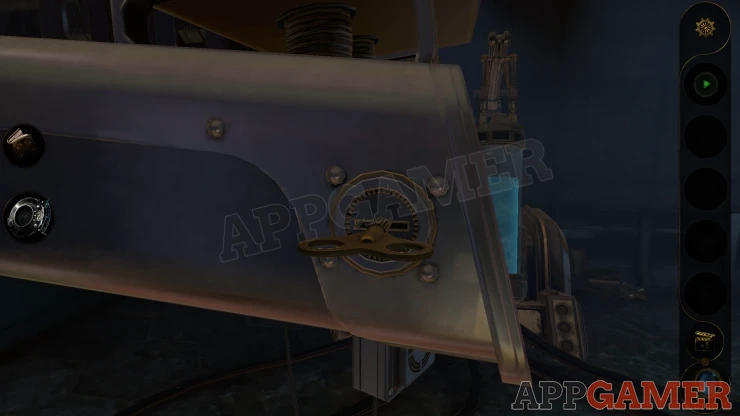
Place the green button on the left of the opened box below the screen.
Console Puzzle
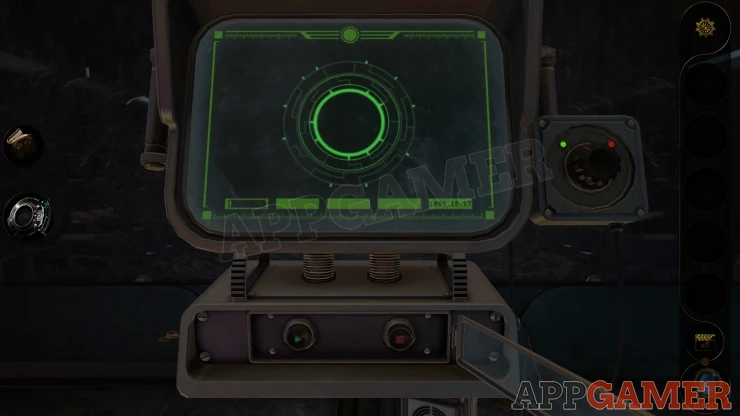
- On the screen there is a circular pattern. This is made up of 3 parts.
- The center part is brighter and is fixed in place.
- There is a second ring that will rotate if you press the green play button.
- You can stop this at any time with the red stop button.
- You need to stop it when the lines on it are aligned with the ones on the inner circle.
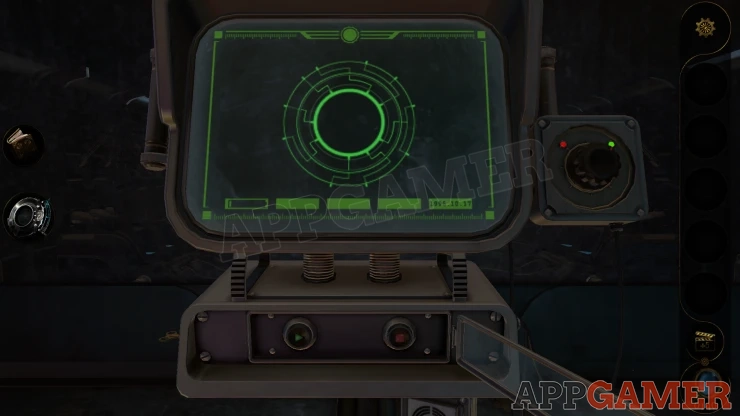
- On the right is a selector switch, the green light is on the left to indicate the inner ring.
- Turn this to the right and it will select the outer ring. Using the play and stop buttons will now control the outer rings movement.
- Get all three rings lined up so that the lines connect together.
Solution: Show
Once this is done you will be shut into a tank, it will fill with water.
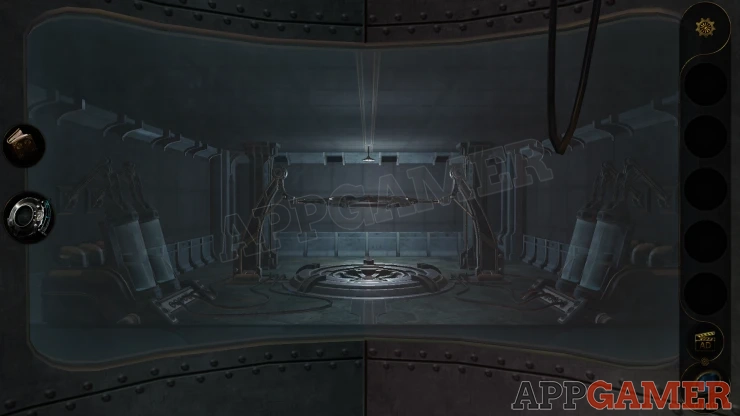
You now watch the rest of the events of the game.
This is the end of 3D Escape Room : Mystic Manor . We hope the guide was useful for you. If you still have any questions about the game please check the Answers Page for more help.
 With 20 years of experience in creating video game content for the internet and over 30 years as a gamer, Mark is now a passionate mobile App Gamer. Loving a challenge, he is always ready to get stuck in to both survival builders and puzzle solving games. He has been providing content for AppGamer since 2014.