
Tricky Doors Walkthrough Level 22 - Drifiting Tanker
More Tricky Doors
Drifting Tanker is the twenty-second level in Tricky Doors, an escape room adventure game from Five-BN Games. In each chapter of Tricky doors you will find yourself lost in mysterious locations, find the clues and solve the puzzles to escape.
In episode 22, you find yourself adrift in the ocean on a oil tanker with no one else to be found. You need to escape from your cabin and then find a way to take control of the vessel.
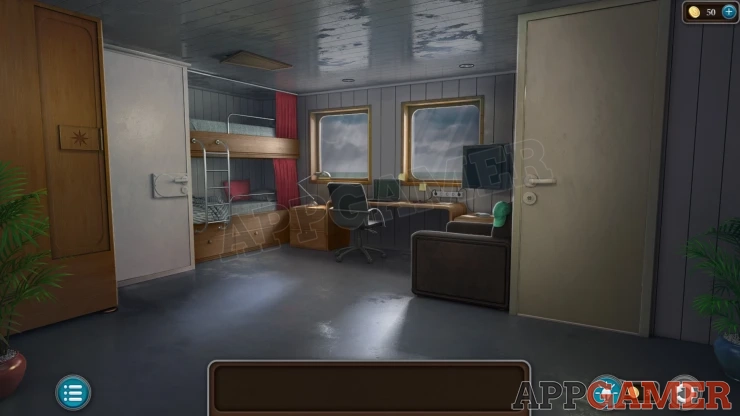
Tricky Doors Level 22 - Drifting Tanker Walkthrough
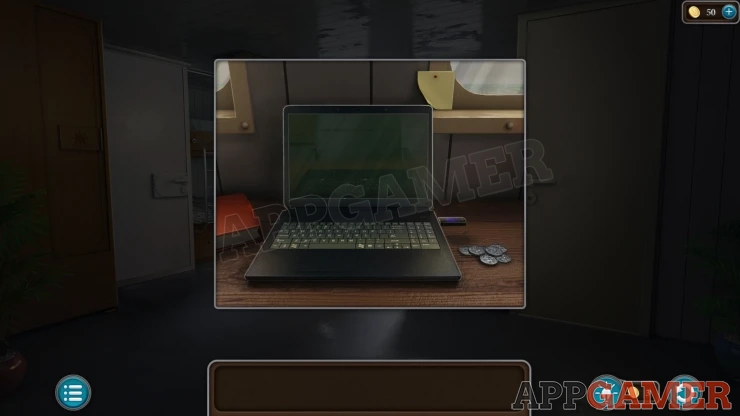
View the desk with the laptop under the window and collect a Coin.
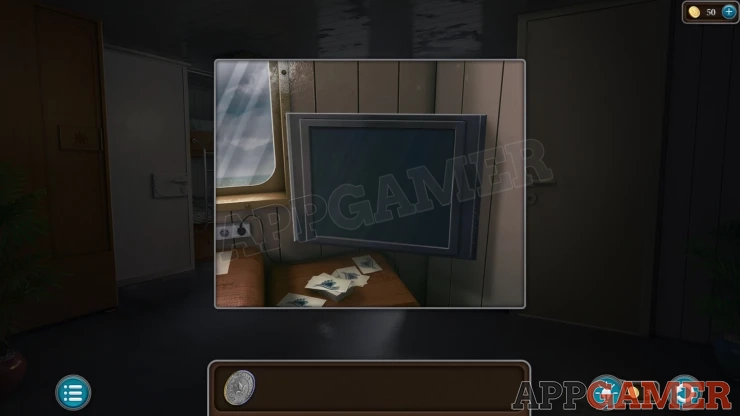
Then view the TV screen on the right and tap it to collect the Monitor, and then from behind it a green Button (1 of 4).
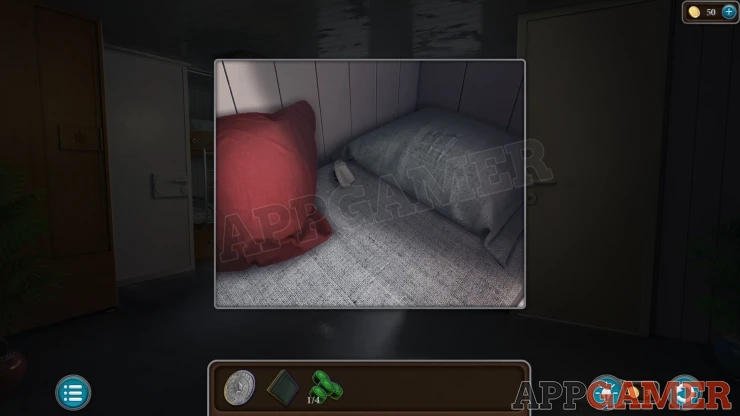
Next look on the lower bed and move the red cushion to collect a Door Latch.
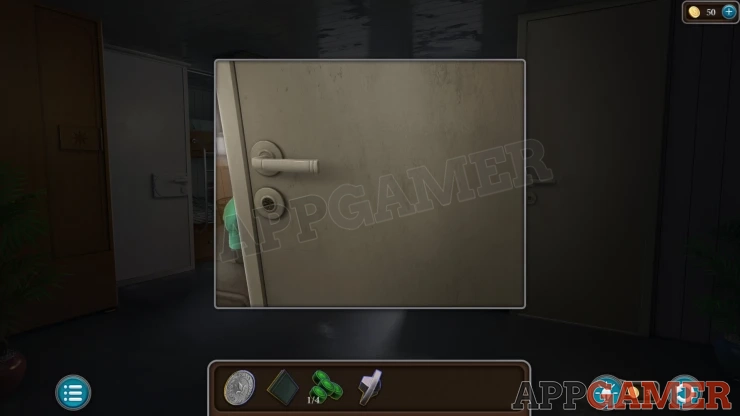
View the door on the far right and then you can add the Door Latch to it to open it. This is the bathroom.
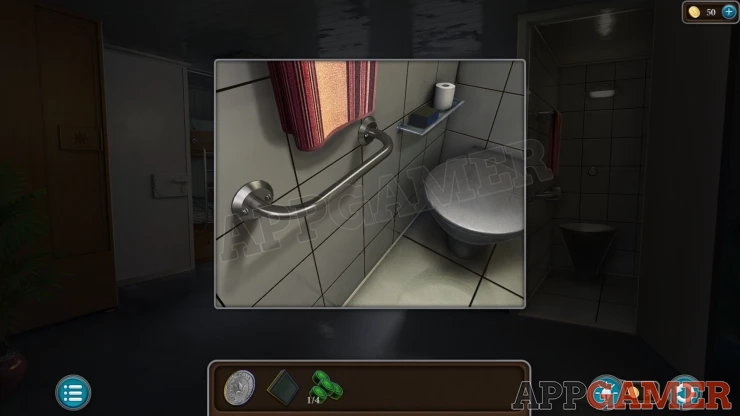
Look inside and collect the Sponge from the small shelf. Then use the coin on the handrail to remove the bolts. You will collect the Holder.
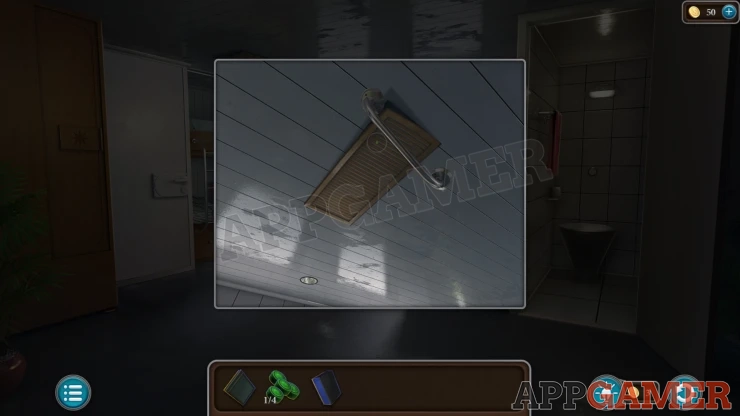
Next view a vent in the ceiling of the cabin, it is a little loose. Use the Holder on this to pull it open and a key will fall. Collect the Key.
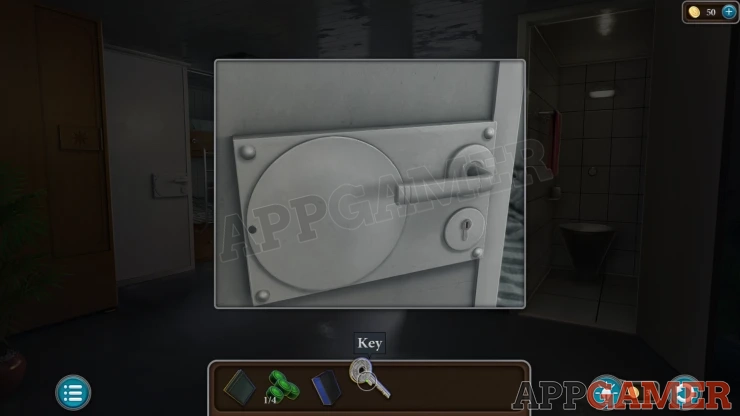
View the door on the left and use the key to unlock it, this will reveal a puzzle.
Cabin Door Puzzle
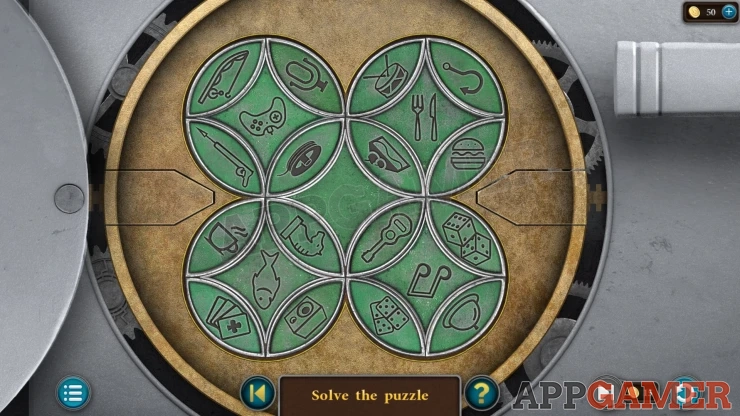
- There are four main circles that you can tap to rotate. Each one has a symbol in the center and four smaller segments with other varying symbols.
- In the center is another circle that you can also rotate.
- Use the center circle to help you move the segments arouind and arrange them so that each of the four main circles has 5 related symbols on it.
- The categories are Games, Food, Fishing, Music.
Solution: Show
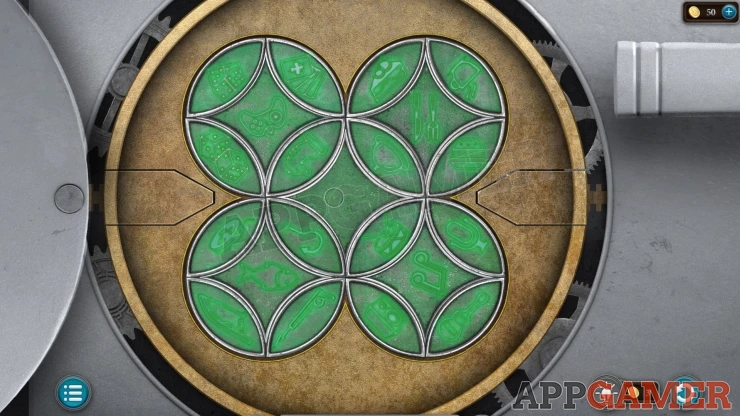
Once done the door opens and you can exit to a control room.
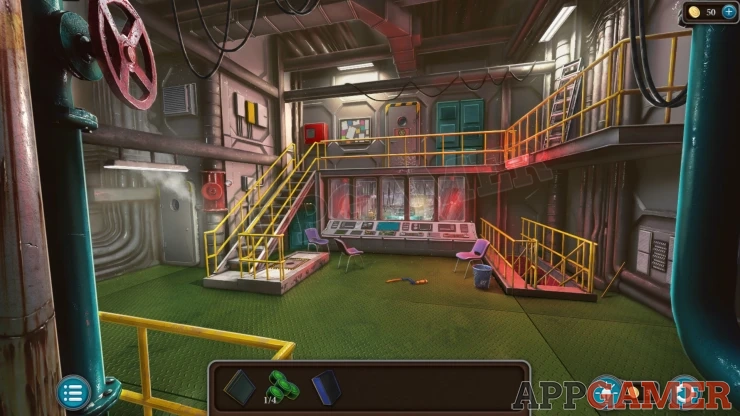
Collect some Hacksaw Parts (1 of 2) from the floor in the center. Then collect a Step (1 of 5) from the floor on the far right and a Stepladder from the upper walkway on the right.
Then view the control panel in the center and collect some Handles (1 of 2).
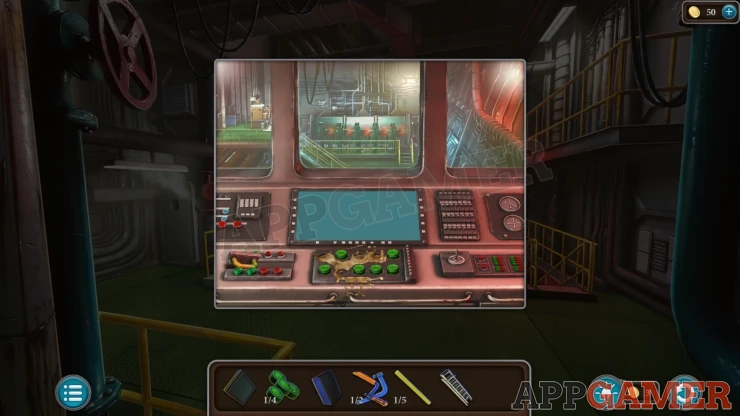
Move down the steps on the right to find a flooded engine room.
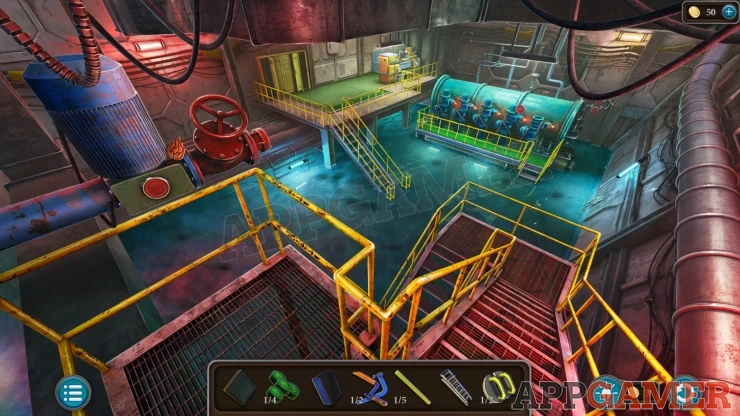
View the red valve on the left of the room and collect from here a Fire Symbol.
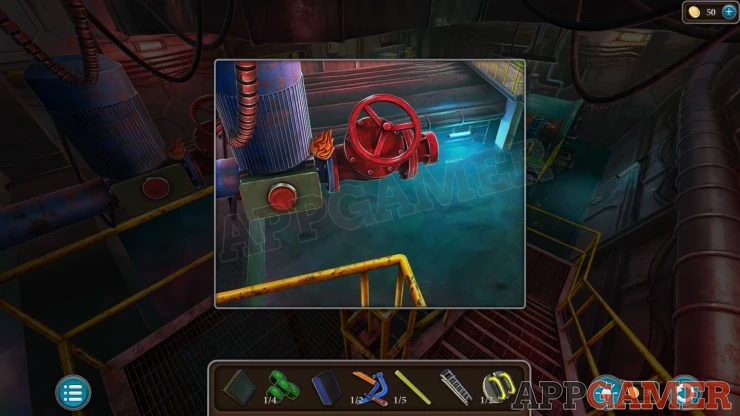
Then go back up to the control room and then tap to view a red fire hose cabinet on the upper walkway on the left.
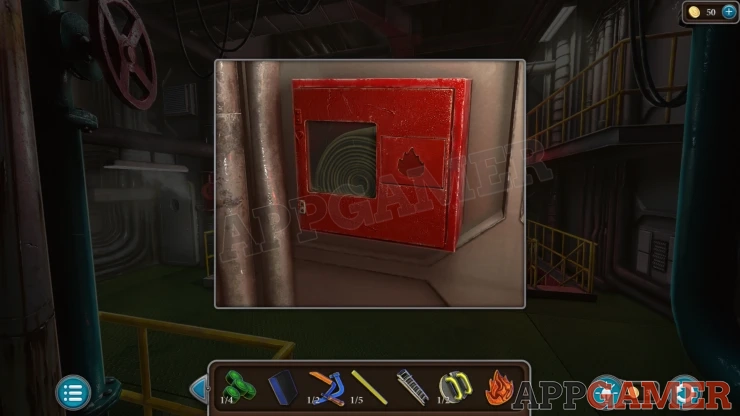
Add the Fire Symbol to this to activate a puzzle.
Fire Symbol Puzzle
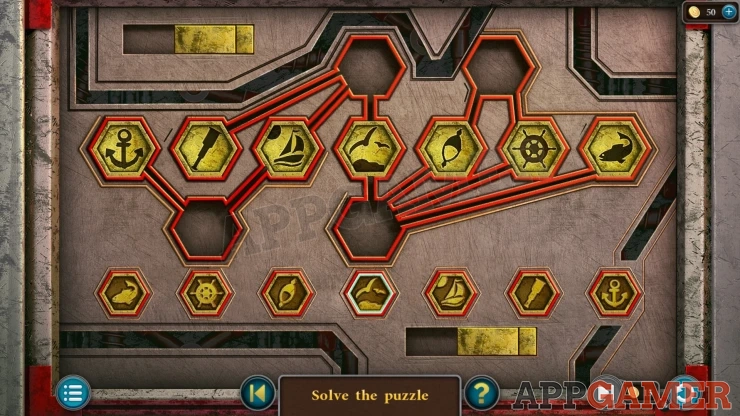
- At the the top are 7 large hexagons with symbols on them. These are in the wrong places.
- Below this is a line of 7 smaller hexagons with the same symbols.
- Use the branching lines on the top section to move the large tokens around and arrnage them in order to match the ones at the bottom
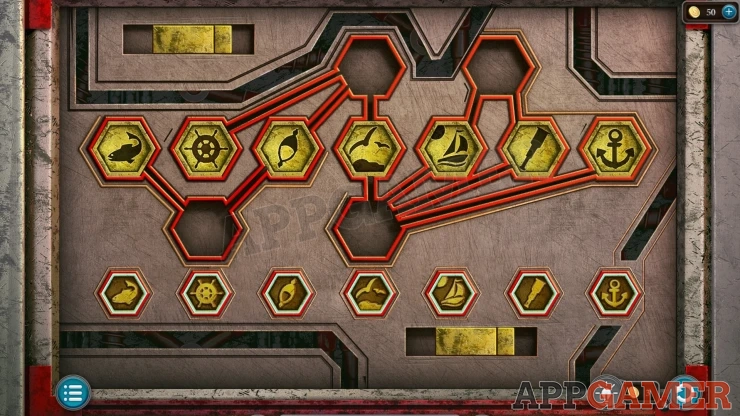
You can now collect the Hose.
Go back down to the engine room and view the valve on the left again. Add the Hose to the pipe.
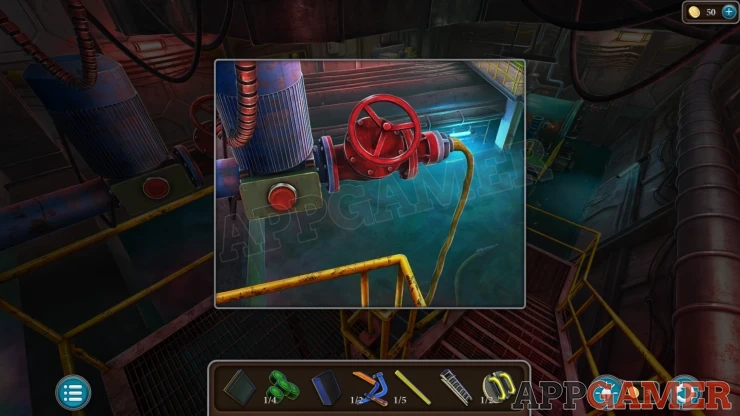
Turn the valve wheel and press the red button to start a pump and remove the water from the floor.
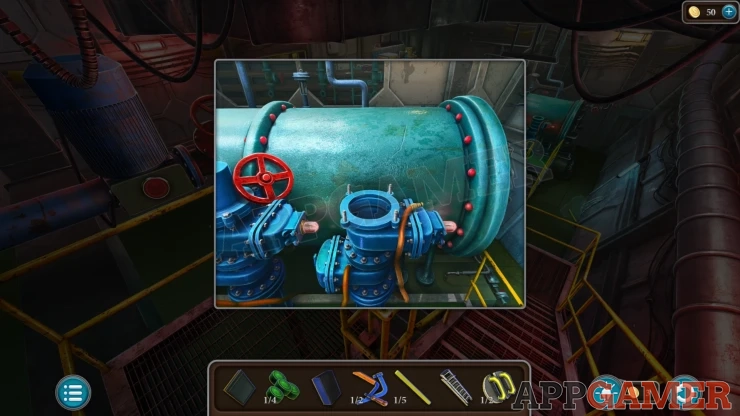
Now view the large green engine at the far end of the room. Collect from here a Valve wheel.
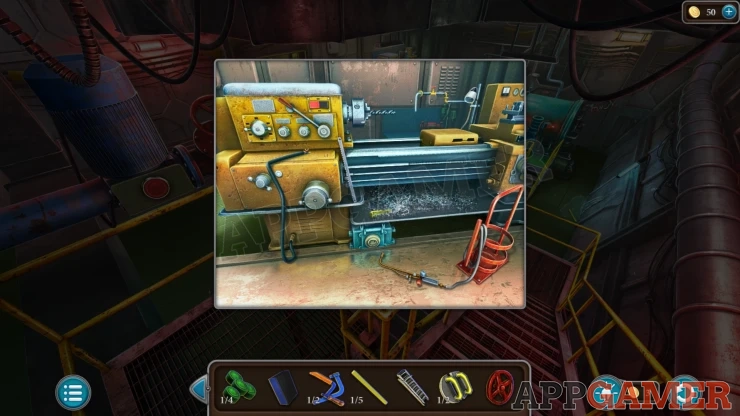
Then view the platform on the left, there is a yellow lathe machine. Collect from here a Welding Station, a Hacksaw Blade and a Screwdriver.
Then look on the right wall to see a hole with water leaking in. Collect from the floor another Step (2 of 5).
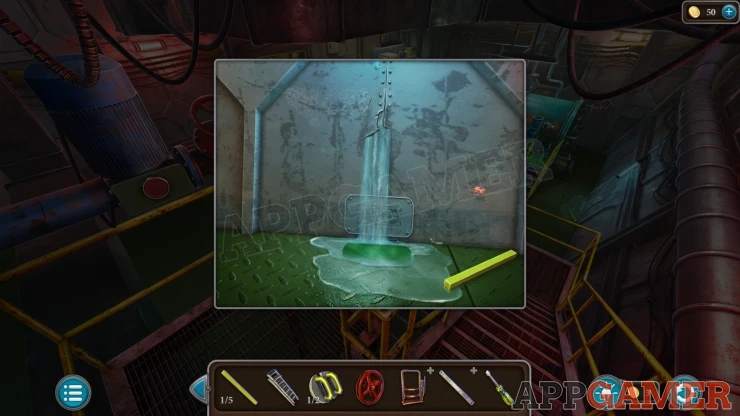
Go back up to the control room and view a pipe on the left with steam escaping. Add the Valve here and turn it to stop the steam.
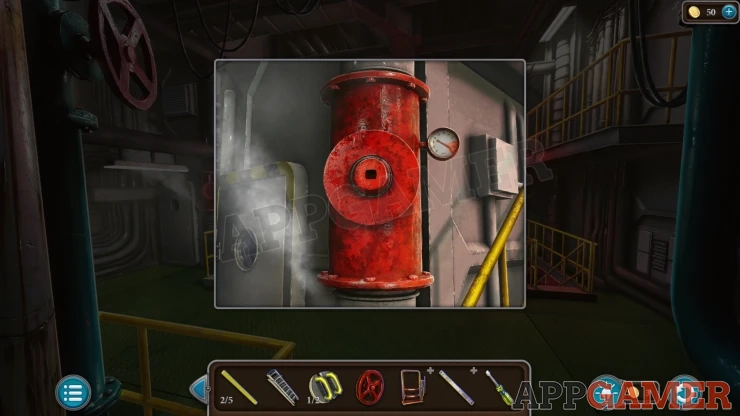
Then tap on the door on the left by the pipe. It is locked. You need to find another way.
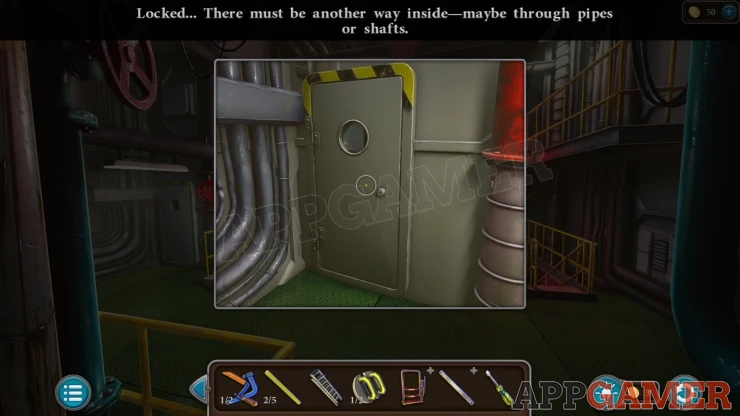
Above the door is a vent. Use the Step ladder on this to allow you to reach it.
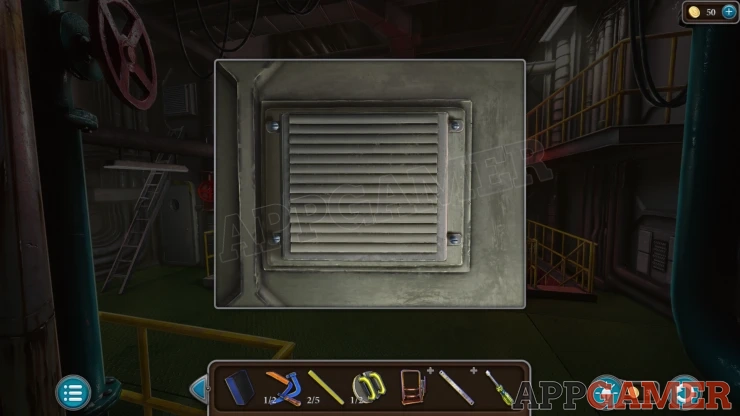
Then use need to use the screwdriver to open the cover. Collect a Nut (1 of 4) and then pass through to the Kitchen.
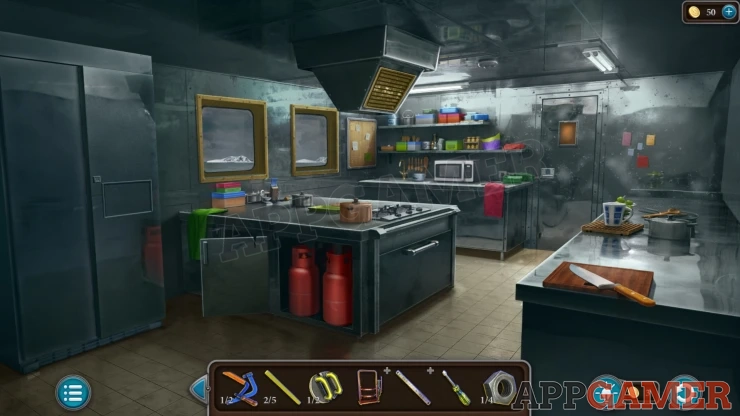
Collect a red Cylinder of Gas from the open cabinet.
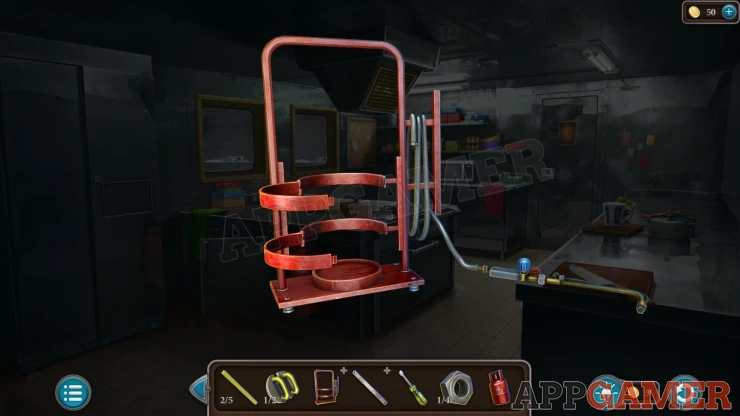
View the Welding Station in your inventory and tap the central metal rings to open them. Then you can add the Gas to it, you will get the Welding Kit.
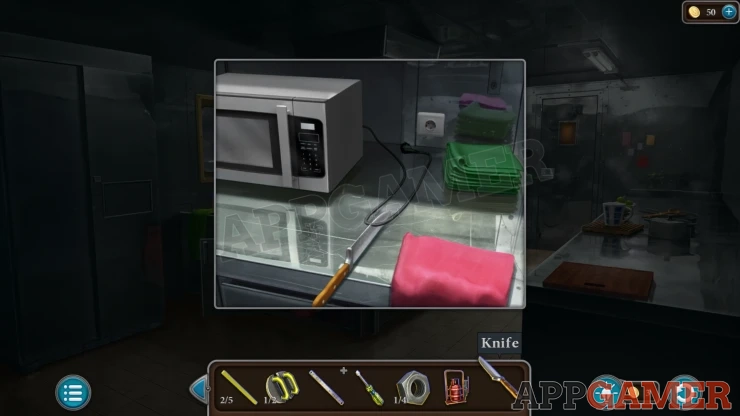
Collect a Knife from the chopping board on the far right. Then view the microwave on the back left. Unplug the cable and then use the knife on it to collect the Cord with plug.
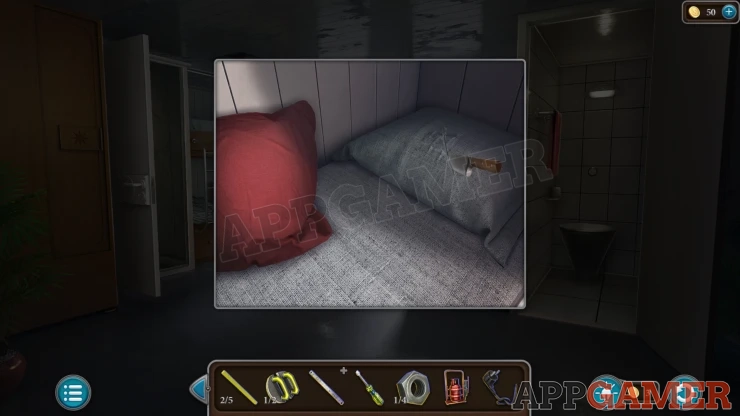
Back up to the Cabin and view the bed again. Use the knife on the pillow to cut it open and then collect a Bag Figurine.
Then return to the Kitchen, view the door on the back right. Add the Bag figuring to the door lock to open it.
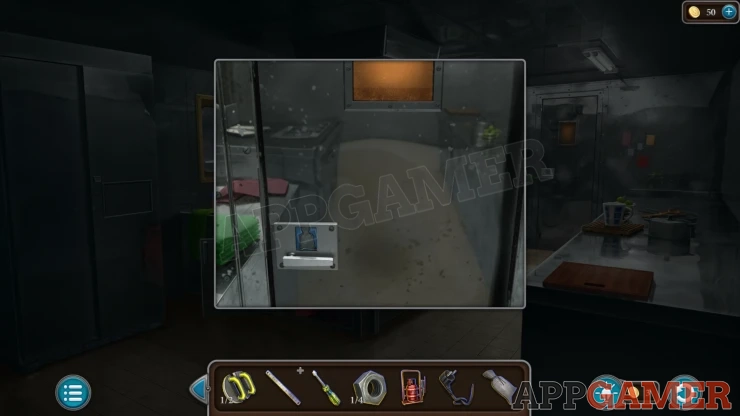
Kitchen Storeroom Puzzle
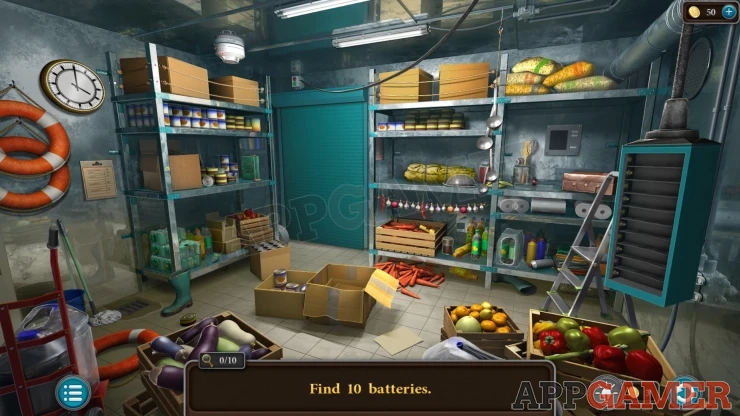
This room has 10 hidden batteries to find. These are hidden around the room in boxes, in battery powered objects, and other places. Check all the areas until you find them all.
Hints:
Show
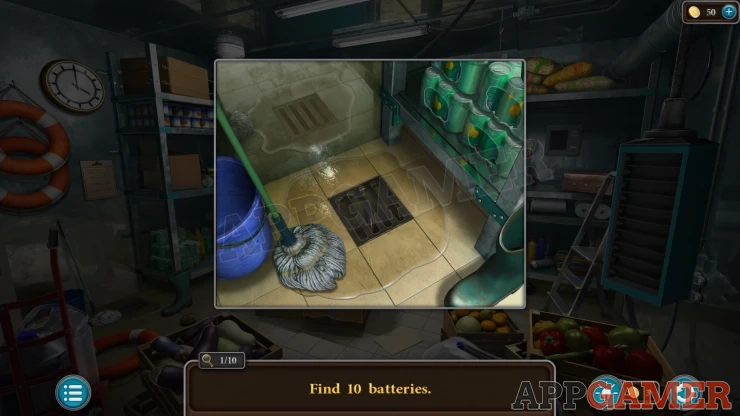
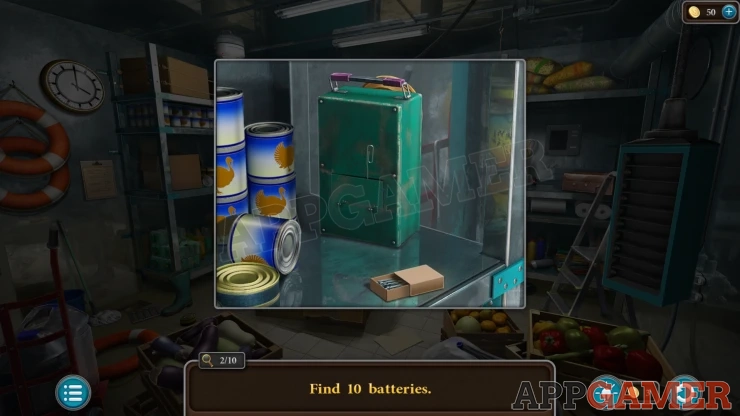
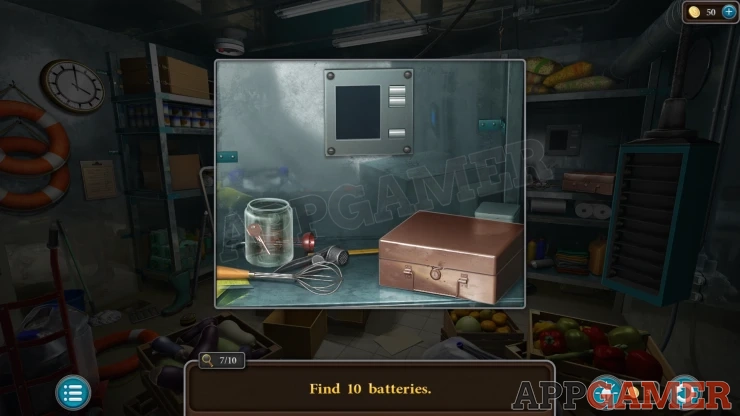
Once you have them all they will fill a holder on the right and then you will be able to use the control buttons to raise the shutter on the back left.
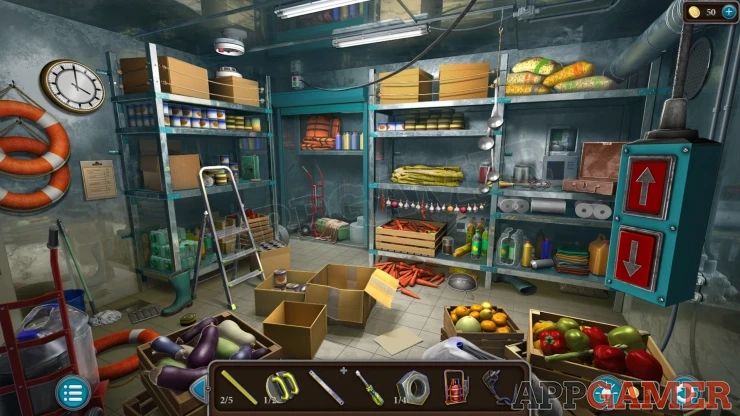
Look inside and open the green toolbox to collect a Hacksaw Part (2 of 2).
View the hacksaw blade in your inventory and then add the hacksaw parts. This will assemble the Hacksaw.
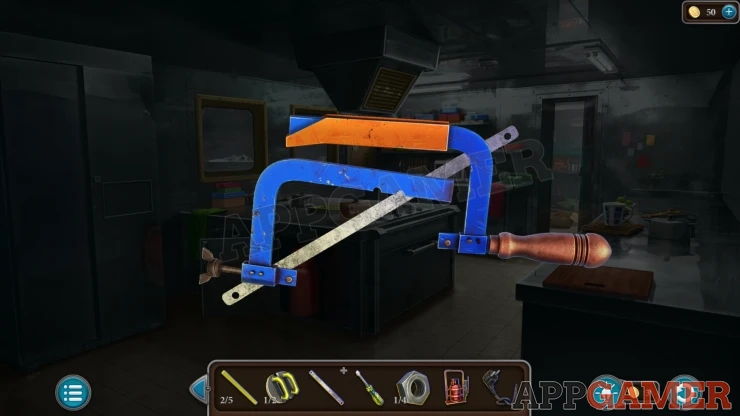
Now back in the kitchen you can view a metal cabinet door by the gas canister. It has a cut in the top. Use the hacksaw here to cut the door and collect the Metal Sheet.
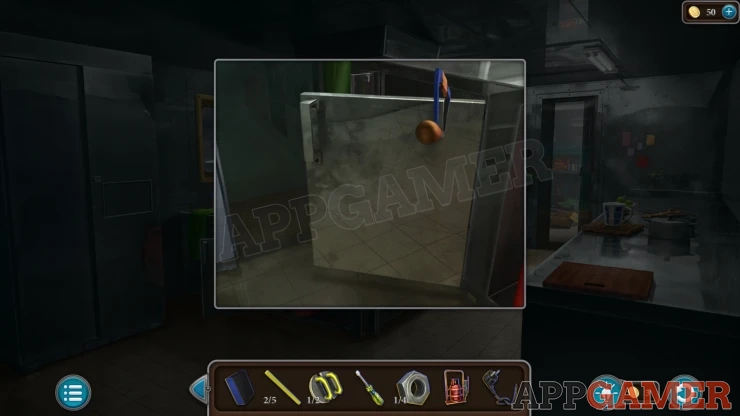
Go back down to the engine room and view the side wall with the water leak. Place the metal sheet here and then the Welding Kit. This will seal the leak.
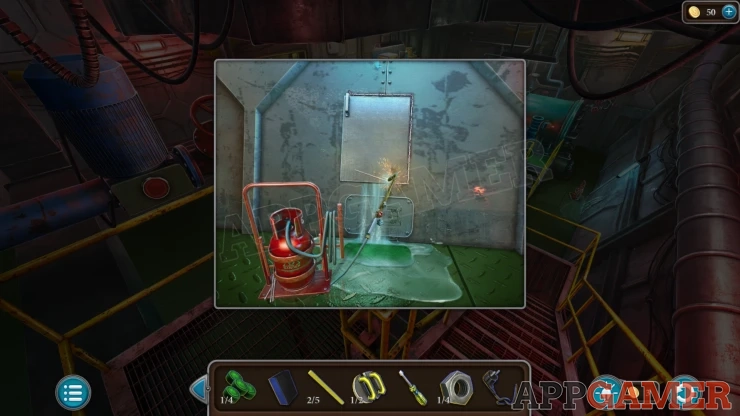
Now view a small panel below the sheet. Use the screwdriver on this to remove it. You can then collect a Compass Key.
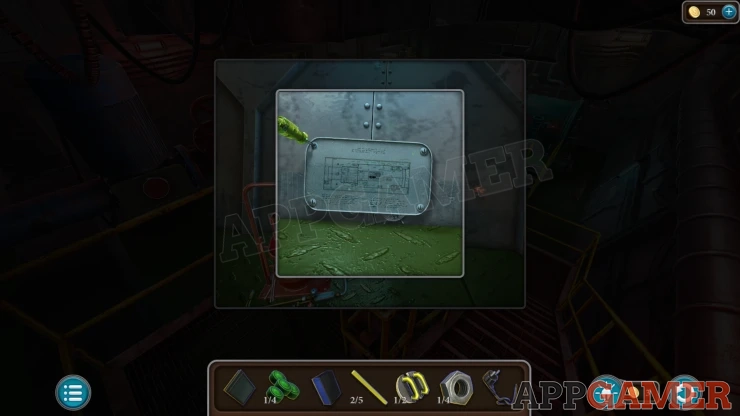
Go back up to the control room and then view the door on the upper walkway in the center. Use the Compass Key here.
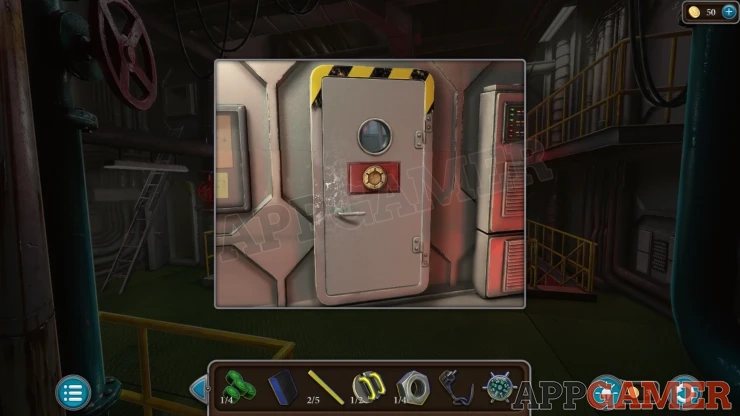
Compass Key Puzzle
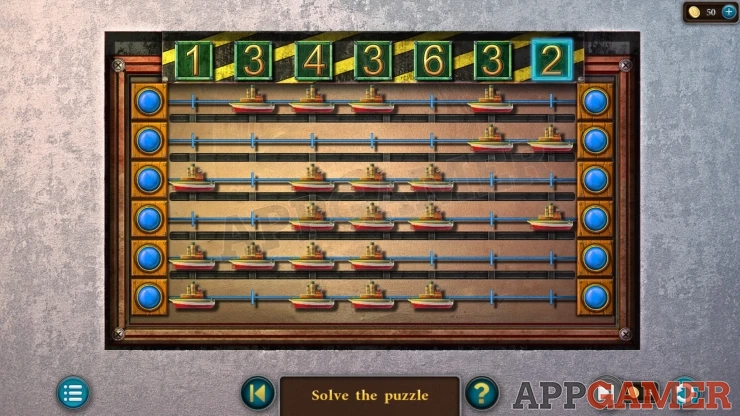
- There are six rows of ships that you can move to the left or the right using the blue buttons.
- These can be arranged into the seven columns, each one has a number above it.
- Find an arrangement so that the number of ships in each column matches the number at the top.
Solution: Show
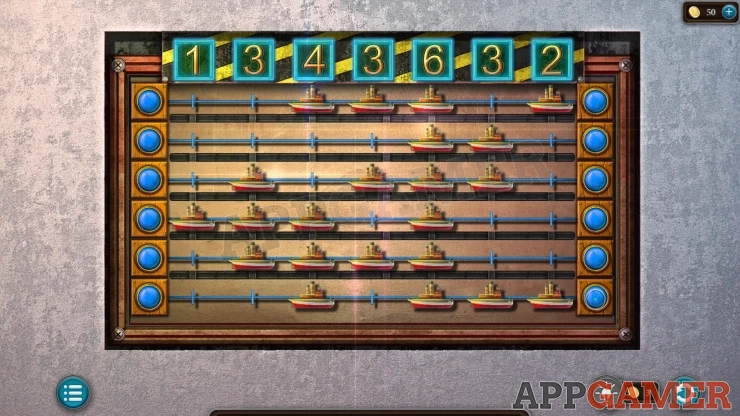
Once done the door opens and you can enter the ships Bridge.
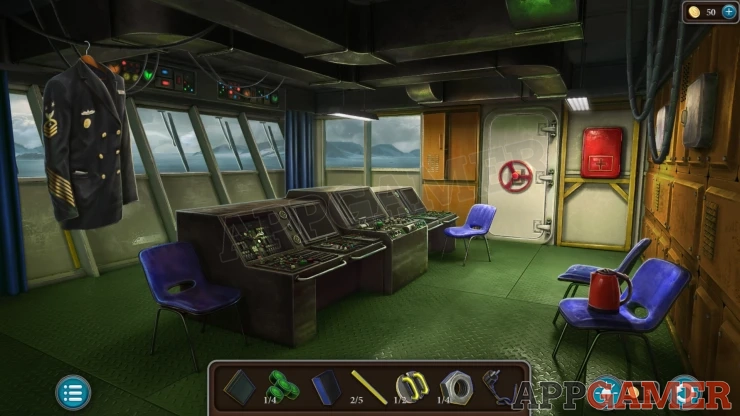
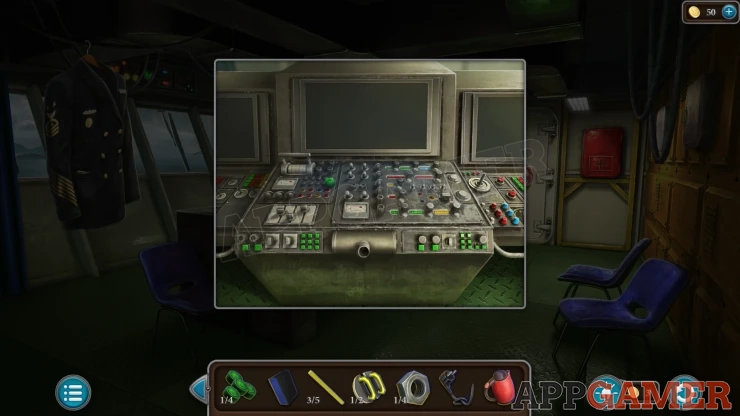
Collect a Step (3 of 5) from the lower left under the hanging jacket. Also collect a Kettle from the chair on the right. Then look on the center of the control panel, collect a Button (2 of 4).
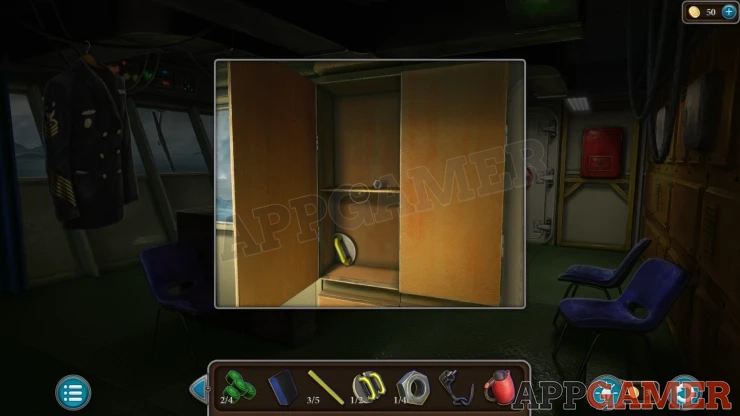
Then look in a cabinet on the far wall to the left of the door. Collect a Handle (2 of 2) and a Nut (2 of 4).
Back up to the control room and then view a hatch on the floor next to the stairs on the left.
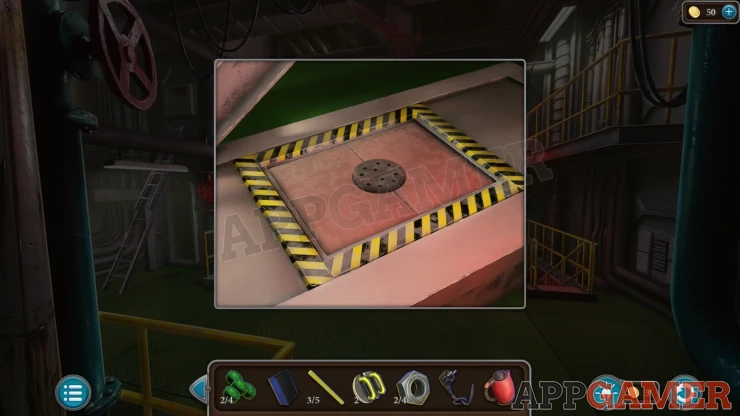
Place the handles here to find a puzzle.
Control Room Floor Hatch Puzzle
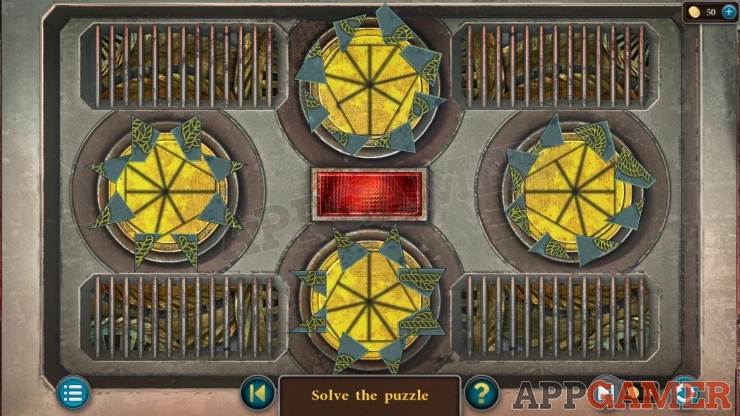
- There are four circles with a button in the center.
- Pressing the button will pull all of the shard into the center of the circles to try to make them fit.
- On each circle there are shards of a pattern block that have been rotated around to place them out of position.
- You can tap each circle in the center to rotate all of the individual shards, and also tap the outer edge of the circle where the shards are to move them all around the circle.
- Arrange the shards so that when you press the button they will all fit correctly together.
Solution: Show
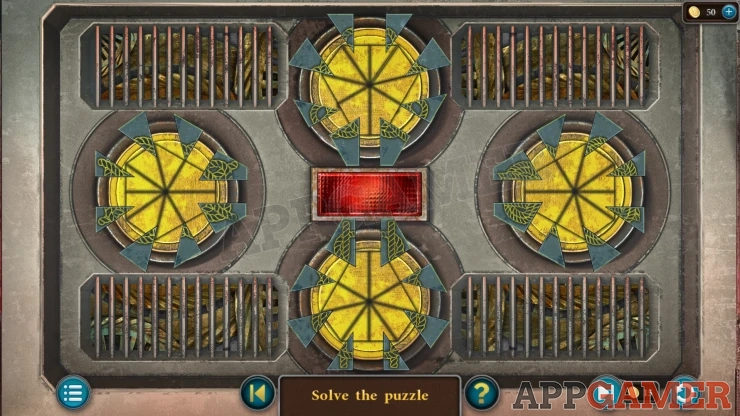
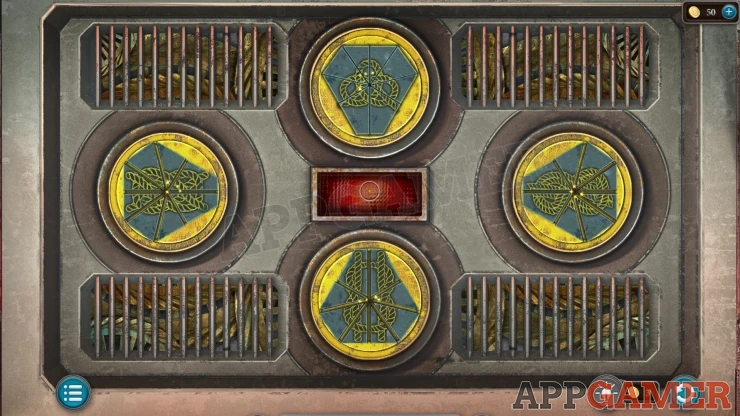
Once done the hatch opens and you can collect a Cross, a Fridge Handle and a Wrench.
Go back into the kitchen and view a large fridge door on the left. Add the fridge handle to this.
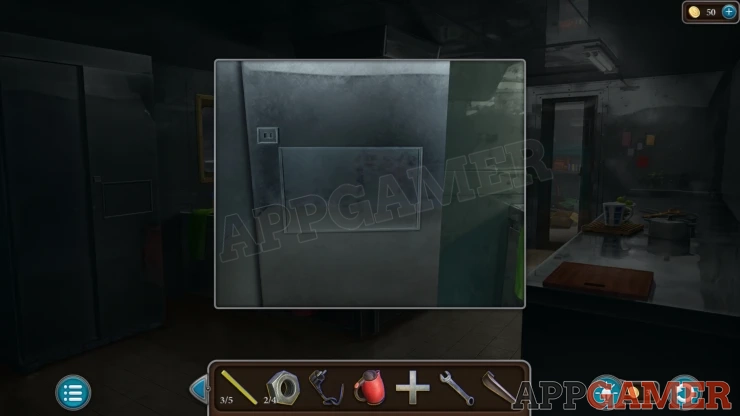
Fridge Puzzle
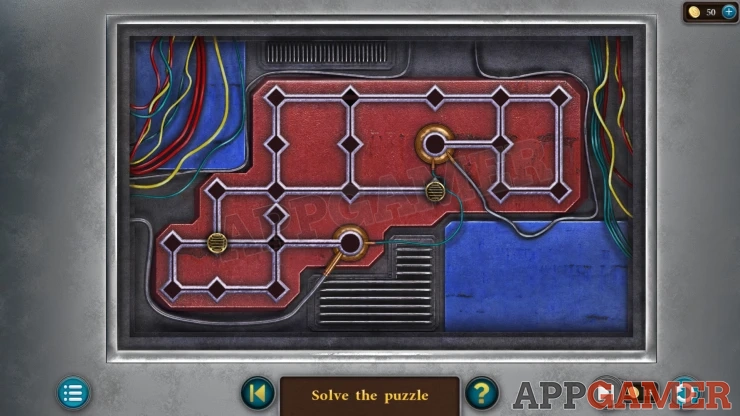
- The board has 2 button that you can drag to slide along the paths.
- When you move a button it will continue in the chosen direction until it reaches a block.
- Move the two buttons to the round contact points on the board.
- You will need to use one of the buttons as a block to help the other reach a contact.
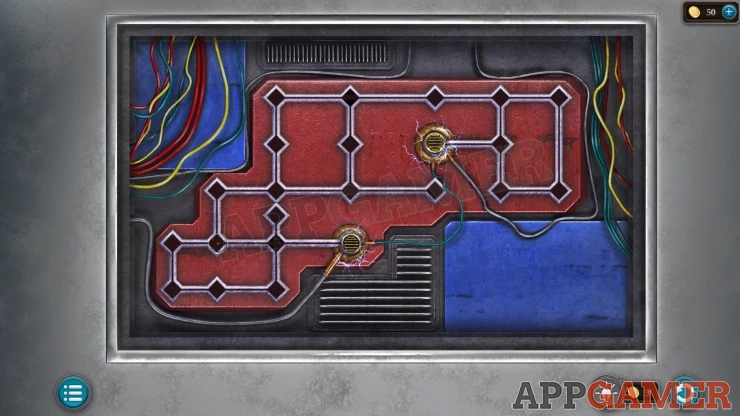
Once done you can open the fridge and collect a Nut (3 of 4) and some Bacon.
Now go to the bridge and view a red first aid cabinet on the far wall. Place the cross here to start a puzzle.
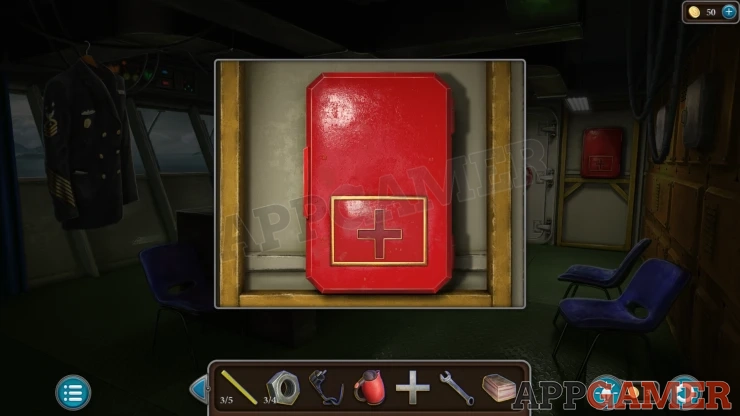
First Aid Puzzle
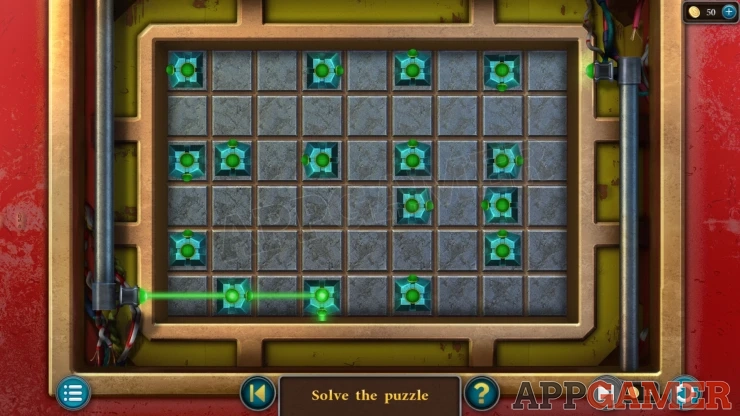
- This is a laser puzzle.
- The laser enters on the bottom left, tap the green buttons to turn them and direct the path of the laser around the board.
- You need to pass the laser beam through all of the buttons and complete the puzzle by directing it to the exit in the top right.
Solution: Show
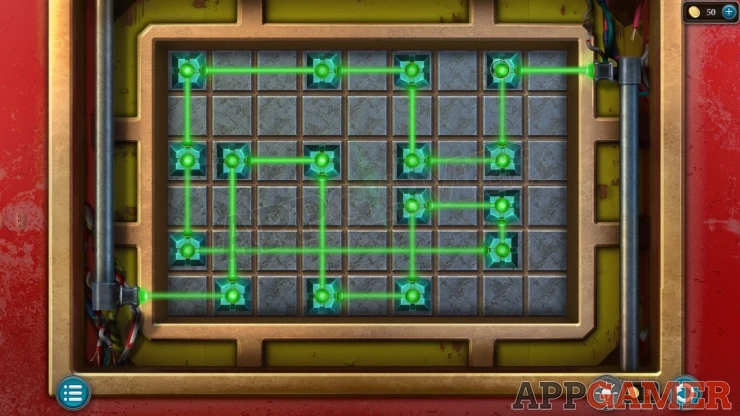
Collect some Alcohol, a Lighter and a Faucet Handle.
Go to the Kitchen and view the sink on the back left. Add the Faucet handle to the faucet and then use the Kettle here. Collect the Kettle with water.
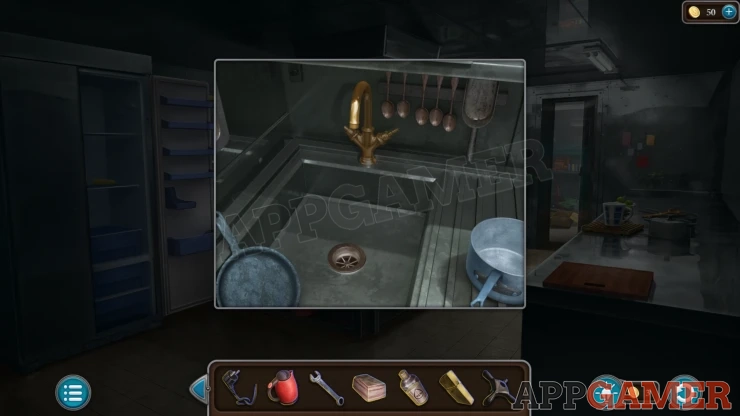
Then view the gas hob on the center console. Use the lighter on this and turn the switch to light the burner.
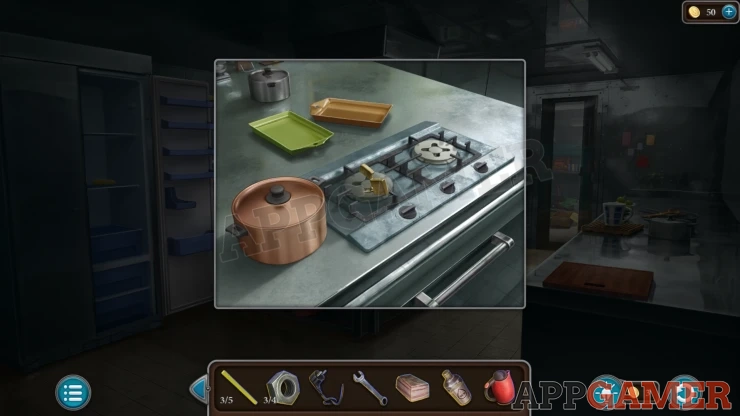
Tap the large pot on the left to open it, then place the Bacon inside. You can then place the pot on to the burner.
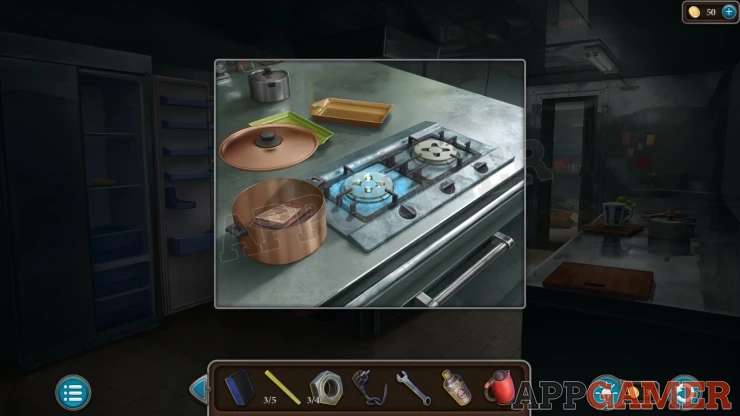
Tap the pot to then collect the Melted Fat.
Go to the Bridge and then view a white door on the far side. Use the melted fat on this to grease the handle. You can then open it.
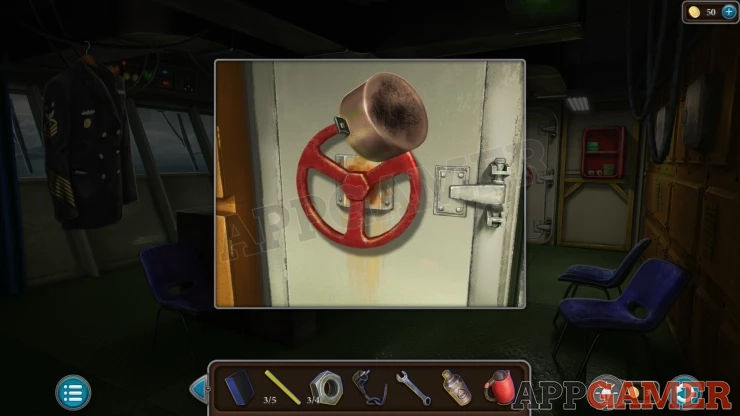
Exit to the deck.
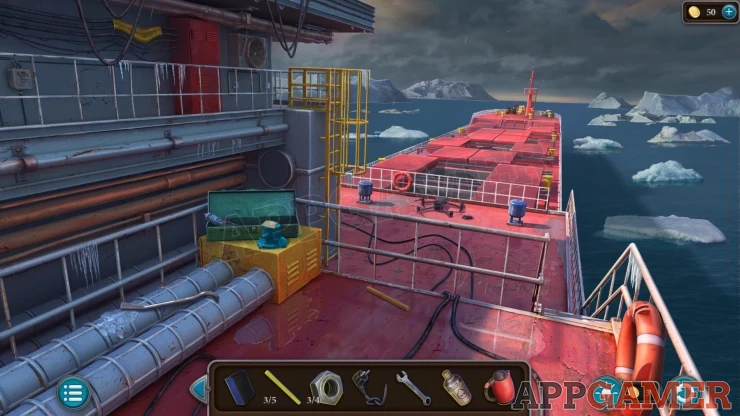
Collect a Crowbar from the left side, and a Step (4 of 5) from the floor.
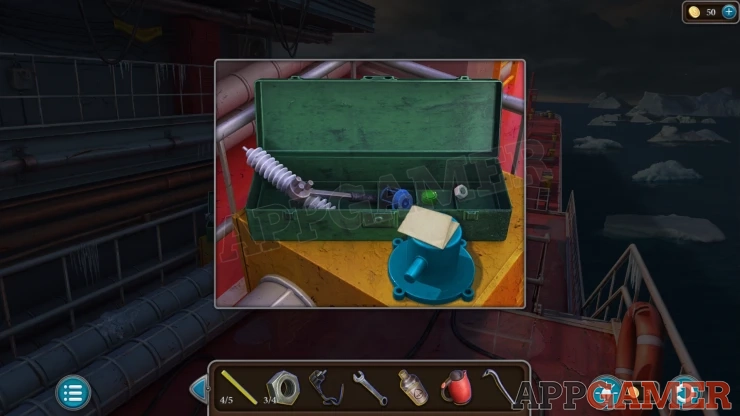
Then view a tool box on the left. View a note about a defective part and then you can collect a Workpiece, a Button (3 of 4) and a Nut (4 of 4).
Go back to the kitchen and view an extractor vent above the center console. Use the crowbar on this to open it.
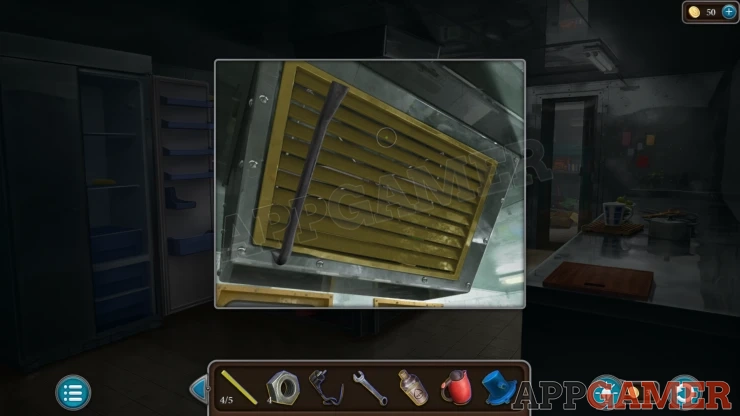
Collect a Step (5 of 5) and a Button (4 of 4).
Then go back out to the Deck. Look at a yellow ladder on the left with missing rungs. Add the 5 steps.
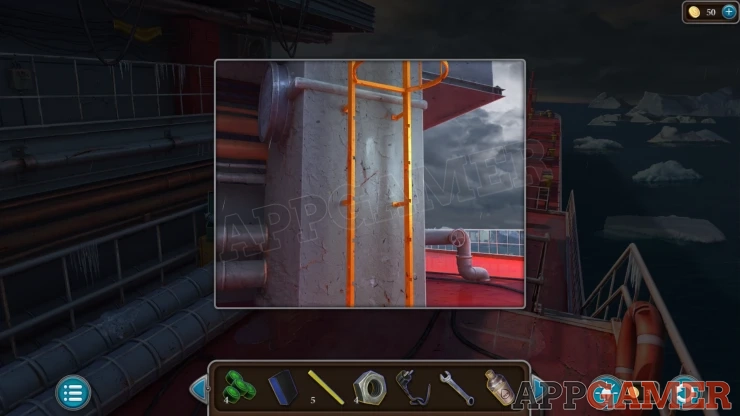
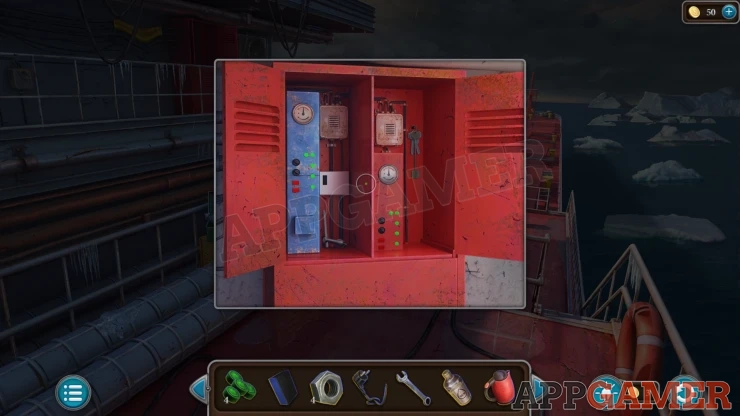
Now you can tap on a red cabinet on the upper deck walkway on the top left. Open this to collect a Star-shaped Wrench and some Keys.
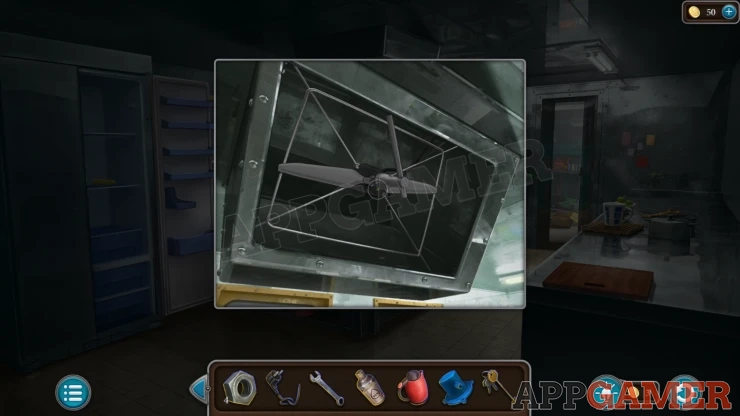
Go to the kitchen and view the overhead vent again. Use the Star-shaped wrench to remove and collect the Propeller.
Go to the engine room again. View the Lathe machine on the platform on the left.
Add the cord with plug to this and then tap it to plug it in. Then you can add the workpiece and tap the machine to make a hole.
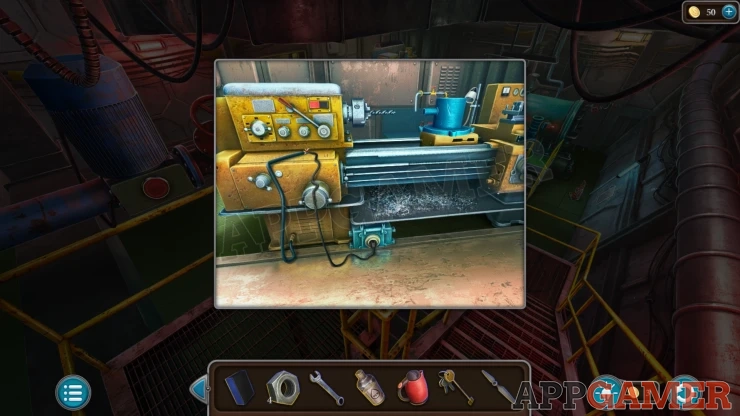
Collect the Engine Part.
View the Engine and add the part to it. Then you can add the four nuts and use the Wrench to secure it.
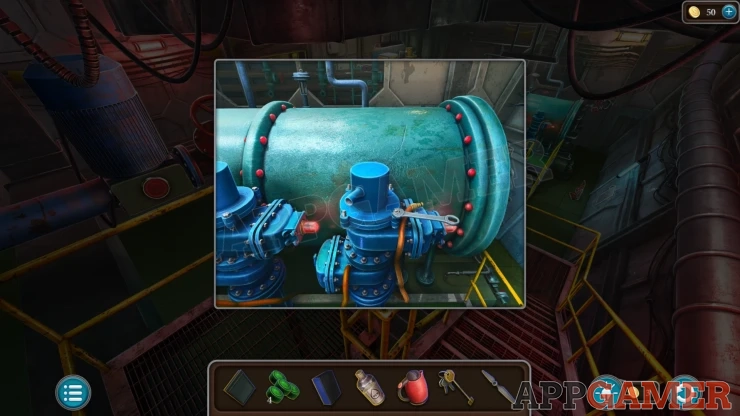
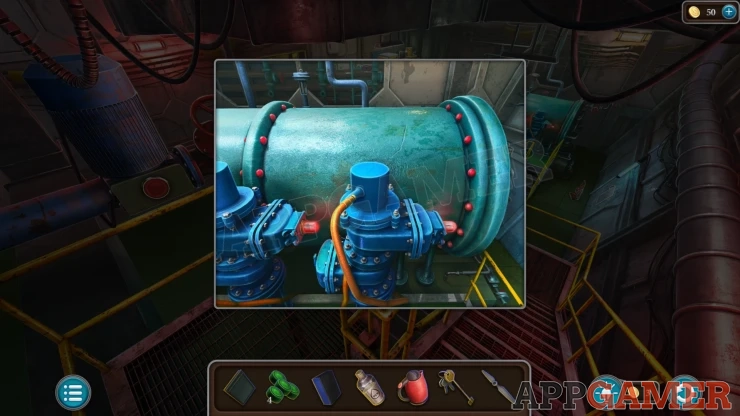
Finally tap the loose yellow hose to connect it.
Next view a yellow locker on the platform on the left. Use the key here to unlock and find a puzzle.
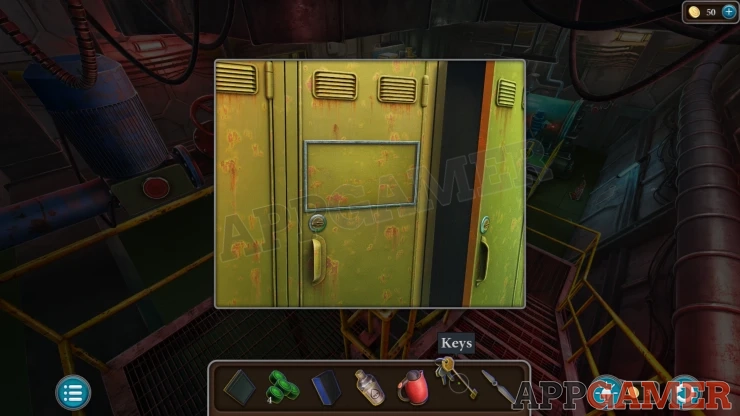
Yellow Locker Puzzle
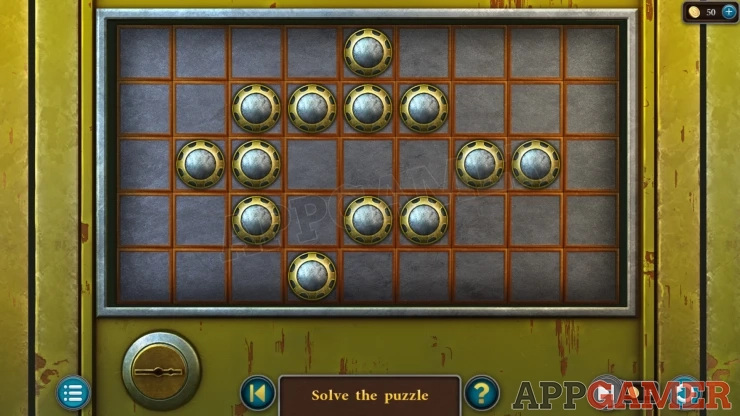
- This is a solitaire style game.
- Tap a counter and then a position to move it to.
- You can only move by jumping over another counter. This will remove the counter that is passed over.
- Repeat the moves until there is only one counter left.
- Be careful not to leave counters that are unable to be moved.
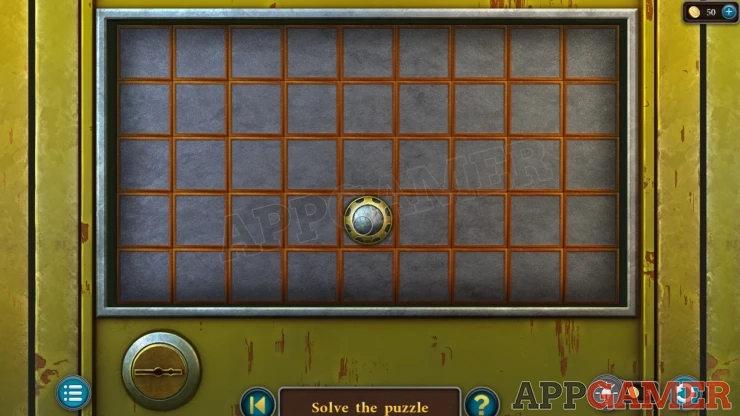
Once done you can collect a Jerrycan with Fuel , and a Star.
Go to the cabin and first view a brown cabinet door on the far left. Add the Star here to find a puzzle.
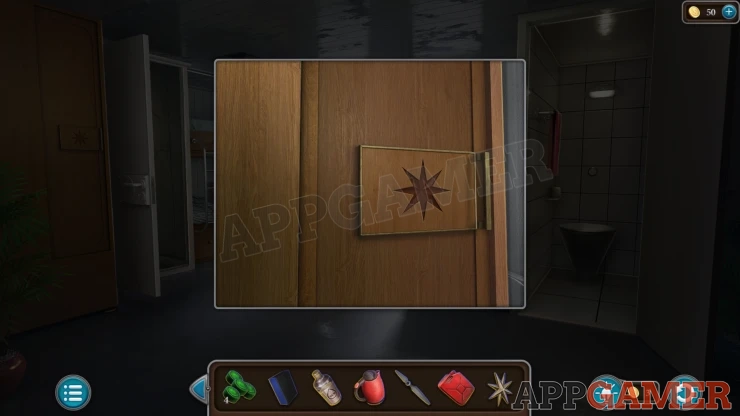
Cabin Star Puzzle
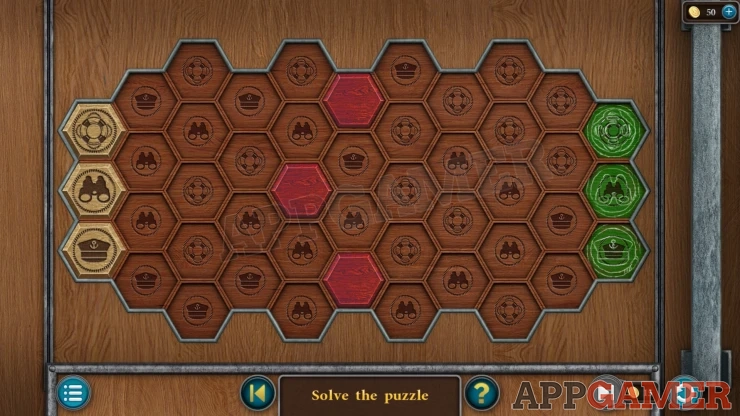
- There are three tokens o the left side with symbols on them. You ned to move these to the three green slots on the right side.
- The board is made up of hexagons also with symbols on them.
- You can only move a token onto a place that has a matching symbol.
- When you move a token it will change the symbol o the tiles it was on to a different one.
- Hats will be changed to Lifebuoys.
- Lifebuoys will be changed to Binoculars.
- Binoculars will be changed to Hats.
- Create paths for each of the tokens to move to the slots on the right.
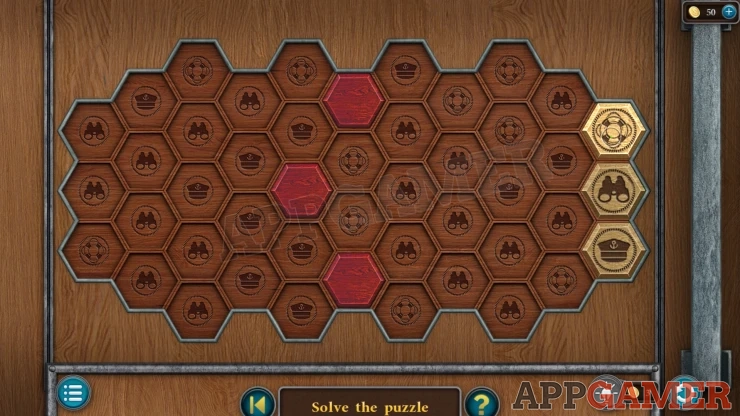
Collect a Helm and a Battery.
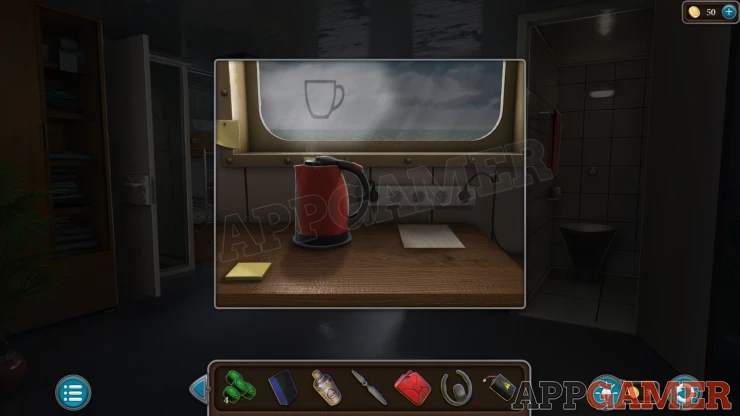
Next view the desk under the right window. You can place the kettle with water here to boil it. You will see a clue in the window.
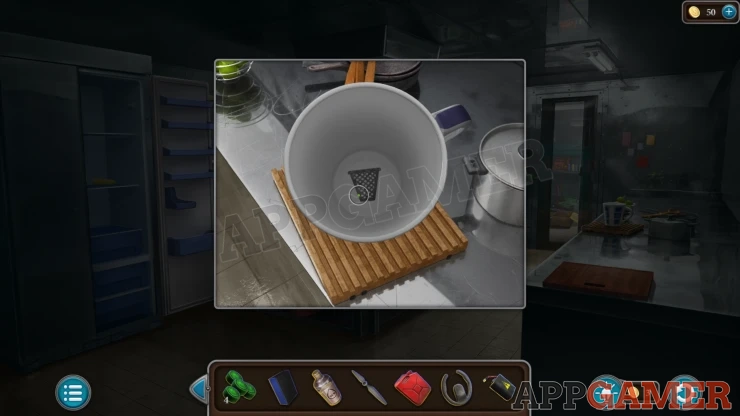
Go back to the kitchen and then view a white mug on the right side. Inside it you will see the next clue.
Then go to the control room. Look in a waste bin on the right of the console. The next clue.
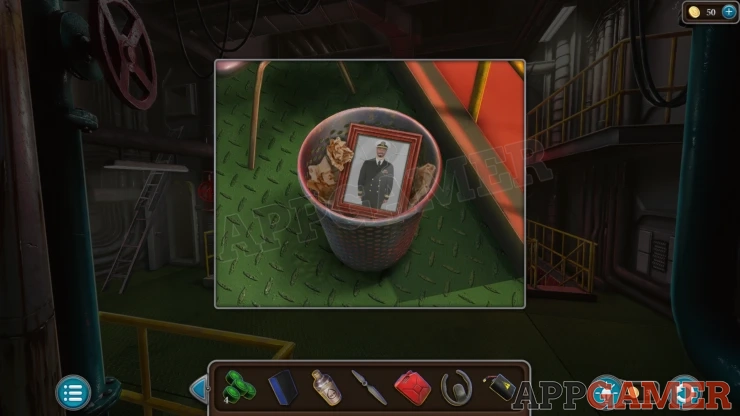
Now you can go to the control room and tap on the captains jacket hanging on the left. You will collect a paper with a Password.
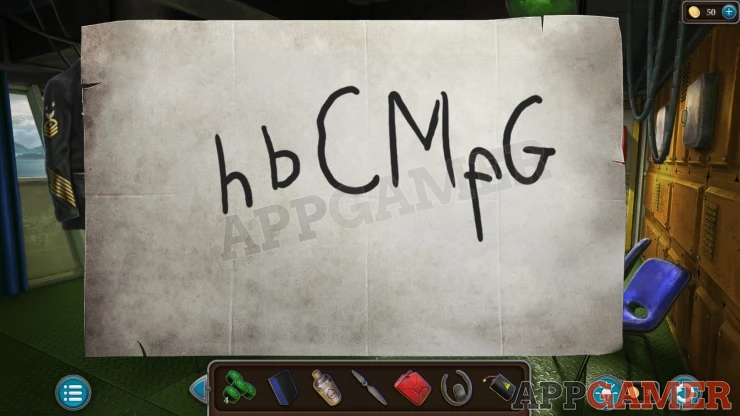
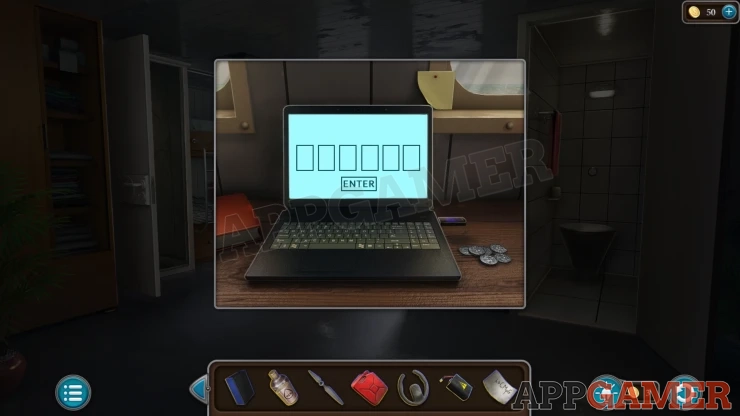
Go back to the cabin and view the laptop on the desk, tap to turn it on. Add the Password to it and it will unlock.
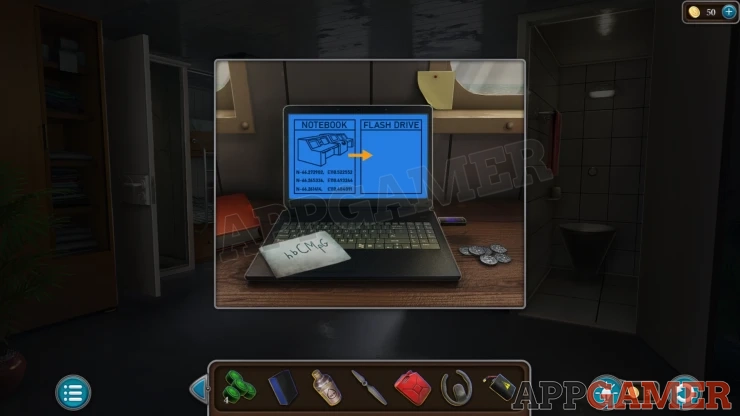
You can then tap the screen to transfer the data to the flash drive and then tap it to collect the Flash Drive.
Go to the control room and view the console in the center again. Place the sponge here and then add the alcohol. This will clean the panel.
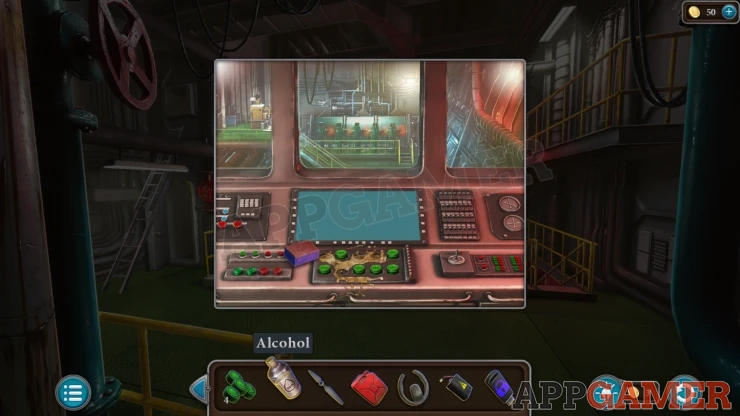
Then add the four buttons. This should start the engine.
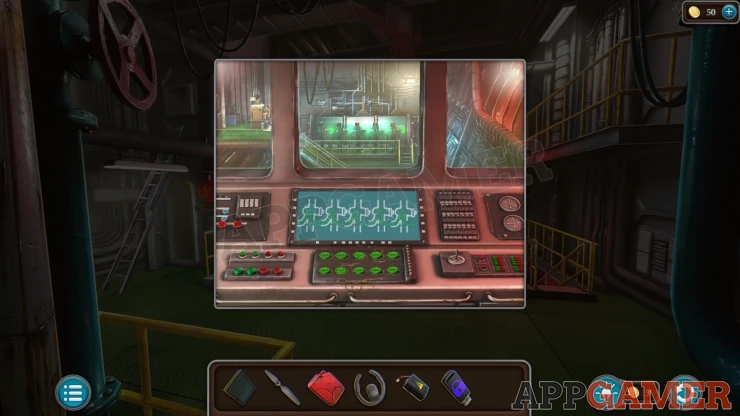
Go back to the Bridge.
View the control console on the left, it is broken.
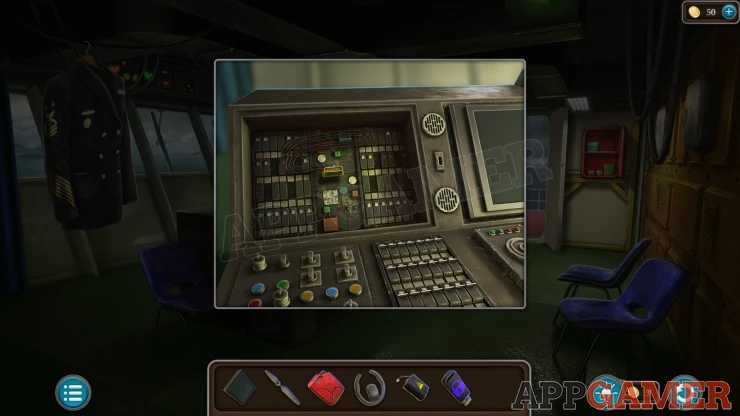
Add the monitor to this and tap it until it is fixed.
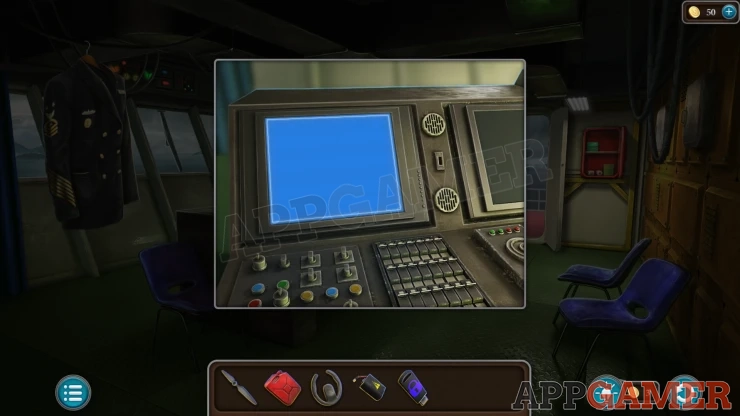
Then you can add the Flash drive to enter the data.
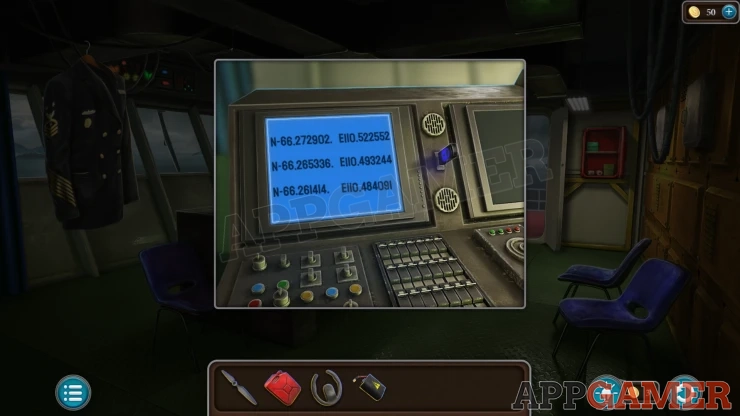
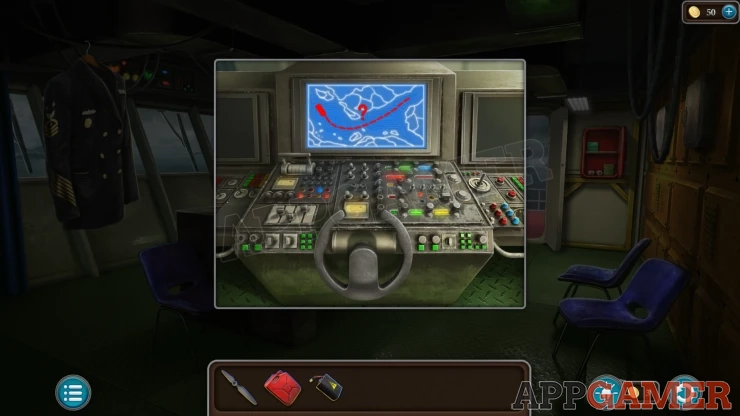
Next view the panel in the center and add the Helm.
Go to the deck and then view the far end of the ship to see a forklift.
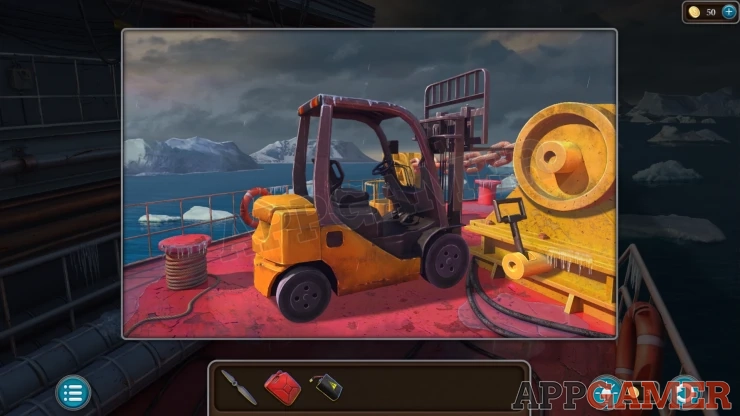
Open the fuel cover and use the jerry can of fuel on this to get it working, you can then back it up to reveal an Anchor winch. Tap the lever to control the anchor.
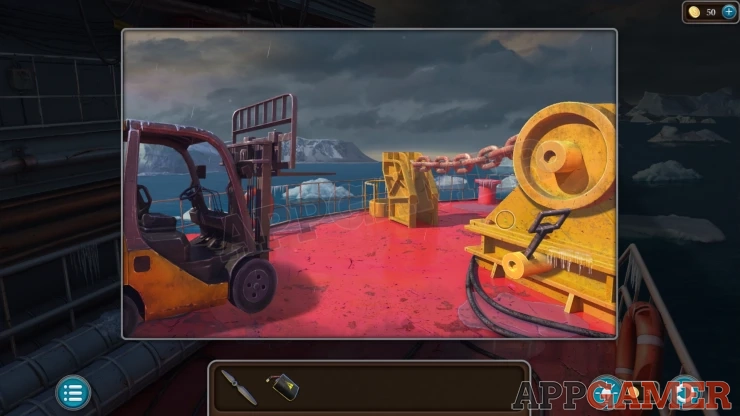
Back up to the main deck area and then view a drone on the floor.
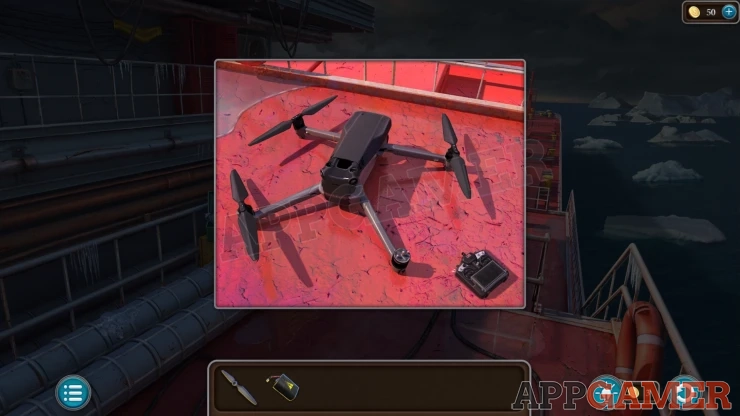
Add the Propeller to this and then open the top cover to add the Battery. Then you can tap the remote control to start it up.
Drone Puzzle
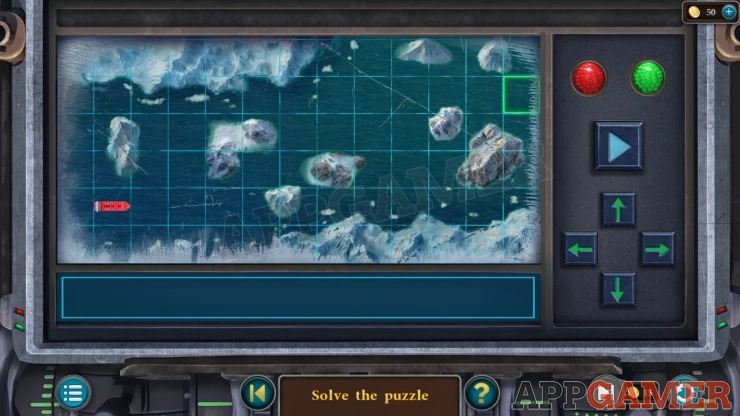
- The drone gives you a view of the ice pack and the route thought the water.
- You need to enter the directions to move the ship around the ice to the top right.
- Tap the four arrow buttons to enter a full sequence of direction moves to get through the grid.
- Once you have entered them tap the play button to start the ship moving and check if you can reach the end.
- When the ship moves the ice also moves so you may need to test this out several times to discover the most appropriate course.
Solution: Show
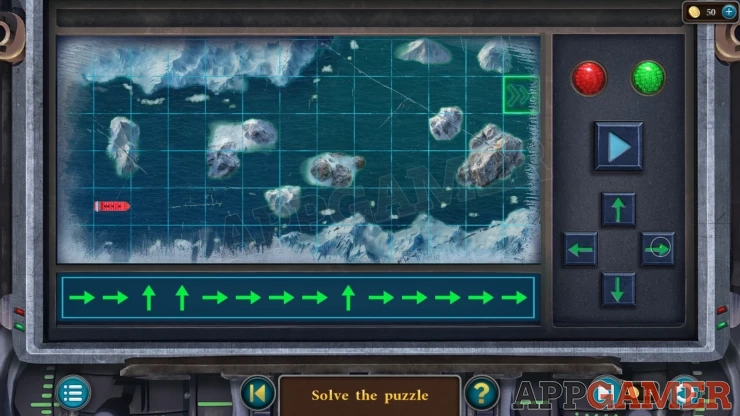
Once you complete this you will have steered the ship to safety and you can compete the level.
You can now move on to the next level, Haunted Castle.
We have questions and answers related to this topic which may also help you: Show all
 With 20 years of experience in creating video game content for the internet and over 30 years as a gamer, Mark is now a passionate mobile App Gamer. Loving a challenge, he is always ready to get stuck in to both survival builders and puzzle solving games. He has been providing content for AppGamer since 2014.