
Chapter 5 Walkthrough - Take Off
More Machinika: Atlas
This is a walkthrough and guide for Chapter 5 of Machinika: Atlas. Following the previous game in the series, Machinika: Museum you play as a researcher whose escape pod has arrived at an abandoned spaceship on Atlas a moon of Saturn.
In Chapter 4 you found the alien inhabitant of the ship and have been asked to hel prepaid the ship so that it can travel home. Now you must move on further into the ship to find out what is wrong.
Chapter 5a Walkthrough
First you reenter the elevator that you were in before but now it opens up to a transporter on a track. You have a device on the bench in front of you.
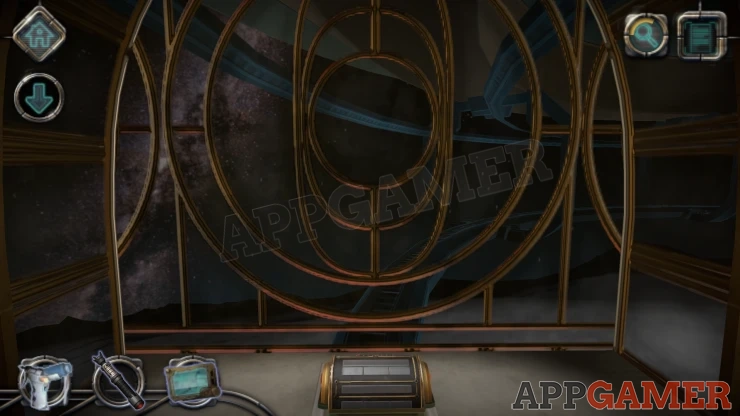
Controller Puzzle
To move the train you need to activate this controller
First look on the left side and press the button in the center. Then repeat this on the right side.
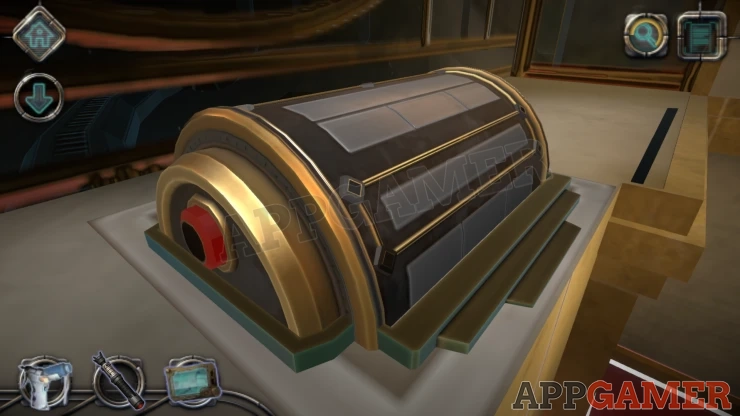
Now you have a pattern of lines with nodes at the corners and junctions.
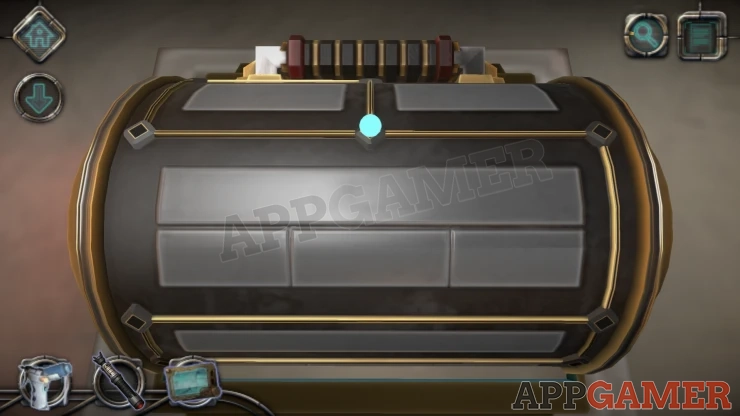
There is a glowing lights that you can drag around. As you pass the nodes it will turn them on or off.
Move the light around until all of the nodes are on at the same time.
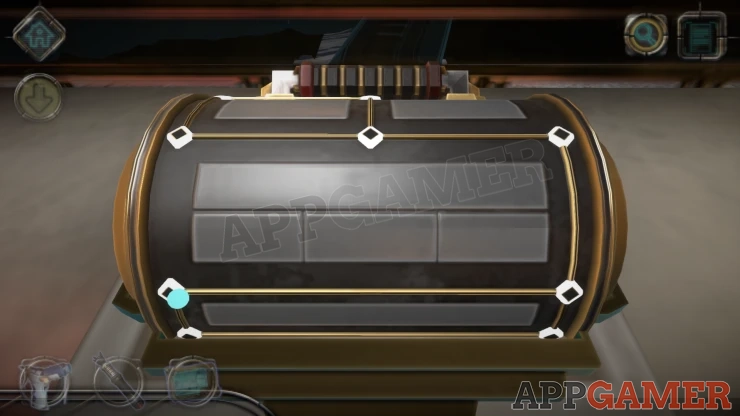
Once done you can push the handle and this will make the carriage move forward.
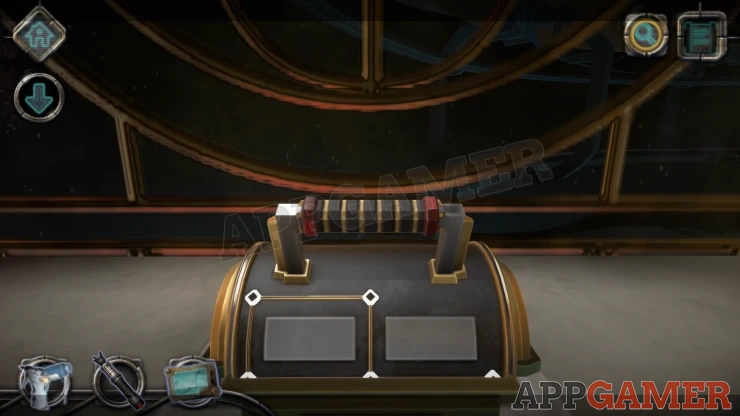
You will travel through and reach a new room.
Chapter 5 - Take Off Walkthrough
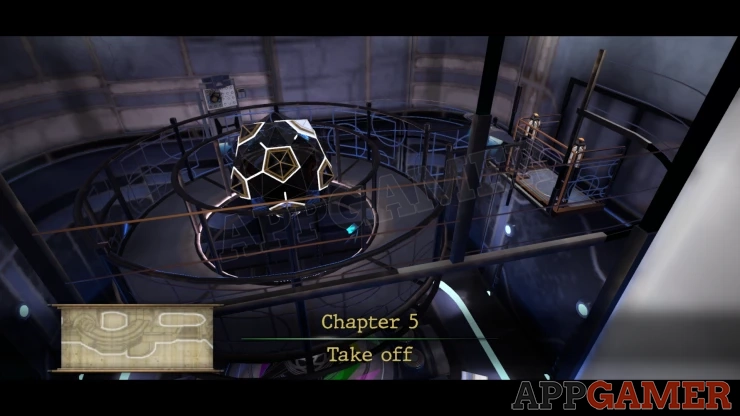
The gravity seems to be off in this room so items can float around.
Press the button on the left side and a moving platform will reach you.
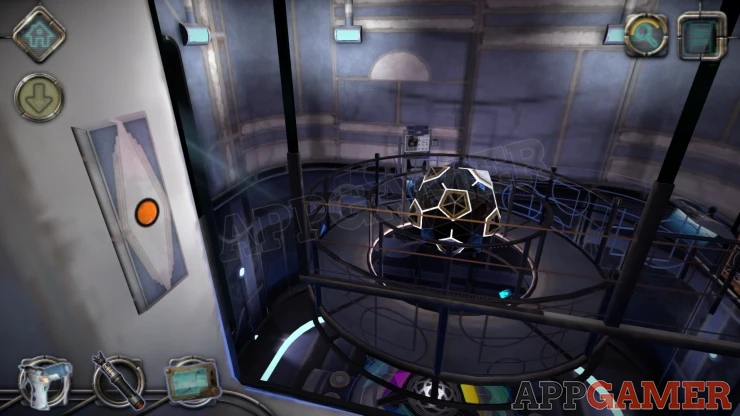
Step on and tap the right side button to then move around the room to a console.
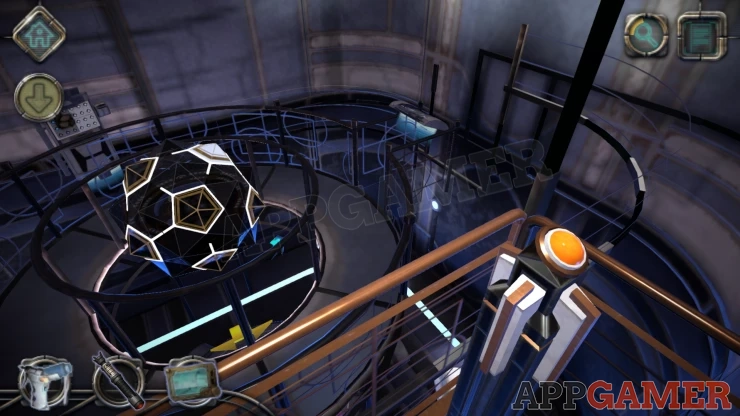
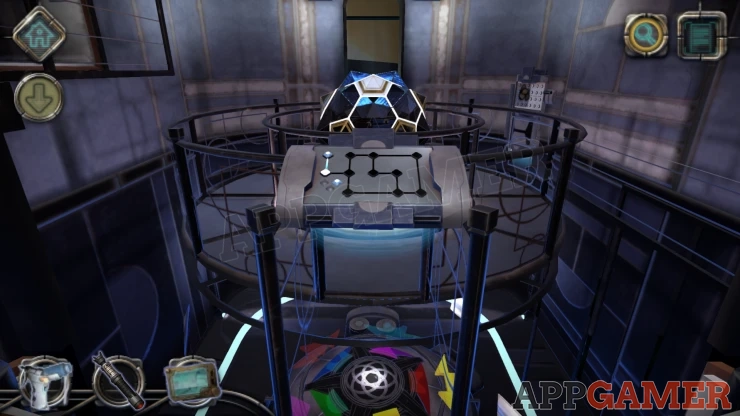
Then press the right button again, you will move further around and then down to a lower level.
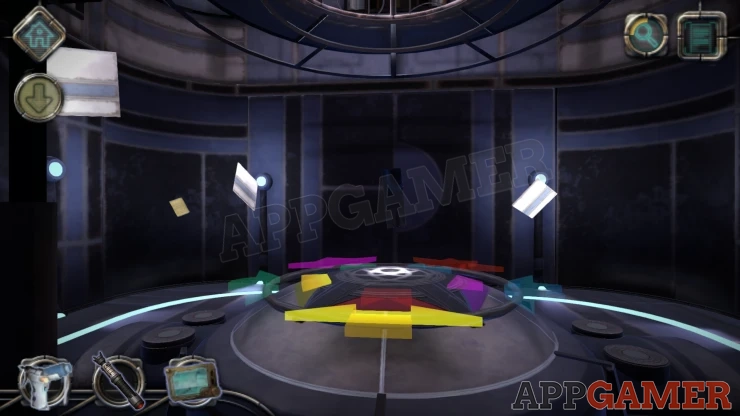
First look to the left to a floating panel and collect a Light Bulb from it.
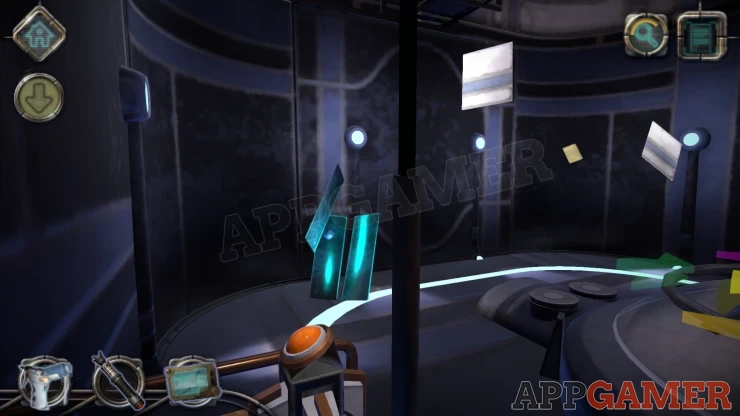
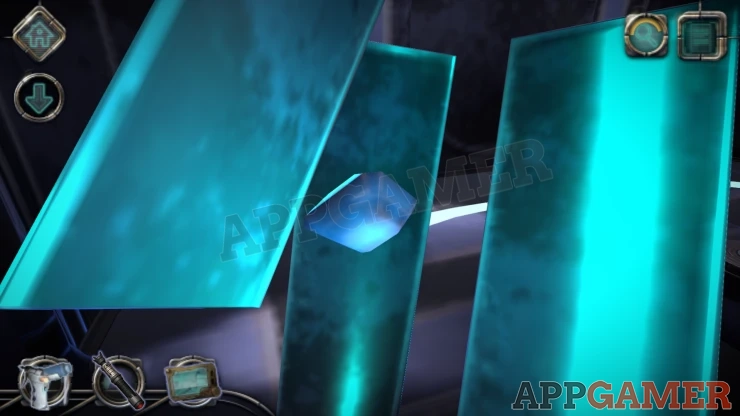
Letter: This is floating on the back left side of the room.
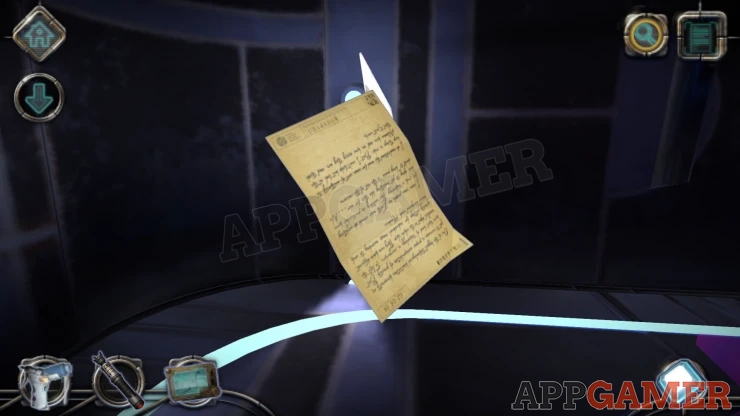
Five Color Puzzle
Now look in the center to see the round cover with 5 colored shapes.
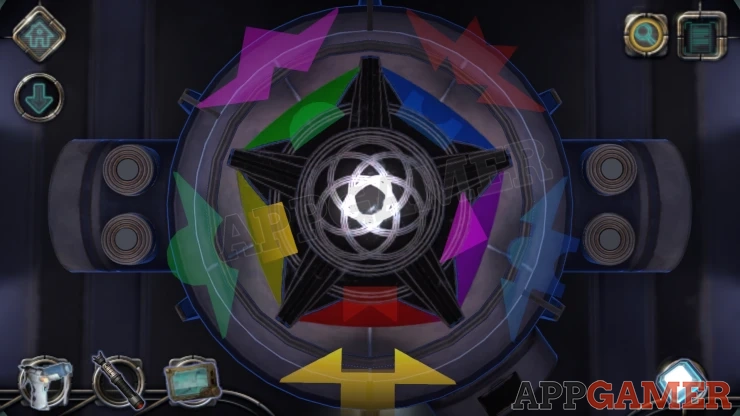
You can rotate the outer ring with the shapes on it
Line these up and slide them into the matching colored sockets in the inner ring.
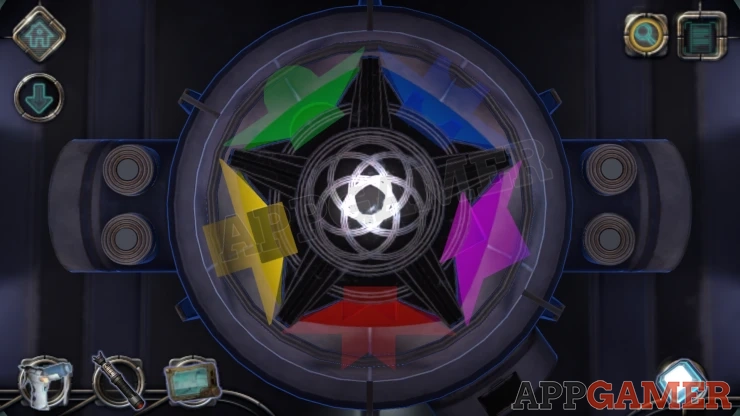
This will turn the cover over and reveal another puzzle.
Rings Puzzle 1
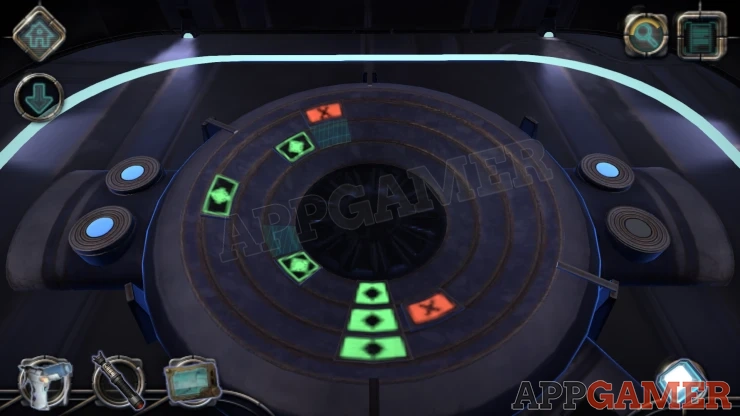
- There are 3 rings.
- On each ring there is a target location at the bottom and a dark square piece with a green symbol in it that can be moved.
- On the left are 2 blue buttons that will rotate all the square pieces clockwise or anti clockwise.
- There are also some red X squares and green squares in fixed positions. The red X squares can block the movement of the square piece on the same ring.
- On the right are 2 buttons that will toggle the red X squares on and off on each ring.
- Use the buttons to line up the moving square pieces onto the 3 target locations at the bottom.
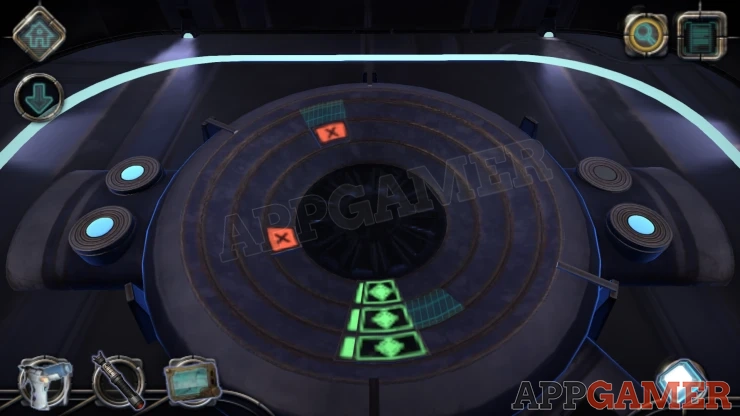
Now return to the platform and press the left button to move back around to the small console.
Lights Puzzle
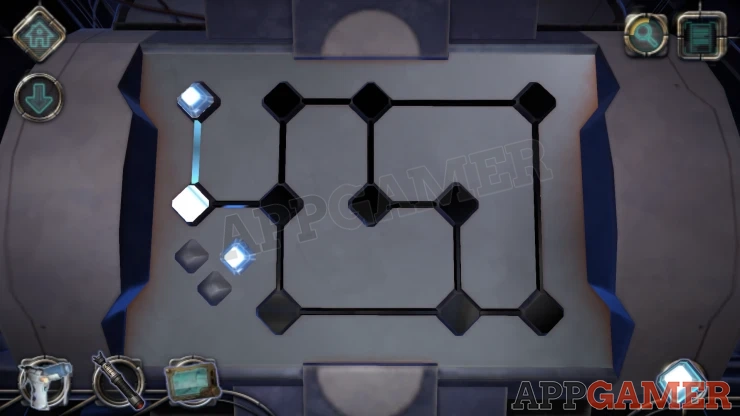
- First collect the 3 light bulbs that are on the board on the left.
- Next you need to add the 3 light bulbs to the board in the correct locations.
- Adding a bulb to a node will light it up and also the ones that are connected directly to it.
- Find the correct positions to light up all of the points on the board with 3 bulbs.
Solution: Show
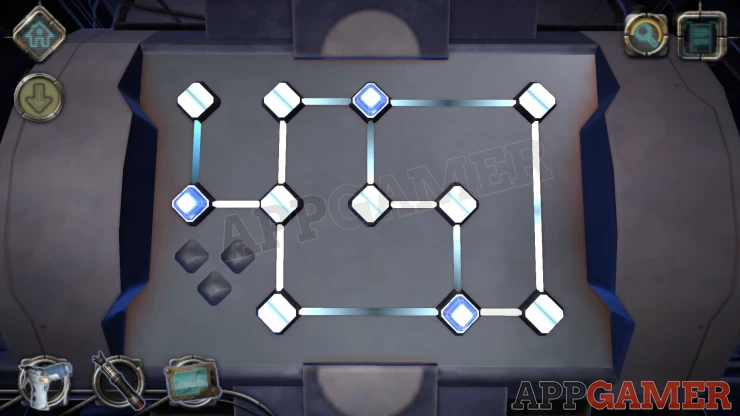
Once done the walkway opens up for you to move to the center.
Move to another console on the right side for the next puzzle.
Lights Puzzle 2
First you need to clean the board with your Air Duster
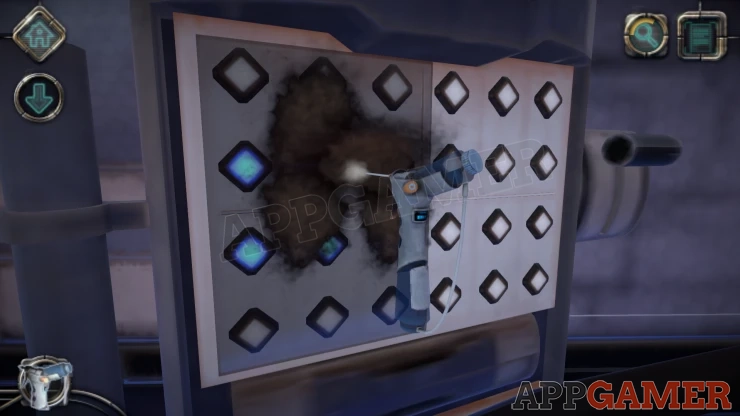
The board has 2 sides, on the left is a pattern of blue lights. On the right you can turn the lights on and off.
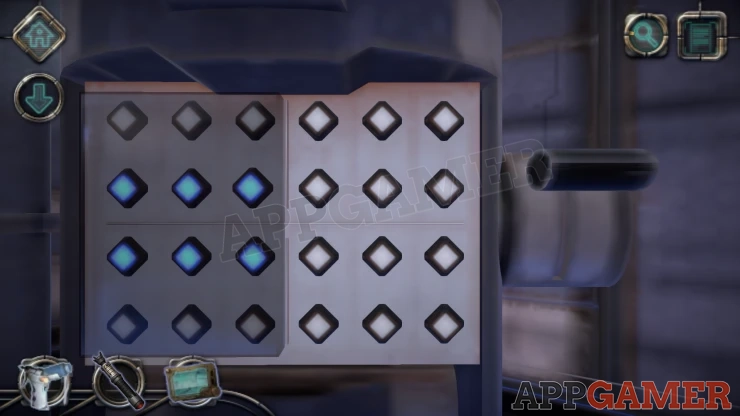
Match and mirror the blue light pattern on the right side to complete a level.
The blue light pattern will then change. There are 3 levels to the puzzle.
Once done you will be able to pull down a handle on the right.
This will flip the platform in the room.
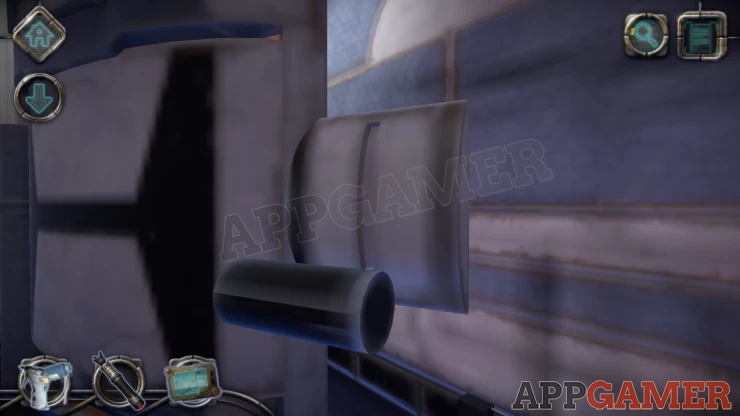
Turn back to the board on the side of the walk way and you can collect a Mechanical Device.
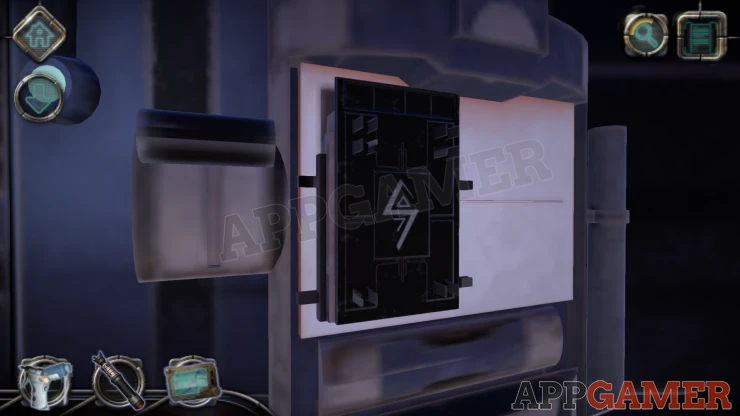
View the mechanical device in your inventory. Turn it around to see the back,
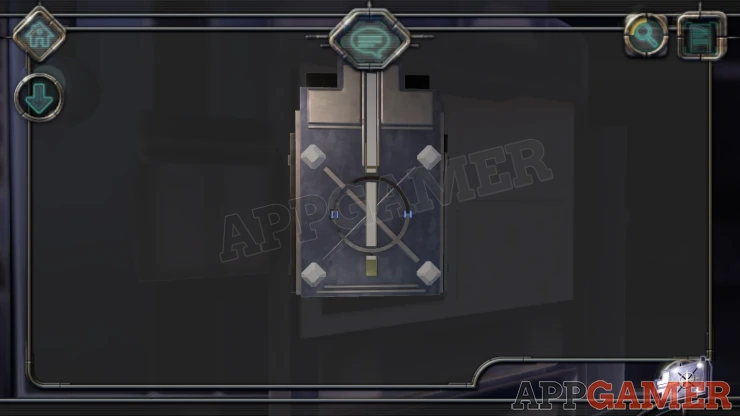
First rotate the ring at the bottom to make the line on it horizontal.
Then slide the vertical line from above down into it to make a +
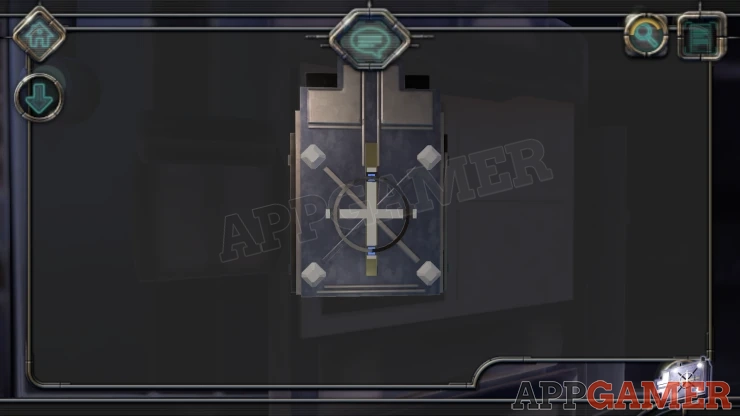
Now rotate the ring again to line up the lines as an X, this will light up the 4 blue lights.
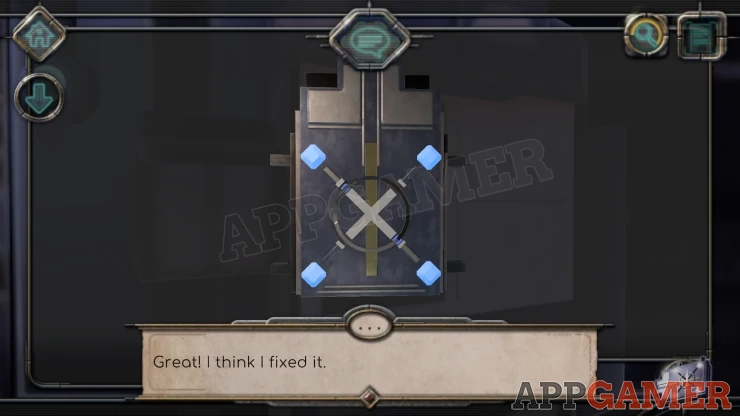
Go back to the moving platform and press the right button, this will take you round and down to a lower area.
On the right is an open panel on the floor.
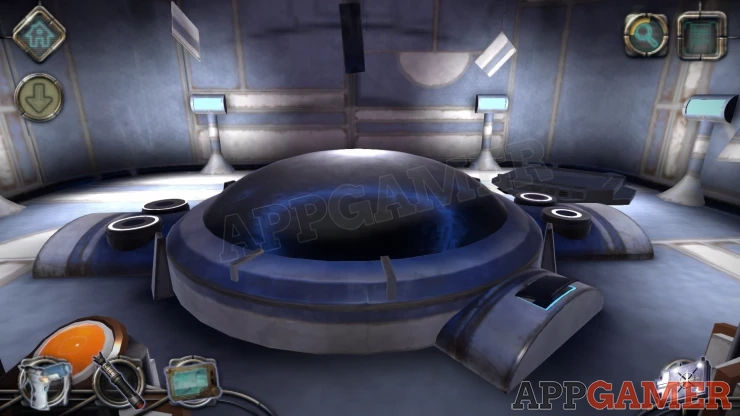
Place the mechanical device inside.
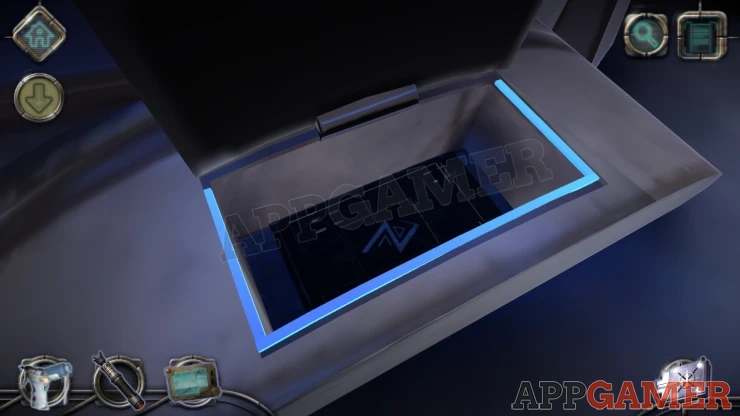
The center cover will flip over and we have another rings puzzle
Rings Puzzle 2
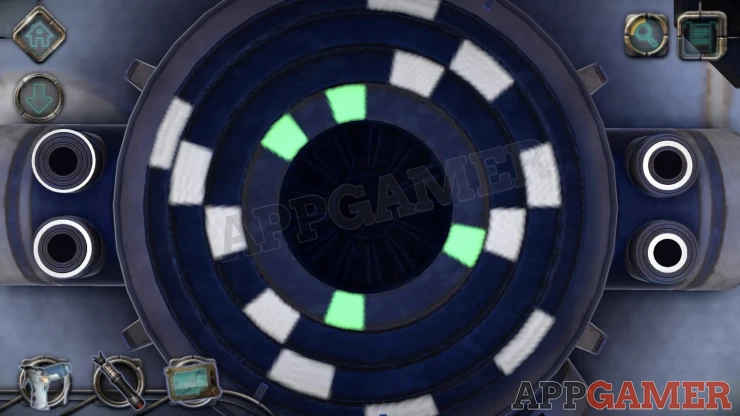
- Here we have 4 rings, on each one are some white sections.
- The inner ring has green sections.
- The 4 rings will move anti clockwise around the center.
- The 4 buttons around the sides can be held to stop one ring and make it rotate in the opposite direction.
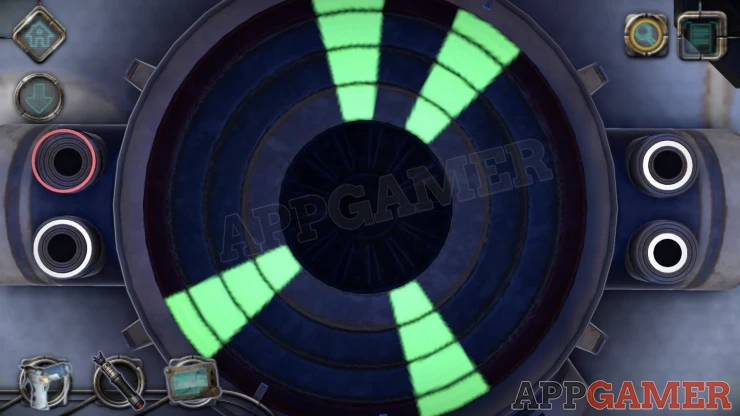
- Line the the rings so that the white sections are aligned with the center green ones.
- This will turn them all green and complete the puzzle.
Polyhedron Puzzle
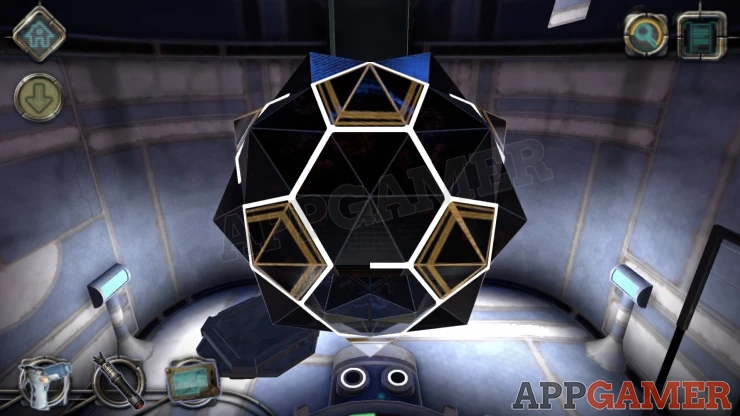
Now you will be able to access the center Polyhedron.
You can rotate around this to see all sides.
There are a number of pointed vertices that you can select and rotate.
Each of these has lines sticking out from it.
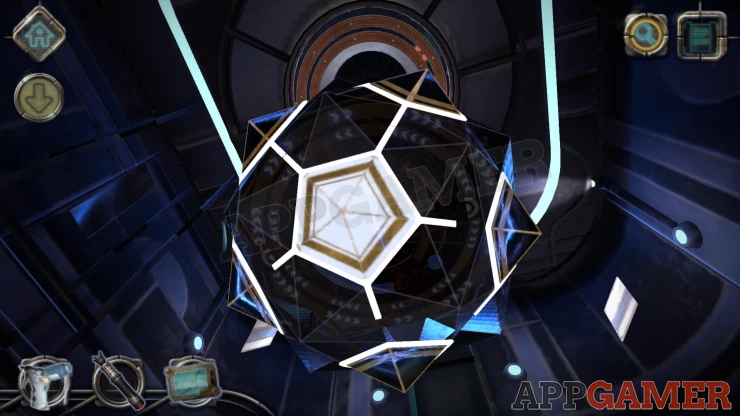
There is 1 white section that has 5 lines and on the opposite side is a dark area with no lines.
Turn and arrange the lines so that all of them are connected together.
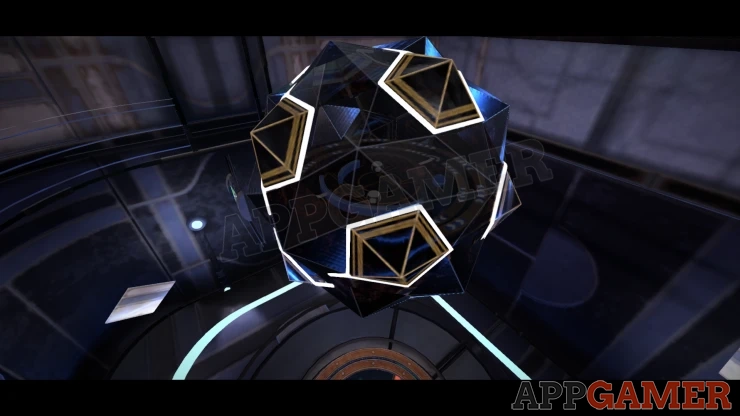
Once done the object opens up and we find another rings puzzle.
Rings Puzzle 3
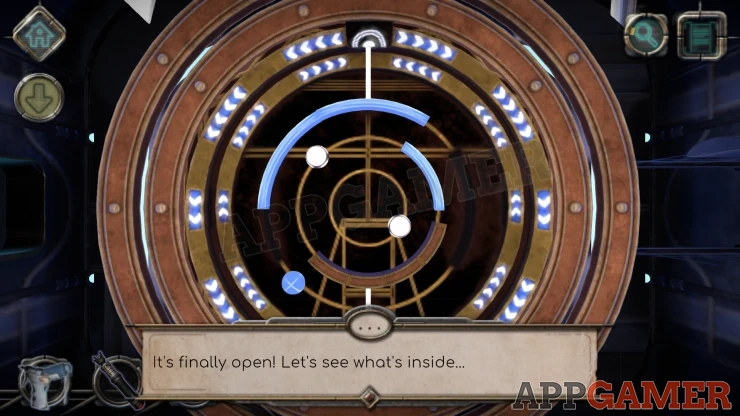
There are 2 inner rings that have blue / white arrows on them. You can turn these.
Each of the rings has a laser beam.
On the center are two white lights and a blue sphere, three are also some barriers that block the laser beams.
Rotate the rings, to get the lasers to pass through the white lights to complete a level. You can also hit the blue spheres to clear the barriers.
There are 3 levels to clear to complete the puzzle.
Show
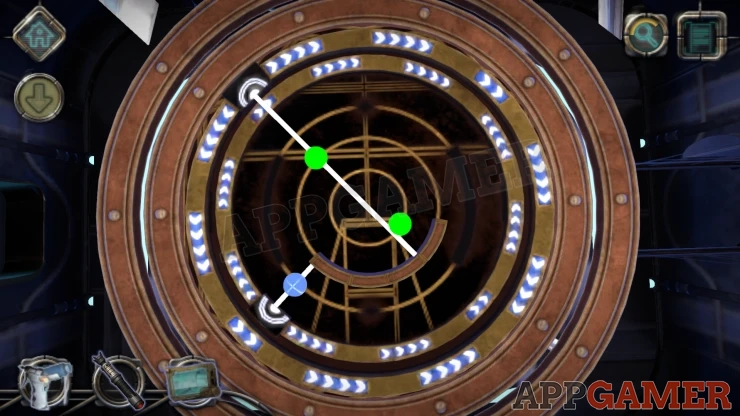
Show
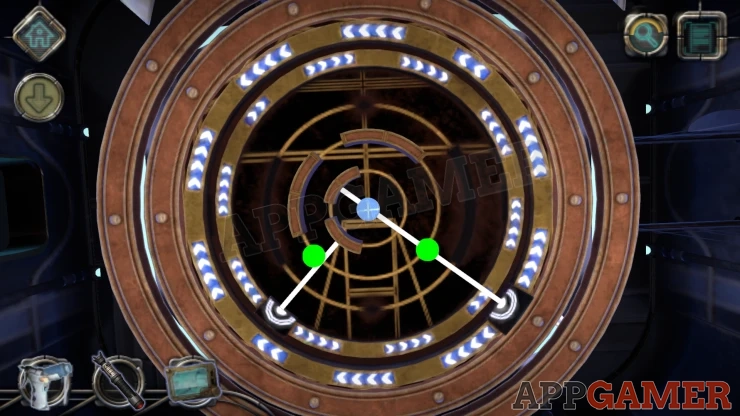
Show
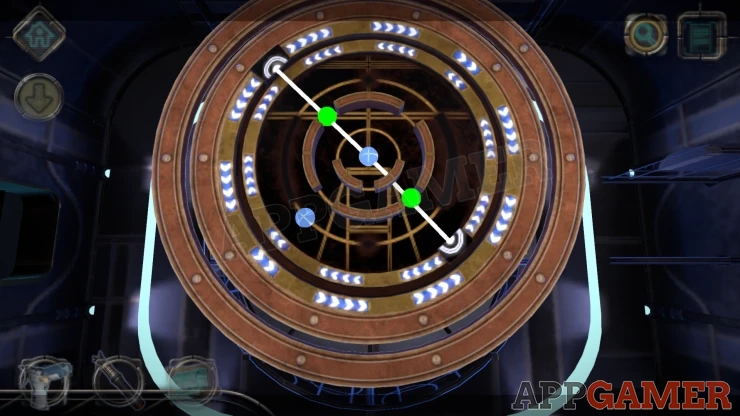
Completing this will reactivates the energy source in the ship and allow it to take off.
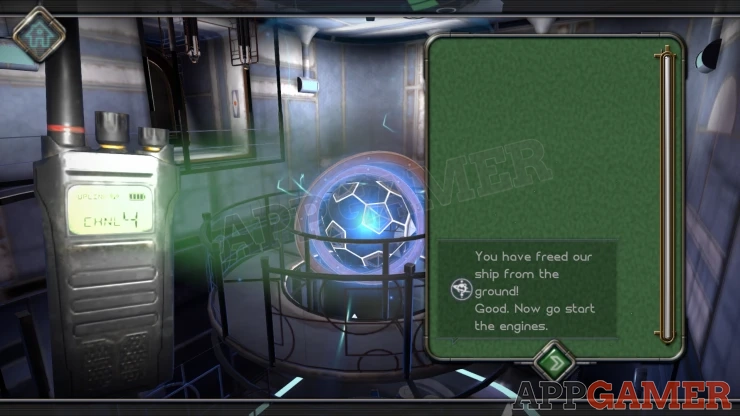
This completes chapter 5, move on to Chapter 6.
We have questions and answers related to this topic which may also help you: Show all
 With 20 years of experience in creating video game content for the internet and over 30 years as a gamer, Mark is now a passionate mobile App Gamer. Loving a challenge, he is always ready to get stuck in to both survival builders and puzzle solving games. He has been providing content for AppGamer since 2014.