
Chapter 1 Walkthrough - New Horizons
More Machinika: Atlas

This is a walkthrough and guide for Chapter 1 of Machinika: Atlas. Following the previous game in the series, Machinika: Museum you play as a researcher whose escape pod has arrived at an abandoned spaceship on Atlas a moon of Saturn.
Tutorial Walkthrough
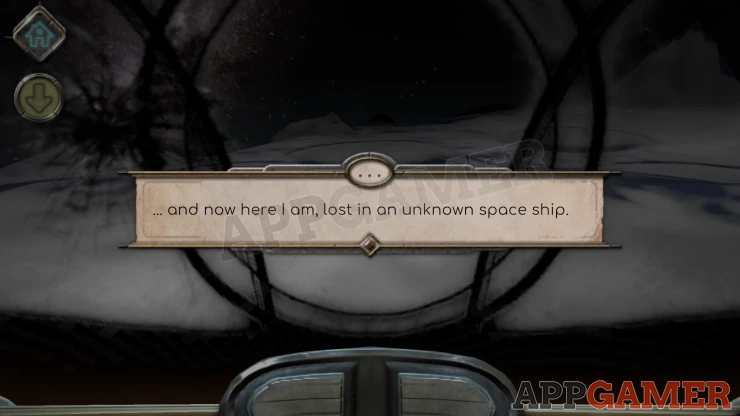
You begin in a damaged pod looking out and will start with a tutorial section to show you how to navigate the game. Follow the prompts to look around and then interact with the tablet.
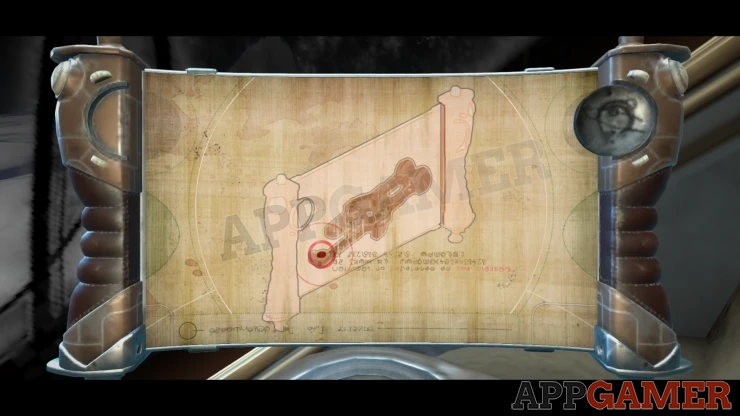
Follow the instructions to drag on the side of the tablet and then you can collect a Mysterious Key.
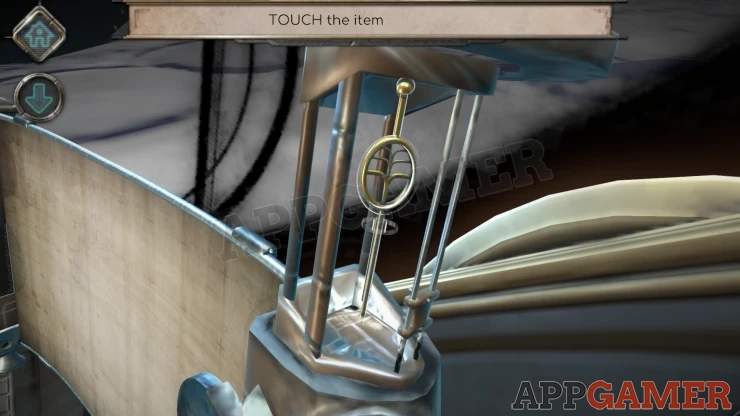
Now you can view the Key in the inventory and interact with it. Notice that as you slide the ring to the right the end of the key changes shape.
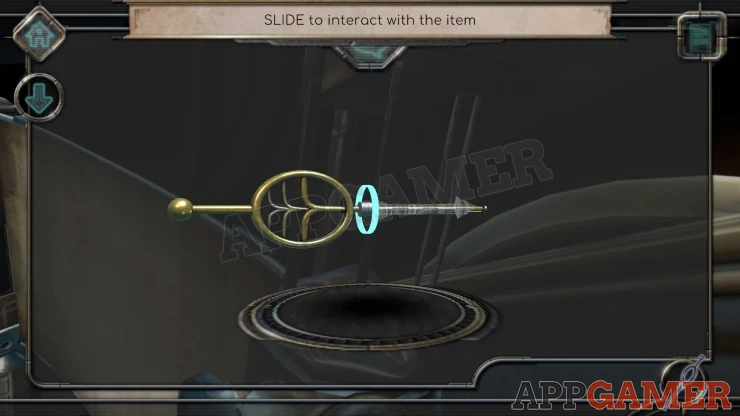
Move the ring to the far right to bet the round shape on the end. Then follow the prompt to close the inventory.
On the left side you will now see a round glowing circle. You are prompted to use the key. View the circle area and then you can drag the key to place it.
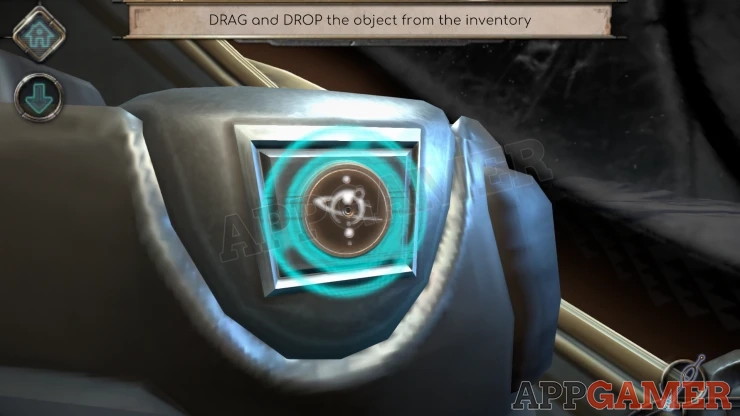
Rotate the key and it will reveal an orb that floats in front of you.
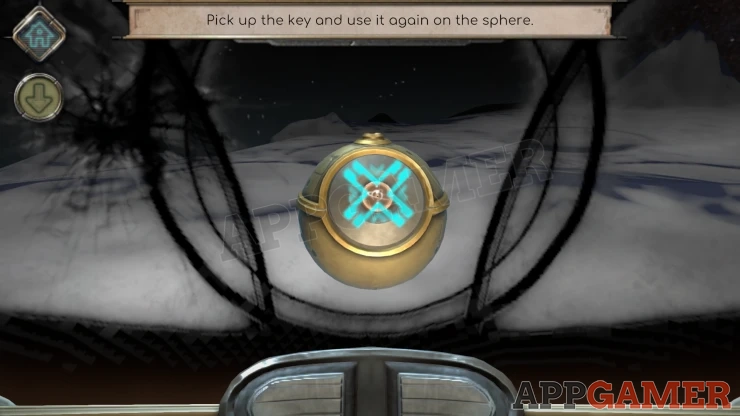
First look down and view the left arm again and collect the key, you then need to examine it in your inventory and alter it to fit a new lock. Notice the glowing shape on the orb is an X.
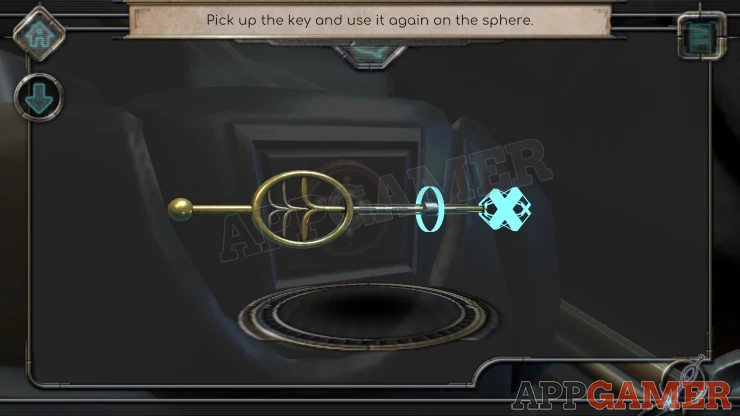
Place the X key and then turn it on the orb, when the white button appears tap this.
Chapter 1 - New Horizons Walkthrough
You now enter the main body of the ship.
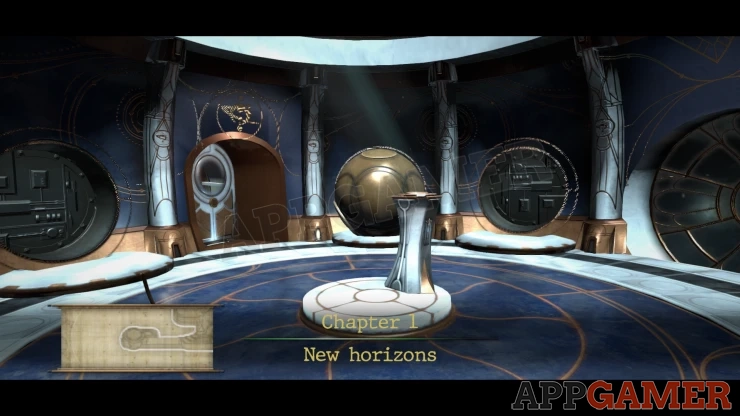
You have a Walkie Talkie and try to use it to make contact, but there is no reply.
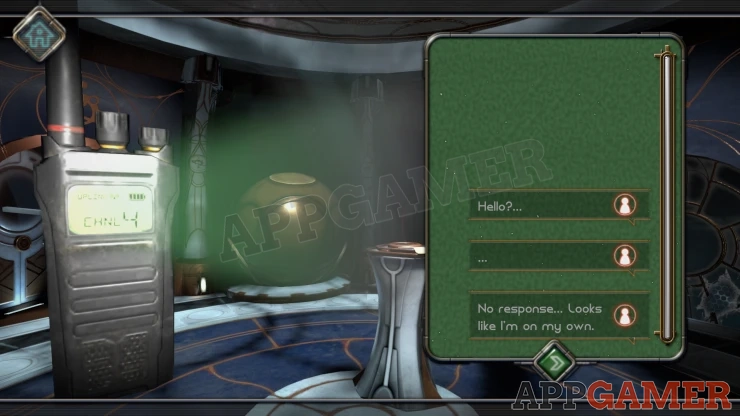
First turn to the left to see a sparking metal bar stick in the floor.
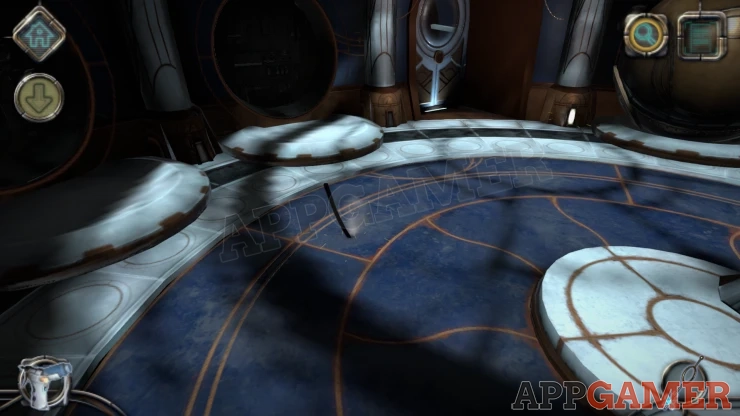
Zoom in on this and tap to collect the Metal Stick.
Next look near the floor on the left side of the center pillar to see a light that is flickering and sparking.
Zoom in to see that it is broken with a gap to the side. Use the Metal Stick here to prise it open.
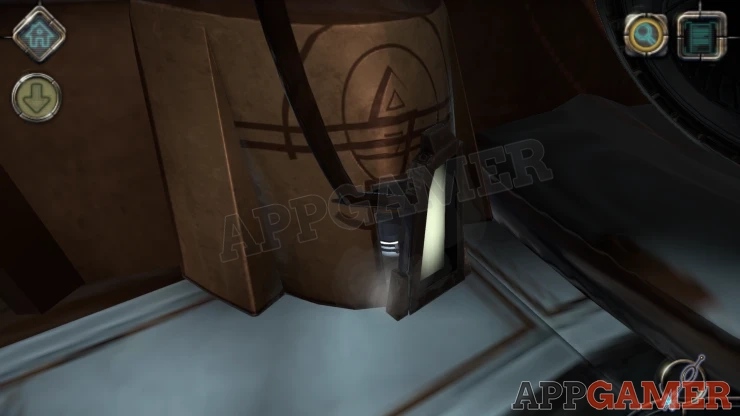
Collect the Round box from inside. Then view the box in your inventory.
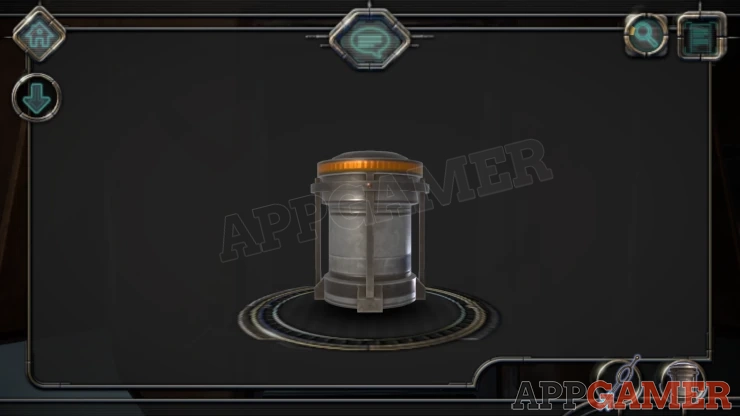
Swipe the orange top to open it and then you can collect a Crystal.
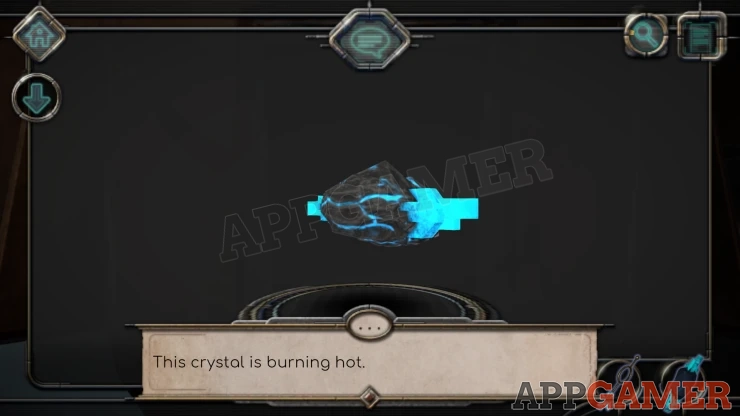
Now back up and then view the pillar in the center of the room and then the letter that is on top of it.
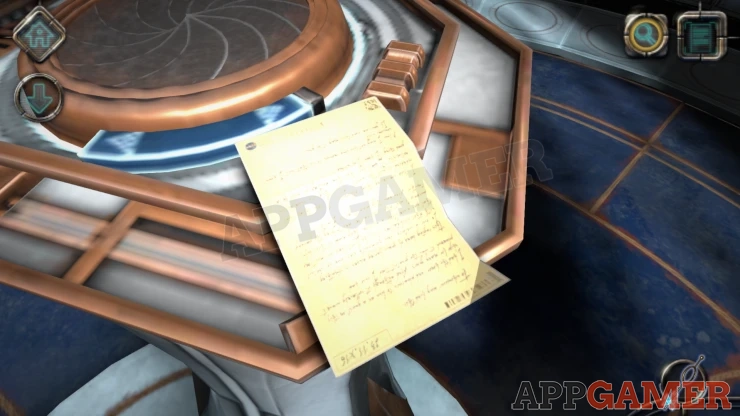
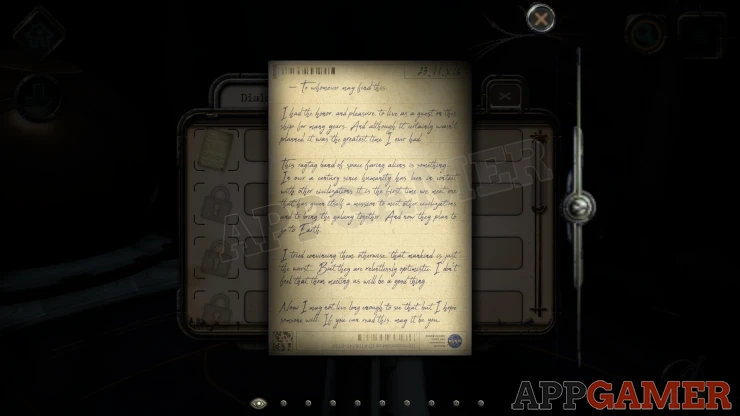
Collect the Letter, you can tap it to read it more clearly. This is added as a collectible.
Now look on the right side of the pillar below where the letter wad to see a panel that is dirty.
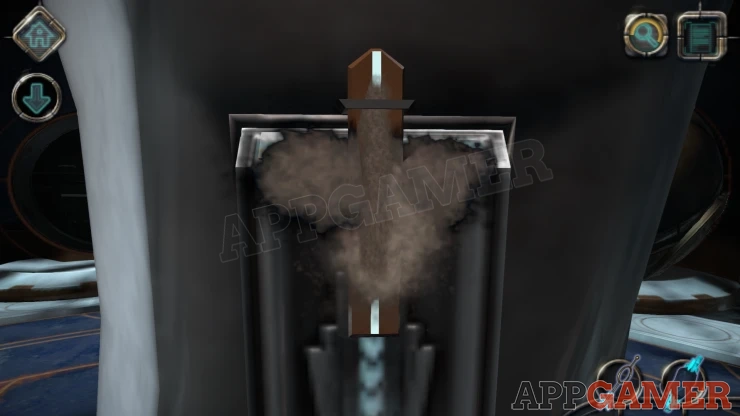
Tap to get a prompt about cleaning it. You will then receive an Air Duster tool.
Drag this from the lower left to clean the panel.
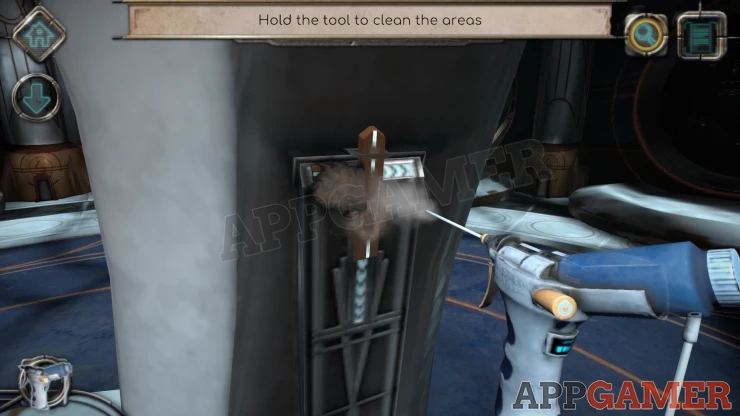
Now you can view the panel again and lower the center bar, then slide a switch to the right to open the panel up.
Next slide the 2 semi circle piece to the center to open the box.
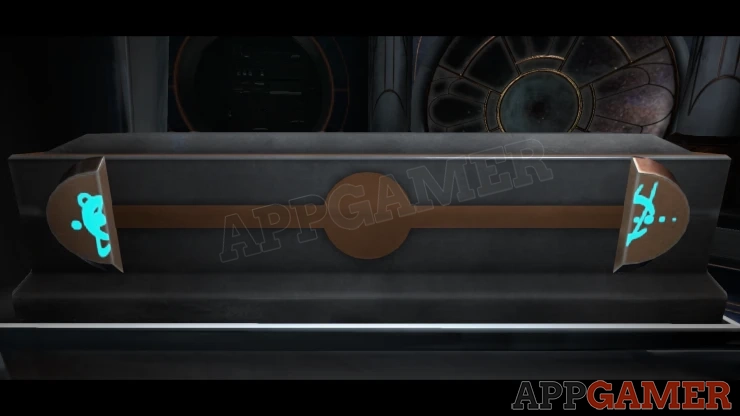
Open the lid and then look inside. Notice the holder on the right with the burn marks.
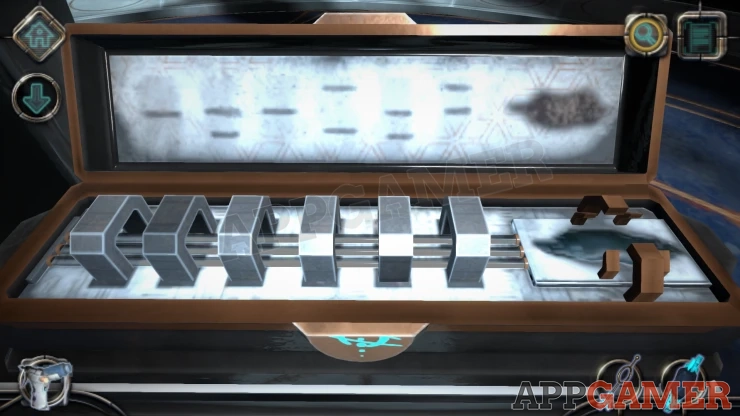
Place the Crystal on the right side. This activate some rings with glowing lines.

You need to set the 6 rings correctly by rotating them to show different patterns of lines.
Clue: The lid of the box shows burn marks where the lines should touch it when closed.
Solution: Match the lines on the lid as shown.Show
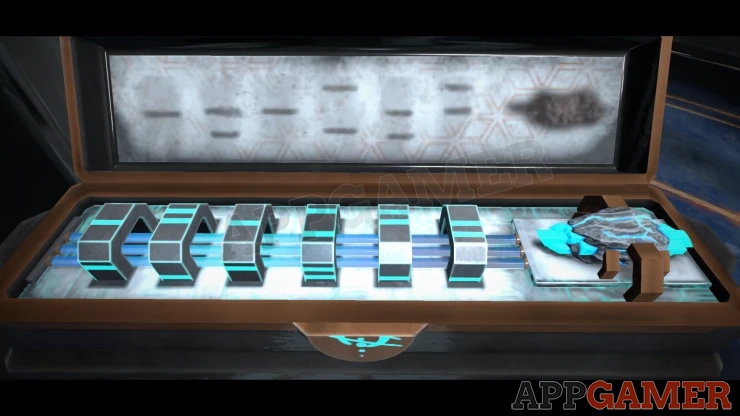
Once set the device will activate and close up. Then more systems will begin working on the ship.
You will then see the top of the pillar with a center disk that you can rotate.
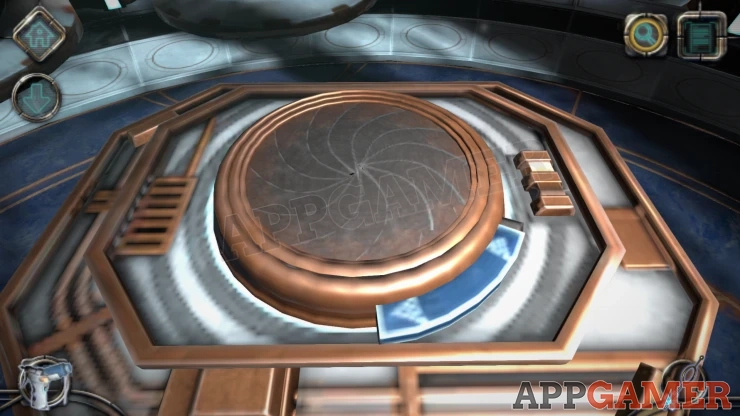
Turn this and it will reveal and other Tablet with Alien writing. It will also indicate a fault in some system that needs to be repaired.
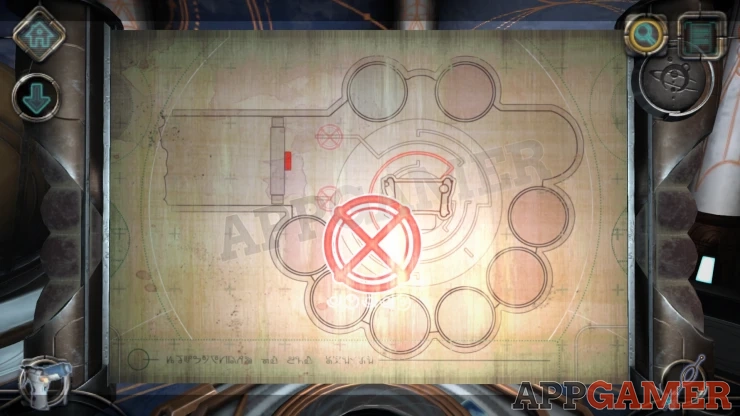
Tap this and a panel will open in the floor.
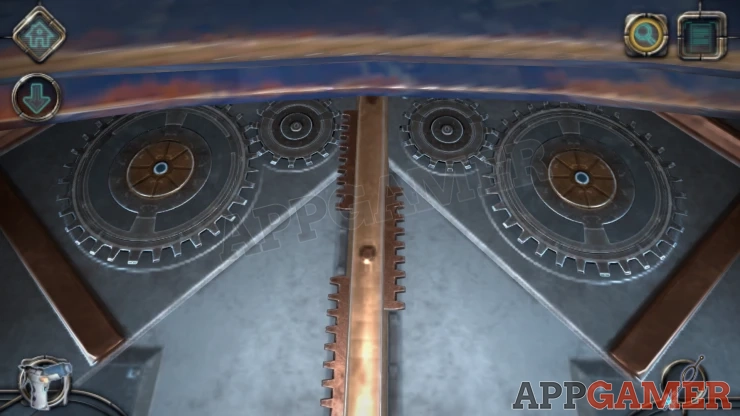
There are Gear wheels on the left and right that you can turn by tapping them.
In the center is a bar with teeth on the left or right.
Tap the correct gear to turn and slide the center panel
Solution: Tap Left, Right, Left, Left, RightShow
Inside is a circuit that is dirty, and a broken device on the left.
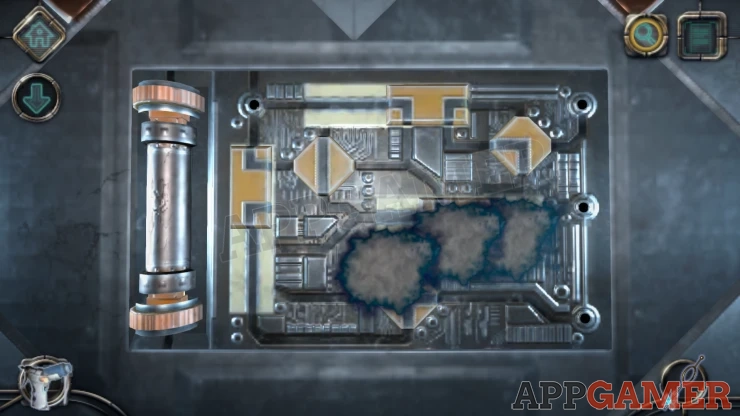
Use the air duster again to clean the circuit, then swipe to turn the orange rings at the top and bottom of the broken cylinder to remove it. You need a replacement.
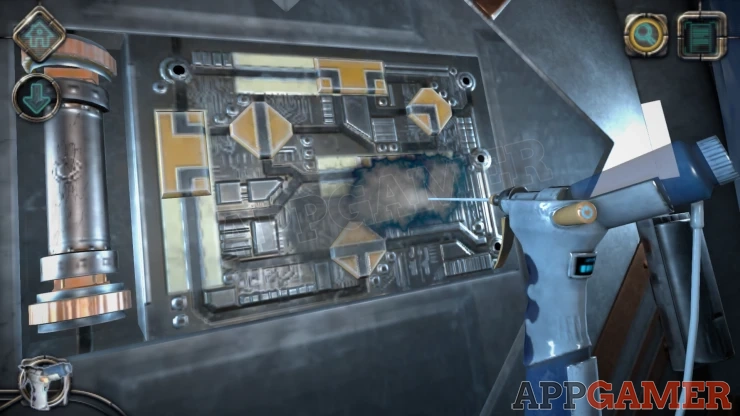
Back up and view the center pillar again. Look on the left side of it this time to find another panel.
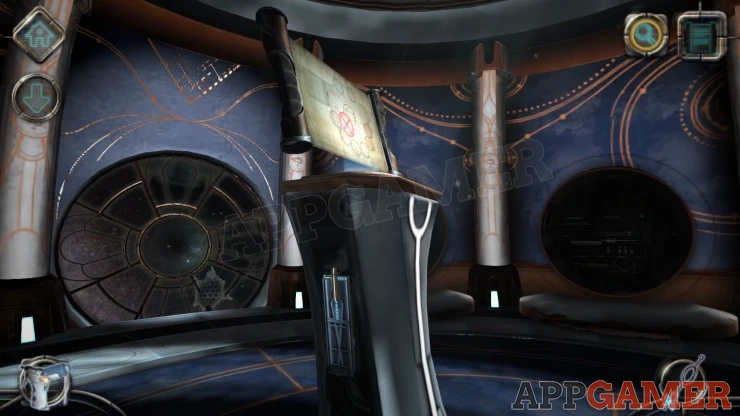
Open this one in the same way and a box will slide out.
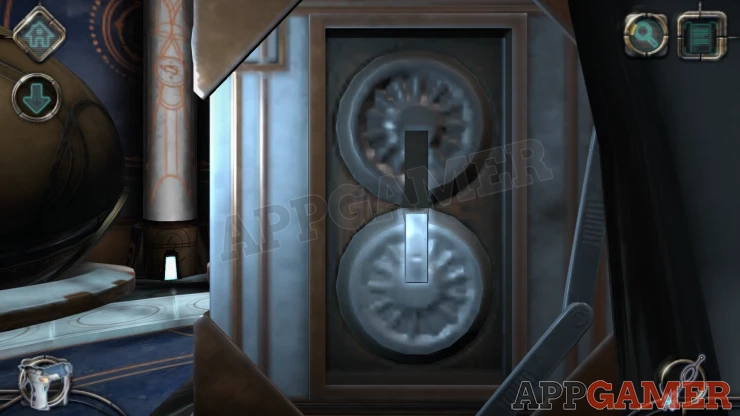
First turn the top wheel so that the slot in it points upwards.
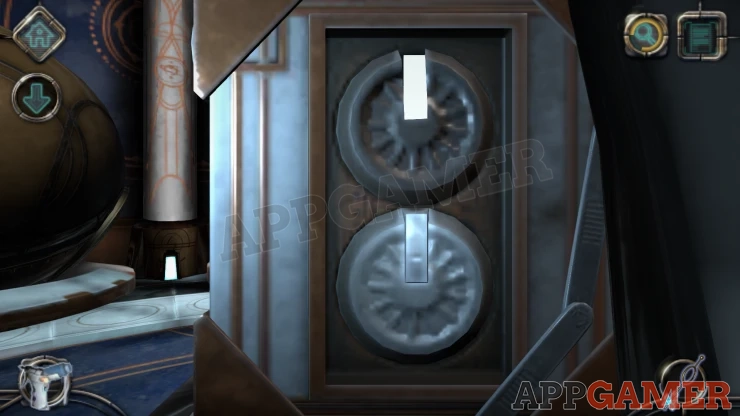
You can then collect an Energy Rod from the side.
Now turn the top when back to point down wards and then you can slide a catch up from the lower wheel.
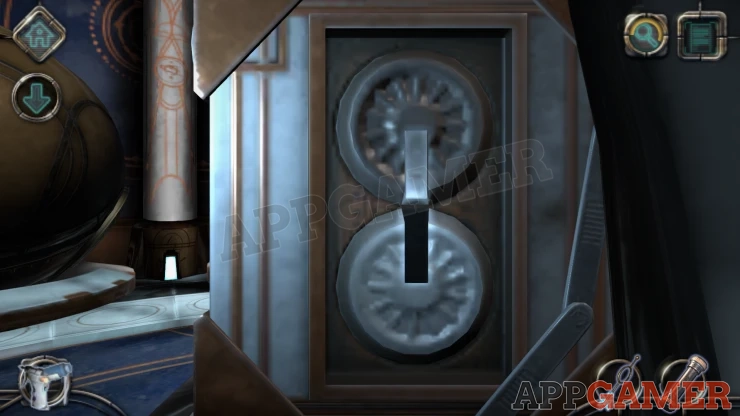
Turn the lower wheel so that the slot points down and then you can collect a Strange Disc.
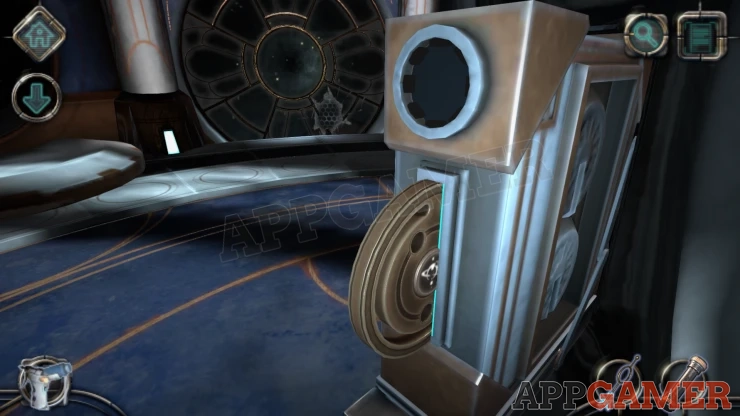
Now return the the panel in the floor and you can add the new Energy Rod to the left side.
Circuit Puzzle
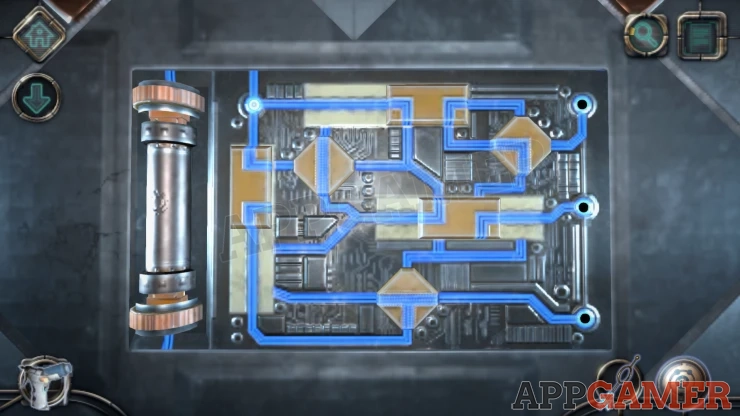
Now you need to solve the circuit puzzle.
- There are 3 blocks that you can slide and 3 that you can turn to change the paths.
- You need to connect the power from the top left to the 3 terminals on the right side.
Solution: Show
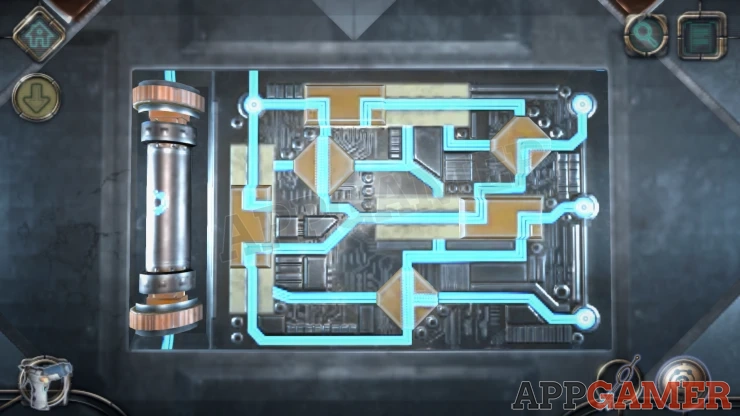
This activate the power here and we are returned to the tablet in the center.
Rings Puzzle
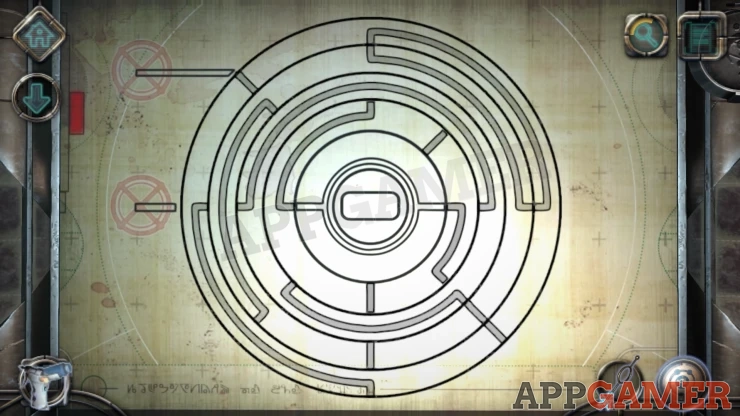
- Now we need to arrange the 4 rings to line up the paths on the diagram.
- The lines must all match up and connect the center with the 2 points on the left side.
Solution: Show
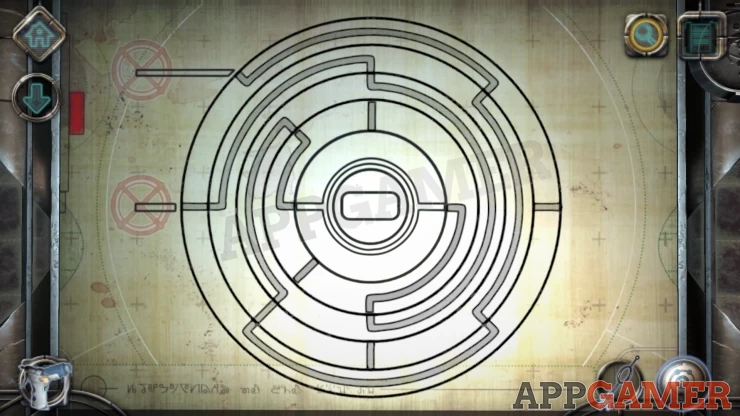
We now see a door to a passageway activate. It is still locked.
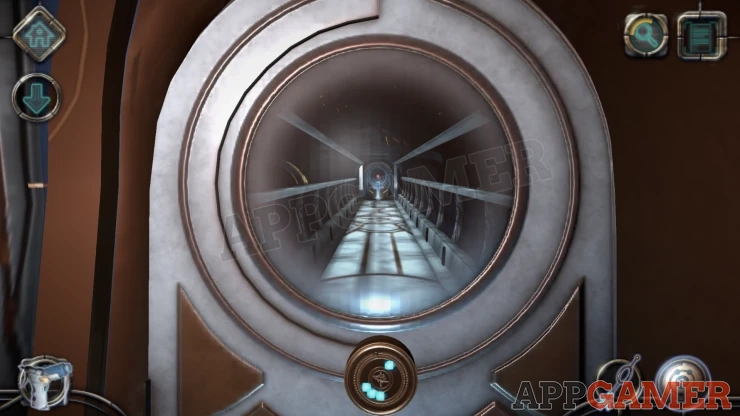
View the lock below the window in the door. Then place the 'Strange Disc' on to it.
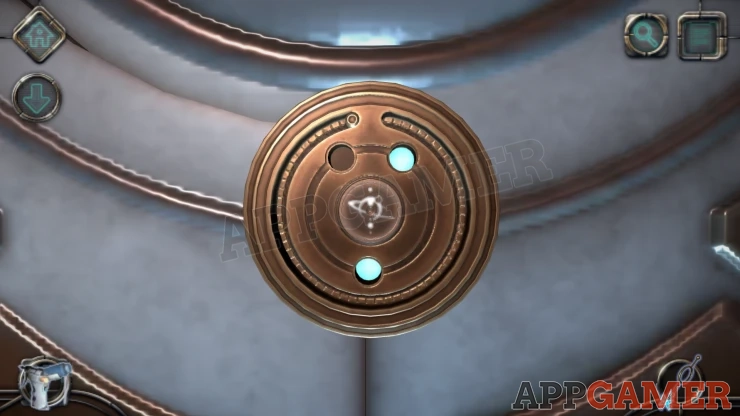
Turn the disc until you see 3 lights. This activated a diamond shaped blue glow.
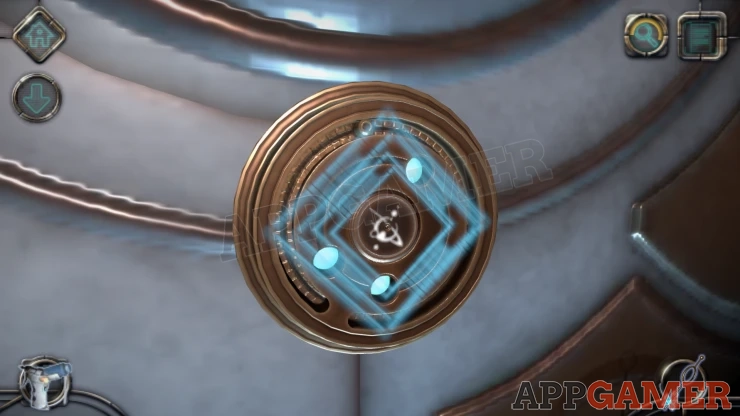
View the Key in your inventory again and slide it to make the matching shape.
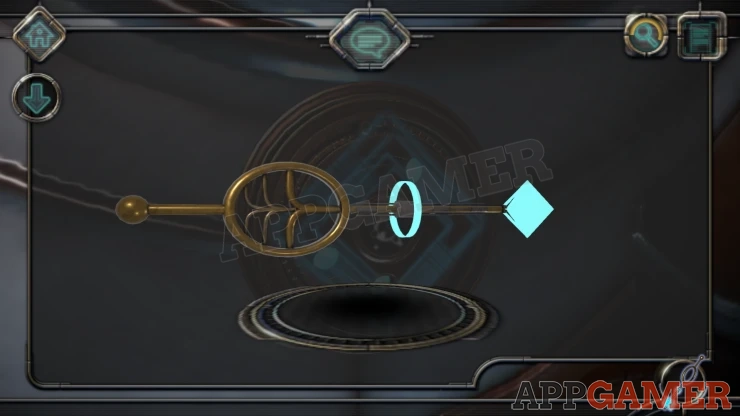
Then you can use this key on the lock and turn it to open the door.
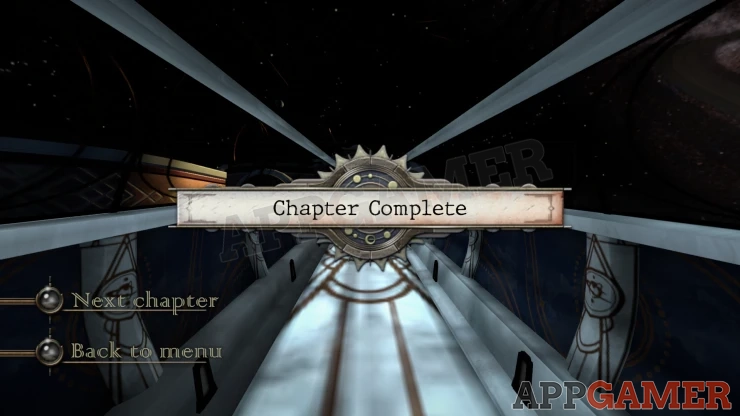
Entering the passage way will complete Chapter 1. You can move on to Chapter 2.
We have questions and answers related to this topic which may also help you: Show all
 With 20 years of experience in creating video game content for the internet and over 30 years as a gamer, Mark is now a passionate mobile App Gamer. Loving a challenge, he is always ready to get stuck in to both survival builders and puzzle solving games. He has been providing content for AppGamer since 2014.