
Chapter 4 - The Rescue Walkthrough
More Tiny Room Stories Eclipse
This is our guide to the fourth chapter of Tiny Room Stories - Eclipse. You reach chapter 4 after completing the tasks at the campground in chapter 3. You have discovered the location that the tourist is staying at in the campground and made your way there. Follow the walkthrough below for help finding your way and solving the puzzles that you will encounter.
Chapter 4 Walkthrough - The Rescue
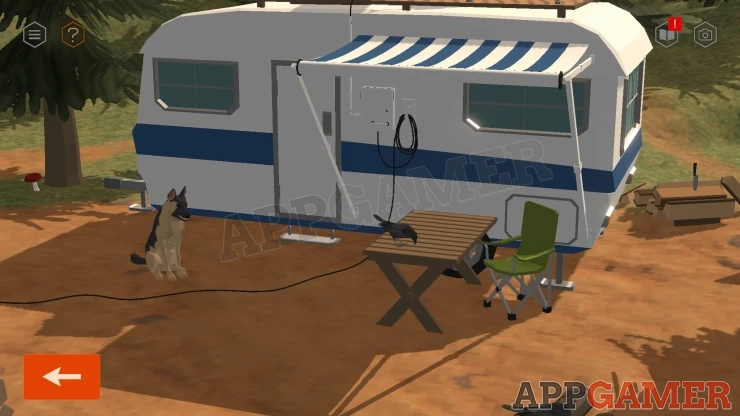
You arrive at the caravan of the visitor, the dog that you befriended in the previous chapter is with you.
Collect a Knife from a pile or woodon the right of the caravan.
Follow the path to the right to find the parking area. There are two outhouses here.
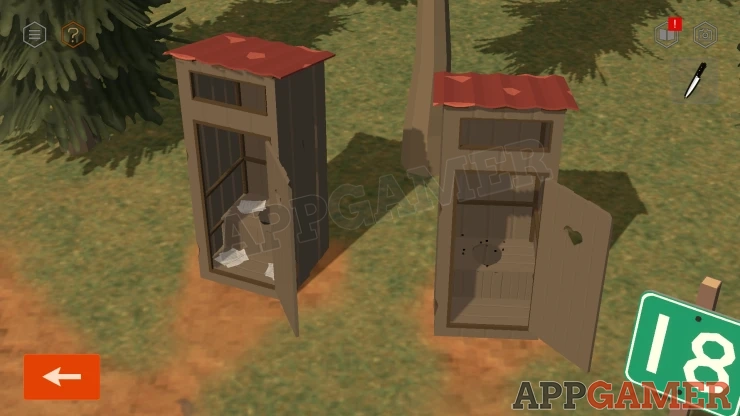
Open the doors and collect a Paper (List of knives) from the one on the left.
Now view the truck that is parked. There is a box in the back that you cannot open yet.
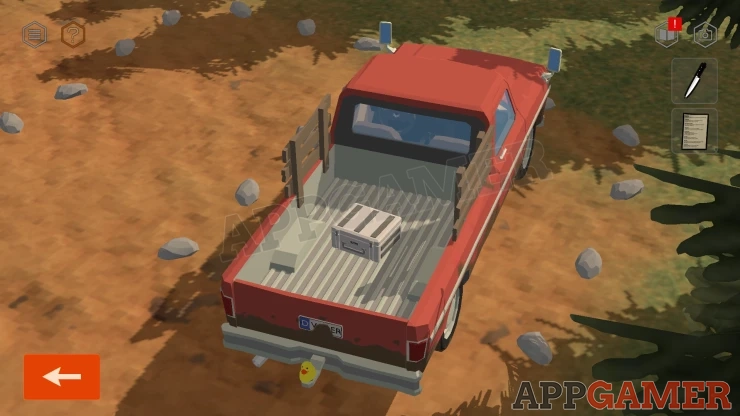
Look around the truck and the licence plates on the front and the back. Both of these have some charaters missing but you can get the full plate by comparing them.
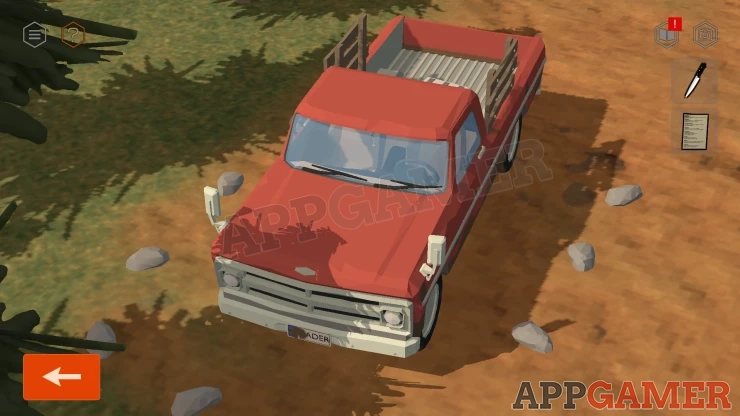
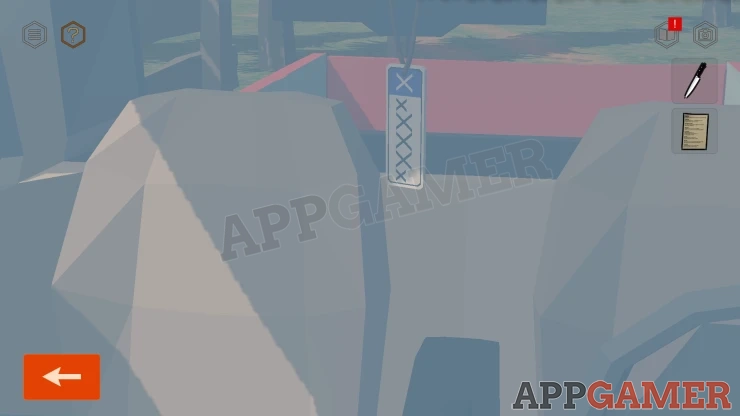
Then look in the windshield of the truck. You can see a tag hanging that has some X's this is a clue.
Move back to the Caravan and then you can open the door and go inside.
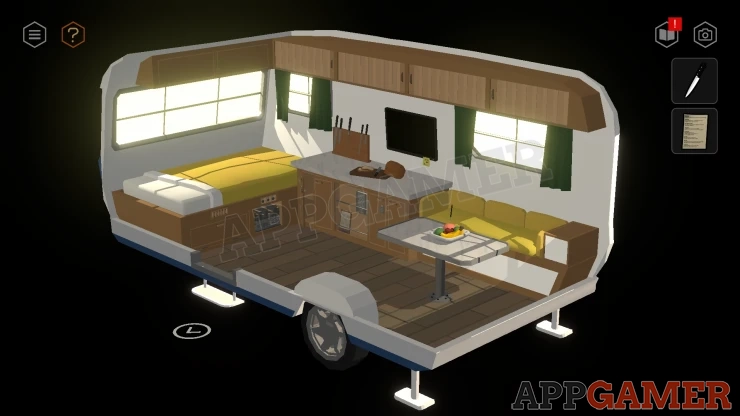
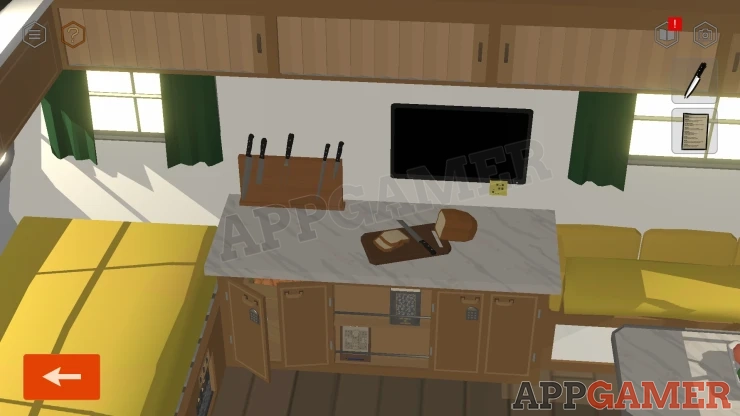
Look at the work top and collect a Knife from the cutting board. Then also collect a Clipboard and a Book from the rack below.
View the clipboard in your inventroy to find a puzzle paper.
Sudoku Puzzle
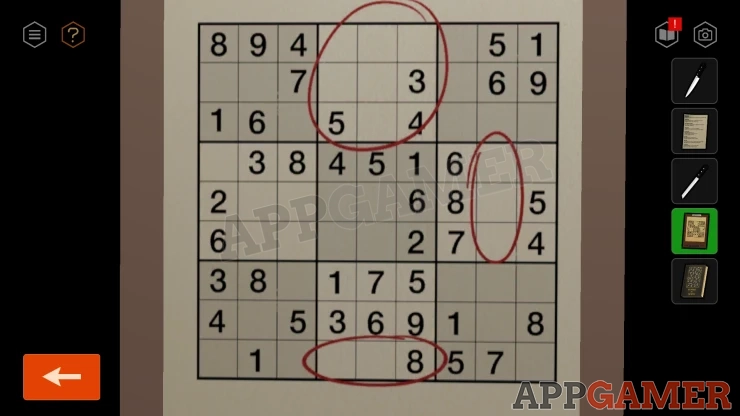
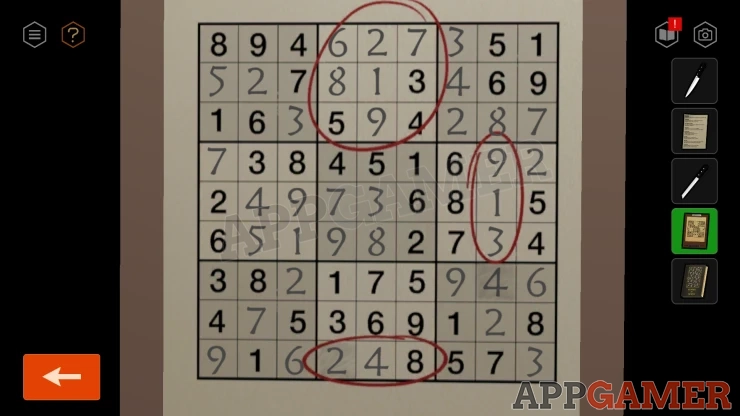
- Tap the empty squares to select the numbers for this puzzle.
- Fill in all the squares according to the game Sudoku to complete it.
- The circled numbers are then clues that you need for further puzzles
Solution: Show
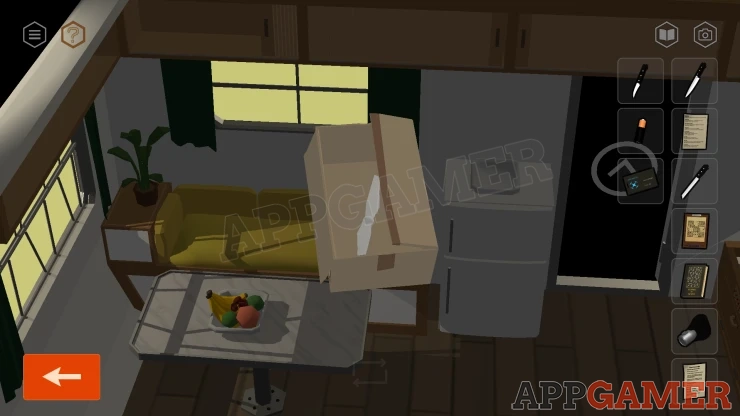
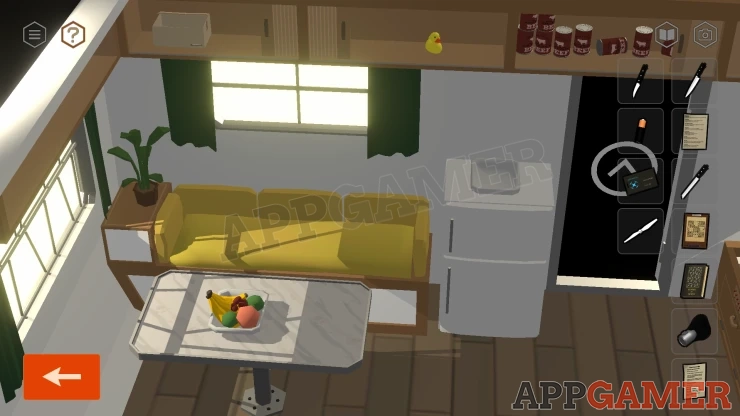
Turn to the opposite view and look at the sofa.
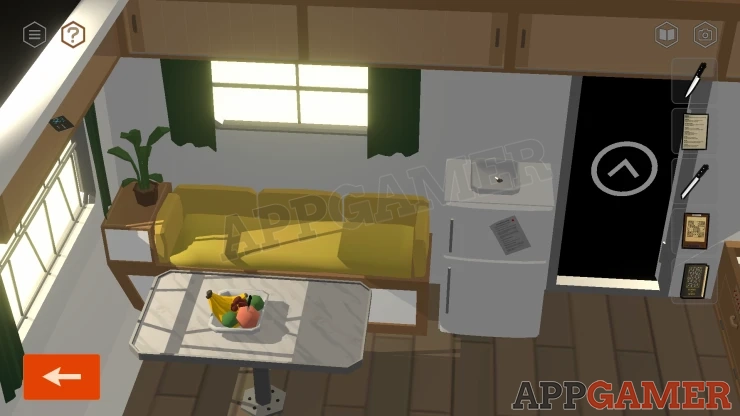
Collect a Key from the top of the refrigerator. And a Paper (Grandma's Recipe) from the front of it.
Collect another Knife from the fruit bowl on the table.
Open the fridge to look inside and collect a Battery.
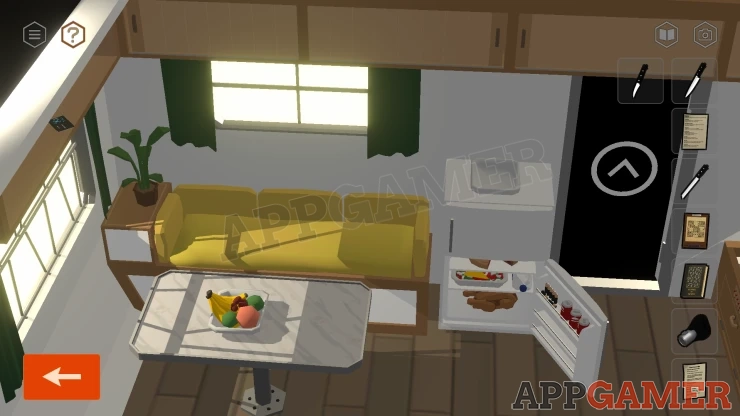
Collect a Card from the shelf on the top left. The open the high cupboard on the left to find a box. Look inside this box to collect a Rotor Blade (1).
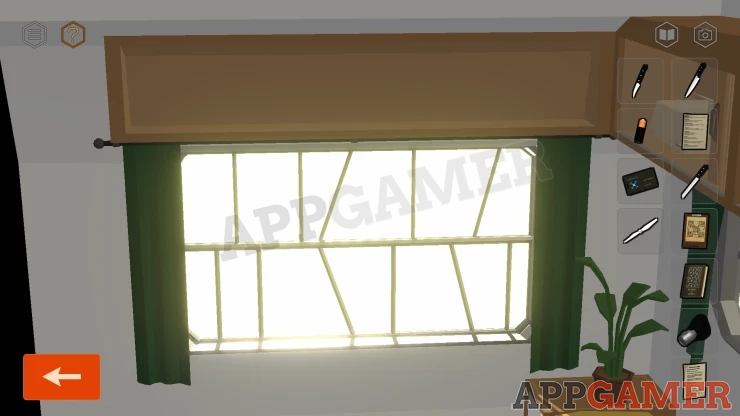
Next view the window at the opposite end to the bed. Notice the angled lines.
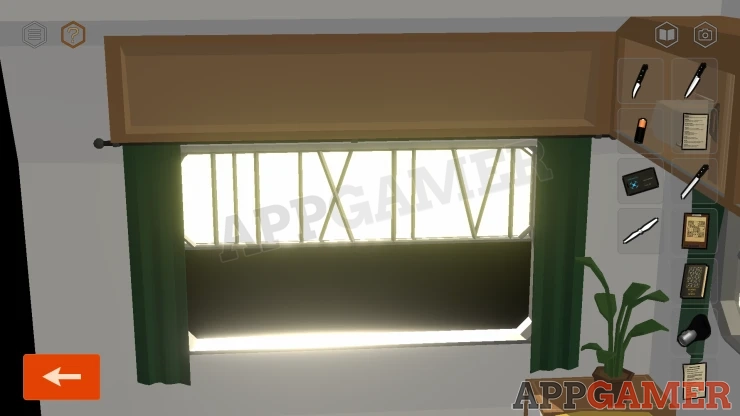
Tap the window to open the bottom half and the lines will become Roman Numerals. This is a clue to remember.
Show
Turn back to the bed and look under the bed at a panel on the left.
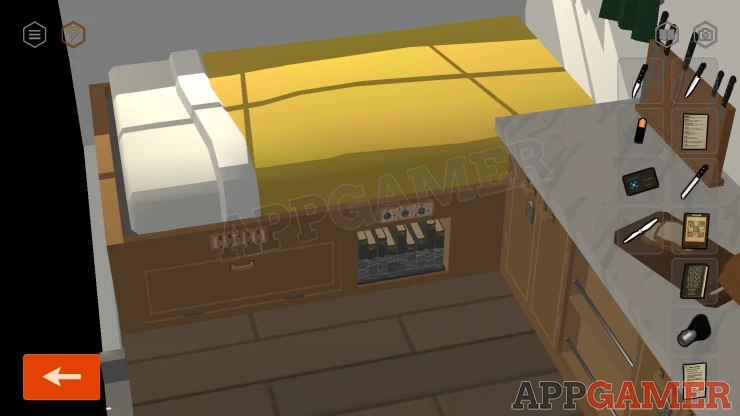
Caravan Bed Lock Puzzle
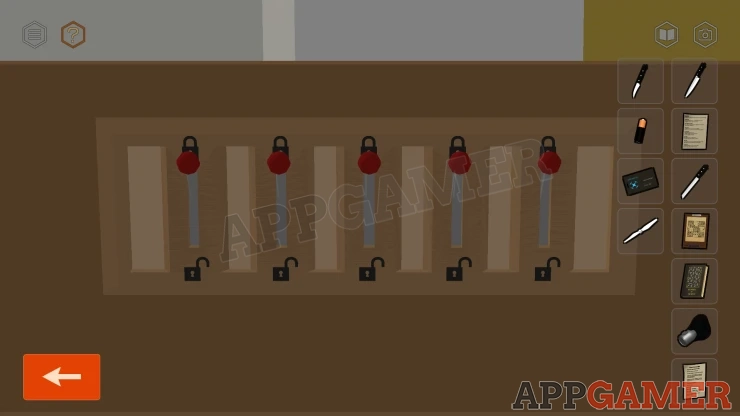
- There are five lock switches. Tap them to move them from locked to unlocked
- When you move one some of the others may also change position.
- Find a way to move them all to the unlocked position.
Collect a TV Remote.
Next look at the small shelf of books on the right.
Bookshelf Puzzles
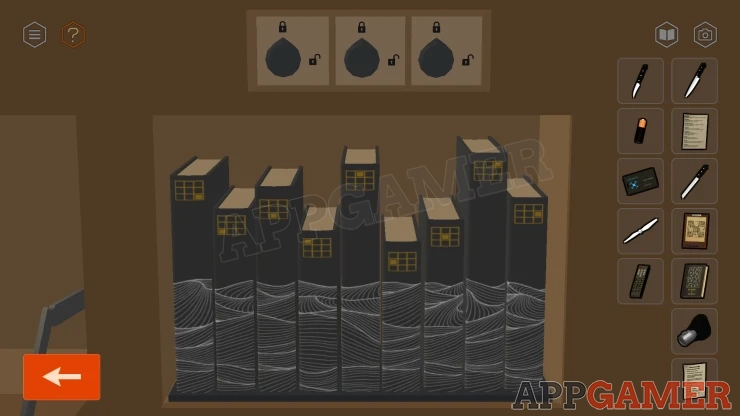
- There are three locks above the books.
- The books can be arranged in three ways to open each of the locks.
- Tap pairs of the books to swap their positions.
Lock 1: Arrange the books in height order, from smallest to tallest, left to right.Show
Solution: Show
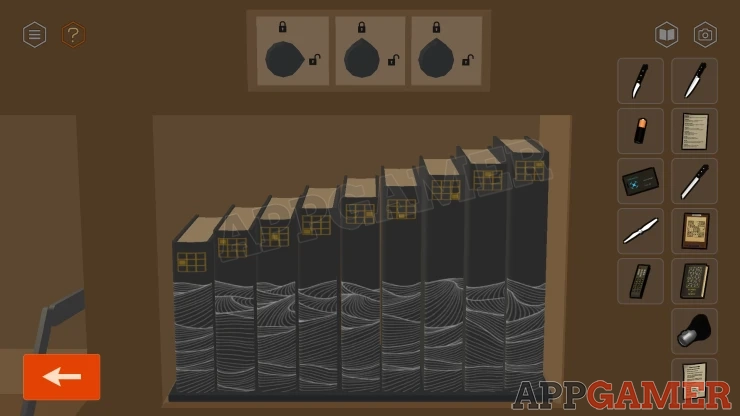
Lock 2: Arrange the boocks to match up the pattern of the mountains on the spines of the booksShow
Solution: Show
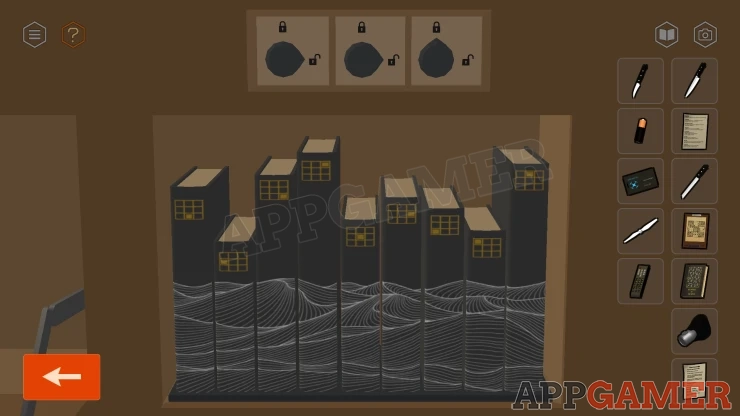
Lock 3: Notice the grids on each book, these resemble the Sudoku Grid. Look at the solved Sudoku paper and notice the top center square is circled. Find the number 1 in the circled section. Then place the book that has this position in a grid marked on it on the left side. Next place the book that matches the number 2 position and so on.Show
Solution: Show
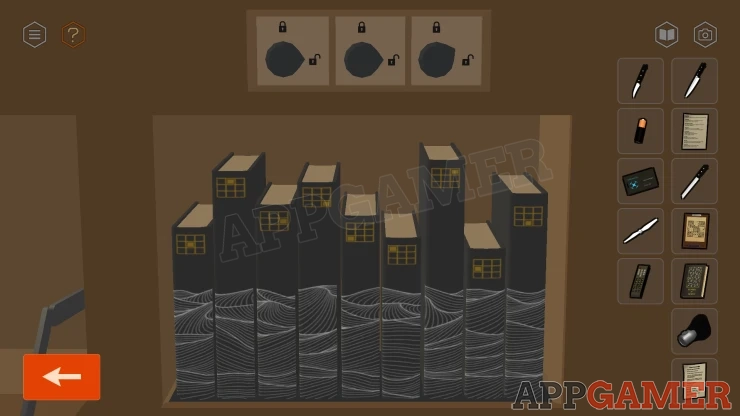
Once done the bed will open up to reveal a space full of clothes and supplies. Collect a Sock.
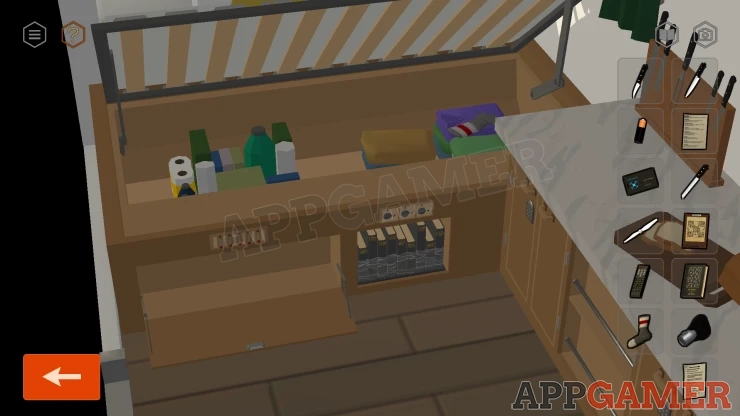
Now view the knife block on the workstop. Add the thre knives that you have collected to this.
Knife Block Puzzle
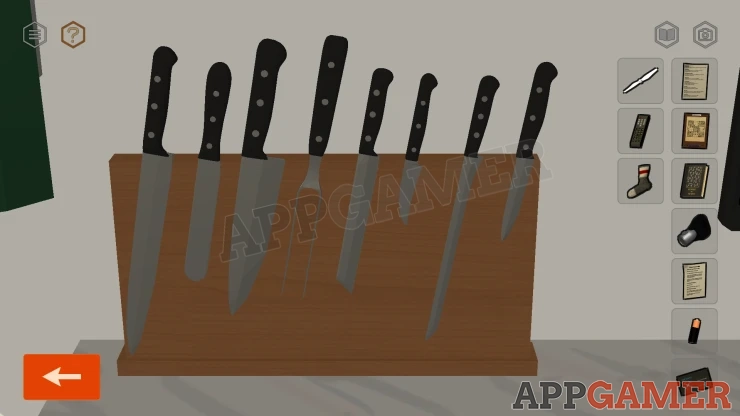
- There are eight knives in the block.
- Tap pairs of knoives to swap their positions.
- Arrange them into the correct order based on clues to solve the puzzle.
Solution: You have two papers, the first is a list of knives that tells you which knife is which by name. The second is grandmas recipe. Follow the recipe and work out which knives are used for each stage. This will give you the order.Show
Code: Show
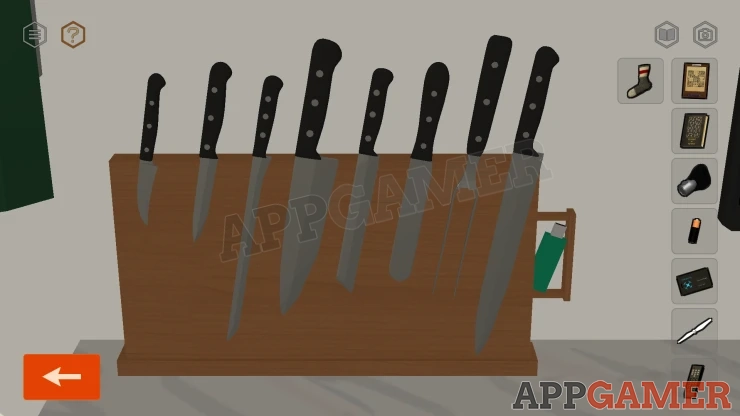
Once done you can collect a USB Flash Drive.
Back out and view the dog that is waiting. Give the Sock to the Dog and then command it to 'Search'.
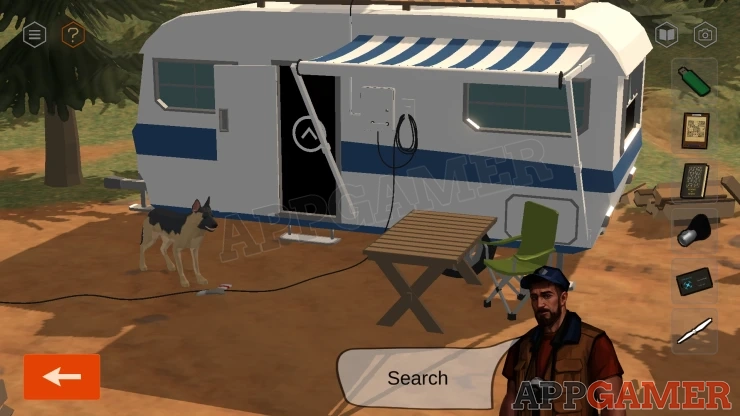
It runs off, follow it into the next area. View a bag that the dog finds and open it. Collect another Paper (Nonogram).
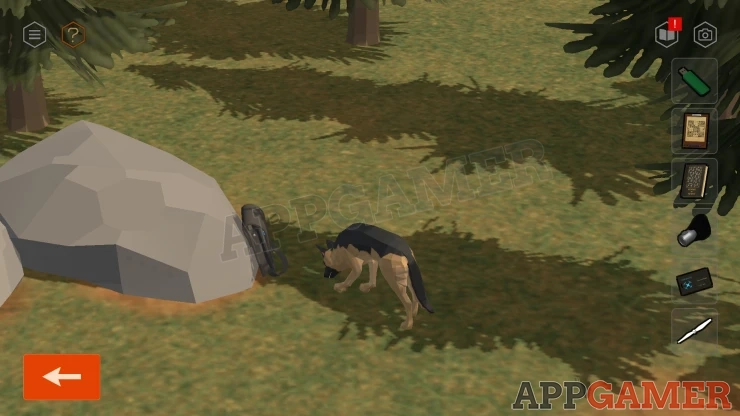
Command the dog to search again, until it runs under the tree with the nesting bird.
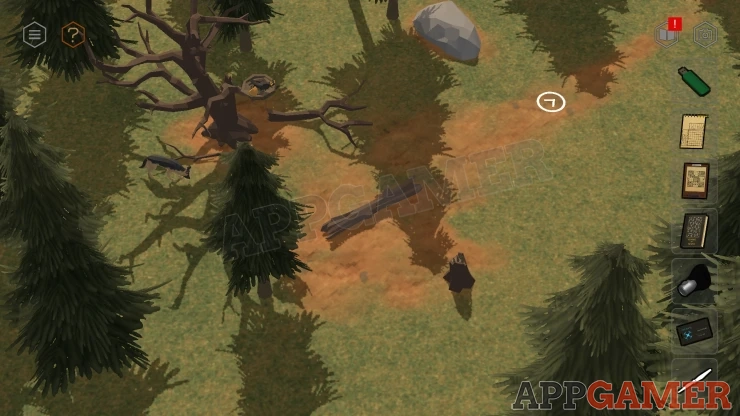
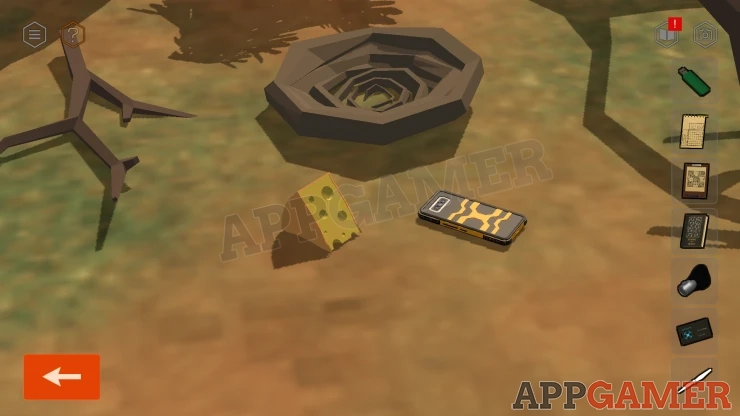
Then command the Dog to 'Speak'. It will bark and a bird in the tree will fly away and knock down a Smartphone for you to collect.
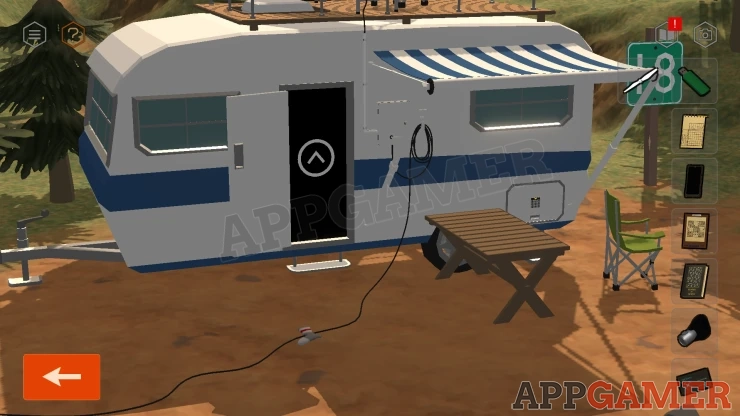
Go back to the caravan, then move a green chair that is by the table on the right. There is a panel on the side of the caravan.
View the keypad and enter the code. You have seen the clue for this.
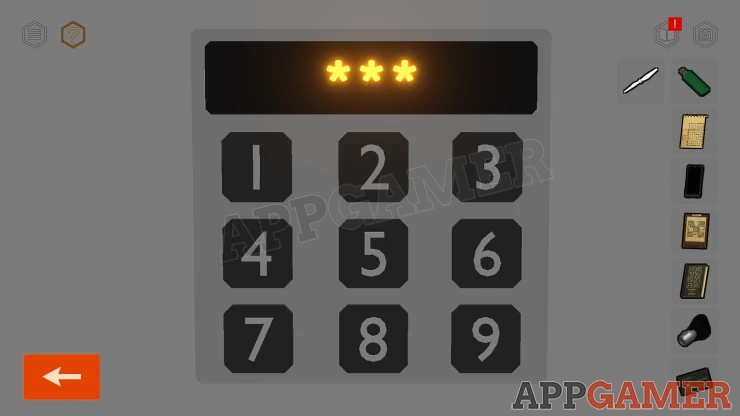
Solution: Find the three circled horizontal number in the Sudoku Puzzle.Show
Code: 248Show
Inside is a Case, view this to see it has a code lock.
White Case Code
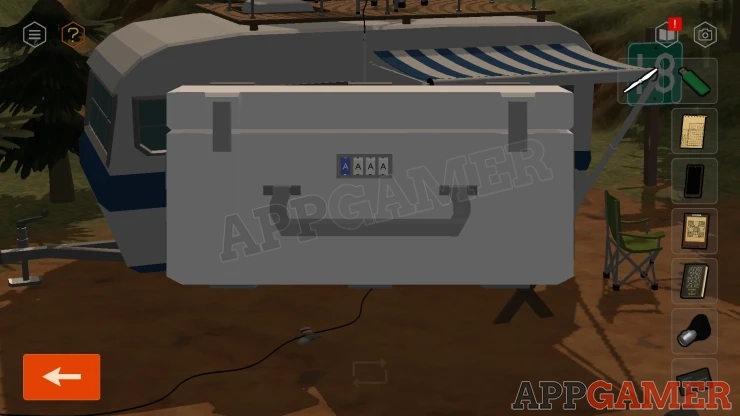
- The lock needs a four letter combination.
- Notice that the first letter is blue. This matched the license place on the truck.
Solution: Work out the full License plate for the Truck - D VADER. Then look at the tag inside thge truck and take only the letters matching the up case XShow
Code: DADEShow
Collect a second Rotor Blade (2).
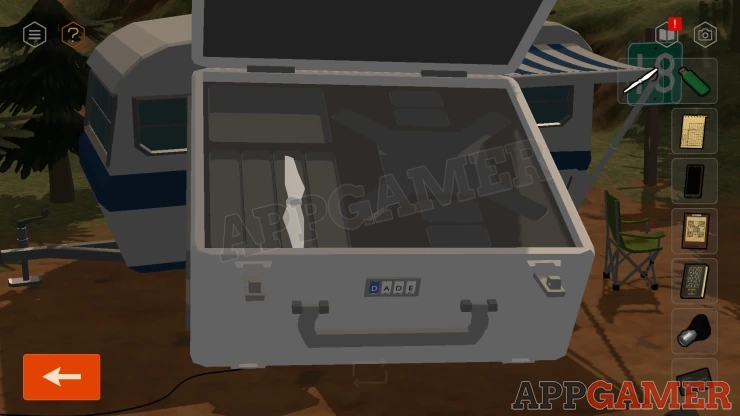
Now turn to the other side of the caravan, there is another locked panel here.
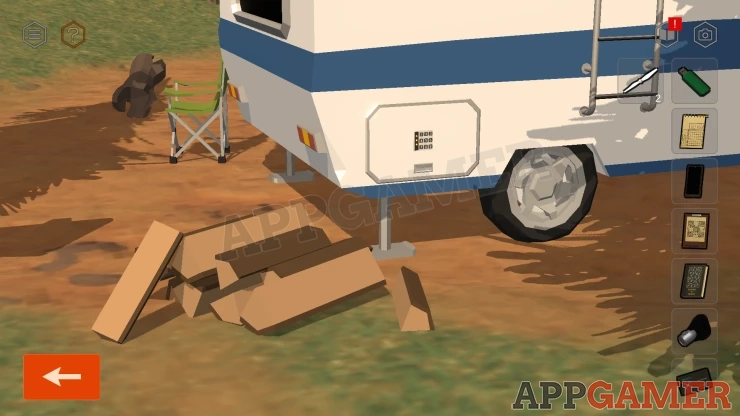
View the Keypad, this time the three numbers are vertical.
Solution: Find the circled three numbers on the Sudoku PuzzleShow
Code : 913Show
Collect the Solar Panel.
Now look at the second Puzzle Paper that you have collected. This is a Nonogram Page.
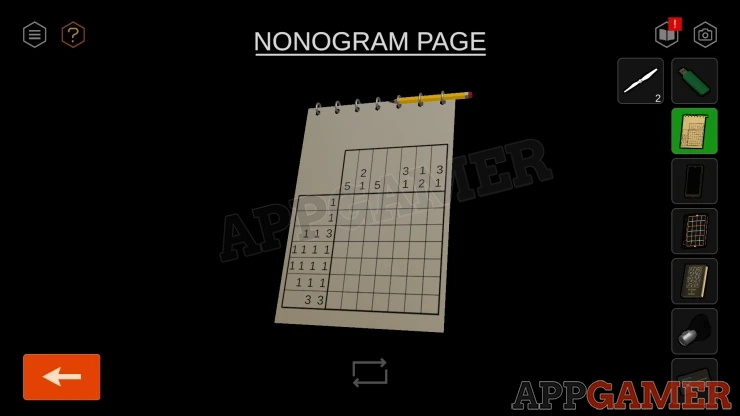
Nonogram Puzzle
- Tap the squares to fill them in with the pencil.
- Fill in the quares in each row and column so that the number and pattern matches the numbers see to the left and at the top.
Solution: Show
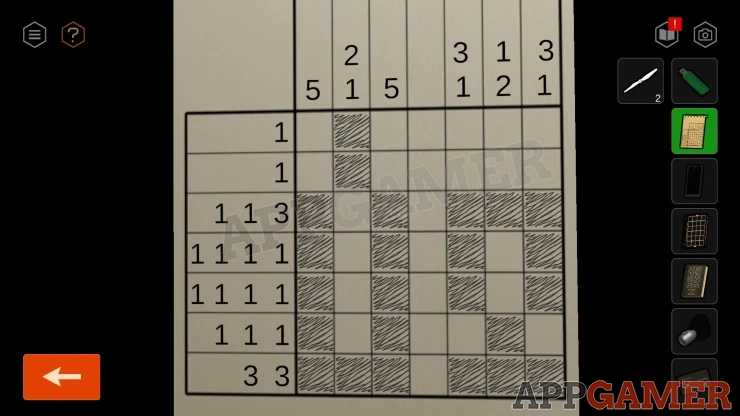
This is now a clue.
Unlock the Solar Panel
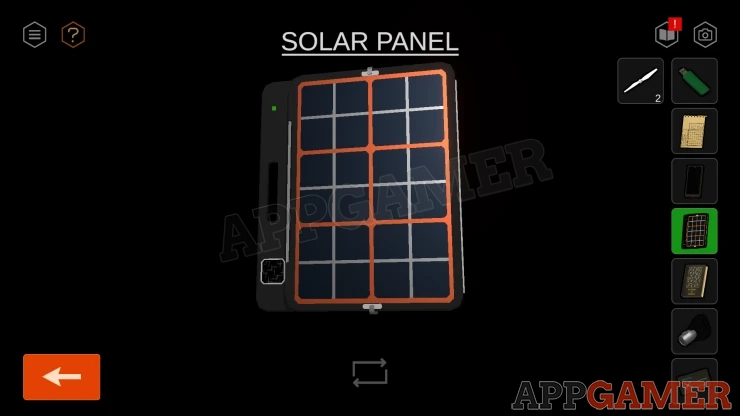
- View the Solar Panel from your inventory.
- Then view the small square panel on the lower left. This is the same grid as seen in the Nonogram.
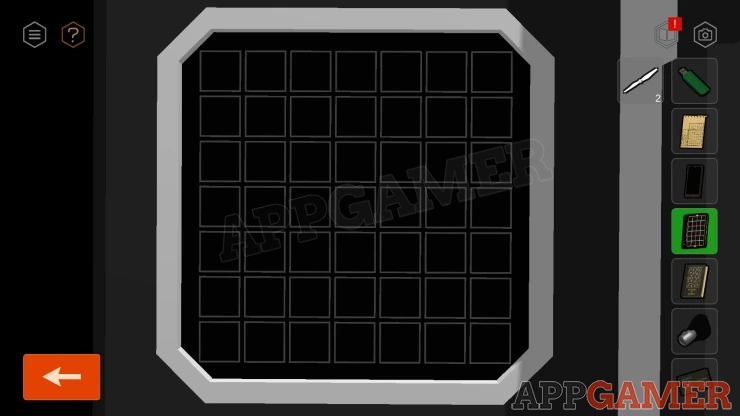
- Tap the swuares to tun them on.
- Match the same pattern as shown in the completed nonogram.
Show
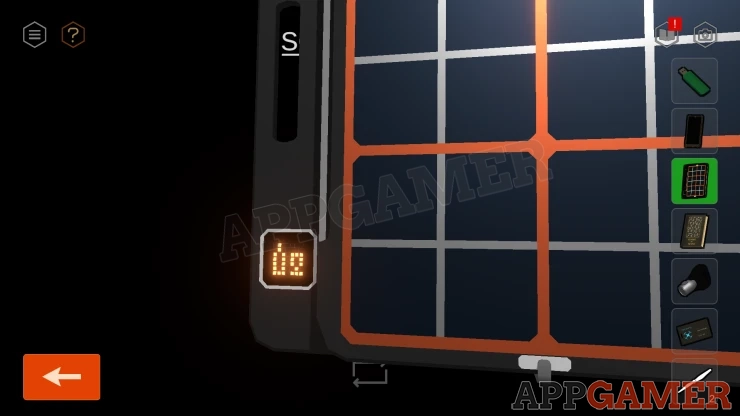
The solar panel is now open.
View the small tripod to the left of the caravan. Place the Solar Panel on top.
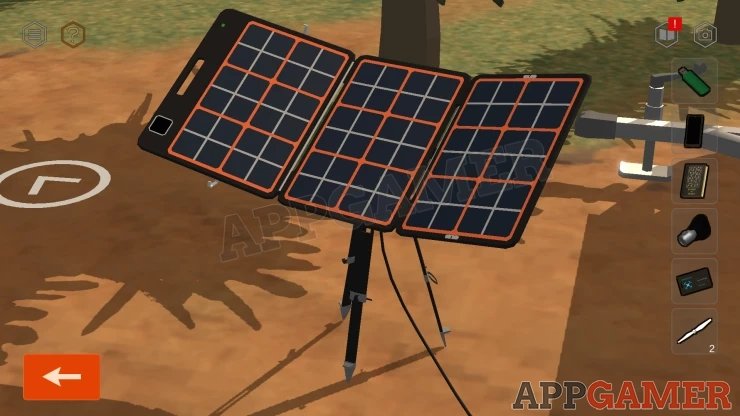
Now look on the side of the caravan next to the door, there is a square panel.
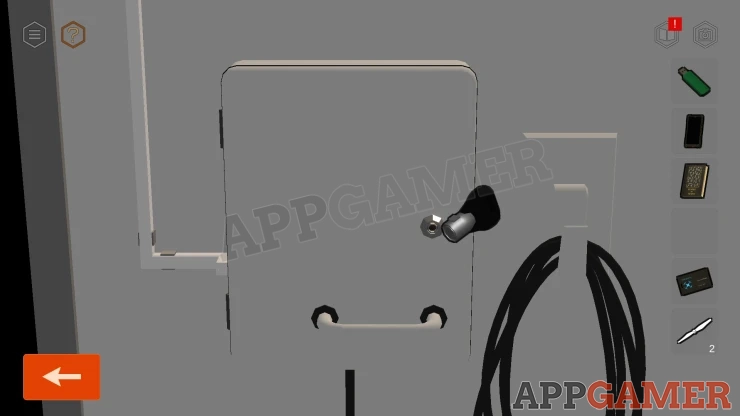
Use the key to open this and then you can tap a switch inside to turn on the power.
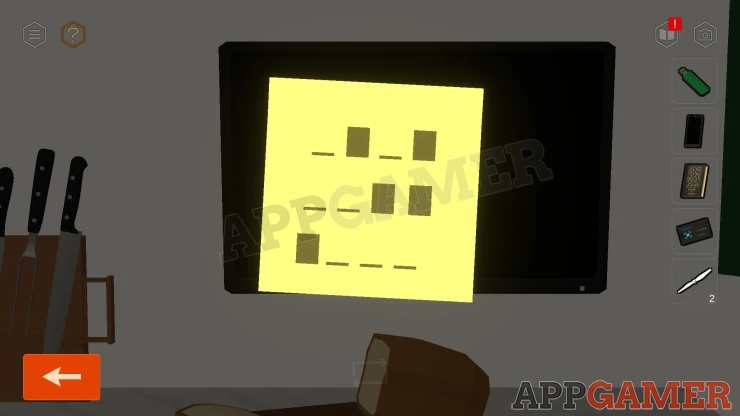
Go inside and view the TV. There is a sticky note on it, view this for a clue.
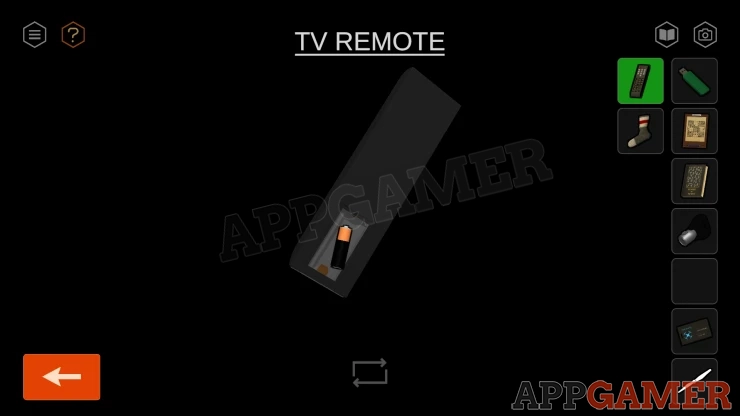
Next view the remote in your inventroy, turn it around and then add the battery to it.
Tap the on button on the remote to turn the TV on. Then you need to enter a channel number.
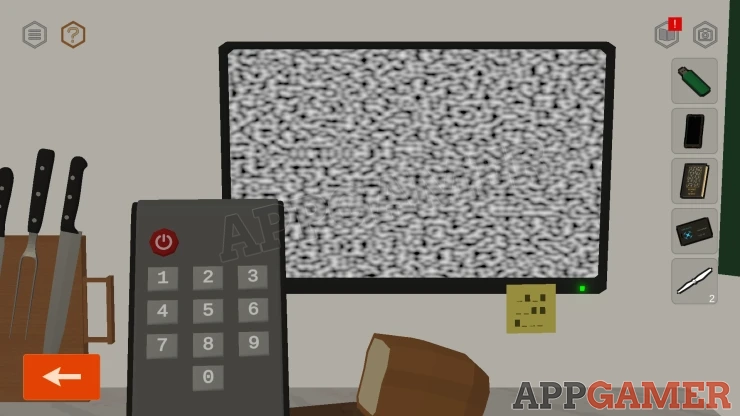
TV Channel number
Open the book in your inventory. This has instructions on converting binary numbers.
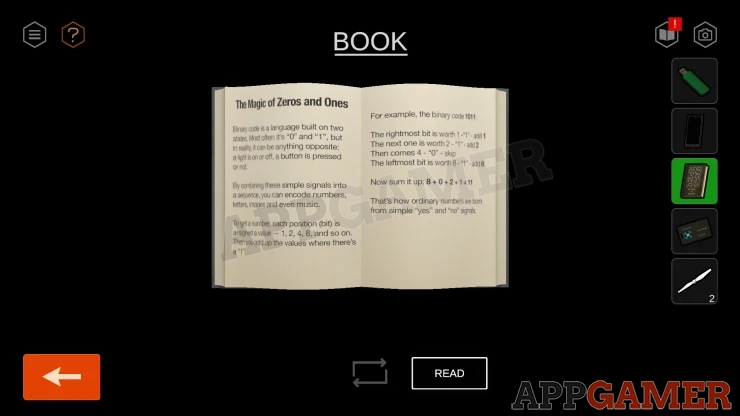
Use this along with the marking on the note to get the three digit number.
Solution: The lines and block on the note are 0's and 1's.Show
TV channel: 538Show
This activates a Disco Mode in the caravan.
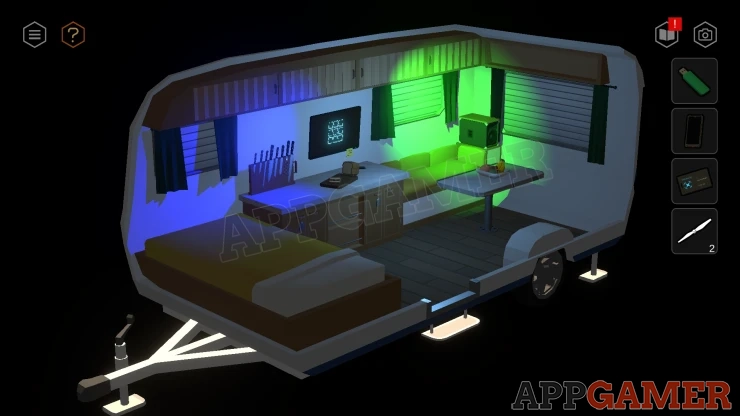
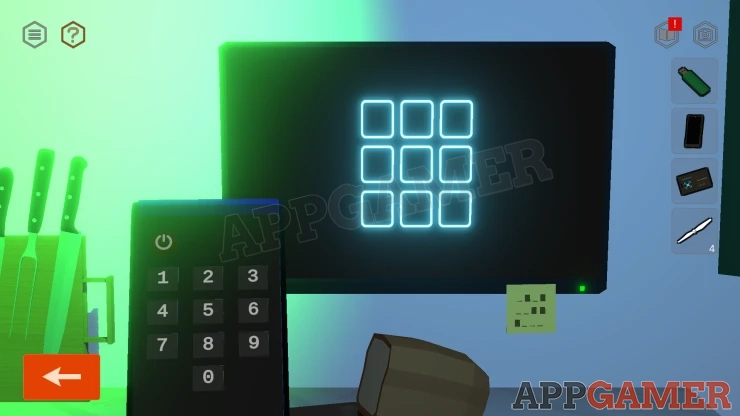
Look at the TV screen to see a pattern of dots in a 3x3 grid flashing. The sequence is a clue.
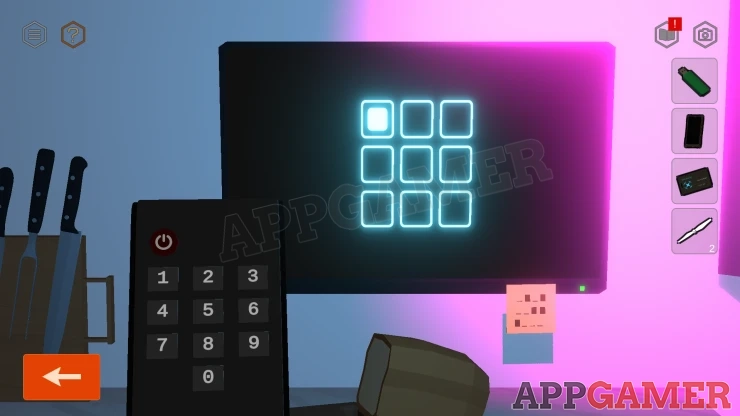
Look at the cabinet below the TV. It is locked with a keypad of buttons.
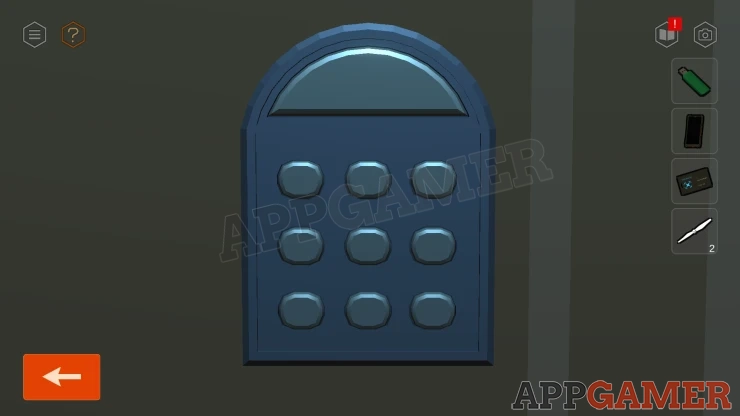
Follow the sequence from the TV to open it.
Notice that during the sequence all of the lights flash.
Solution: Numbering the buttons from 1 to 9 (top left to bottom right). Plus the large buttoin at the top. The code is: 1, 9, Large Button, 8, 2, 5Show
Open the cupboared and collect another Rotor Blade (3).
Then look at the high shelf above the bed, this has opened to reveal speakers. Collect a Rotor Blade (3) from between the speakers.
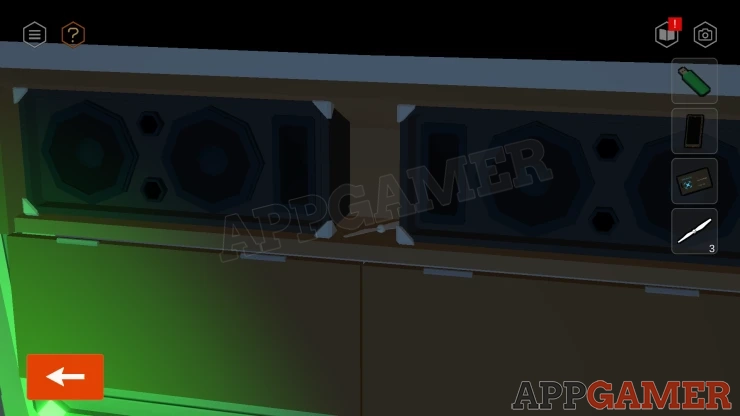
View the TV and use the Remote again to tun off the TV and deactivate the Disco.
Exit the caravan and turn the view to the back and then use the ladder to reach the table on top.
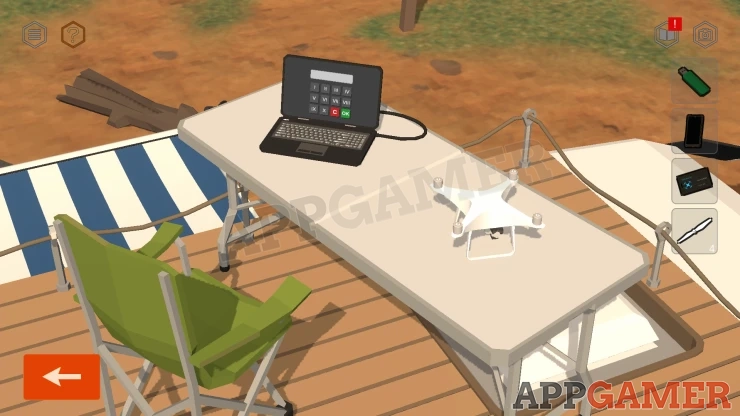
View the laptop.
Laptop Code
- This requires a code of four roman numerals.
- Find this code in the clue in the window insode the caravan
Code: III IX II VIShow
Once unlocked notice the shape on the screen. This is a clue.
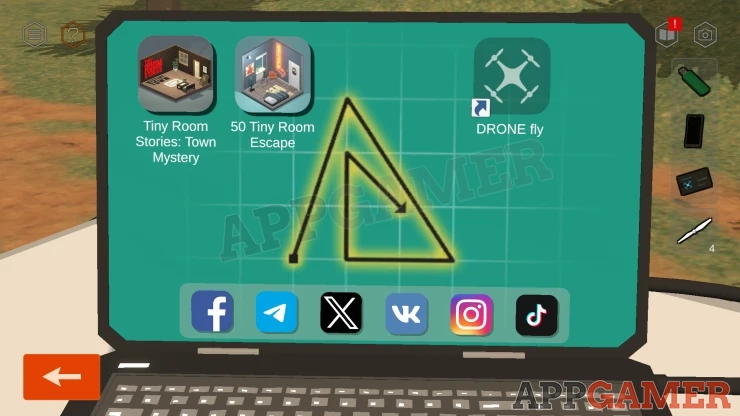
Smartphone Unlock Pattern
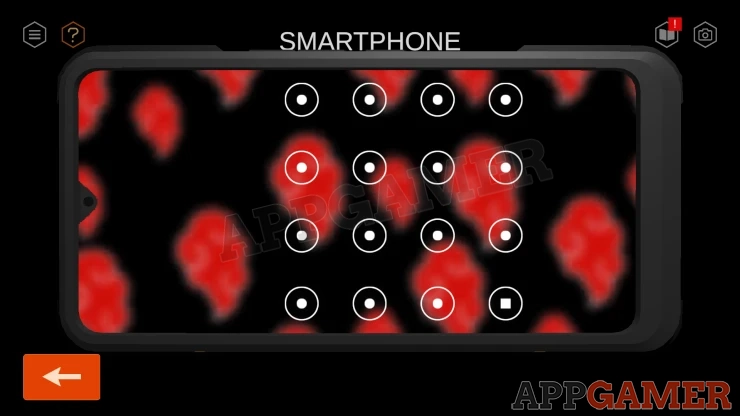
- View the Smartphone in your inventory and slide to unlock it. You then have a pattern code input.
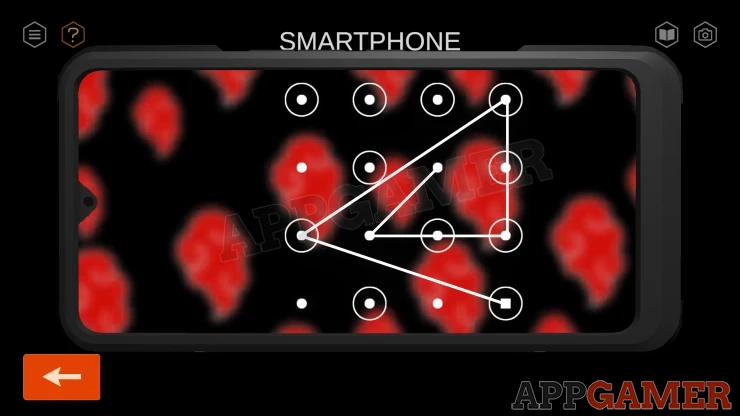
- Tap the dots on the screen to draw lines and replicate the pattern seen on the laptop.
- The phone is show in landscape orientation but you need to draw the pattern as though the phone was held vertically.
Solution: Show
When the phone unlocks open the 'Image' App to look at the photos.
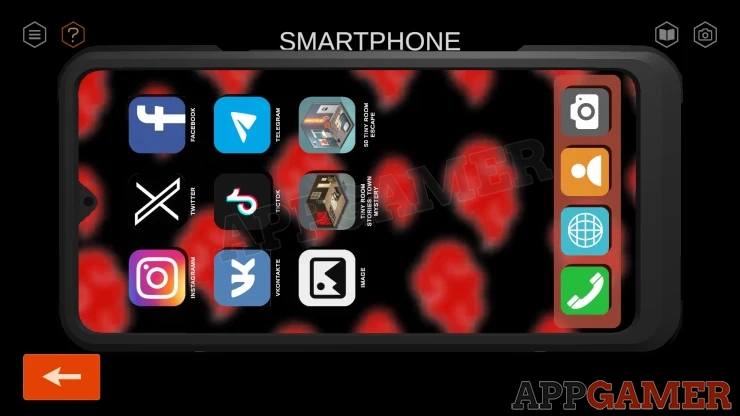
Scroll through the photos to find one with the boxes in the back of the truck. The top one is open.
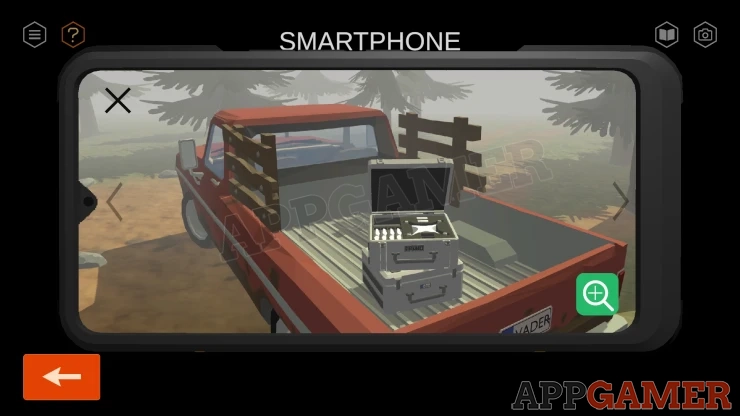
Zoom in on this and locate the combination code on the front of the case.
Now you can move back to the parked truck and view the case in the back.
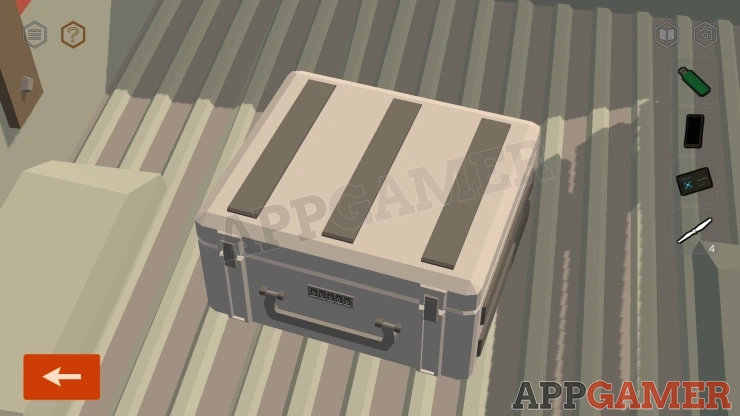
Enter the code you have found to open it.
Code: 53728Show
Collect a Battery.
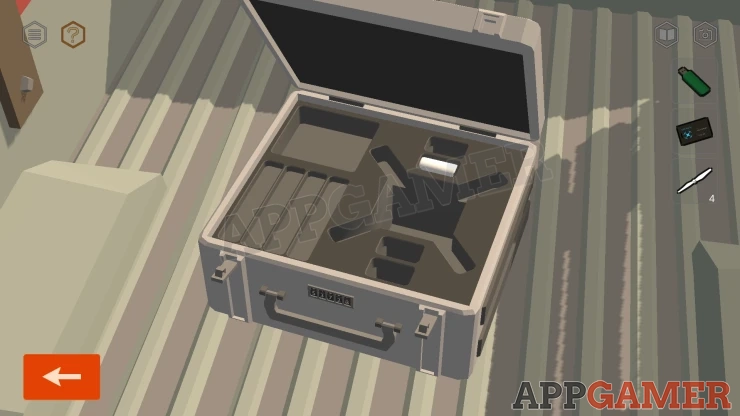
Go back to the top of the Caravan and view the table. Add the four rotor blades to the drone and thne also add the battery. Then add the USB Flash drive to the Laptop.
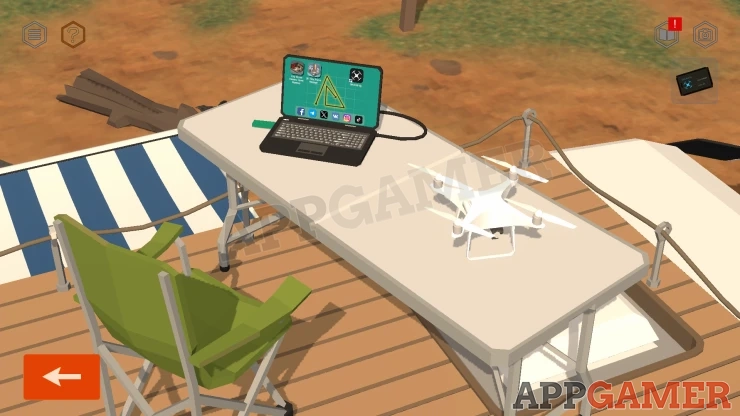
View the screen and tap on the DRONE fly icon.
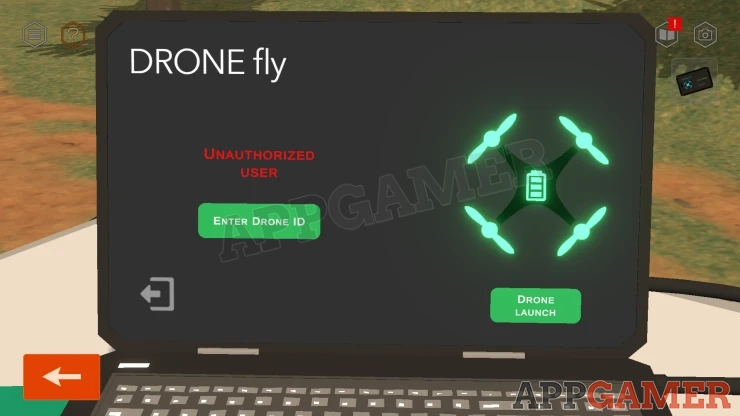
Look at the ID Card in your inventroy to see the Drone ID.
Show
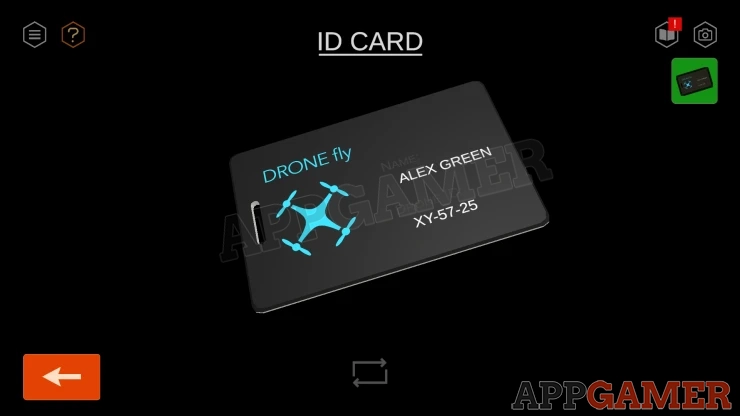
Then you can use enter this code on the Drone ID screen.
Tap on Drone Launch, and then when it is in the air, tap on the Follow the Tracker options.
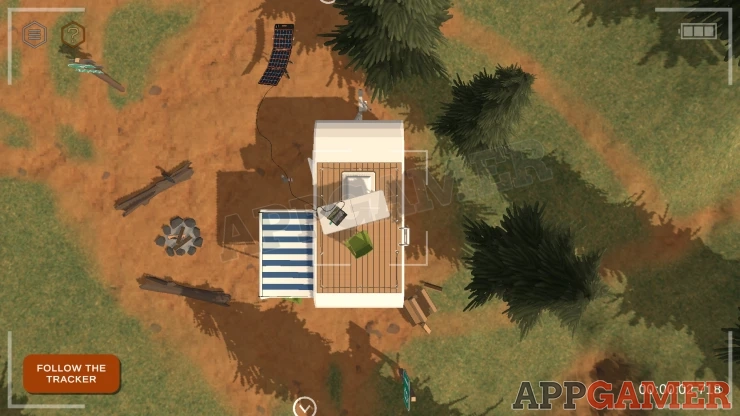
The drone will fly and locate the injured man.
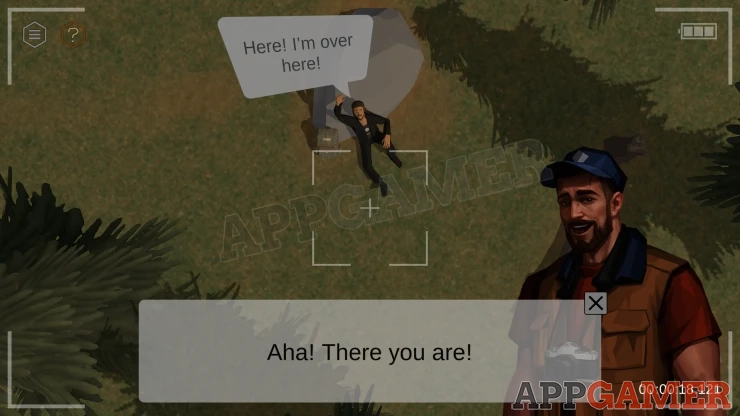
After the rescue call. Follow the new path towards the tourist. The helicopter arrives.
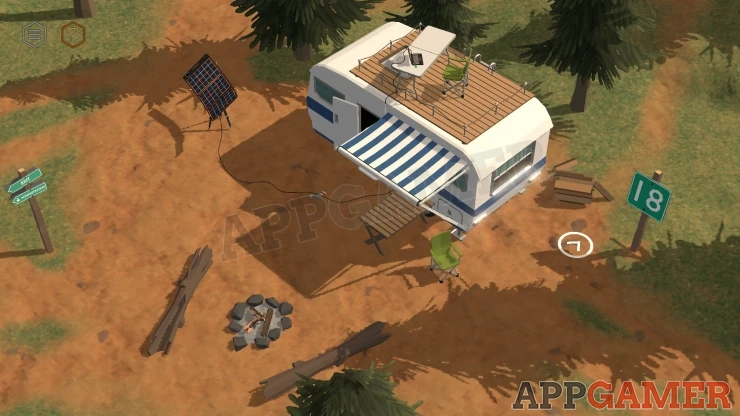
Once it leaves tap on the yellow box and turn off the lights.
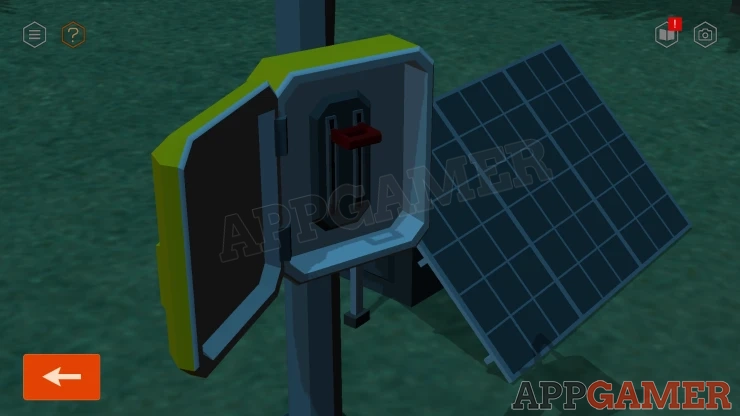
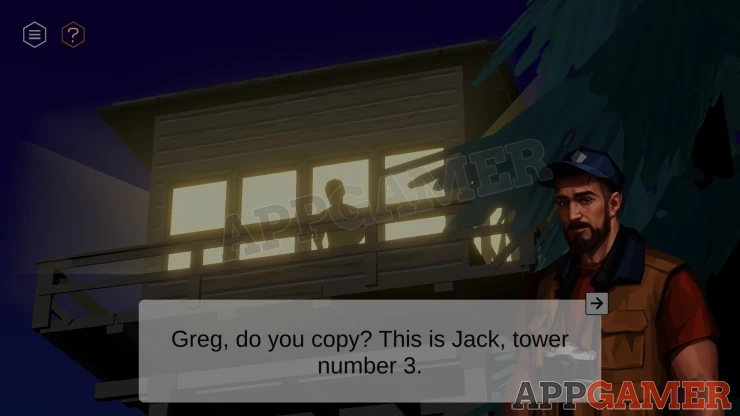
Then follow the path out to go back to the tower. Then watch the scene with someone in your room.
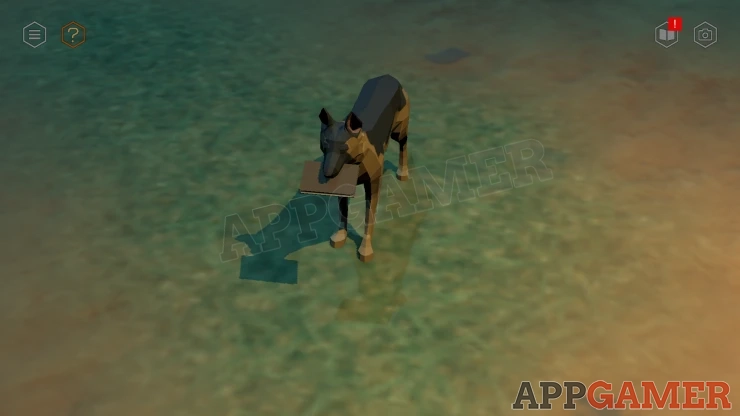
The dog appears. Collect a Diary from its mouth.
Then view this to read it.
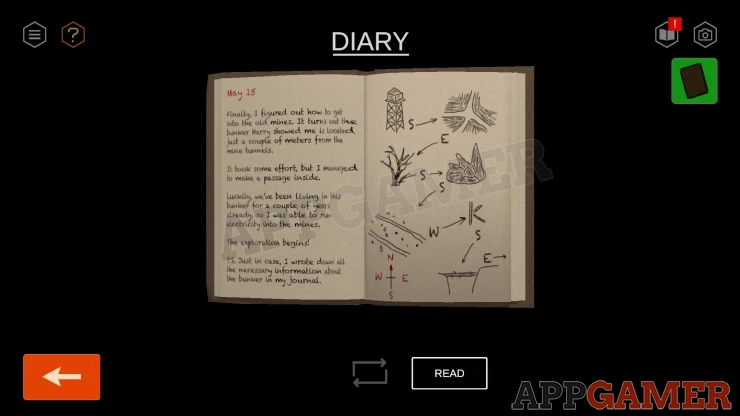
This completes the chapter.
Move on to Chapter 5.
We have questions and answers related to this topic which may also help you: Show all
 With 20 years of experience in creating video game content for the internet and over 30 years as a gamer, Mark is now a passionate mobile App Gamer. Loving a challenge, he is always ready to get stuck in to both survival builders and puzzle solving games. He has been providing content for AppGamer since 2014.