
Level 40 Walkthrough
More The Vault: Logic Puzzle Box
This is a walkthrough for Level 40 of The Vault: Logic Puzzle Box, a challenging safe opening puzzle game from Peaksel Games.
After collecting the artifact in Level 39 you now move on to the next safe to open.
Level 40 Walkthrough

First look in the top center of the front of the safe to see a small blue circle, tap here to collect a Lens.

Then look at the bottom of the front of the safe and open a small drawer. Collect a Frame.

Turn to the left of the safe, Notice the screen here has four squares and an arrows left to right. This is a clue for later.

Look at the top of the screen to see a small square with a light. Tap this to open the drawer and collect a Token.

Now turn to the back of the safe and view a cylinder shape near the top.

Turn this around and as you do you will see three country / island shapes in the center circle.
Now look on top of the safe. In the center is a globe map.

View the Frame in your inventory and then add the Lens to it. This gives you the Magnifying Glass.
Use this on the map to place it in a slot. Now you can turn the globe around and find the three islands that you saw before.
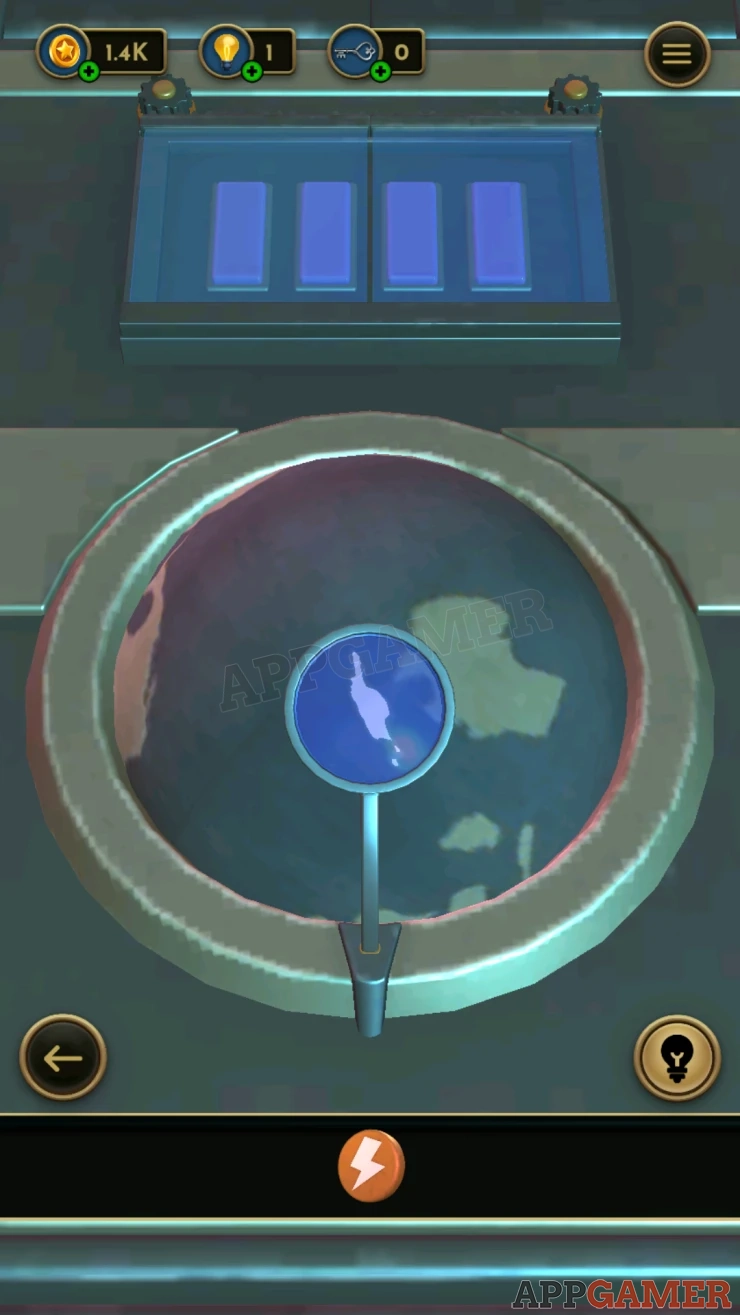
Get each one under the magnifying glass to highlight it.
Once done a panel opens to reveal four buttons.

Tap the buttons in the correct order, the clue for this is seen on the left side of the safe.
Solution: On the clue from left to right we have squares on the 2nd, 4th, 1st, 3rd lines. So tap the buttons 2, 4, 1, 3.Show
Collect a Key
Now turn to the right side of the safe. Look at the panel at the bottom and open it.
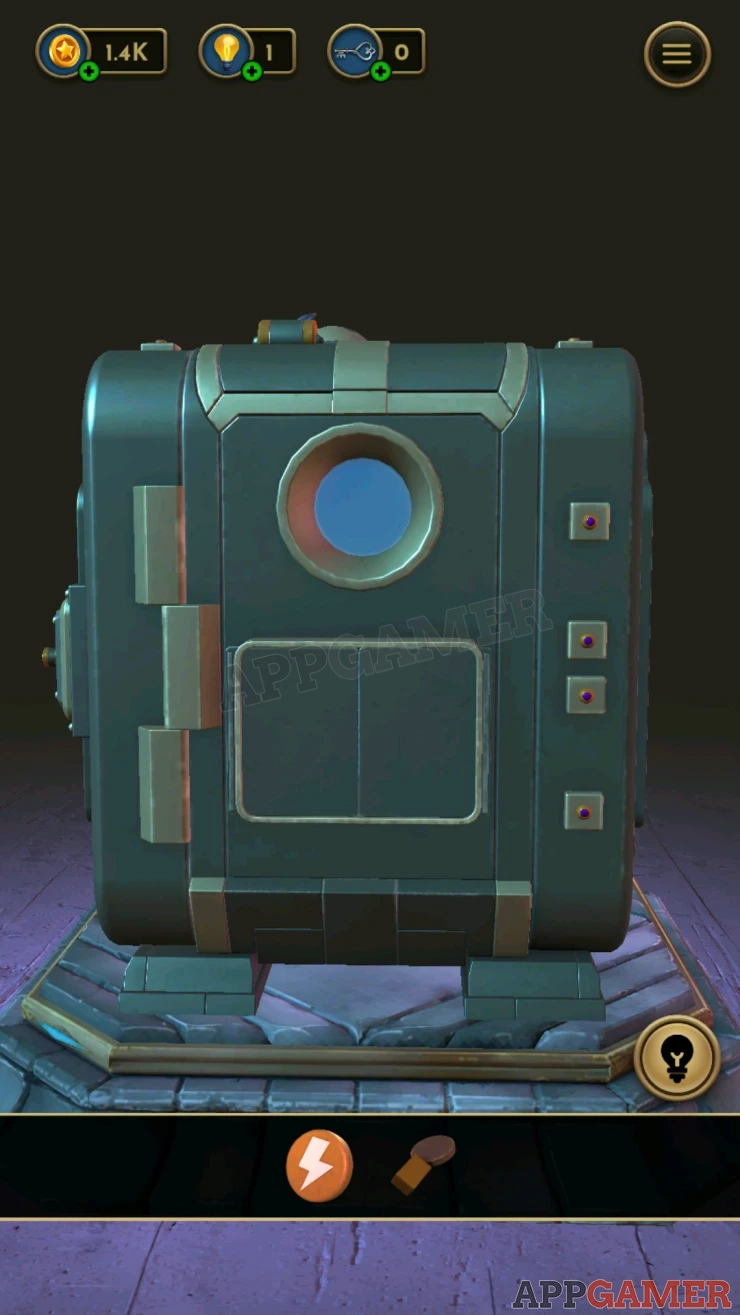
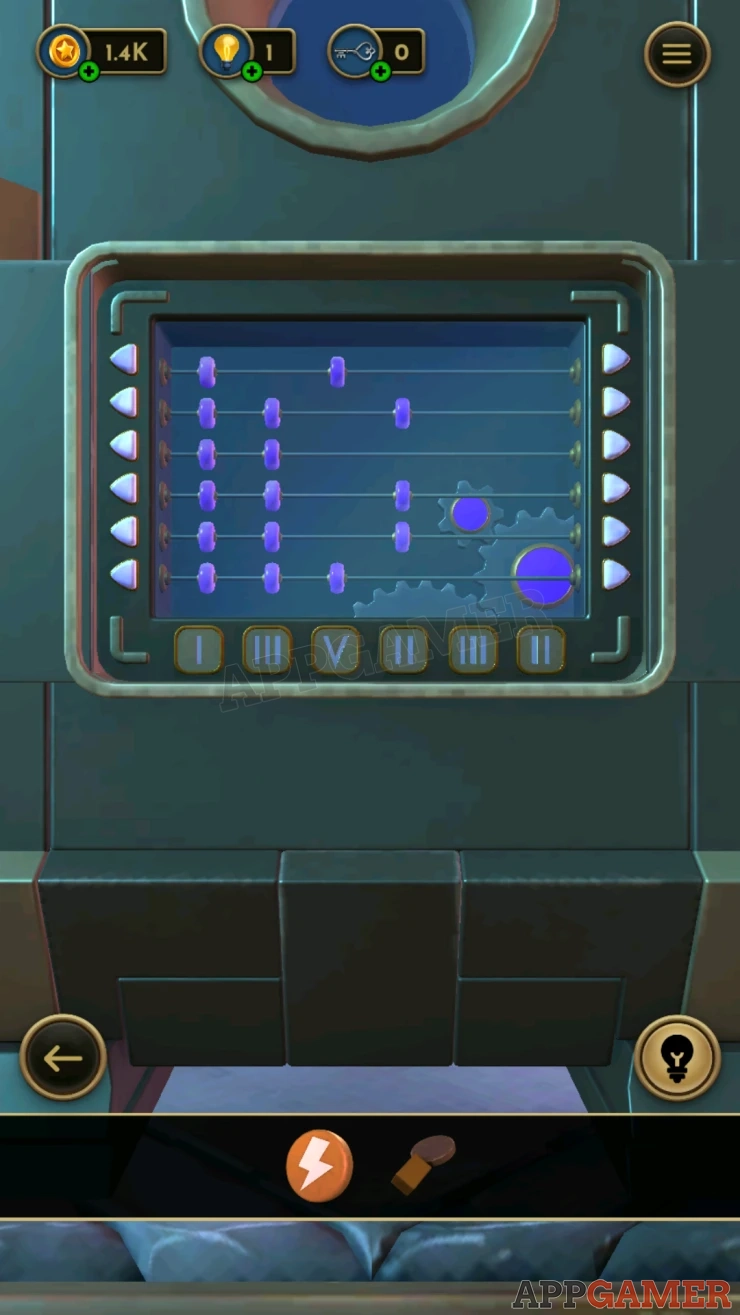
There are six rows of blocks that you can move left or right with the arrows.
At the bottom are numbers for six columns.
Arrange the blocks so that the number in each column match the numbers at the bottom.
Solution: Show
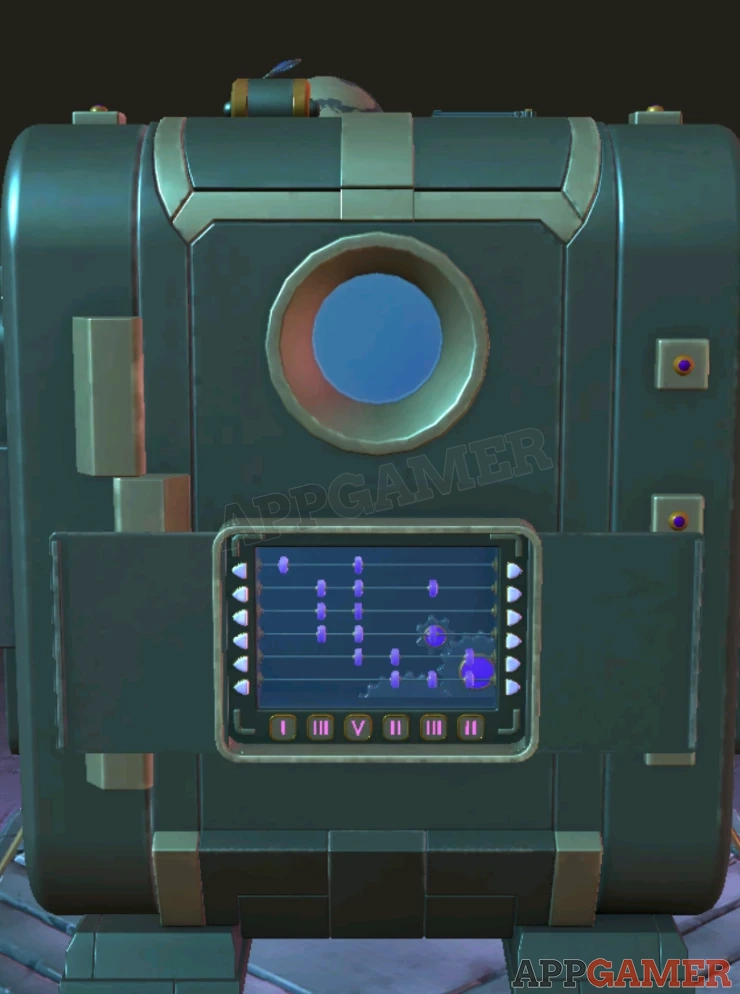
Collect the Box. View the box in your inventory and use the key to open it. Collect an Arrow Button.

Turn to the back of the safe and view a panel on the top left. Add the Arrow button to the controls at the bottom and then add the Token to the top.
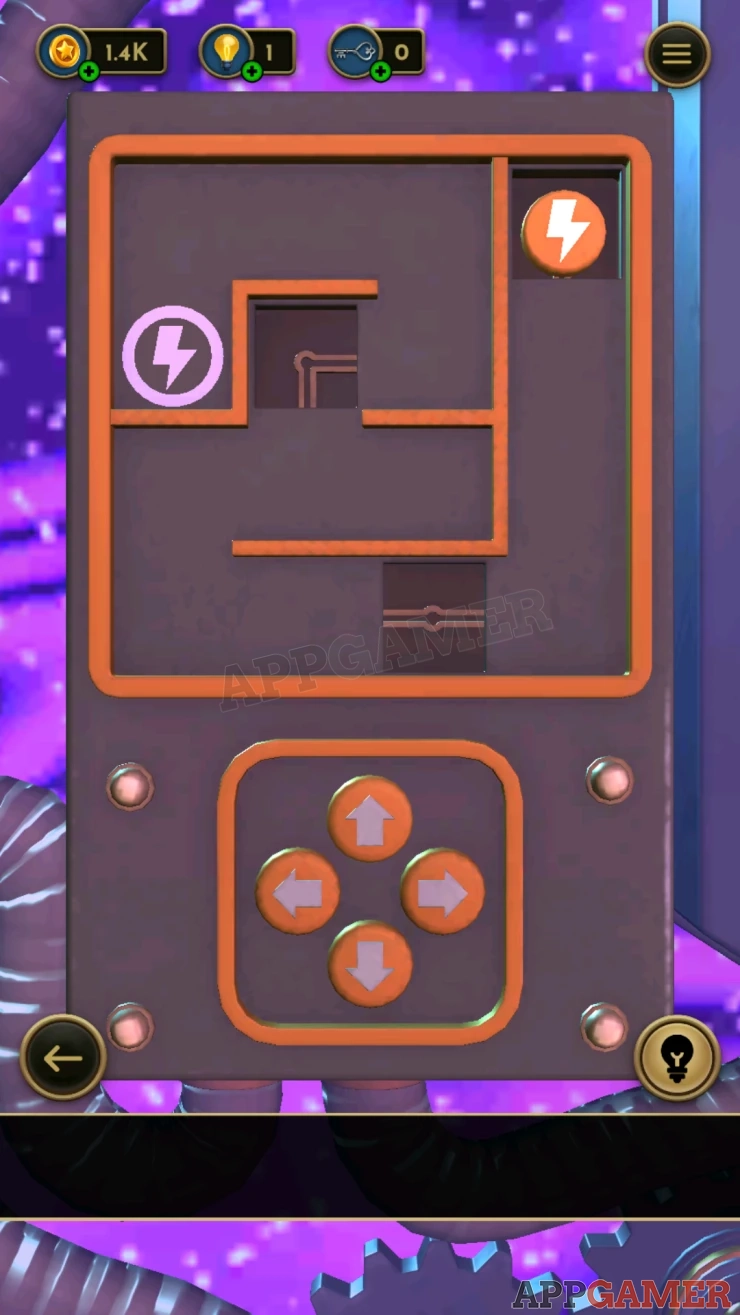
Now use the controls to move the token around the small maze. You will not be able to see the token for most of the time, so make sure to count the moves so that you do not miss the turn in the middle. Move the token to the Power symbol on the upper left.

This opens a section on the top of the safe. Collect a Valve.
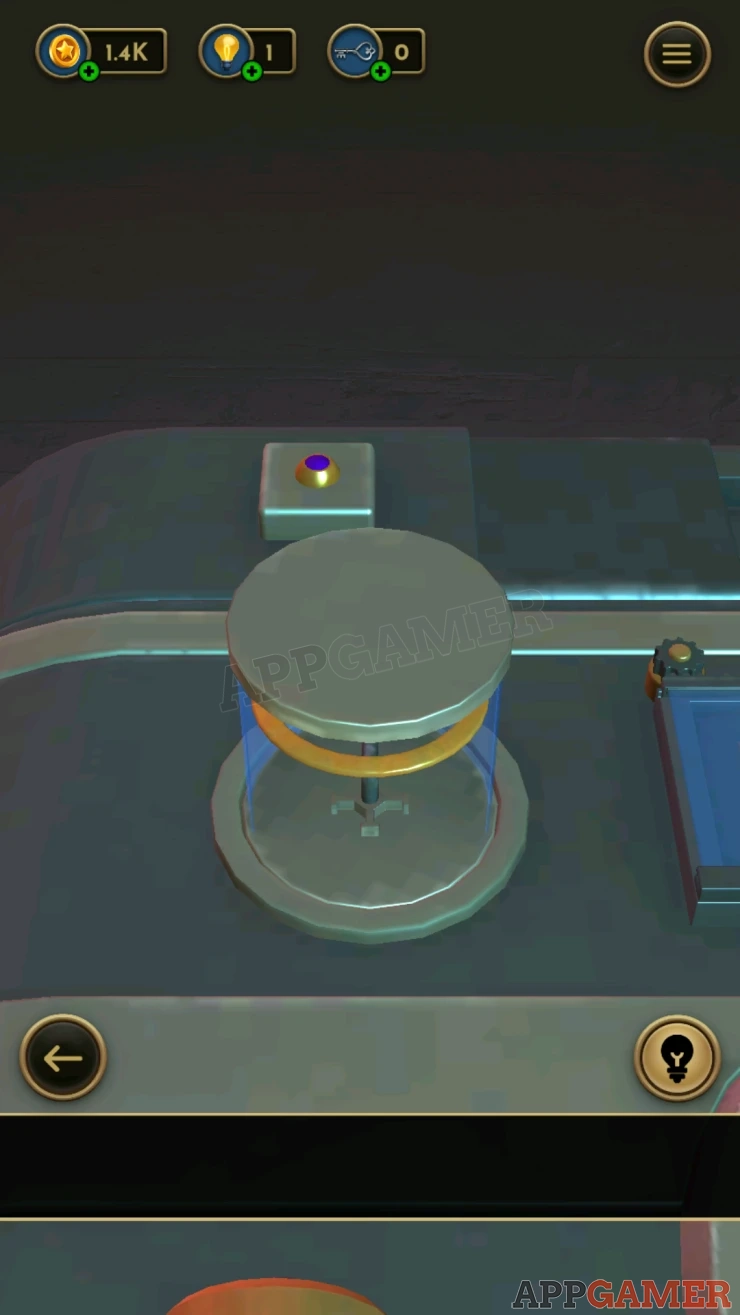
Go back to the front of the safe then view the arrow on the right. The arrow is pointing to the right and a pink light.

There are two lights that are off above it and to the left.
The arrow is made up of four sections.
Tap each of the sections to change it until you have an arrows that points up. This will light up the top light.
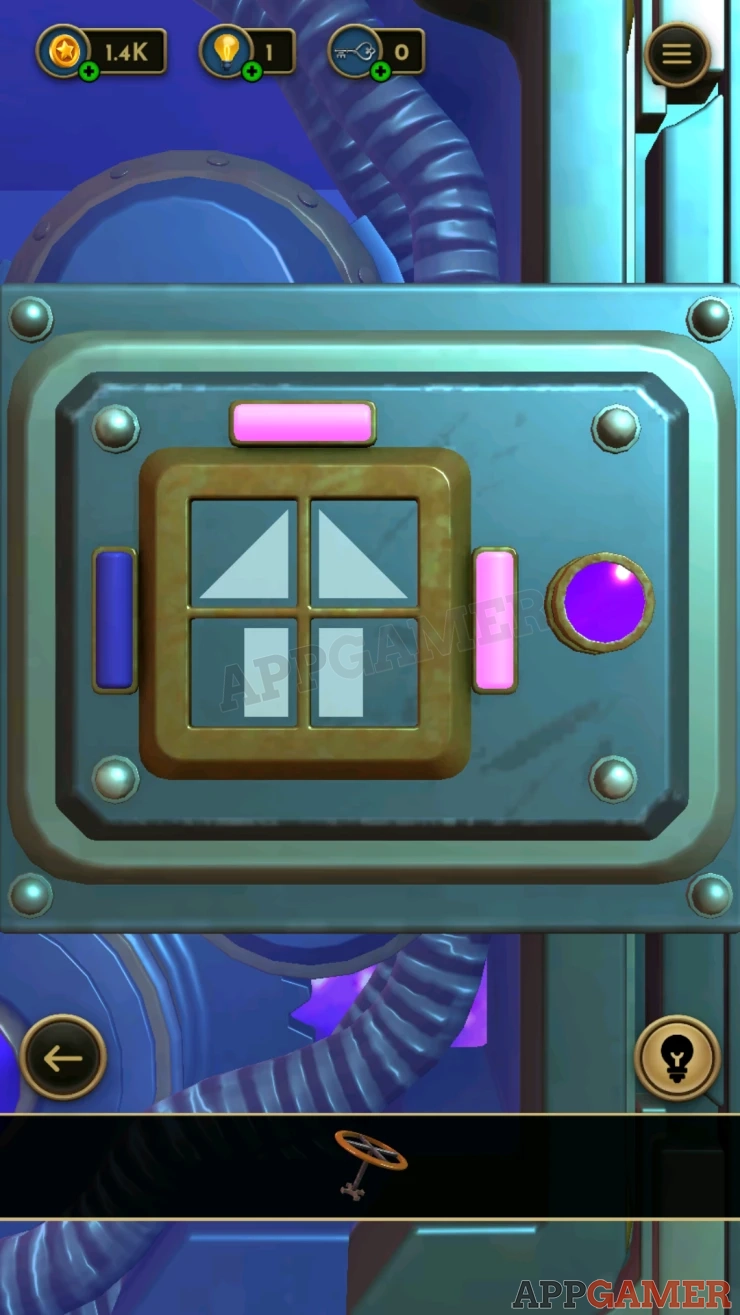
Then change the sections again to make the arrow point left.

Once this is done a cover will open on the left.
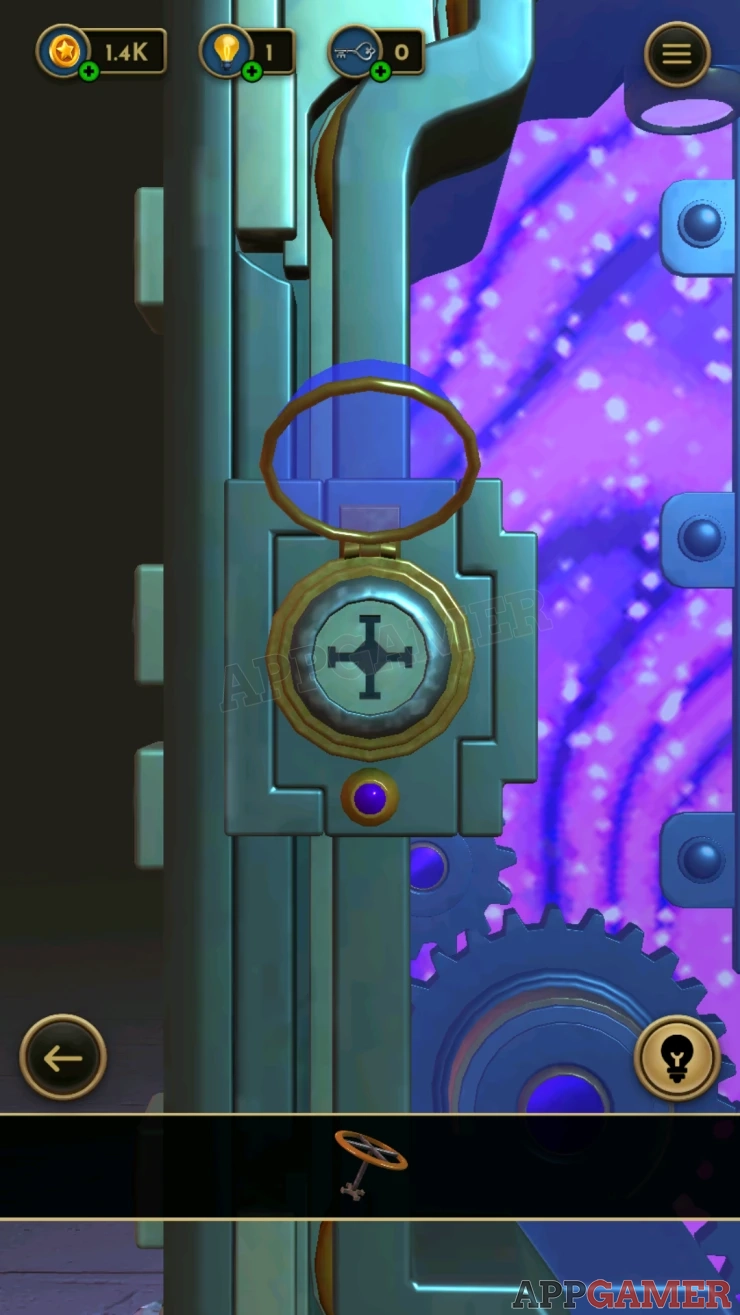
View this and add the valve to it, this will open the safe. You will receive the Weather Simulator.
Move on to level 41.
We have questions and answers related to this topic which may also help you: Show all
 With 20 years of experience in creating video game content for the internet and over 30 years as a gamer, Mark is now a passionate mobile App Gamer. Loving a challenge, he is always ready to get stuck in to both survival builders and puzzle solving games. He has been providing content for AppGamer since 2014.